Prueba de vestidos de novia con IA: crea imágenes nupciales con modelo con menos sesiones
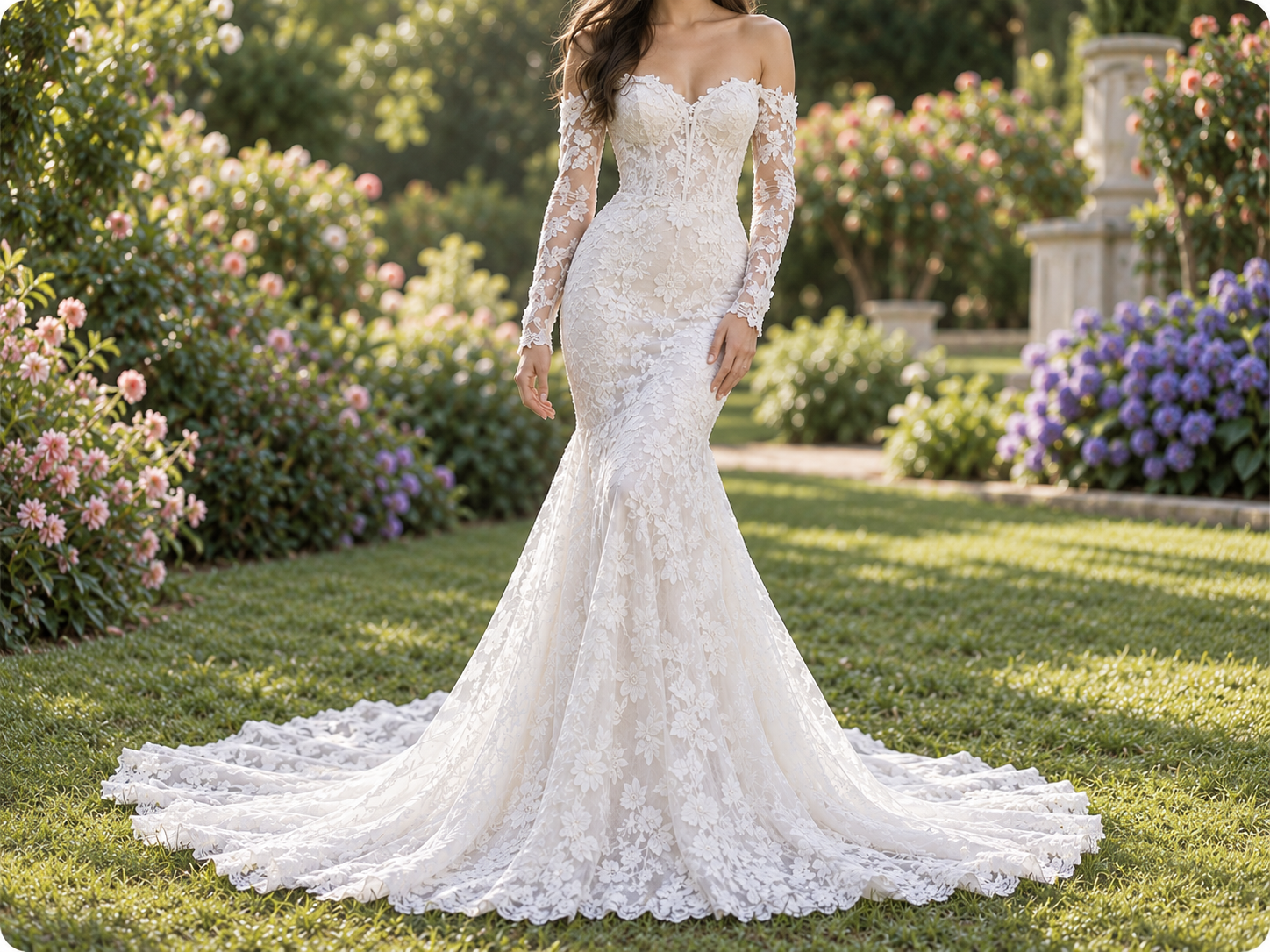
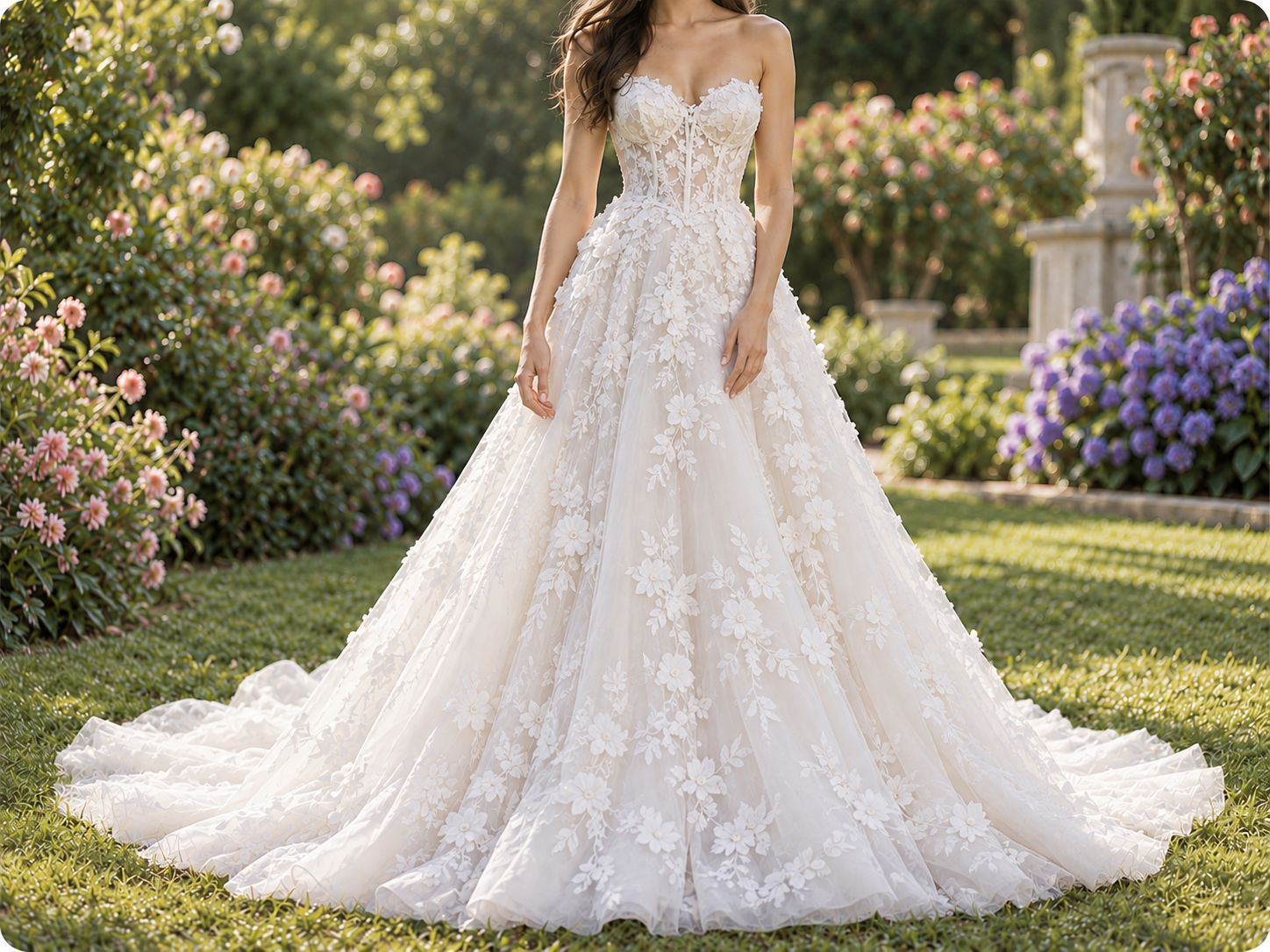
¿No tienes una imagen? Prueba una de estas:
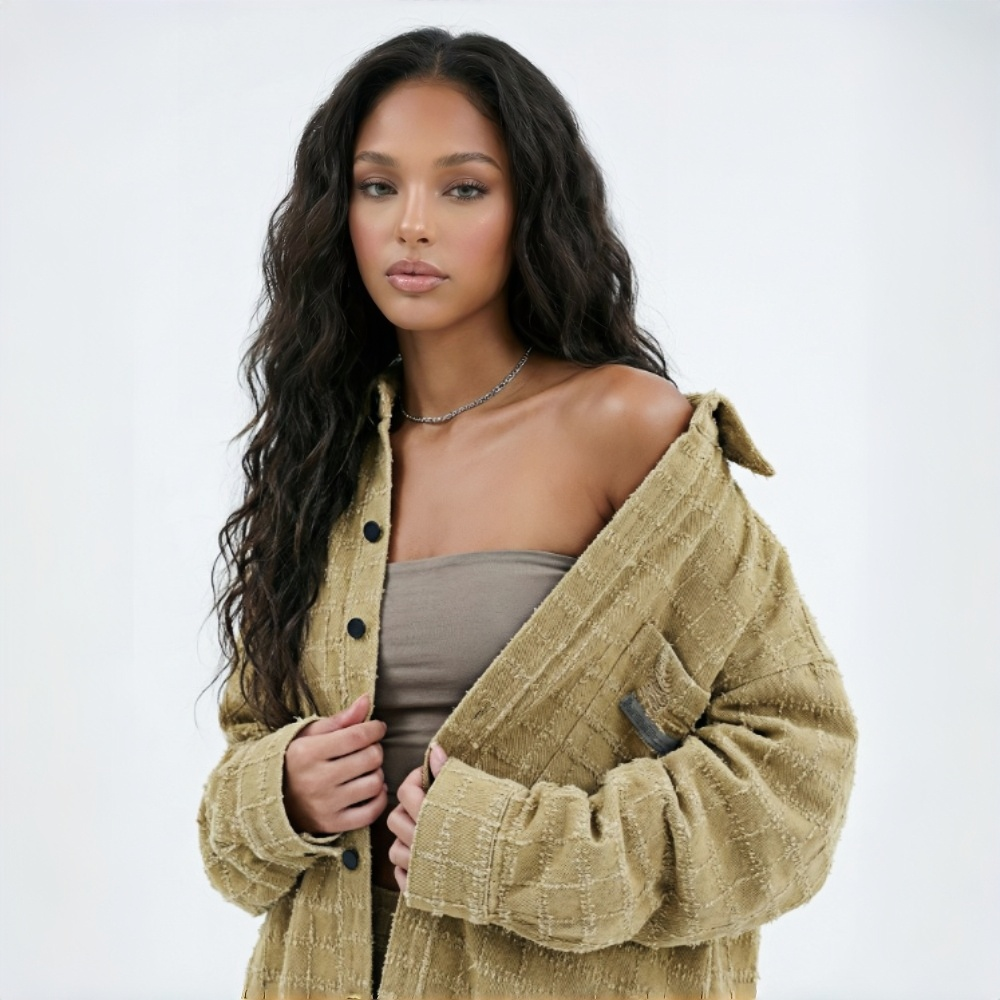
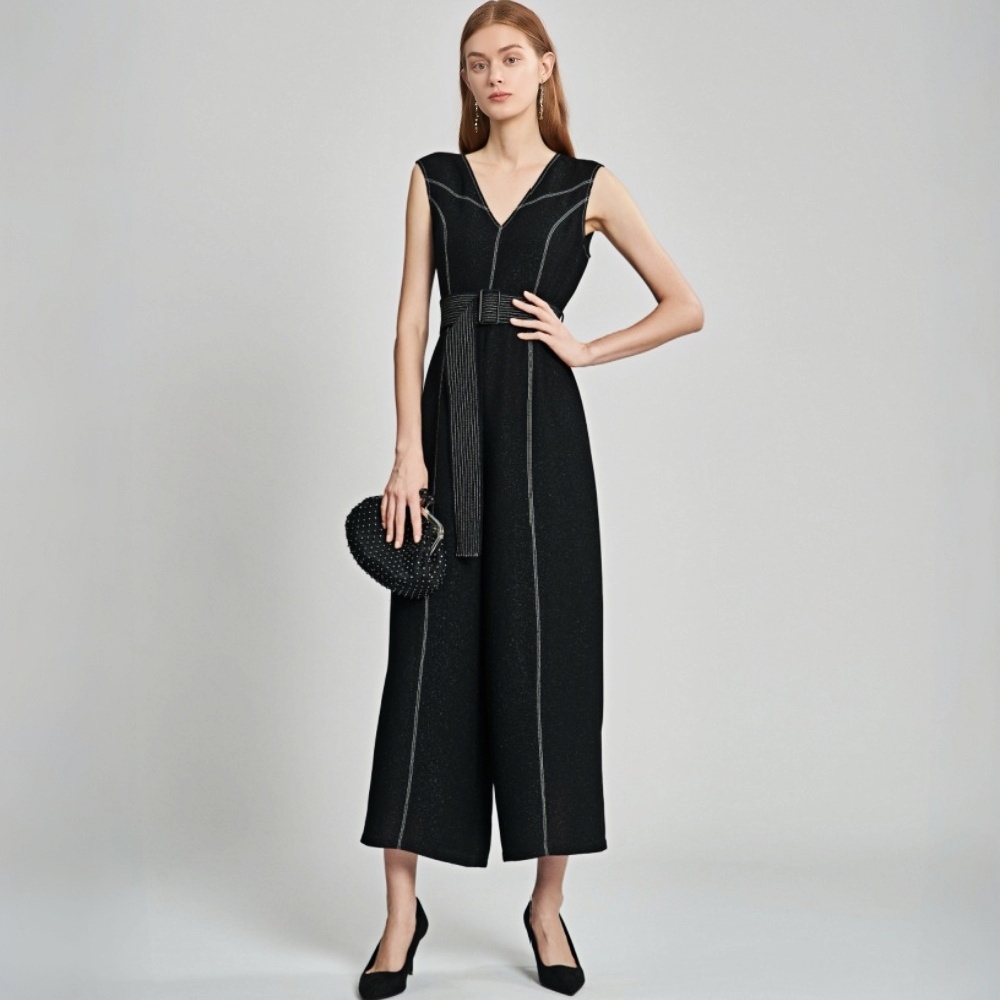
Crea más contenido nupcial con menos sesiones fotográficas
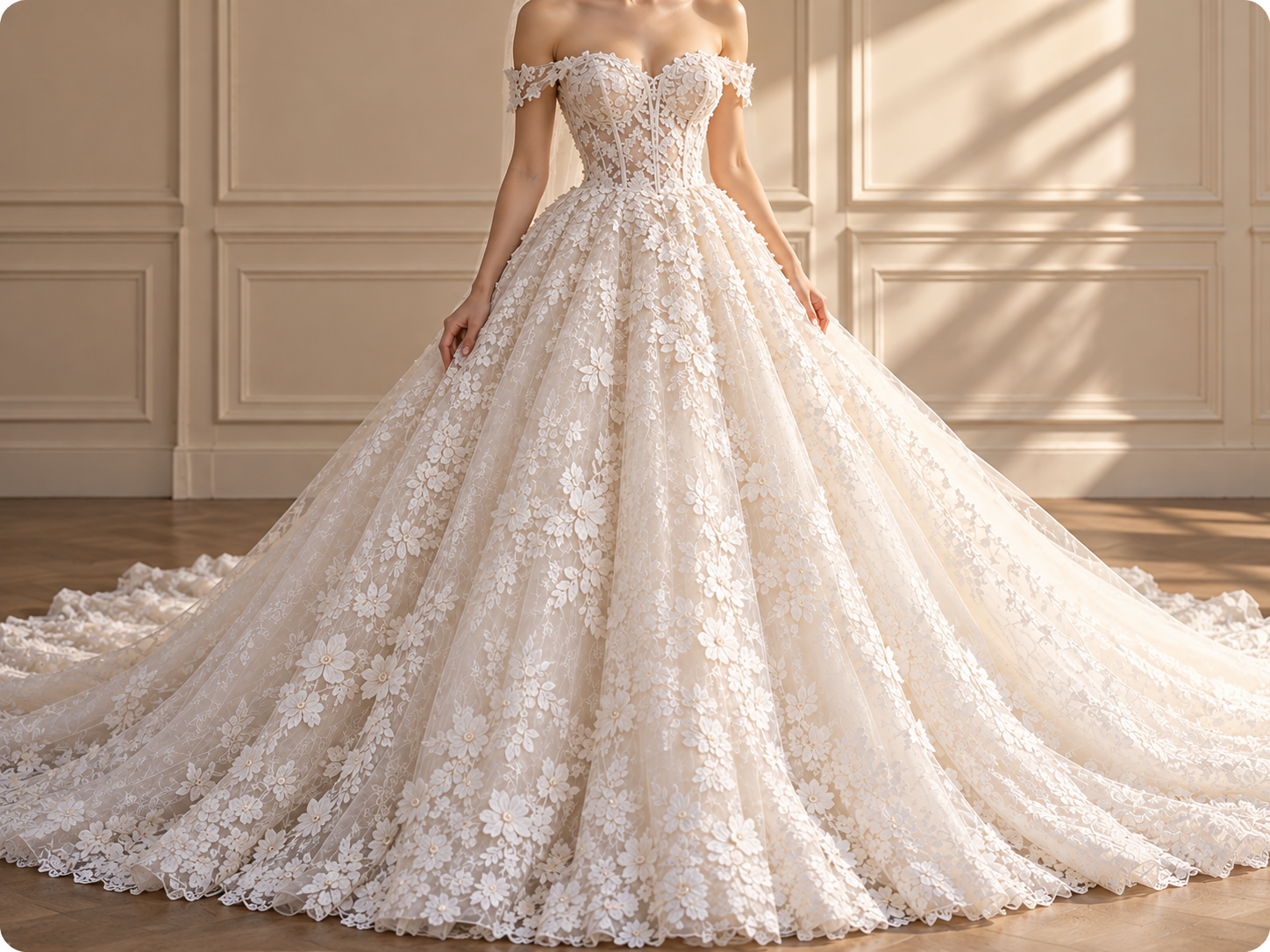
Lanza nuevos vestidos sin esperar una sesión con modelo
Volver a fotografiar cada SKU suma tiempo de modelos, fotografía y retoque a cada lanzamiento. Usa imágenes existentes de vestidos y modelos para crear una referencia con modelo para páginas de producto, lanzamientos de colecciones y avances de campañas, y reserva las sesiones editoriales completas para los momentos en que más las necesites.
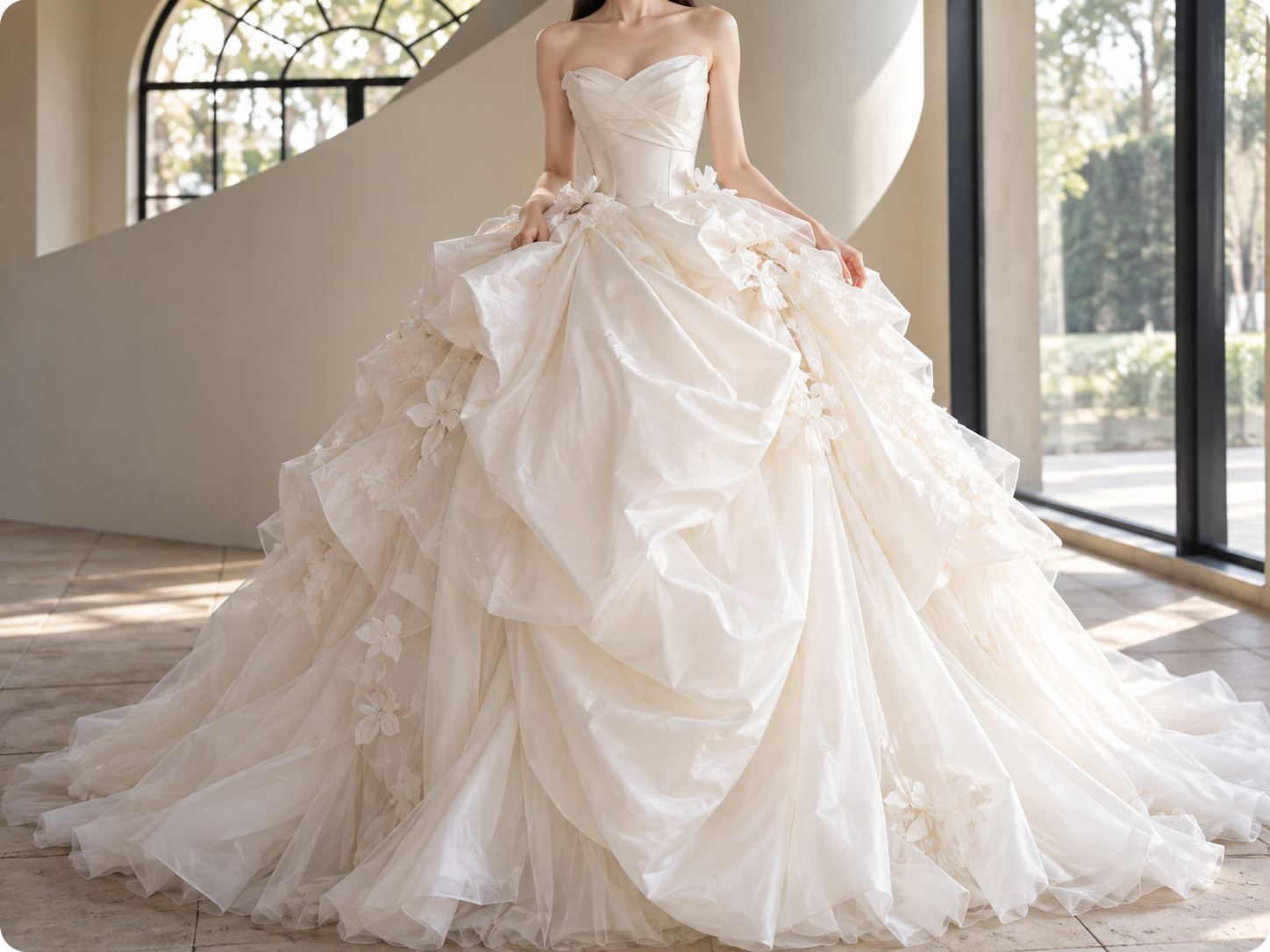
Convierte una imagen de vestido de novia en páginas de producto, anuncios y más
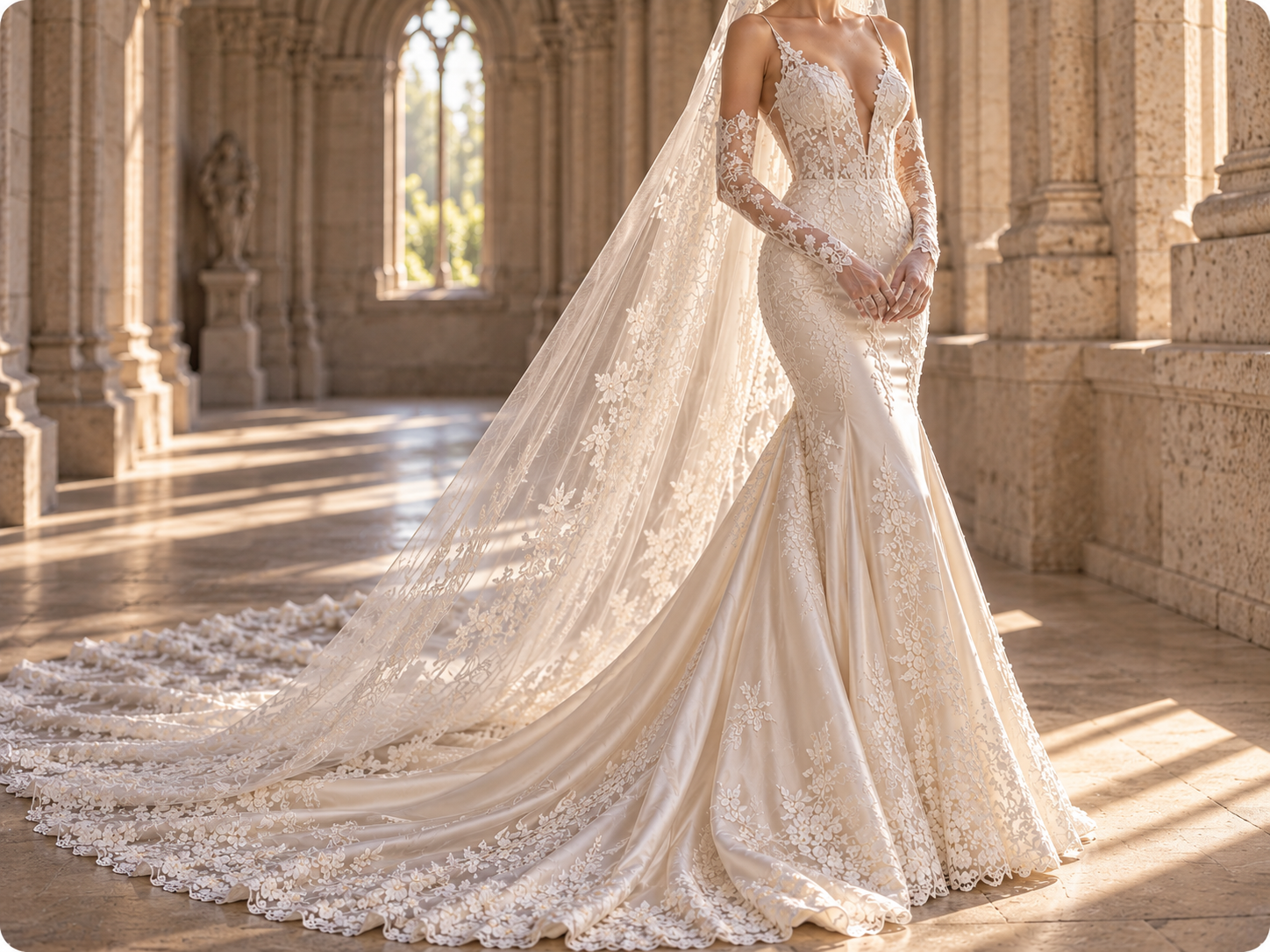
Convierte fotos de vestidos en imágenes nupciales con modelo
Cuando llega un vestido nuevo con solo una imagen de producto, esperar a modelos, fotografía y retoque puede retrasar la publicación. La prueba de vestidos de novia de KOOZEE combina la imagen del vestido, la foto de modelo y el área de la prenda seleccionada para crear una imagen con modelo para páginas de producto, catálogos y recursos de campaña, con menos trabajo básico de fotografía y composición.
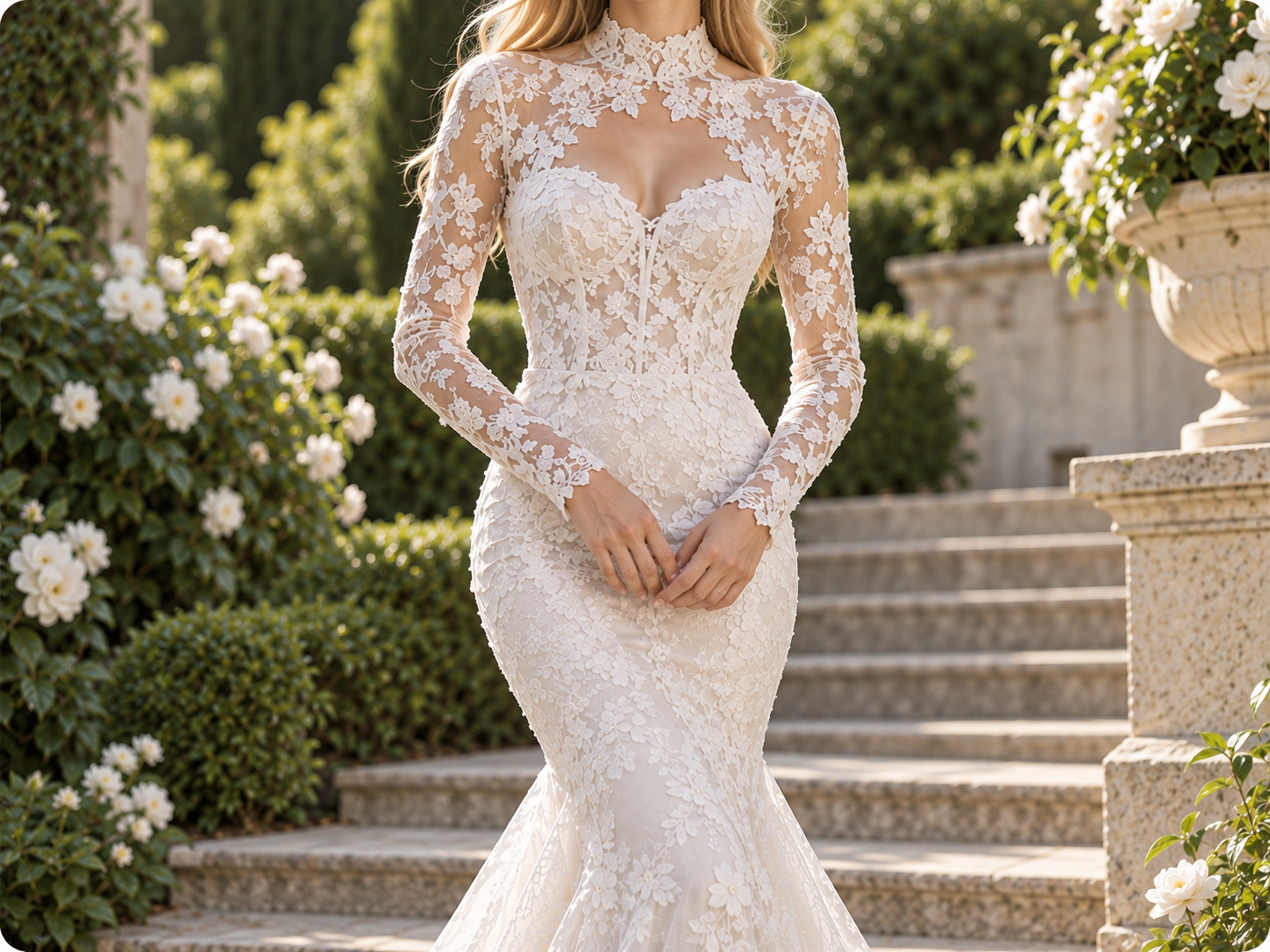
Conserva más detalles nupciales importantes
Un vestido de novia vende por su silueta y sus detalles. La prueba de vestidos de novia de KOOZEE usa la imagen original del vestido como referencia de la prenda, lo que ayuda a conservar elementos visuales clave como el escote, la cintura, la forma de la falda, la cola y los adornos. Revisa encajes, capas transparentes, detalles reflectantes, faldas en capas y colas largas antes de publicar.
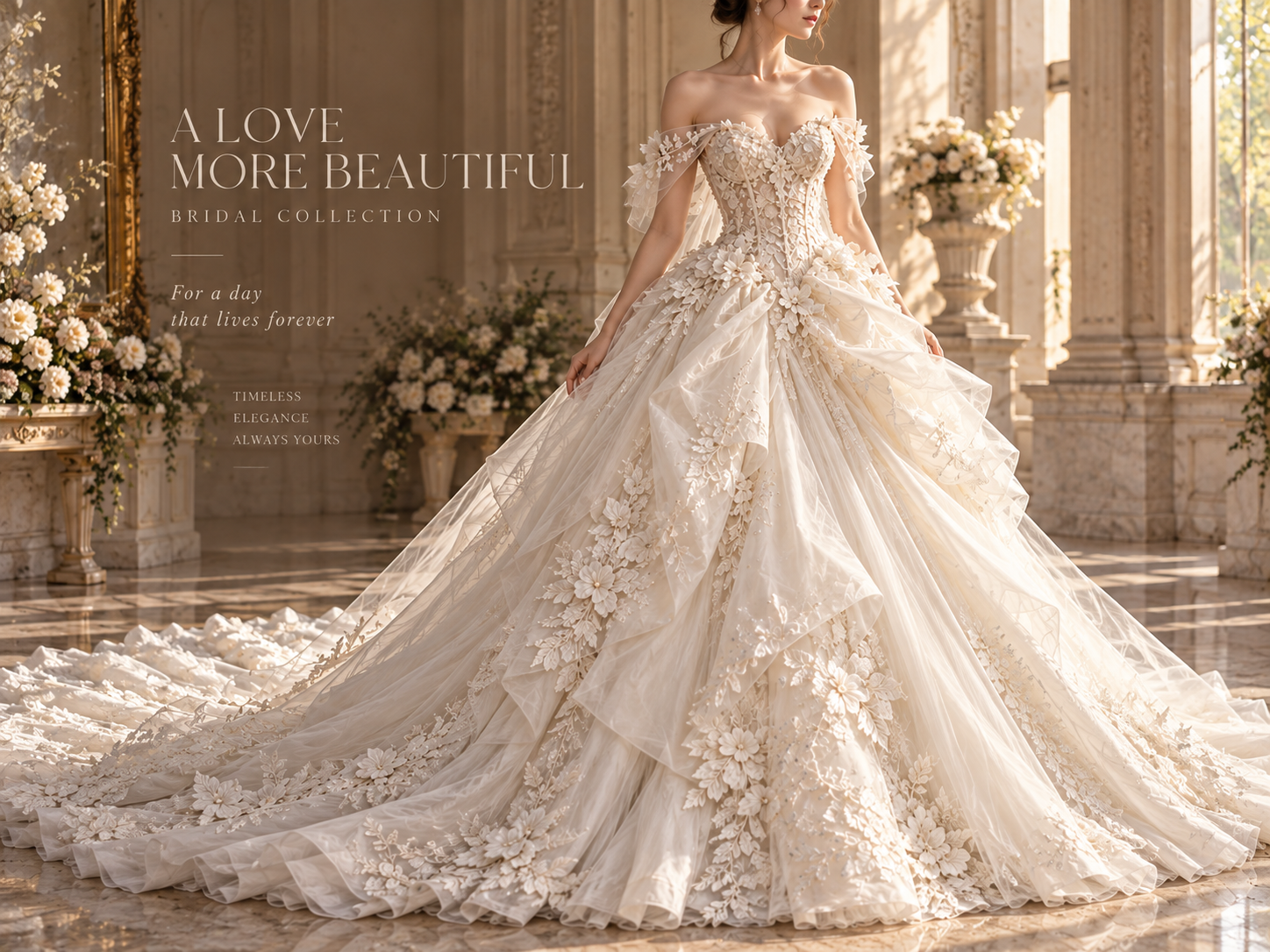
Convierte una prueba en escenas, pósteres y videos
Una imagen con modelo rara vez cubre un lanzamiento completo. Después de la prueba, usa las herramientas independientes de KOOZEE para cambiar escenas, poses y ángulos, o crear imágenes para páginas de producto, pósteres y videos de ropa. Reutiliza el mismo vestido en páginas de producto, anuncios, publicaciones en redes sociales y lanzamientos de campaña en lugar de rehacer cada recurso desde cero.
Por qué los vendedores nupciales eligen la prueba de vestidos de novia de KOOZEE
Cuando la muestra del vestido o la imagen de producto está lista, pero la próxima sesión con modelo no, crea una referencia con modelo para que las páginas de producto, los catálogos y las presentaciones de venta entren antes en producción. Reserva las sesiones editoriales completas para los proyectos que las necesiten.
La prueba de vestidos de novia de KOOZEE ayuda a conservar detalles clave del escote, la falda y los adornos, para que las imágenes con modelo se mantengan más fieles al vestido original y sean más útiles para páginas de producto, catálogos y presentaciones para compradores.
Cuando necesites nuevas escenas, poses, ángulos, imágenes para páginas de producto, pósteres o videos de ropa, usa las herramientas correspondientes de KOOZEE en lugar de volver a empezar en aplicaciones independientes de fotografía, diseño y video.
Crea una prueba de vestido de novia en 3 pasos
Sube una imagen de producto del vestido de novia
Elige una imagen nítida del vestido con la silueta completa visible y obstrucciones mínimas. Al revisar el resultado generado, presta especial atención al encaje, las capas transparentes, los adornos reflectantes, las faldas en capas y las colas largas.
Elige el área de la prenda y agrega una foto de modelo
Selecciona el área de la prenda disponible en la interfaz y luego sube una foto de modelo con un contorno corporal claro y el área de la prenda objetivo visible.
Genera y revisa
Genera la imagen estática de la prueba y luego revisa el escote, la cintura, la falda, la cola, la superposición con el cuerpo y los detalles decorativos antes de publicarla.
Preguntas frecuentes sobre la prueba de vestidos de novia con IA
¿Qué es una prueba virtual de vestidos de novia para el comercio electrónico nupcial?
¿Qué imágenes necesito para la prueba de vestidos de novia de KOOZEE?
Prepara una imagen de producto de un vestido de novia y una foto de modelo; luego elige el área de prenda correspondiente en la interfaz. Se recomiendan sujetos claros, siluetas completas y obstrucciones mínimas.
¿Cómo puedo obtener mejores detalles del vestido de novia en el resultado de la prueba?
Para obtener mejores resultados, usa una imagen nítida y completa del vestido con obstrucciones mínimas para crear recursos visuales para páginas de producto, anuncios y presentaciones para compradores.
¿La prueba de vestidos de novia con IA puede confirmar la talla real o el ajuste físico?
No. El resultado actual es una referencia visual estática en 2D. No mide el cuerpo, recomienda una talla de vestido de novia, evalúa qué tan ajustado o cómodo queda ni confirma el ajuste físico.
¿Qué puedo crear después de la prueba de vestido de novia?
Usa la imagen de prueba como punto de partida para otras herramientas de KOOZEE, incluidos cambios de escena, pose y ángulo, imágenes para páginas de producto, pósteres y videos de ropa. Son herramientas independientes posteriores.
No dejes que la falta de una imagen de modelo retrase tu próximo lanzamiento
Empieza con una imagen del vestido y una foto de modelo. La prueba de vestidos de novia de KOOZEE crea una imagen estática con modelo que puedes revisar antes de usarla en páginas de producto, catálogos, anuncios y publicaciones en redes sociales, o ampliarla a más recursos visuales.