Create On-Model Images for New Maternitywear Listings Faster
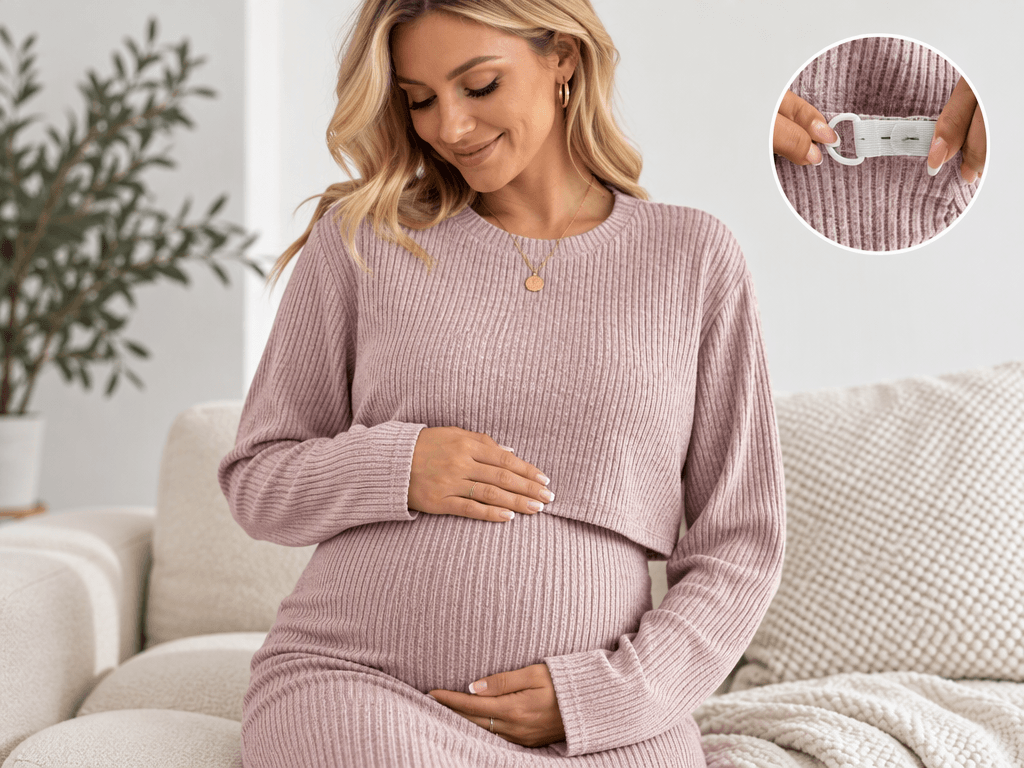
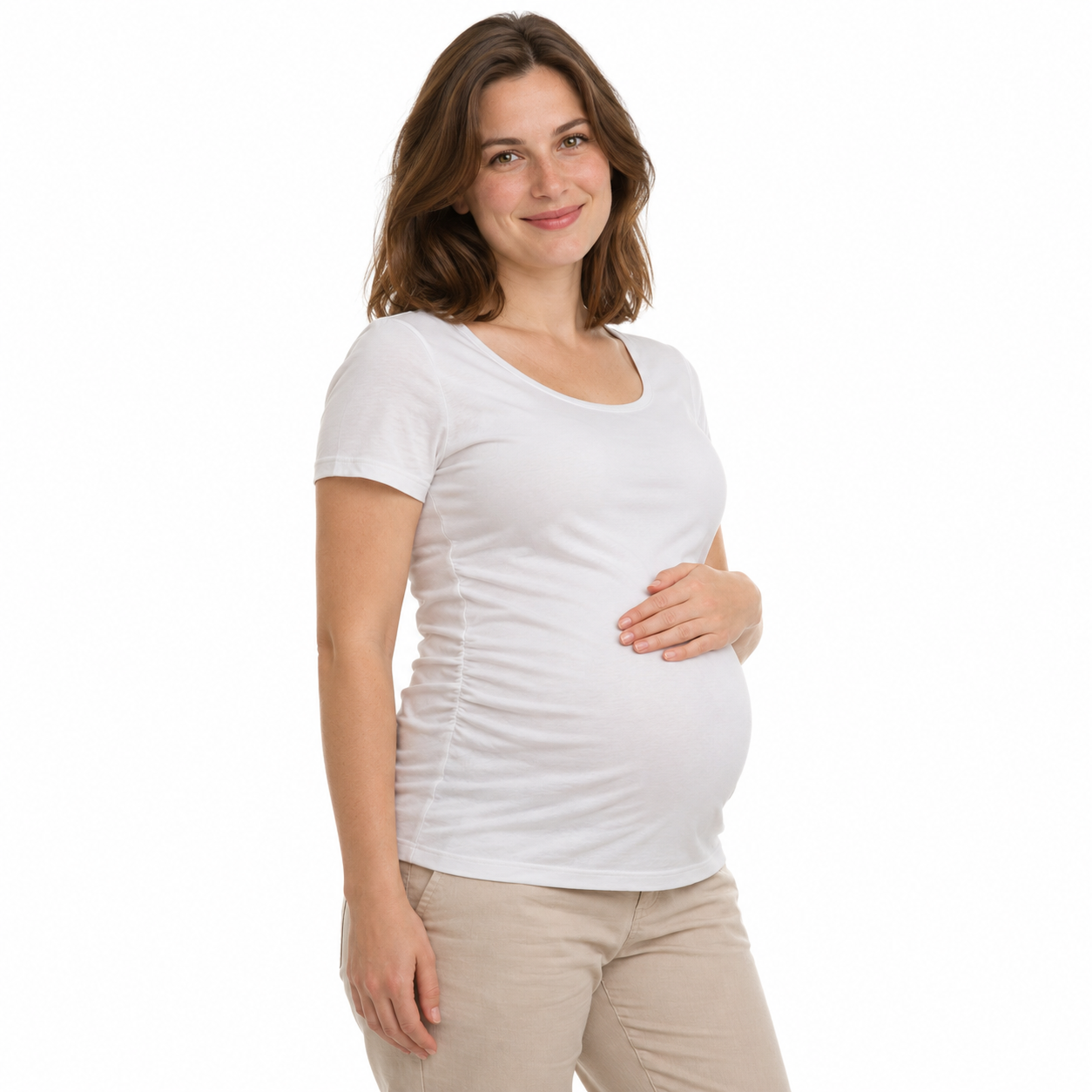
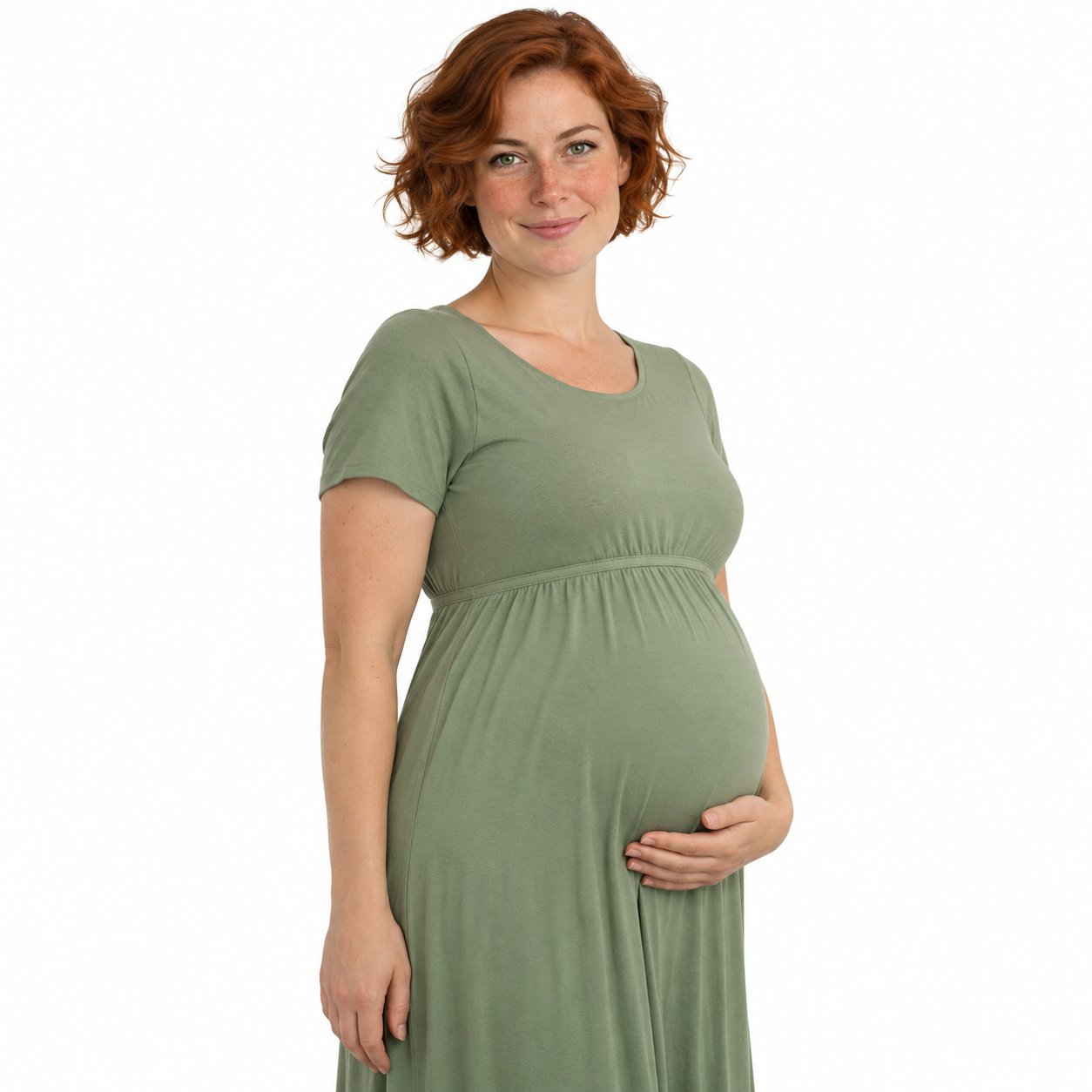
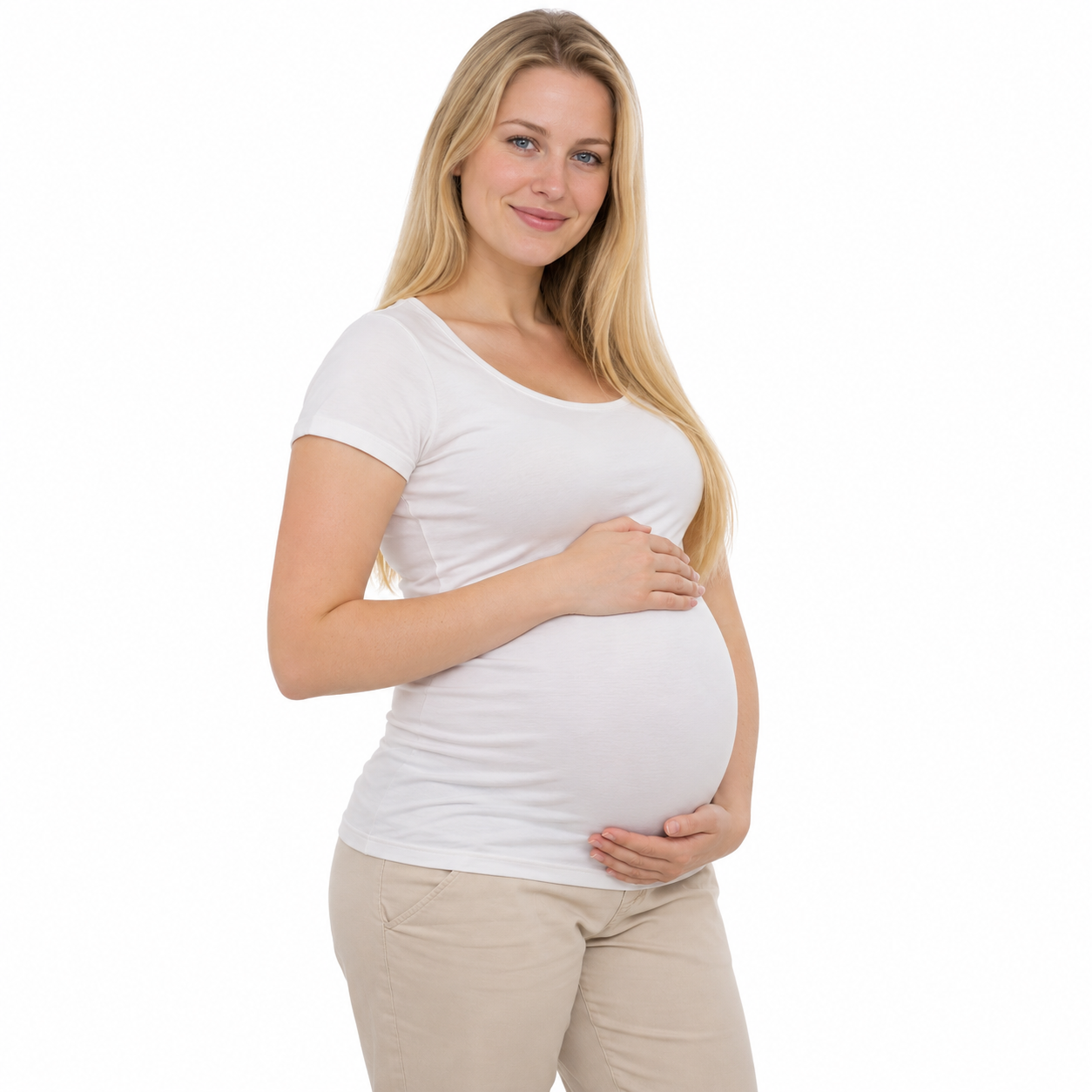
Add On-Model Images to Maternity Cothing Product Displays
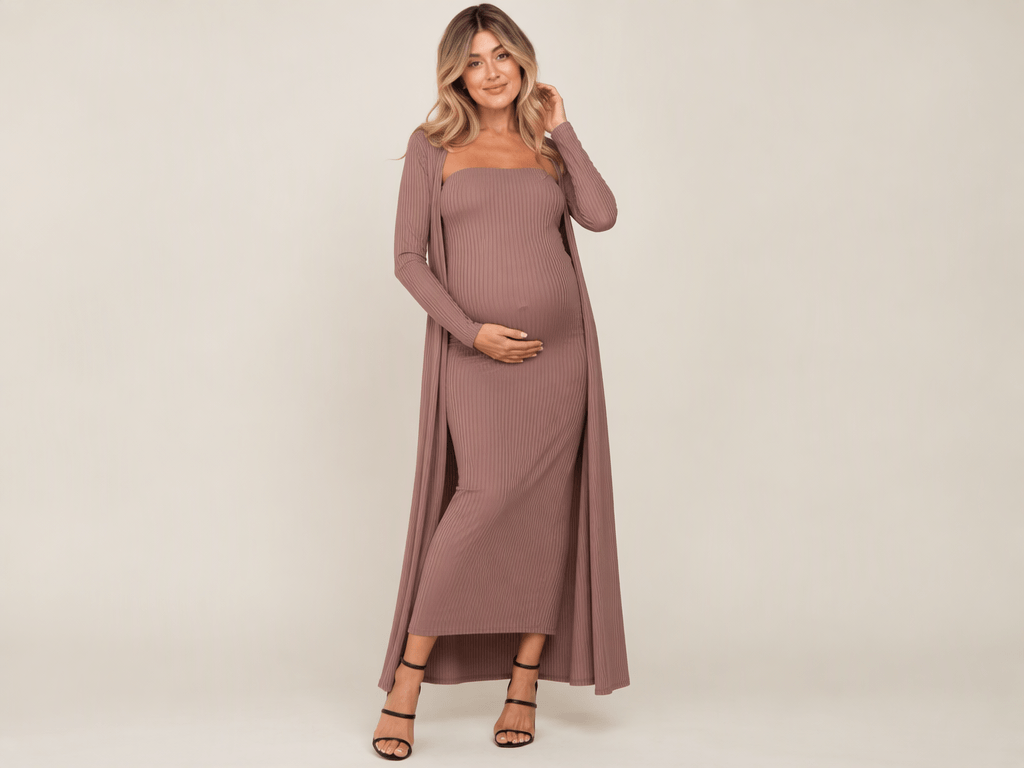
Enhance Maternity Clothing Listings with Model Photos
When a new maternity cothing listing relies on flat-lay images alone, shoppers may struggle to picture the garment's silhouette, waistline, ruching, or hemline. Combine an existing product photo with a model reference to create an on-model preview and add another useful view to the product page.
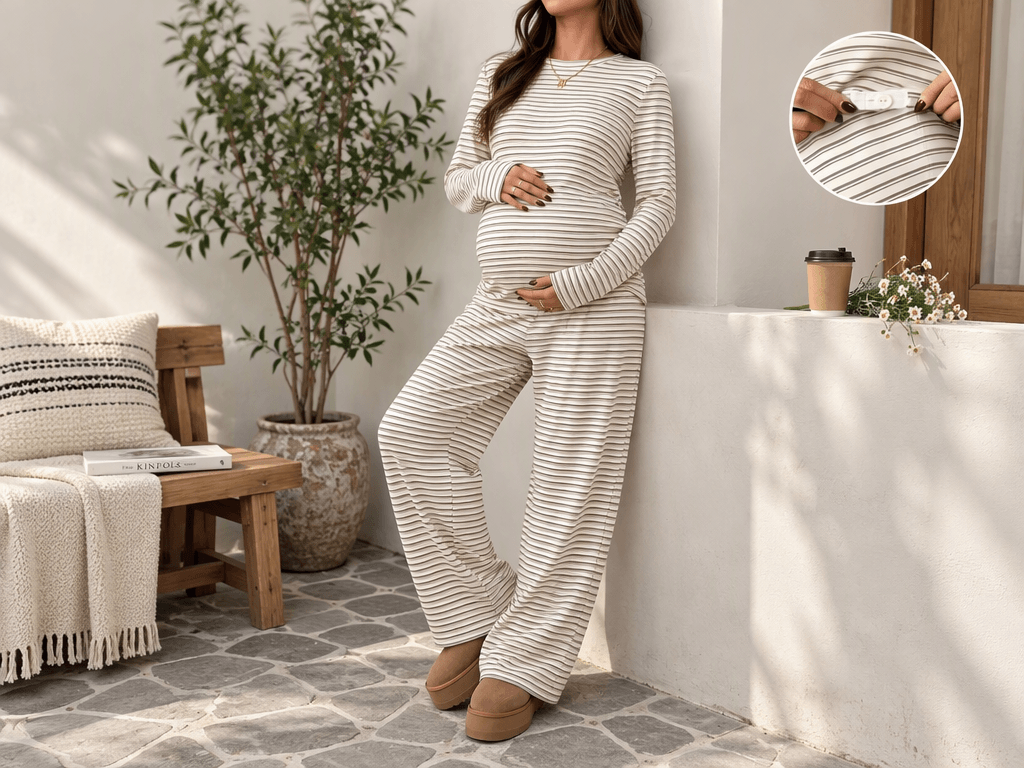
Turn Maternity Outfits Product Photos into On-Model Visuals
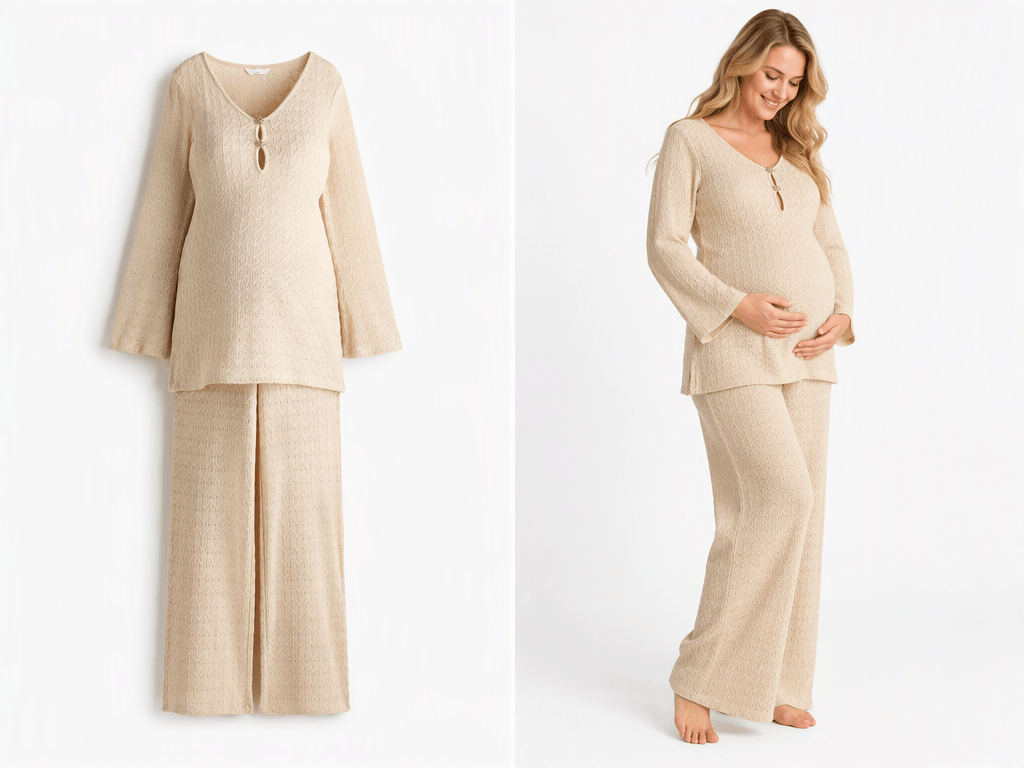
Create On-Model Maternitywear Try-On Images
Need an on-model view for a maternity dresses listing? Upload an existing garment image and a model reference photo to generate an AI try-on preview. Add visual options for new listings and product catalogs without starting every project with a new model shoot.
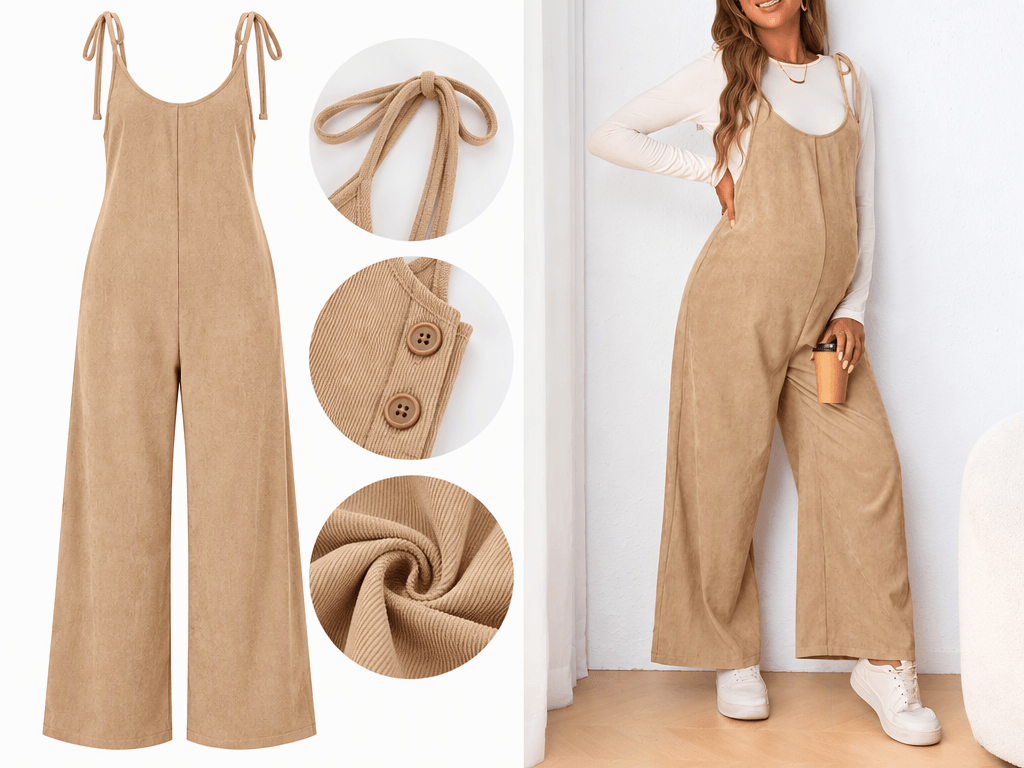
Highlight Key Maternitywear Design Details
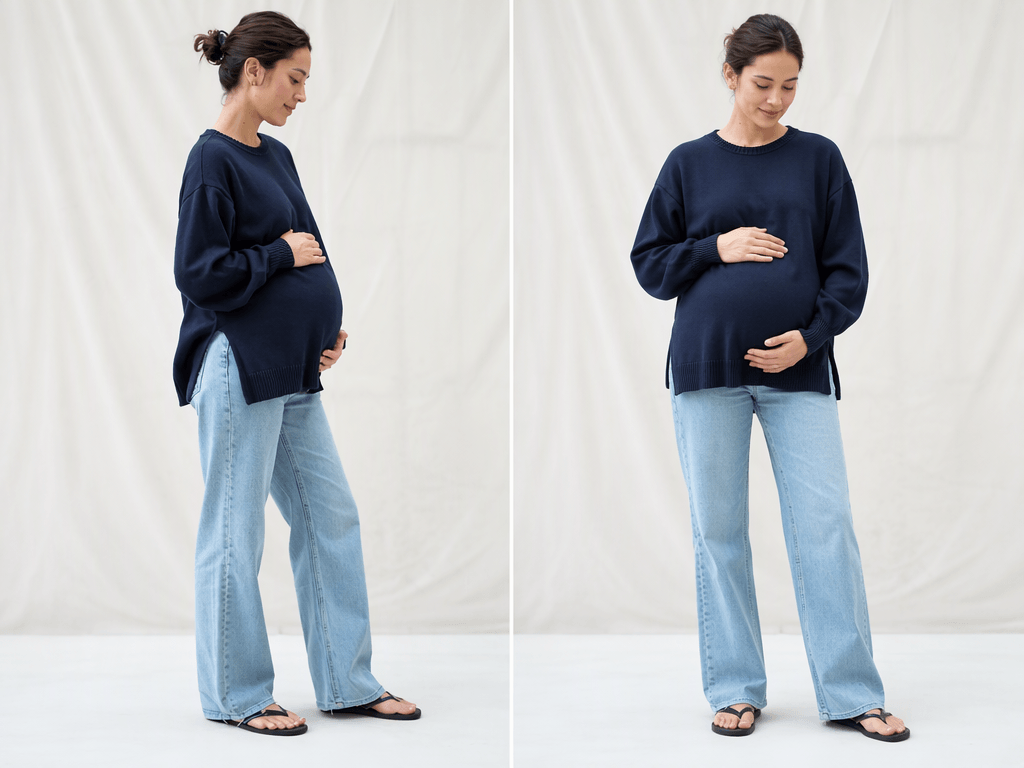
Maternitywear often features design details such as belly-area ruching, waistlines, wrap fronts, necklines, and hemlines. Use the original product image as a garment reference to create an on-model preview that helps shoppers understand the style.
Use Model References to Guide the Visual Style
Model presentation influences the overall impression of a product. Upload a model reference that suits your brand and combine it with the maternitywear product image to create a try-on preview. Where supported by the relevant Koozee tools, explore different models, backgrounds, poses, or camera angles to prepare visual variations for catalogs and marketing content.
Why Use Koozee for Maternity Clothing Try-On?
Start with product images you already have instead of arranging a new basic photo shoot for every style. Upload the garment and model reference, generate a preview, and review the result to prepare more image options for new listings, catalogs, and buyer presentations.
Waistlines, belly-area ruching, wrap construction, and hemlines all shape how shoppers perceive maternitywear. An on-model preview provides a more intuitive view of these visible design features.
The same maternitywear style may need visuals for product pages, catalogs, buyer presentations, and social media campaigns. Use generated on-model previews as candidate assets, then check composition, garment details, and channel requirements before using them.
Create a Maternitywear Try-On in 3 Steps
Upload a Maternitywear Product Image
Upload a clear product image showing the garment's overall silhouette, color, and design details. Avoid images with heavy obstruction, blur, or unclear ruching and construction.
Upload a Model Reference Image
Add a model reference image with a clearly visible subject and a natural pose, following the current page's input prompts.
Generate and Review the Try-On
Generate the maternitywear try-on preview. Compare it with the original product image and review the belly-area design, waistline, ruching, colors, prints, and hemline before using it in a product listing or marketing asset.
FAQs
What is virtual maternity clothing try-on?
What do I need to create maternitywear try-on images with Koozee?
Prepare a clear maternitywear product image and a model reference photo, then follow the prompts on Koozee's try-on page. Images that clearly show the garment's silhouette and key design details are preferable.
Can AI maternitywear try-on preserve garment details accurately?
The generated result uses the original garment image as a reference, but exact detail preservation is not guaranteed. Ruching, stretch fabrics, waistlines, and layered construction deserve particular attention. Compare the preview with the actual product image before publishing.
Can Koozee's virtual try-on for maternity wear determine pregnancy stage, size, or actual fit?
No. Koozee creates static visual previews; it does not measure body dimensions, determine actual fit, or confirm how a garment will fit at different pregnancy stages. Actual garment measurements and sizing guidance should come from the product's specifications.
Have a Maternitywear Product Photo? Create Your First On-Model Preview
You do not need to wait for a full model shoot to add an on-model view. Upload a maternitywear product image and a model reference photo to create a try-on preview with Koozee.