AI Virtual Bag Try-On Online
More Ways to Showcase Bags for Ecommerce
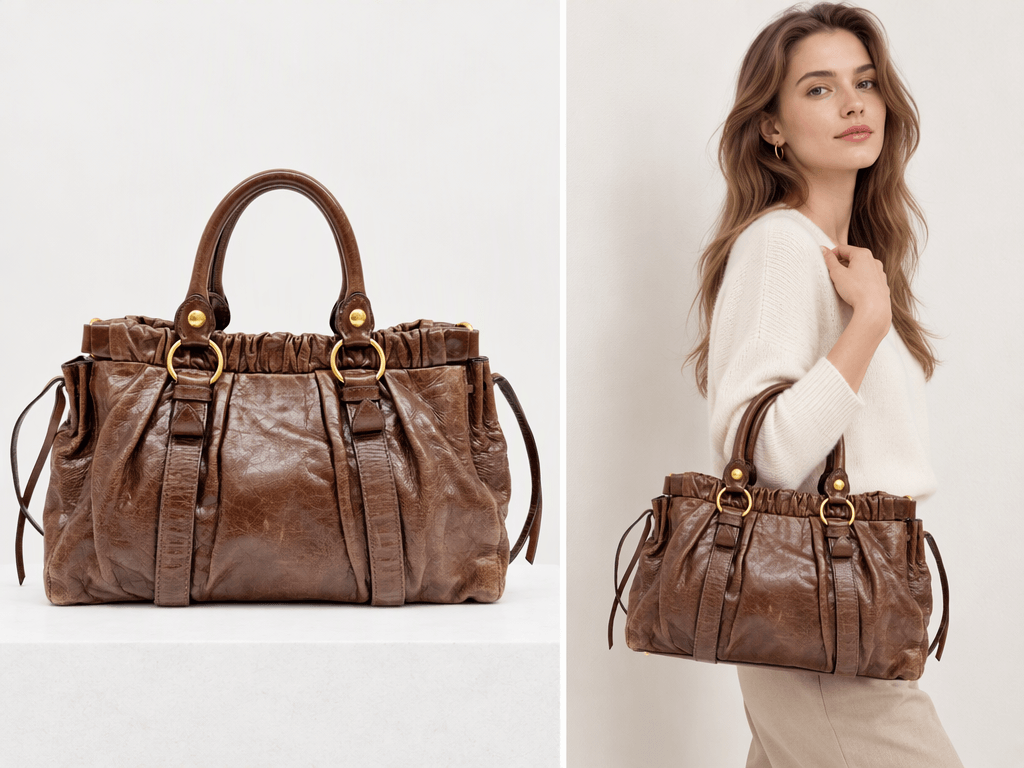
Make Product Photos Feel More Styled
A clean product shot shows the bag itself, but not always how it works in an outfit. Use a validated AI bag try-on workflow to create on-model visuals that add styling context to ecommerce listings.
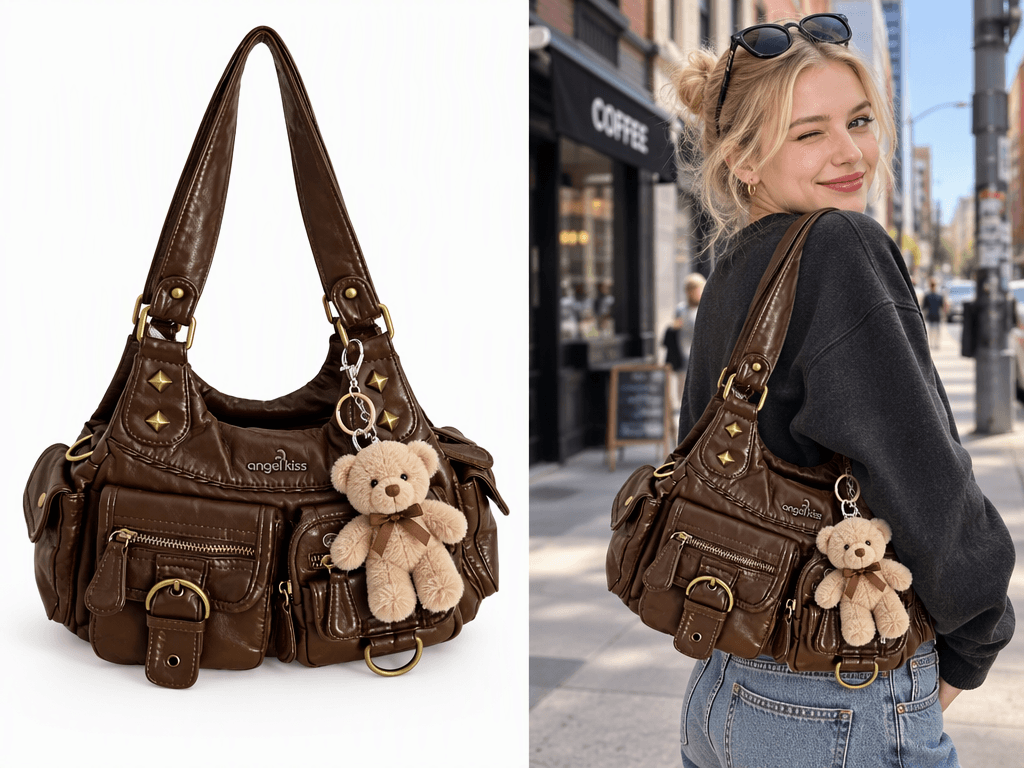
Virtual Bag Try On: From Bag to Ecommerce Visuals
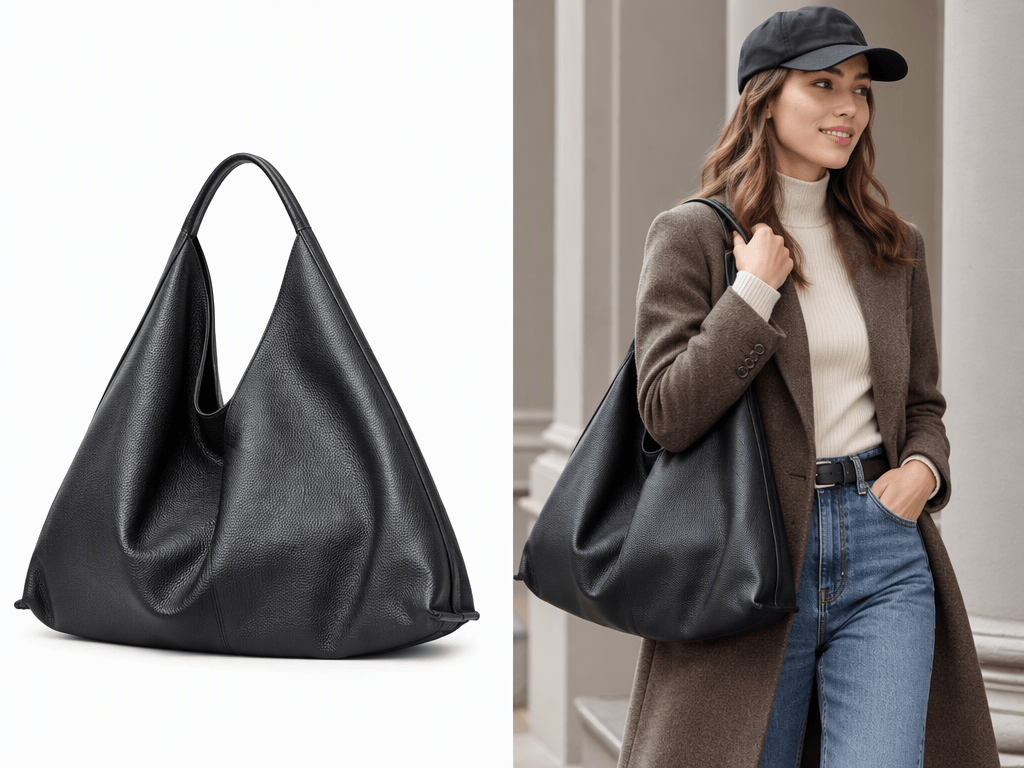
Turn Bag Photos & Design into On-Model Visuals
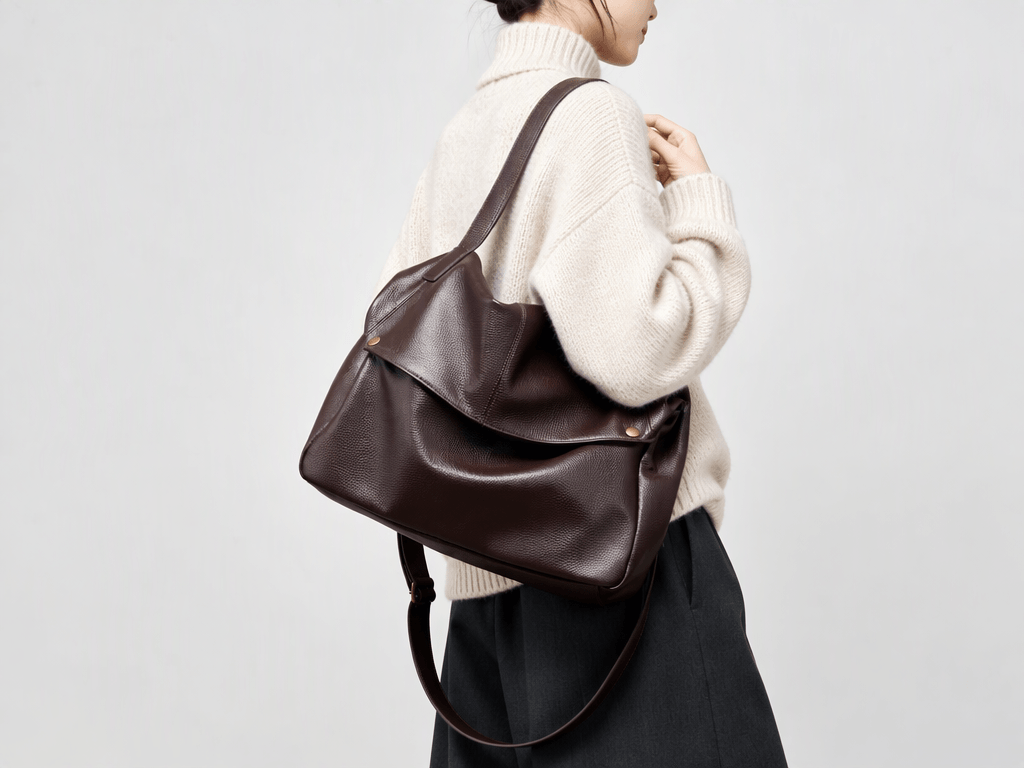
Start with existing bag product photos instead of planning a full photoshoot for every creative idea. Explore on-model presentations, such as hand-carry, shoulder-carry, or crossbody looks, to create more engaging visuals for product listings.
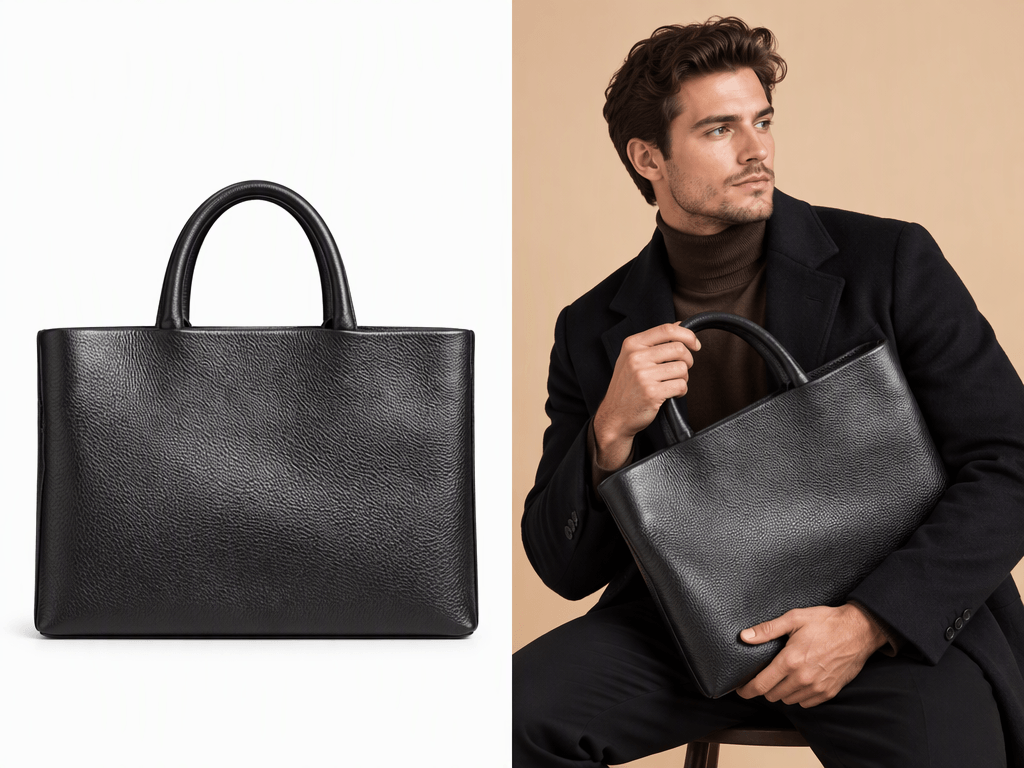
Show Bags in Styled Outfits
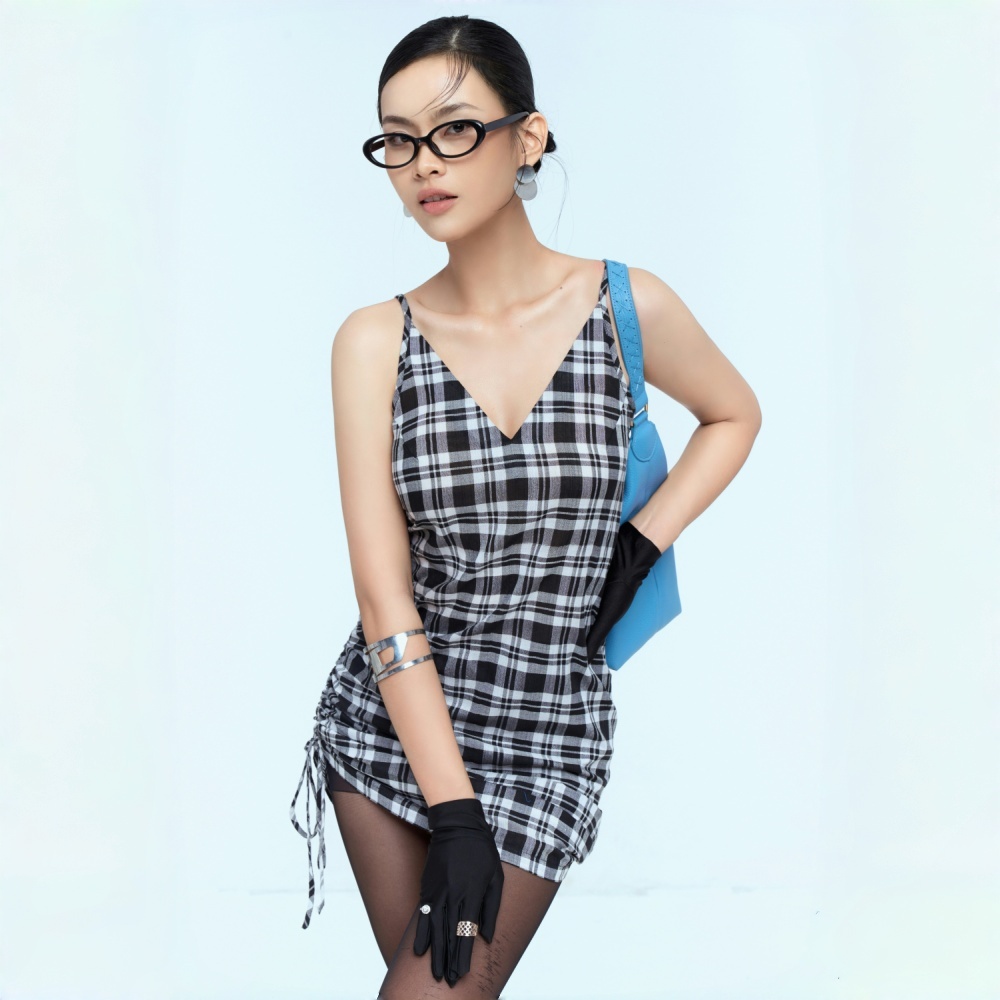
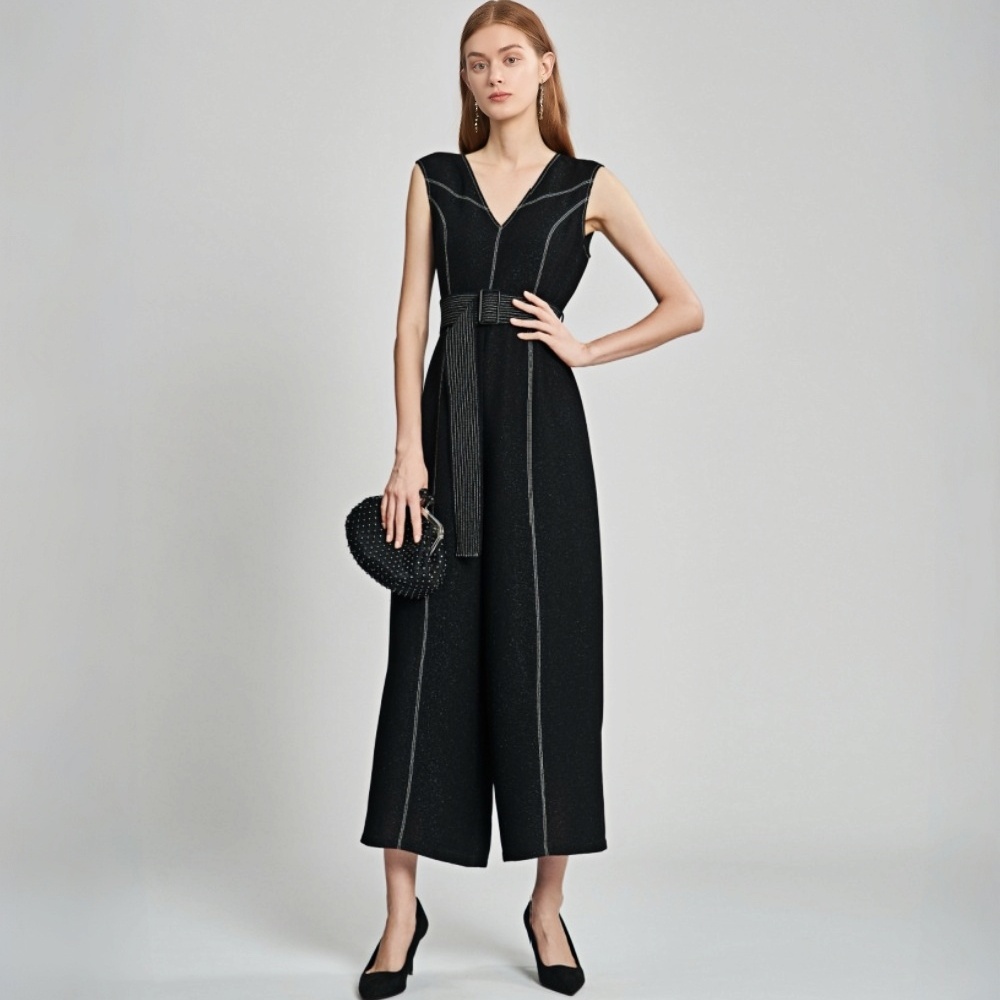
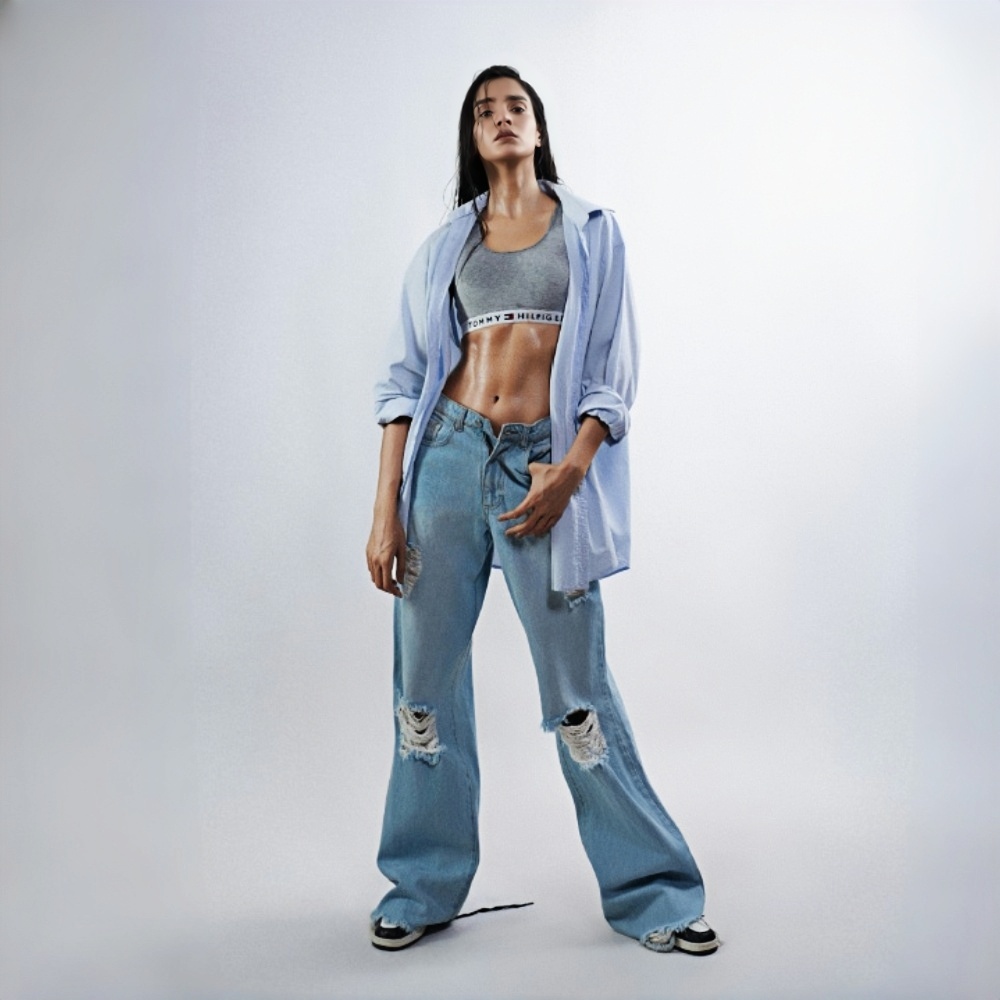
Give shoppers a clearer sense of how a bag fits into a complete outfit. Build styling concepts around mini bags, totes, shoulder bags, or crossbody designs to help communicate each product's silhouette, carrying style, and overall look.
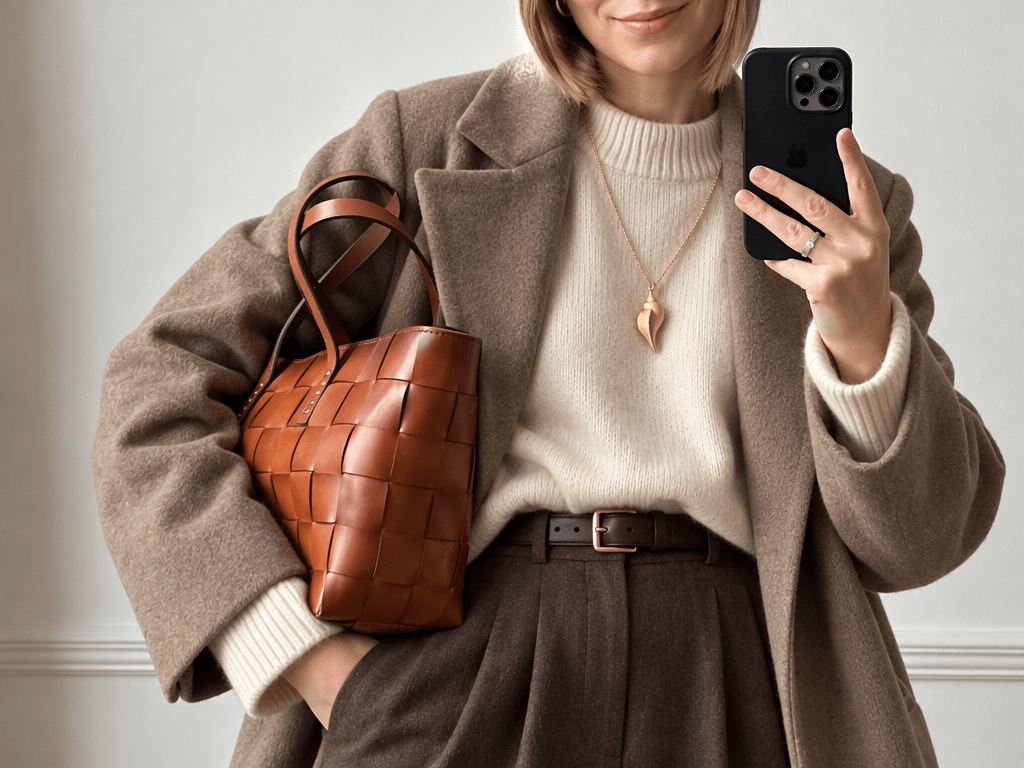
Expand Visual Assets for Listings and Campaigns
When launching new products, adding colorways, or planning campaigns, sellers need a steady supply of product visuals. Explore additional presentations from existing product photos for listings, collection catalogs, lookbooks, and social media creatives.
Create Better Bag Visuals with AI Try-On
Present bags in realistic on-model visuals so shoppers can better understand each design, style, and how it looks when carried. Make product listings more engaging and appealing.
Give shoppers a clearer idea of how a bag looks in a styled setting before they buy. Better product presentation can reduce uncertainty, support informed decisions, and help lower return risks.
Compelling product visuals help bags stand out across product pages and marketing channels, encouraging shoppers to explore your collection and creating more opportunities for engagement and sales.
How to Create Virtual Bag Try On Photos
Upload a Bag Product Image
Upload a clear product image showing the bag's style, color, and details.
Upload a Model Image
Upload a clear model photo to showcase the bag in a styled look.
Generate an On-Model Bag Visual
Generate an on-model bag visual for product listings, collection catalogs, or marketing content.
FAQs
How should I prepare a bag product photo for better results?
Can I create model visuals for totes, handbags, and crossbody bags?
Different bag styles have different structures and carrying methods. Handles, long straps, and chains can affect the results. Test each style and confirm compatibility with the tool's supported inputs and actual output.
Can I show the same bag with different models and outfits?
If the current workflow supports model or scene reference images, you can explore different outfits and backgrounds for the same bag to diversify your collection visuals. The bag's shape and carrying appearance may vary across outputs.
Can AI change a bag's color, logo, or hardware?
Koozee aims to preserve the bag's original color, logo, stitching, zippers, and hardware details. For a closer representation of the product, upload a clear, complete product photo and review key details in the generated image.
Where can I use on-model bag visuals?
Reviewed visuals can support product listings, collection catalogs, lookbooks, product launches, and social media creatives. Use accurate product specifications or real photos to communicate purchase-critical details such as dimensions, capacity, materials, and interior construction.
Use Bag Try On Tool to Showcase Your Bag Collection
Start with clear product imagery and explore visual directions for listings, collection catalogs, and marketing content. Test the current tool with bag references first, then use reviewed outputs in your workflow.