Video to Prompt for Easy Fashion Creation
Koozee uses Gemini to turn clothing, actions, shots, and content in your video into prompts for new fashion videos.
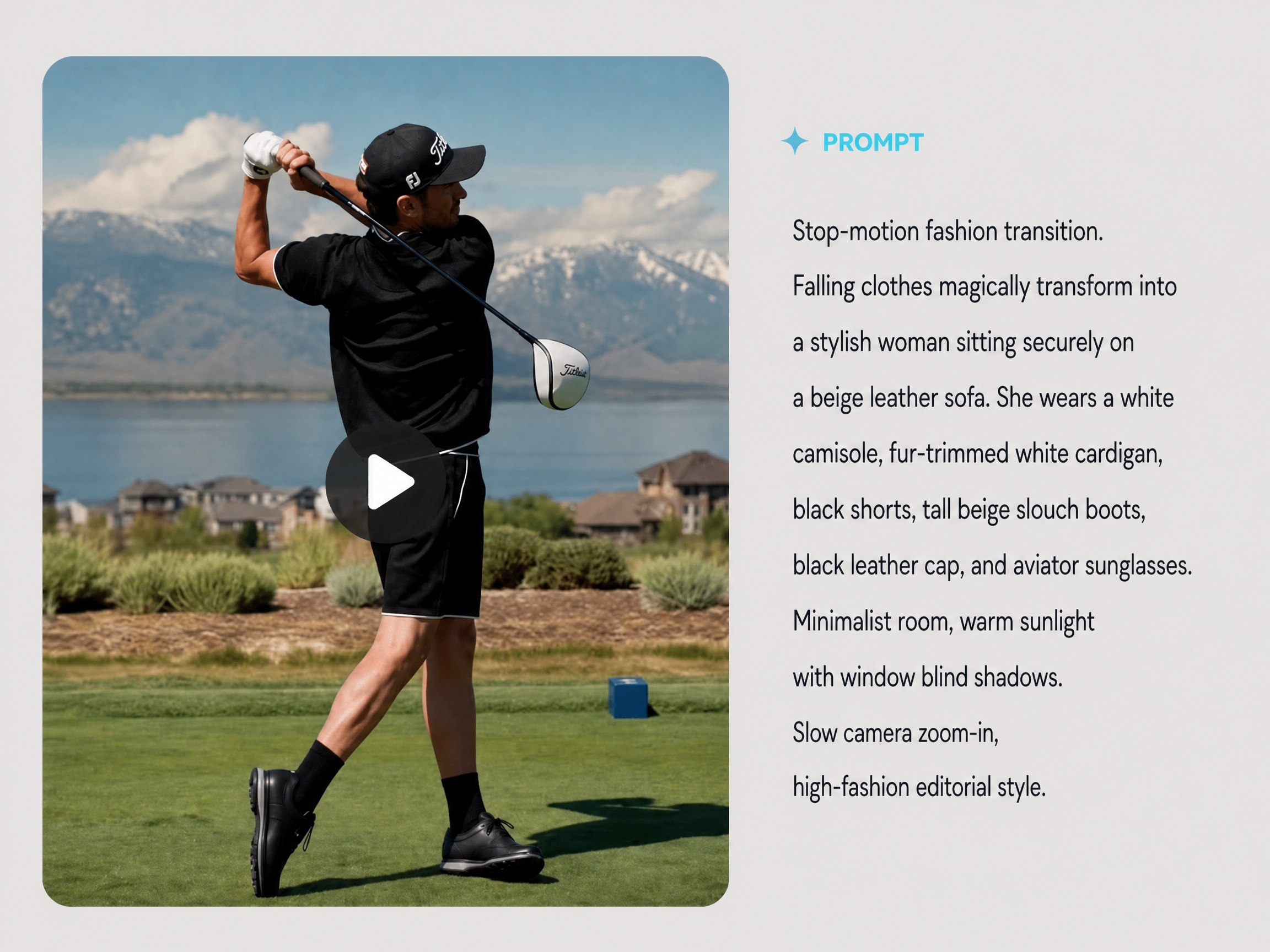
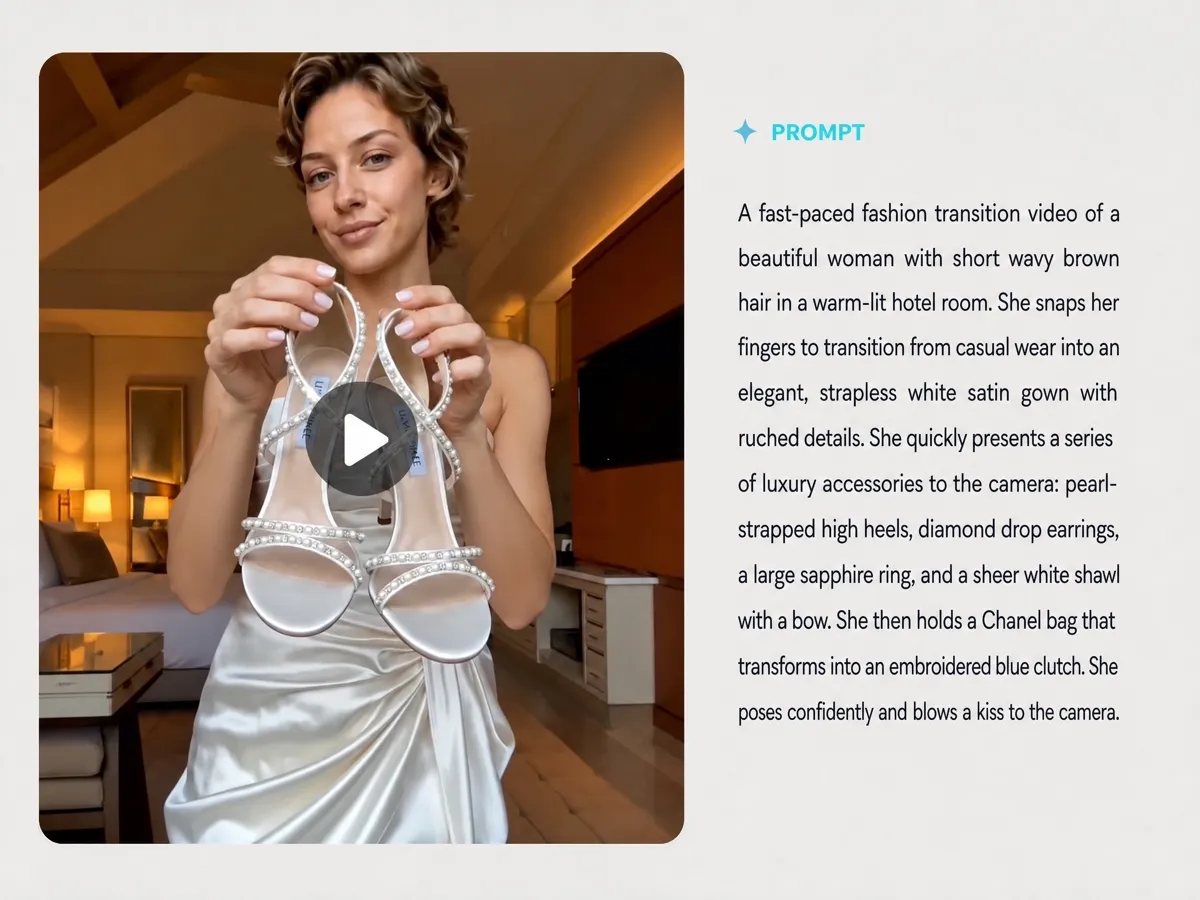
Break Down Clothing, Motion, and Shots
Koozee uses Gemini’s video understanding to analyze how clothing is shown, how people move, and how scenes, shots, lighting, and sound unfold, then organize the details into a video script. Fashion teams get an editable draft that lays out the reference video’s shots and content.
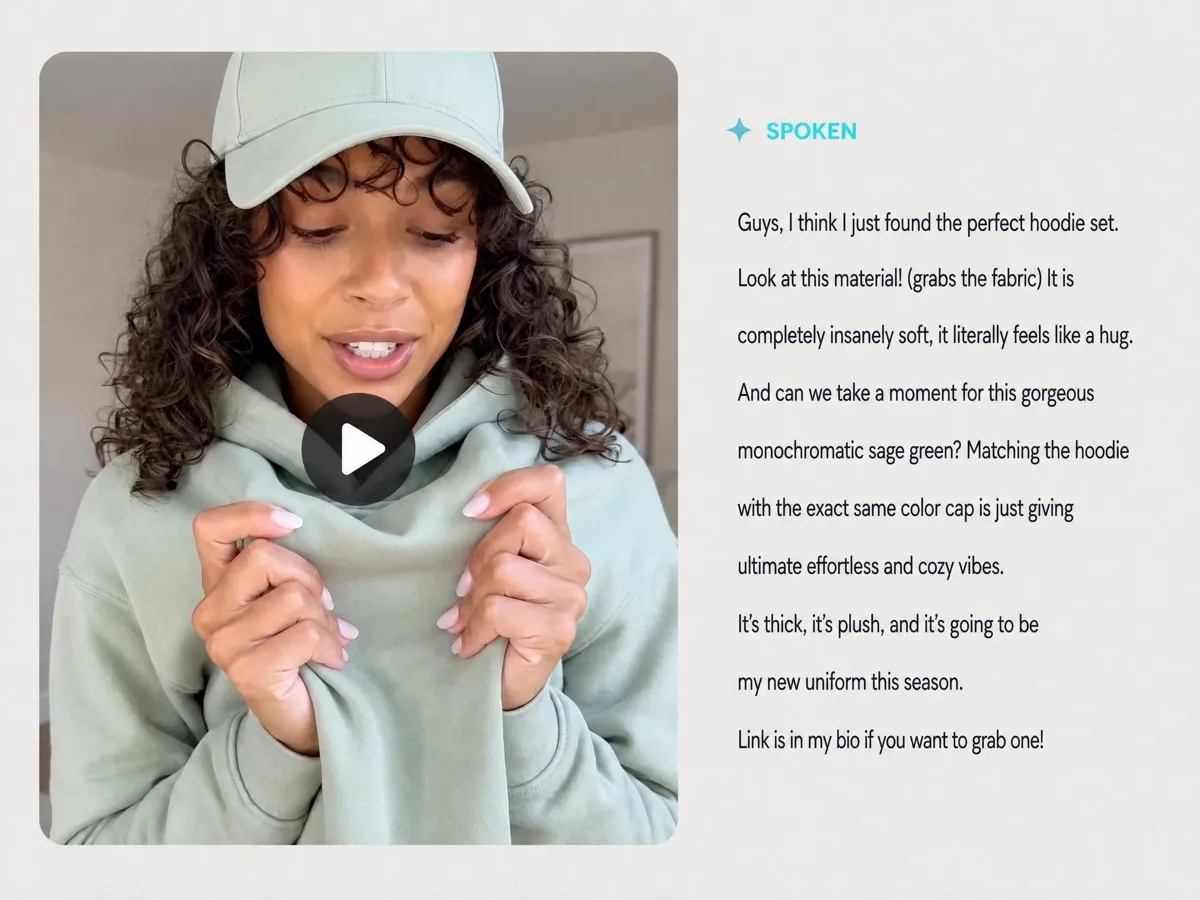
Turn Spoken Content into Editable Copy
When a video includes narration or a clothing presentation, Koozee turns the spoken content into copy you can edit and reuse. Update the product name, clothing features, and campaign details to prepare new product introductions, on-camera presentations, or voiceovers.
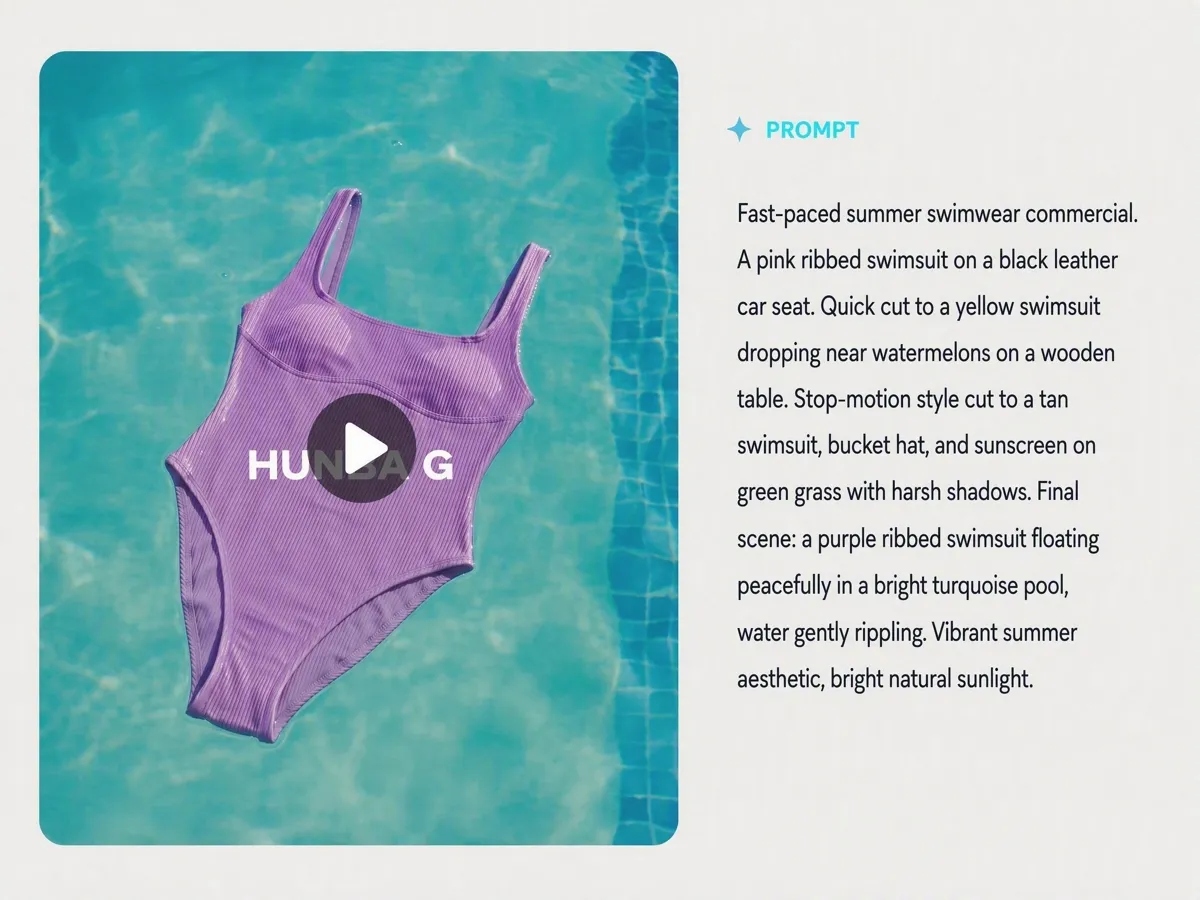
Generate Prompts You Can Edit and Use
Get a prompt covering the subject, action, scene, camera, and style for use with Kling, Seedance, and other supported models in Koozee. Copy the result, keep the wording you need, and change selected clothing, character, action, or scene descriptions before generating a new video.
Expand Your Fashion Video Content
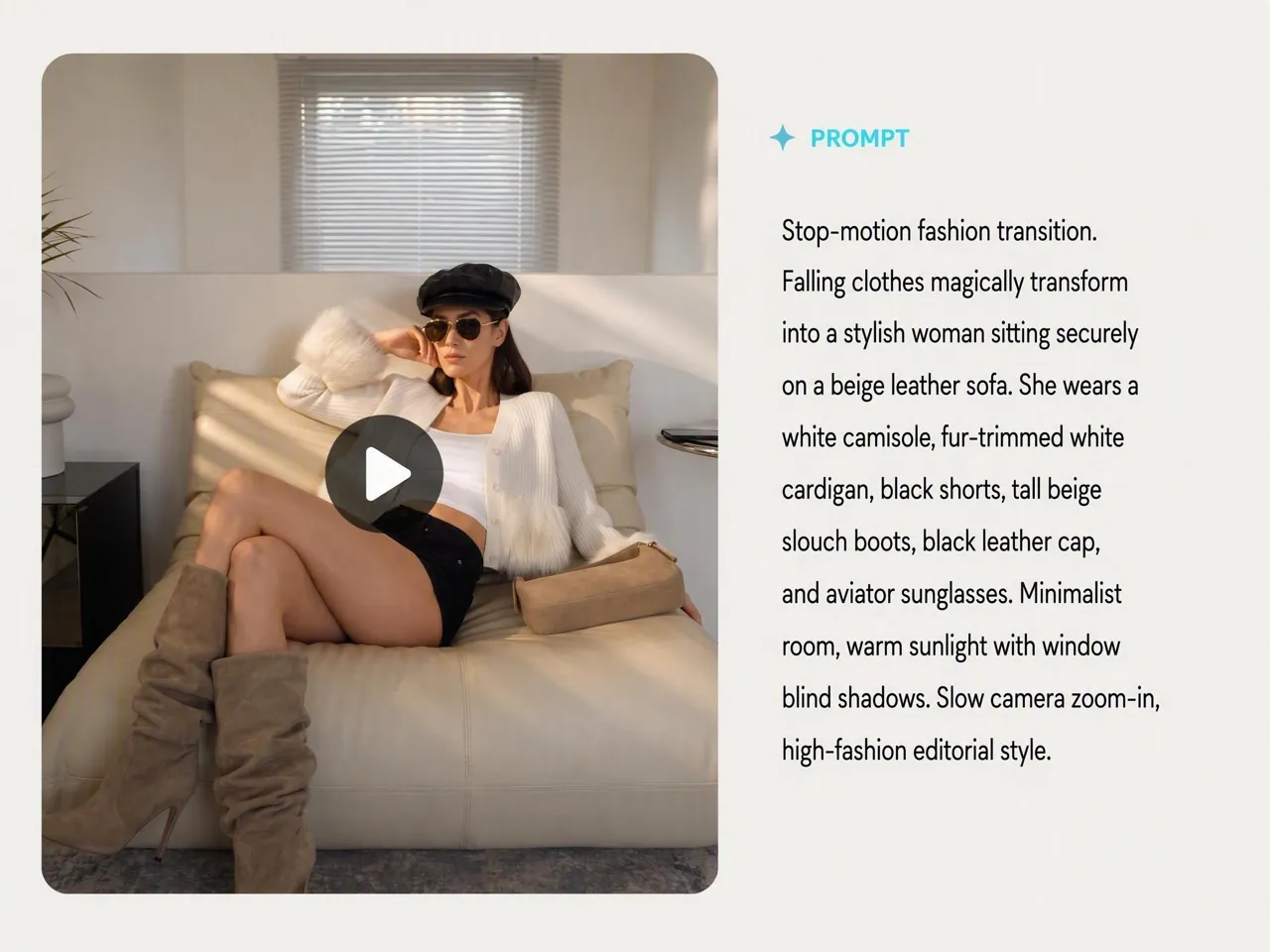
Easily Prepare New Brand Videos
Prompts based on past brand videos cover clothing presentation, movement, shots, settings, and visual style. Adapt the wording for a new collection to easily prepare promotional videos while carrying forward a similar brand look.
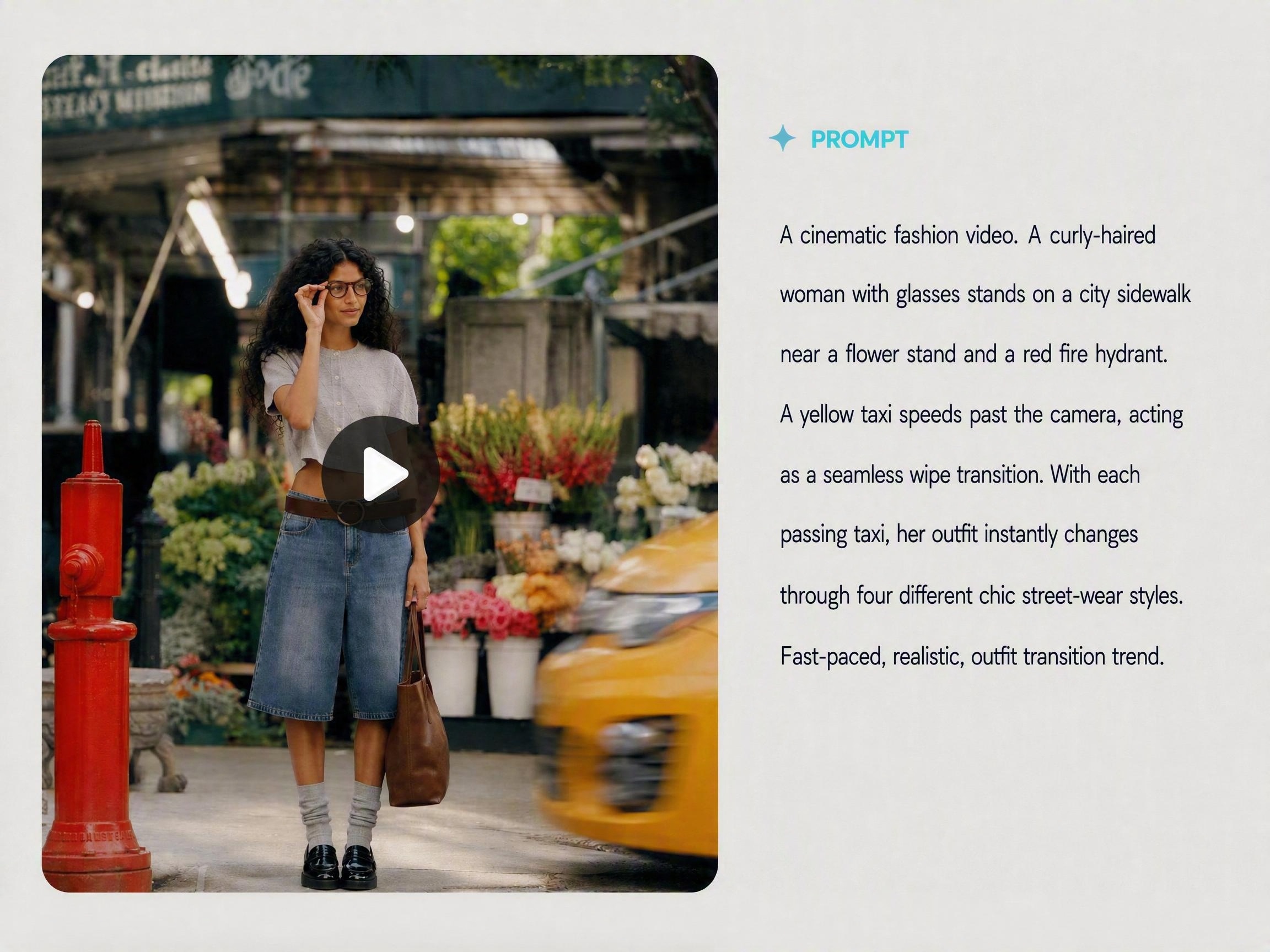
Find Your Next Fashion Video Idea in a Reference Clip
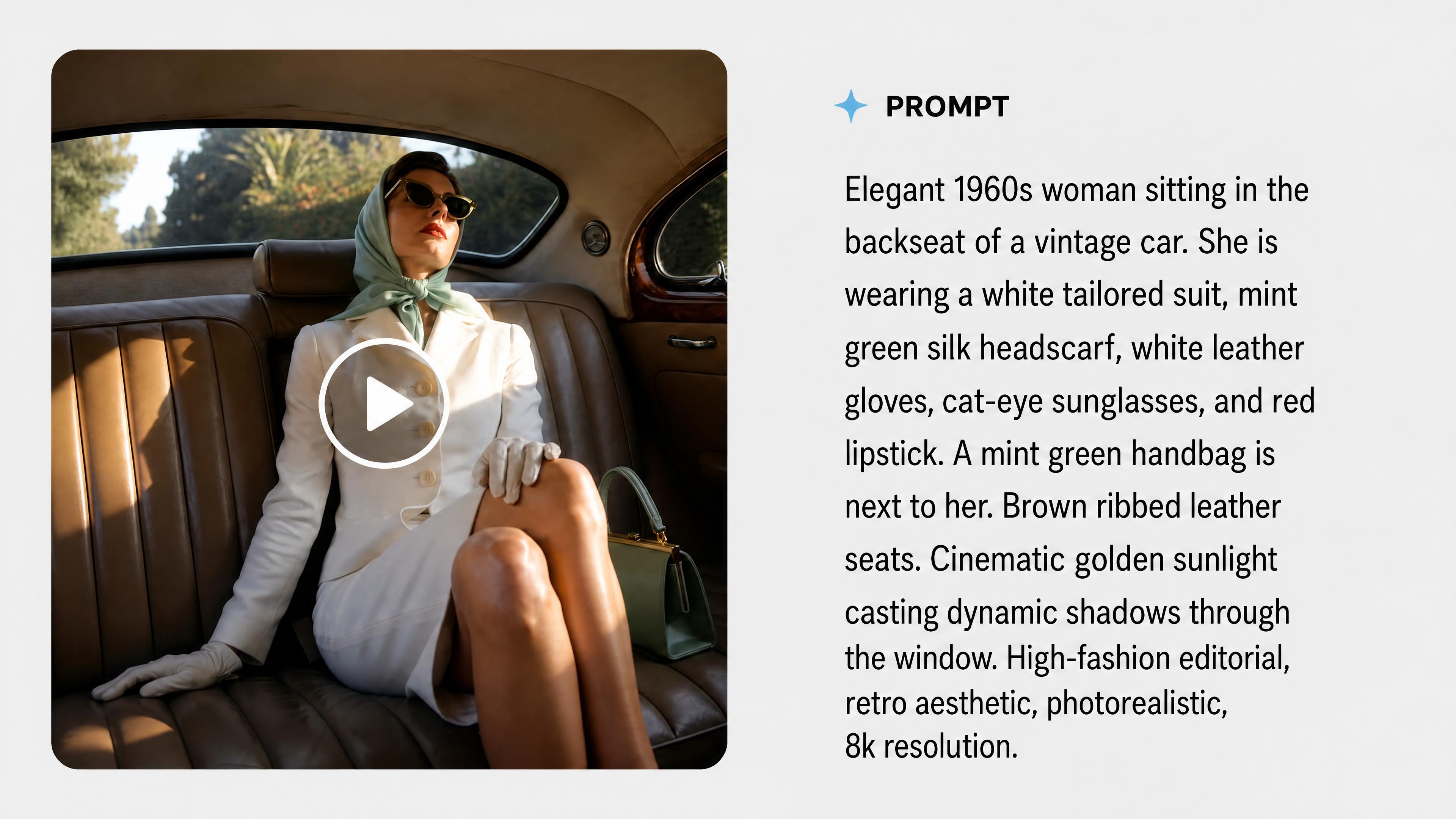
Frequently Asked Questions
What is Koozee’s video to prompt generator?
How do I generate a prompt from video?
Upload an existing fashion video or a video created in Koozee, then review, edit, and copy the generated text. Check the clothing, action, and camera descriptions and adjust them for your next video.
What does a generated video prompt include?
Depending on the source video, the prompt can describe how clothing is shown, how people move, the scene order, cuts, camera movement, lighting, visual style, and sound. These details provide written direction for video generation.
How can I use the video script and voiceover copy?
Use the script to plan shots, actions, and the order of your content. If the video includes spoken content, update the resulting copy with your product name, clothing features, and campaign details for new product introductions, on-camera presentations, or voiceovers.
Can I change only the clothing, person, or scene in the prompt?
Yes. Keep the wording you need and change selected clothing, character, action, scene, or camera descriptions. Editing one part of the prompt does not guarantee that only that part of the generated video will change.
Can I use the generated prompt with other video models?
Yes. Copy the prompt and use it with Kling, Seedance, or other supported video models in Koozee. Review the clothing details and camera directions, then adjust the chosen model’s settings to generate a video draft.
Can I recreate a reference video or carry forward my brand’s style?
The generated prompt provides references for clothing presentation, movement, shots, and style when planning new brand videos, but it cannot guarantee an exact recreation or identical results each time. To recreate a reference video, use Koozee’s Replicate Video feature.
Start Your Next Fashion Video with a Reference
Upload a reference video, get an editable AI prompt, and use it with a video model in Koozee to create new fashion content.