Blurry Images? Make Them Clearer with AI
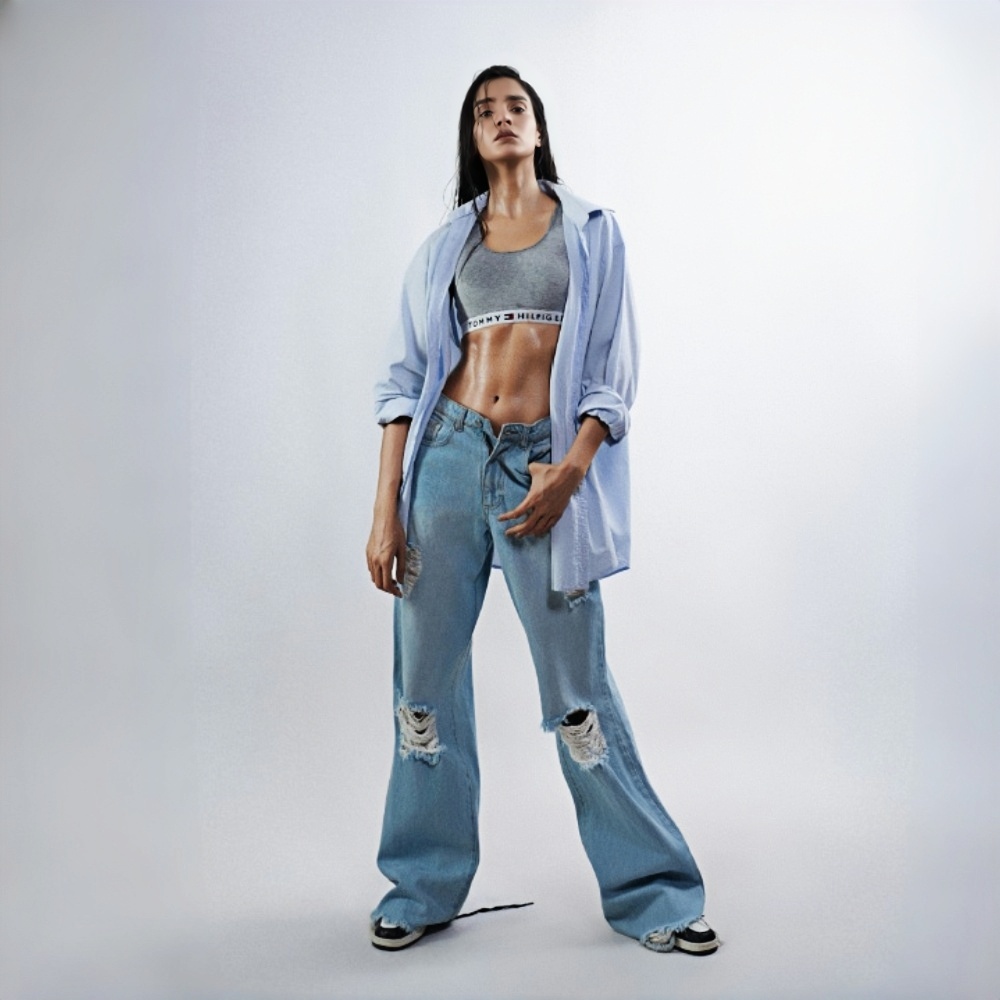
Make Blurry Images Clearer for Different Visual Needs
Fix Blurry Product Photos and Bring Out Important Details
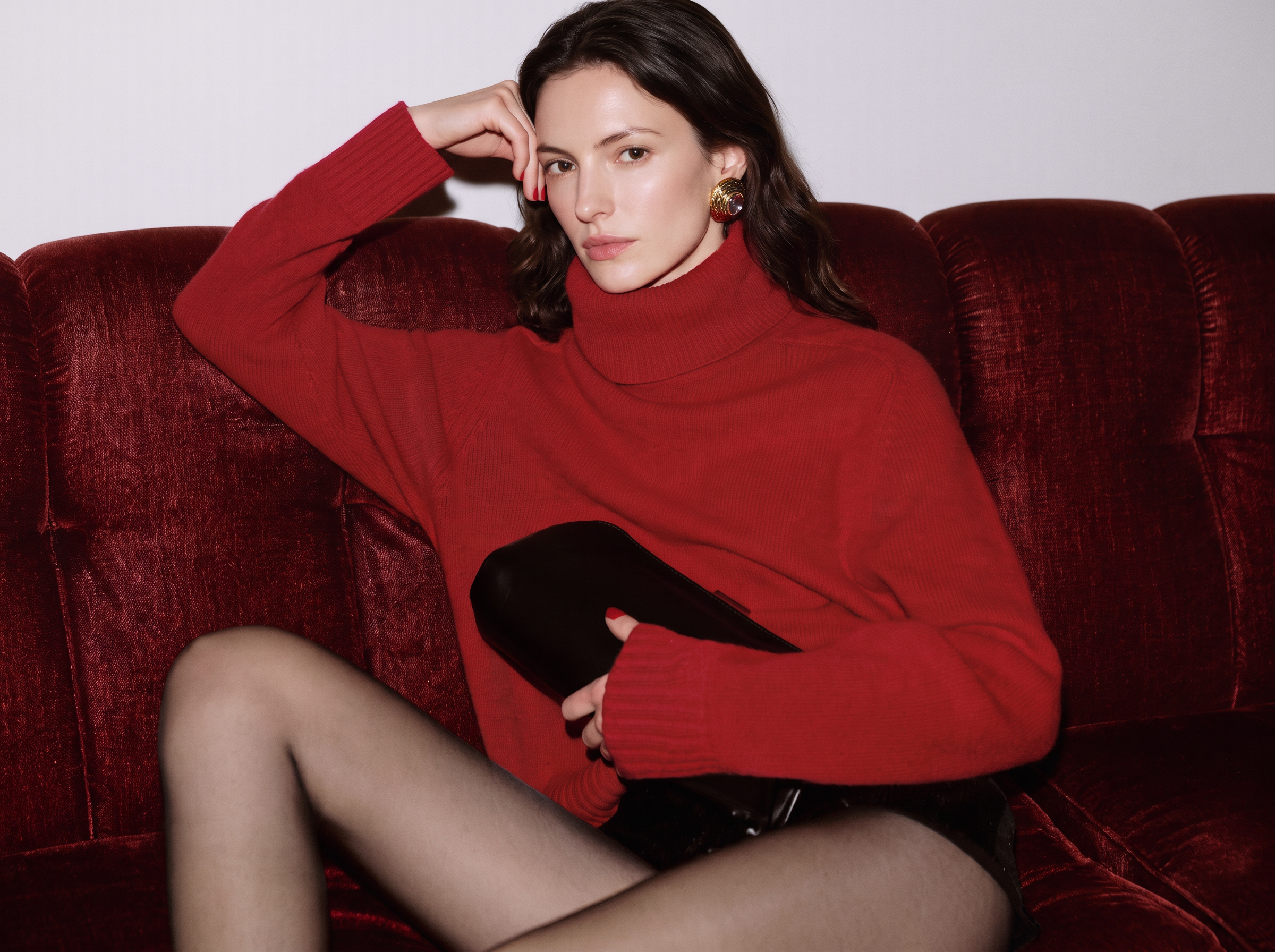
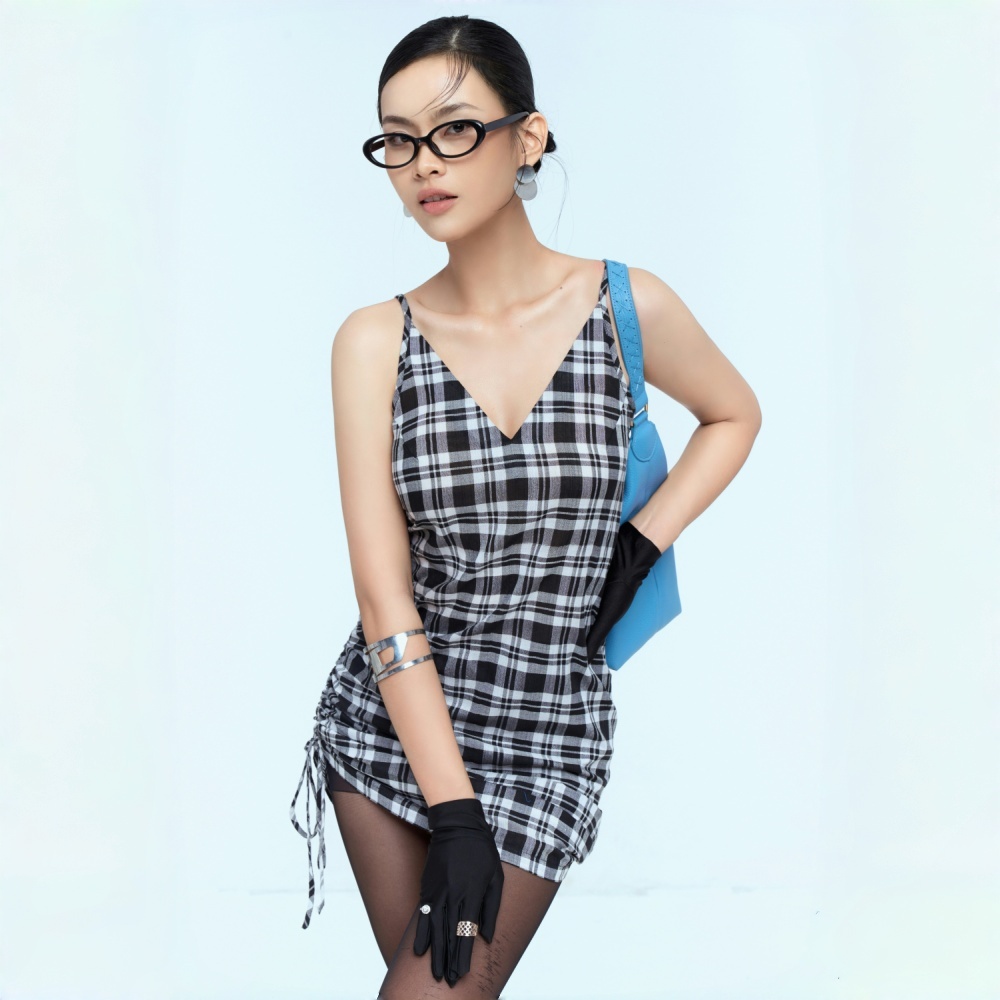
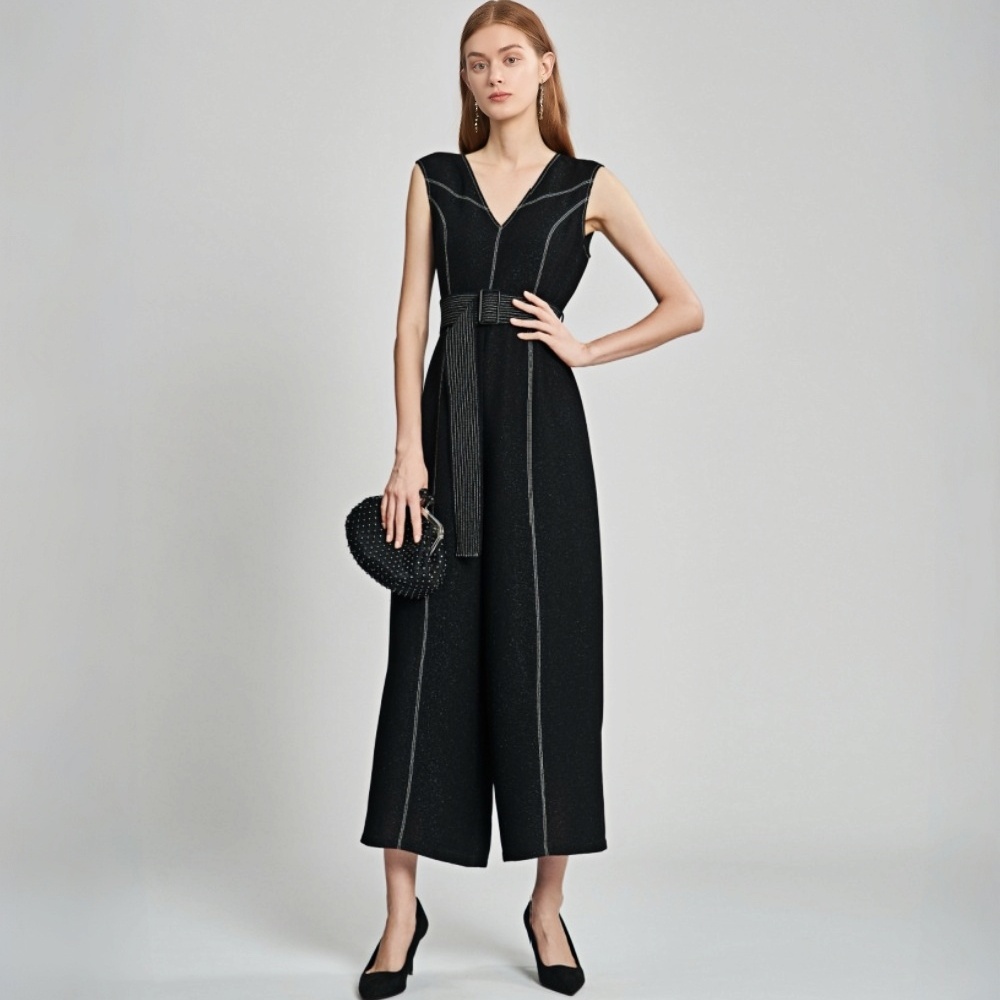
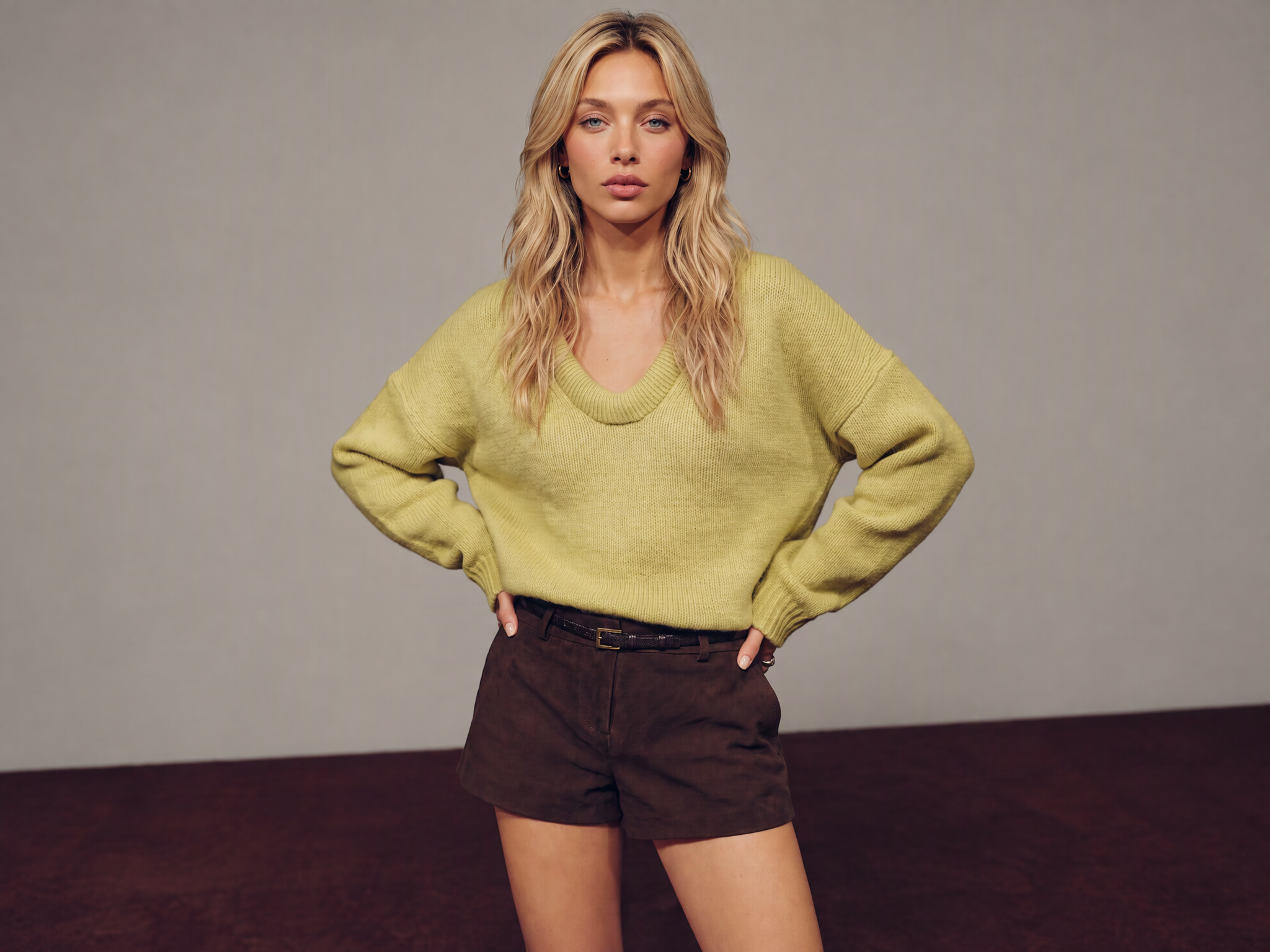
Supplier product photos may already lack clarity, and repeated downloads, sharing, or platform compression can make fabric textures, prints, and product details even harder to see. Use Koozee AI Image Enhancer to reduce blur and noise, improve clothing textures and prints, and make product photos look clearer and more professional for catalogs, product pages, and marketing materials.
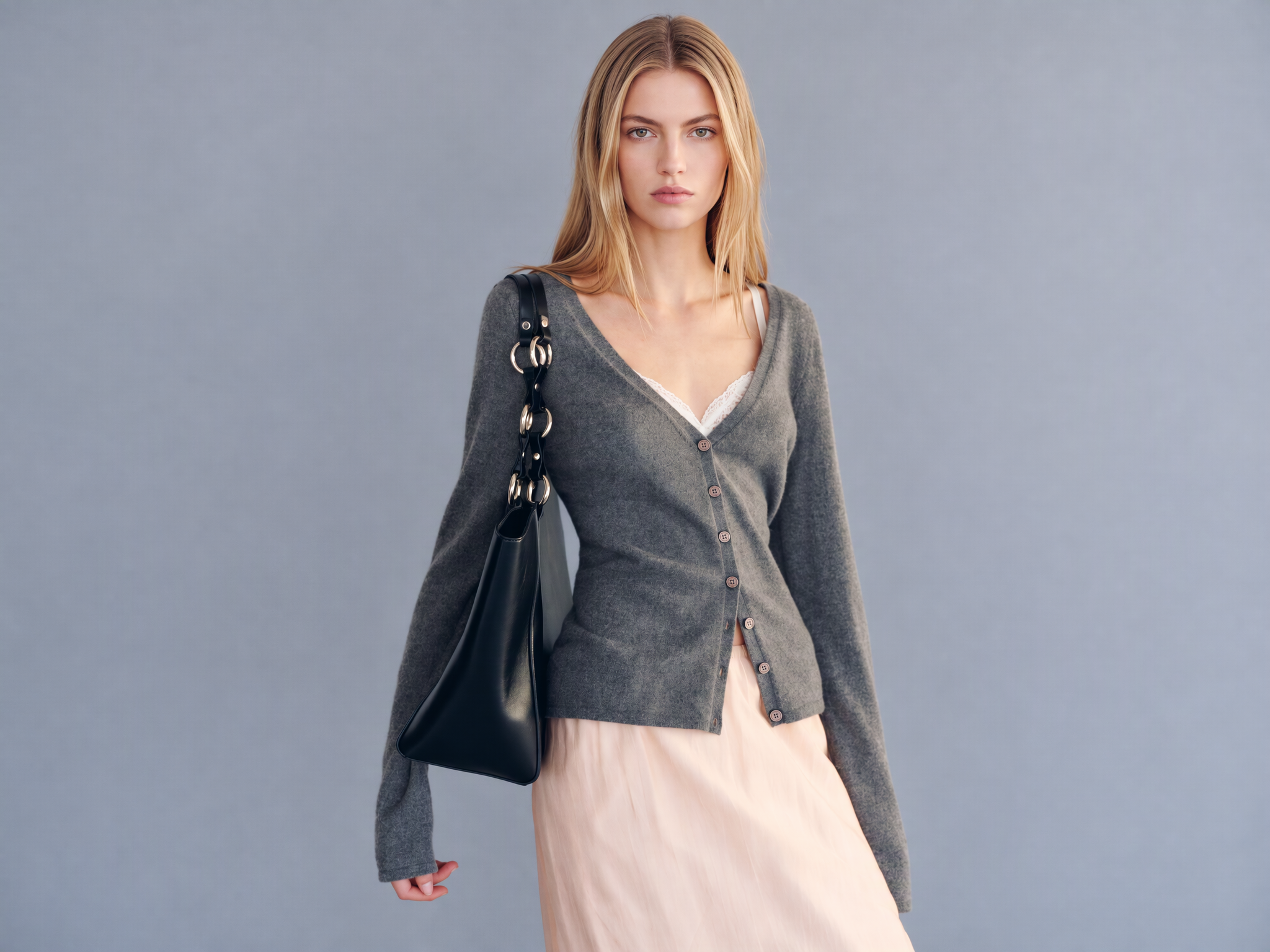
Unblur Images and Make Every Detail Clearer
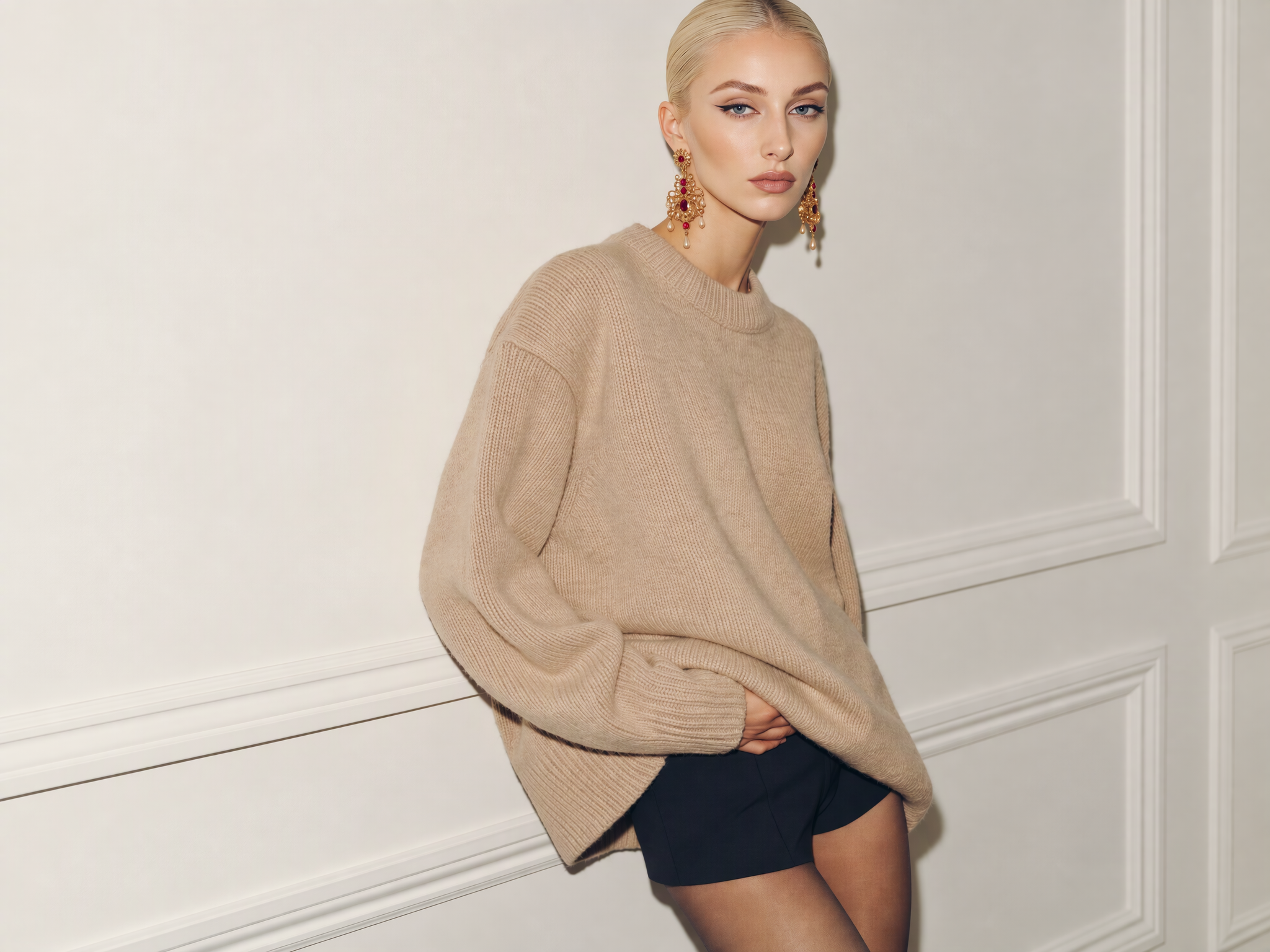
Reduce Image Blur and Noise with AI
Blur and noise can make product outlines, fabric textures, and fine details difficult to see. Koozee uses AI image enhancement to improve clarity, reduce blur and noise, and optimize edges, textures, and overall image quality. Instead of repeatedly adjusting sharpness and other settings manually, simply upload your image and let AI enhance its appearance.
Choose the Right AI Enhancement Mode for Your Images
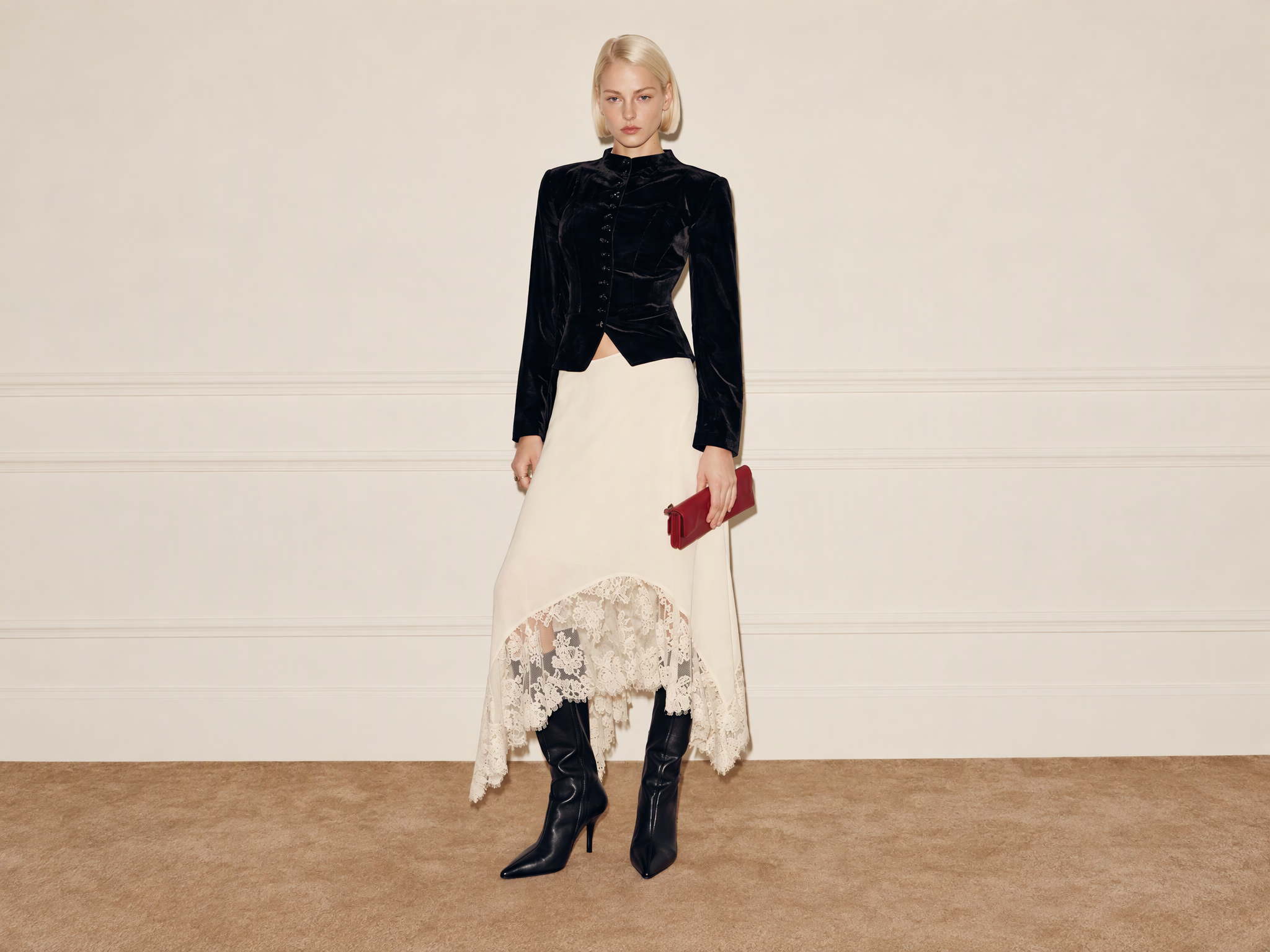
Different images benefit from different enhancement approaches. Koozee offers Ultra HD, HD, and Portrait enhancement modes. Ultra HD focuses on deeper detail reconstruction for product and model images that need more texture and detail enhancement. HD improves overall image quality, sharpness, and color, while Portrait focuses on facial features, skin texture, and hair details. Choose the mode that best fits your image and enhancement needs.
Enhance Up to 30 Images in One Batch
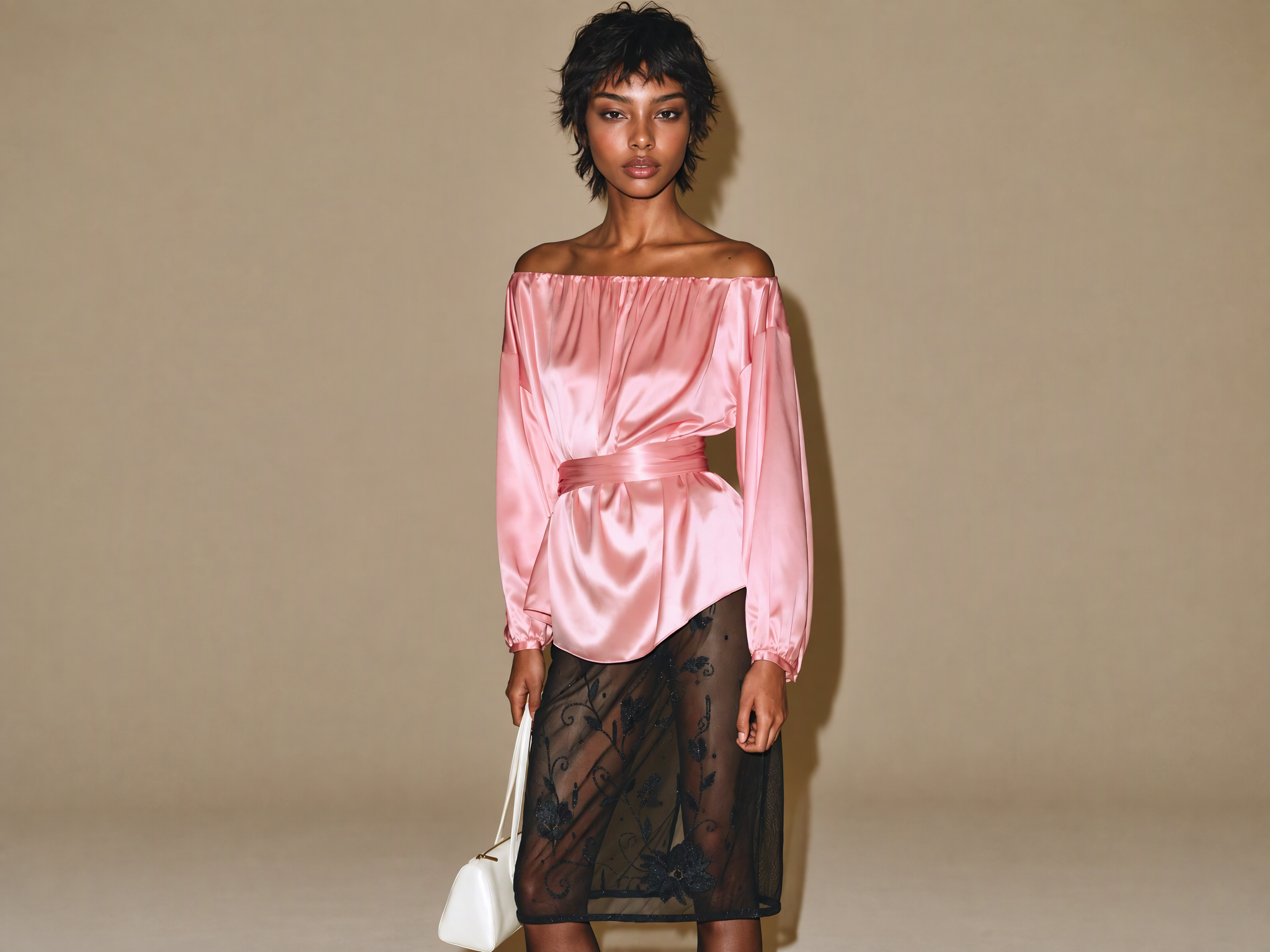
Enhancing multiple product photos or AI model images one by one adds unnecessary work. Koozee supports batch enhancement of up to 30 images at once, allowing multiple visuals to go through the same enhancement workflow. Whether you're preparing new product listings, organizing supplier photos, or creating marketing assets, process images more efficiently with fewer repetitive steps.
Make Blurry Images Clearer and Product Visuals More Professional
Basic sharpening can make image edges more pronounced without necessarily improving overall detail quality. Koozee uses AI image enhancement to optimize textures, edges, and fine details while improving the overall appearance, helping product and fashion images look clearer and more natural.
Product photos need clear fabric textures, prints, and product details, while model images require attention to facial features, hair, and skin texture. Koozee offers different enhancement modes to optimize different image types, helping you improve product visuals, AI model photos, and marketing assets.
Whether you're organizing supplier product photos or preparing marketing assets, there's no need to upload and enhance every image individually. Koozee supports batch enhancement of up to 30 images, helping you cut repetitive work and prepare visual assets faster.
How to Unblur an Image in 3 Simple Steps
Step 1: Upload Your Image
Select and upload a blurry product photo, fashion image, portrait, or any other image you want to improve.
Step 2: Choose an AI Enhancement Mode
Choose Ultra HD, HD, or Portrait based on your image. Koozee AI will optimize image clarity, textures, facial details, or overall image quality.
Step 3: Generate and Download Your Enhanced Image
Wait for AI to finish enhancing your image, then review the clarity and details of the result. Once you're satisfied, download it for product displays, brand marketing, or social media content.
FAQs
What does it mean to unblur an image?
How can I make a picture less blurry?
You can use an AI image enhancer to improve image clarity. Upload your blurry picture, choose an appropriate enhancement mode, and let AI optimize its edges, textures, and overall quality. With Koozee, select HD, Ultra HD, or Portrait based on your image type, review important details, and download the enhanced result.
Can Koozee fix blurry product photos?
Yes. E-commerce sellers and fashion brands can use it to enhance supplier photos, product catalog images, and marketing visuals. Results depend on the original image quality, so review important product details before use.
Does Koozee support batch image enhancement?
Yes. Koozee supports batch enhancement of up to 30 images at once. You can process multiple product photos, fashion images, or AI model visuals together instead of uploading and enhancing each image individually.
What is the difference between HD, Ultra HD, and Portrait modes?
HD focuses on improving overall image quality, sharpness, and color. Ultra HD emphasizes deeper detail reconstruction for images that need more texture and detail enhancement. Portrait focuses on facial features, skin texture, and hair details. Choose the mode that best matches your image and enhancement needs.
Make Blurry Images Clearer with AI Enhancement
Still struggling with blurry product photos, unclear clothing details, or low-quality AI model visuals? Use Koozee AI Image Enhancer to reduce blur and noise while improving textures, facial details, and overall image quality. With multiple enhancement modes and batch processing for up to 30 images, preparing better visual assets becomes easier and more efficient.