Pet Clothing Virtual Try-On Without Reshooting Every SKU
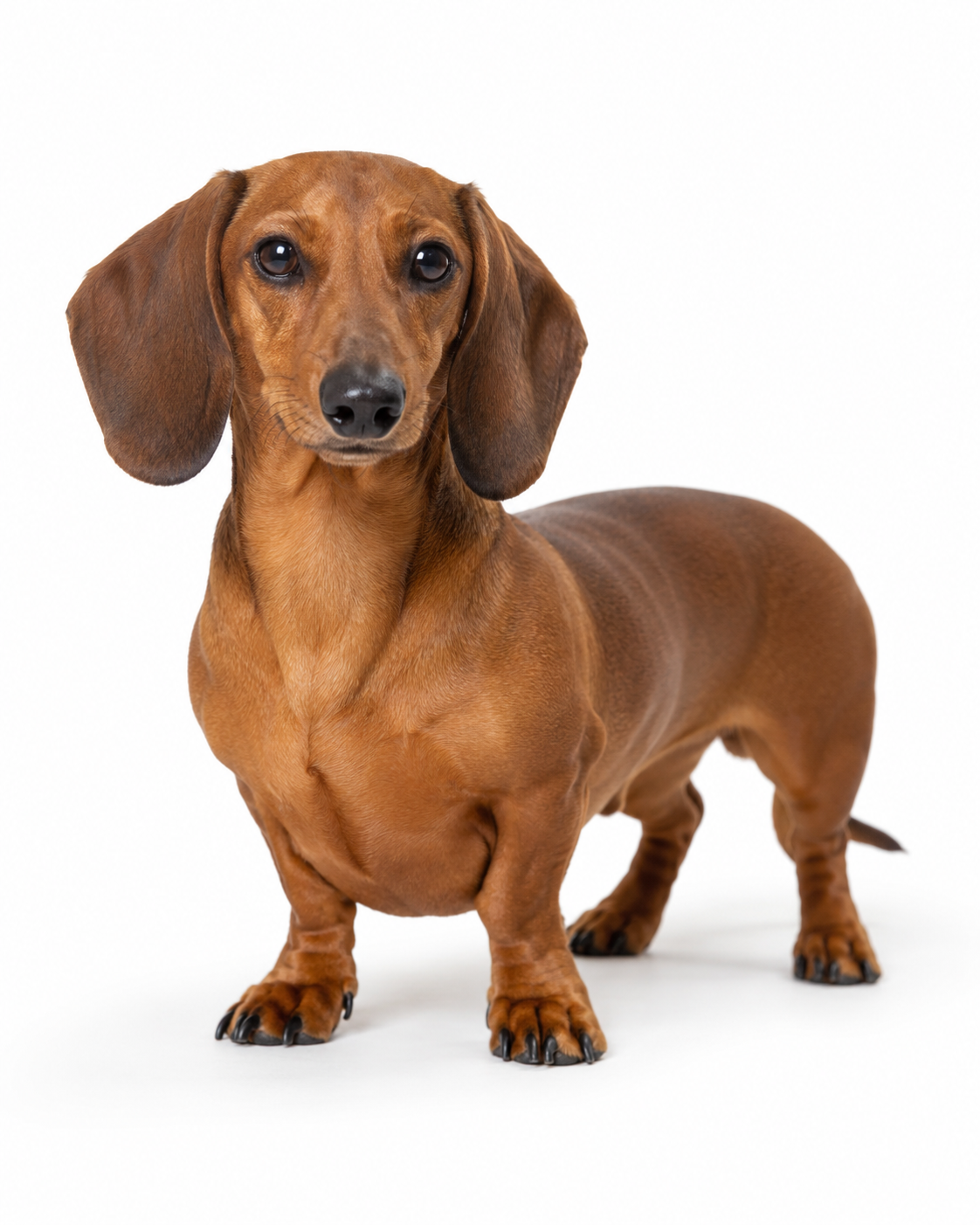
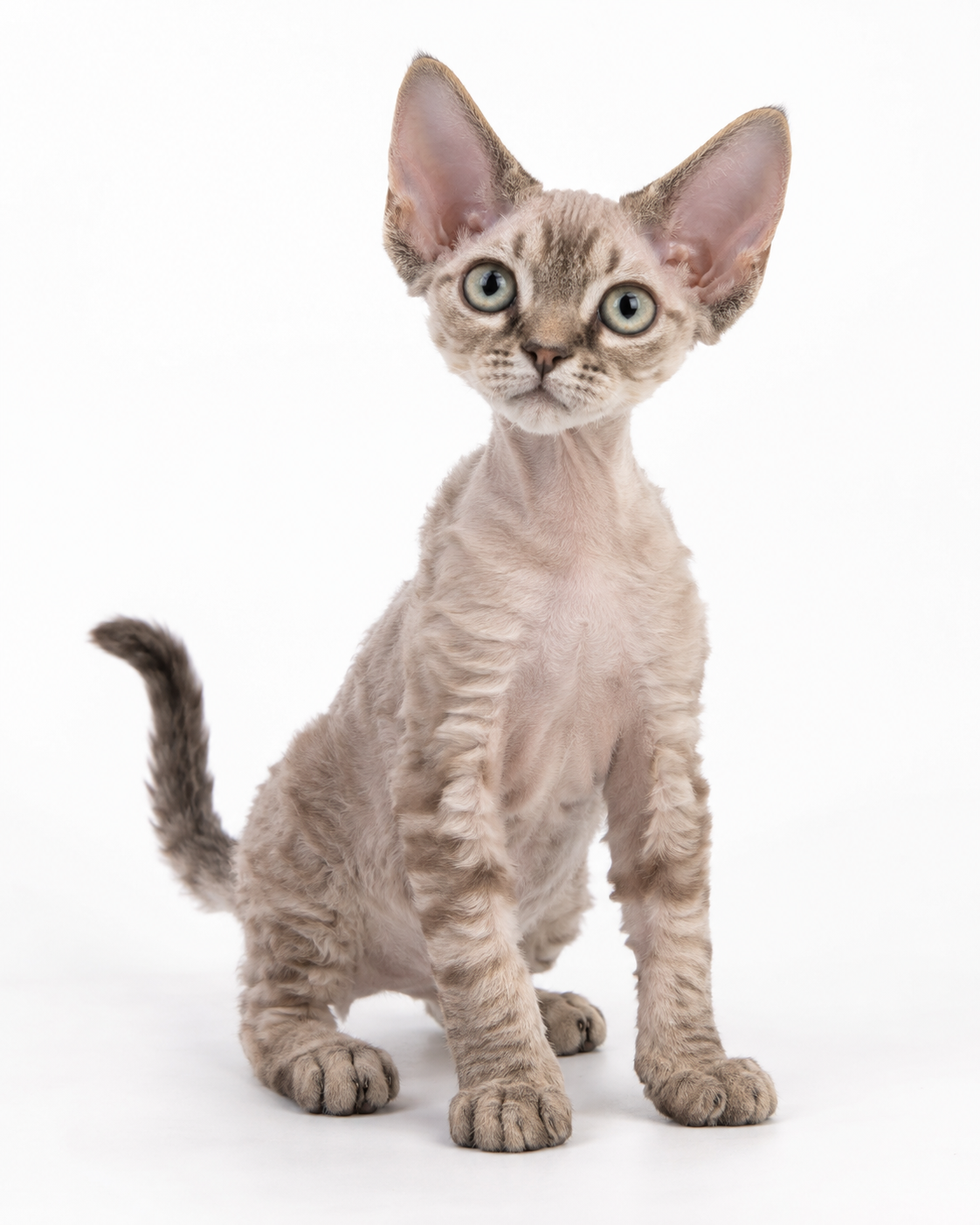
No image? Try one of these:
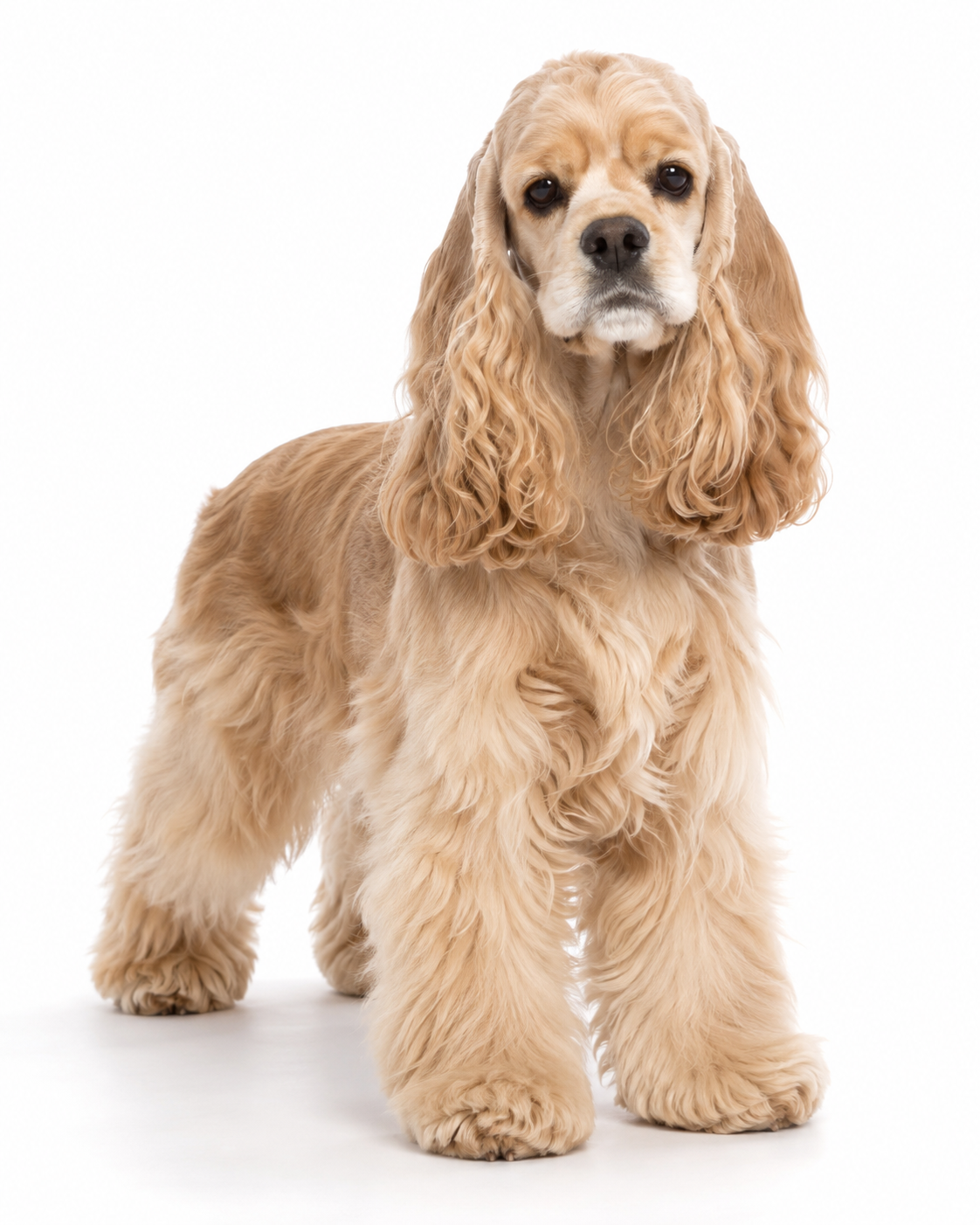
Launch More Pet Apparel Without Reshooting Every Product
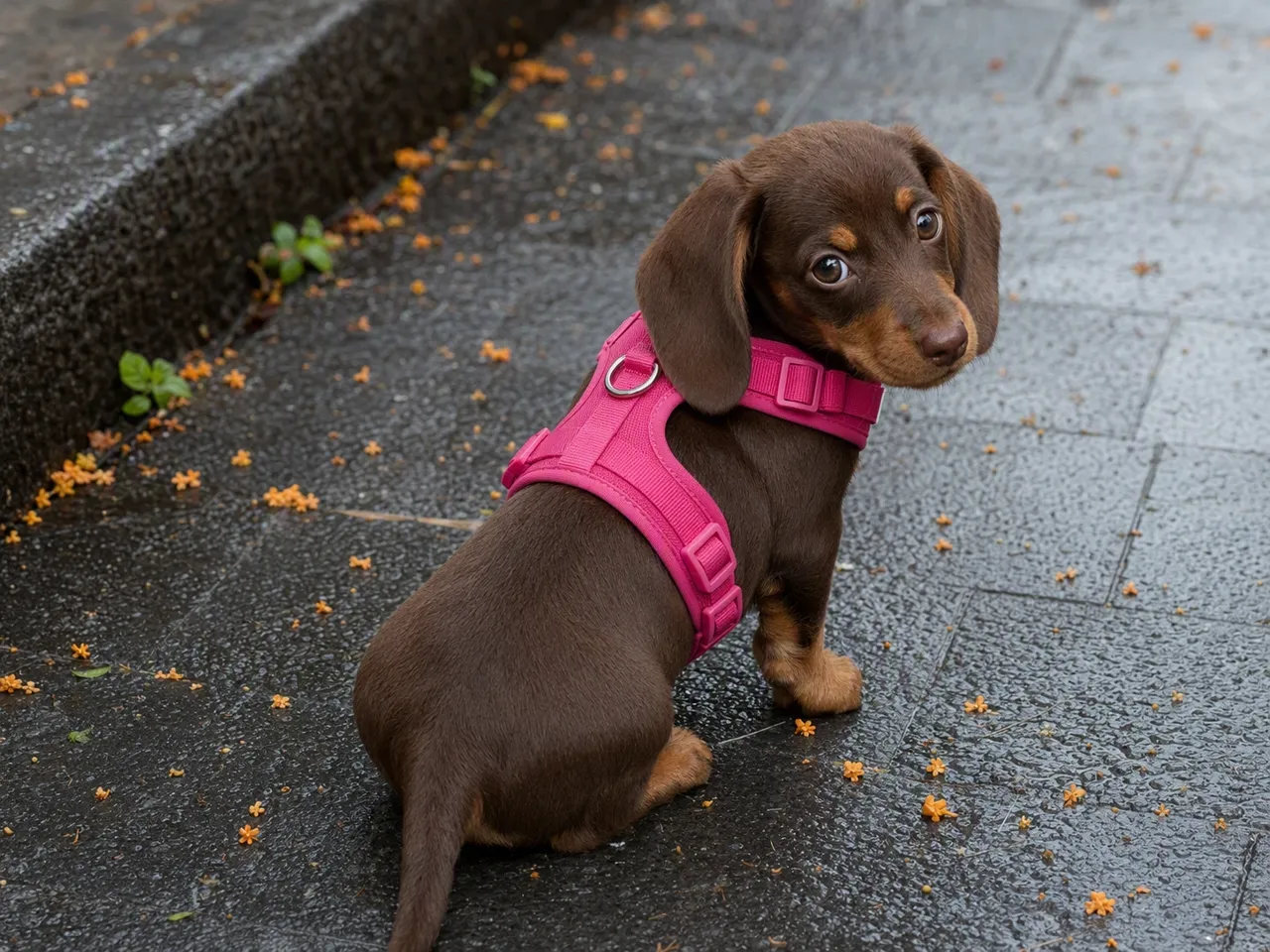
Add an On-Pet View Before the Next Shoot
White-background and flat-lay images often leave product pages without a clear on-pet view. Whether a brand focuses on dog and cat apparel or a more specialized pet niche, Koozee's virtual pet try-on feature can turn existing source images into an on-pet reference earlier in the launch process, giving merchandising and marketing teams something concrete to review.
From Pet Try-On to Product Pages, Posters, and Video
Turn Product Photos into On-Pet Images
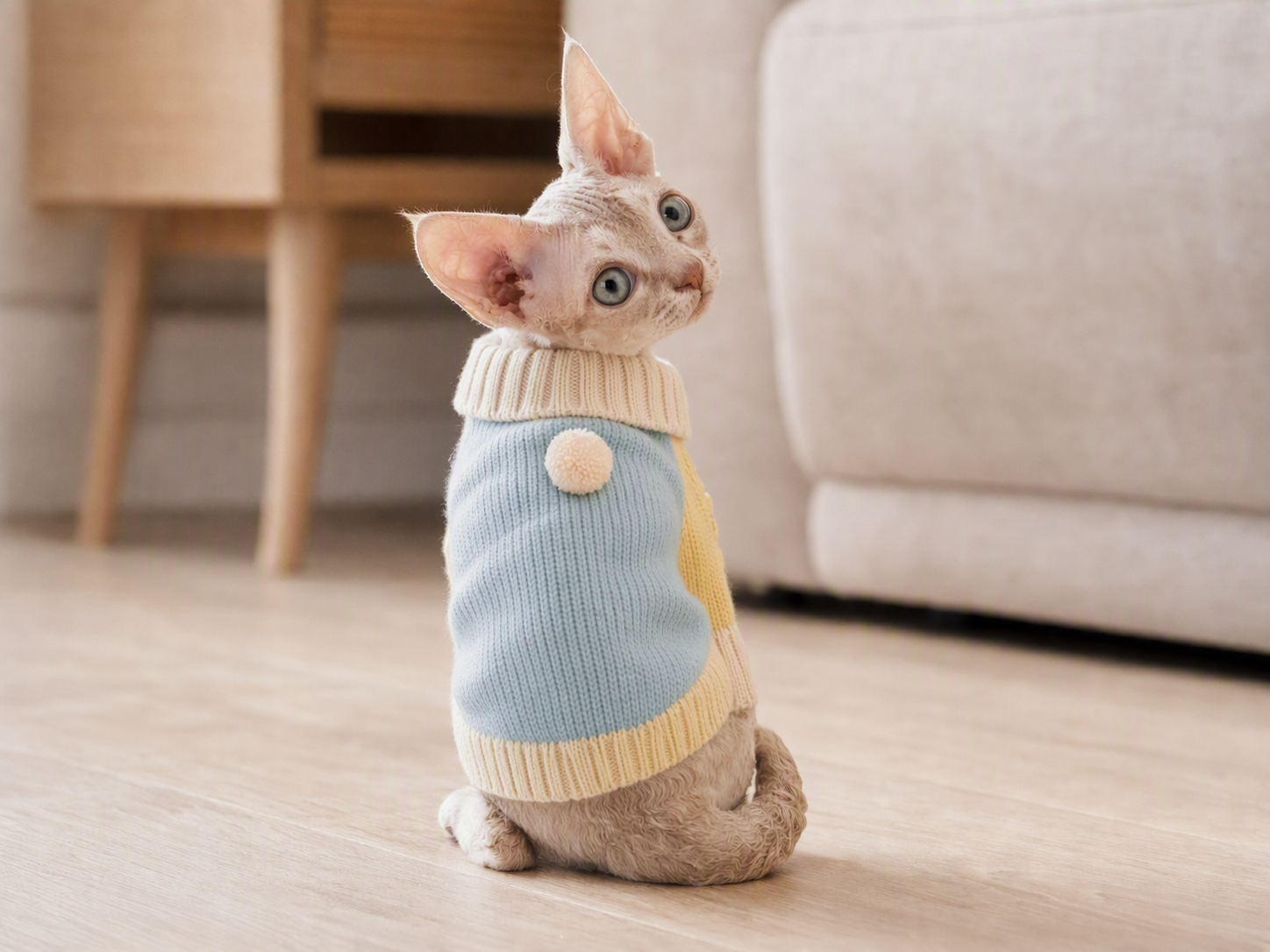
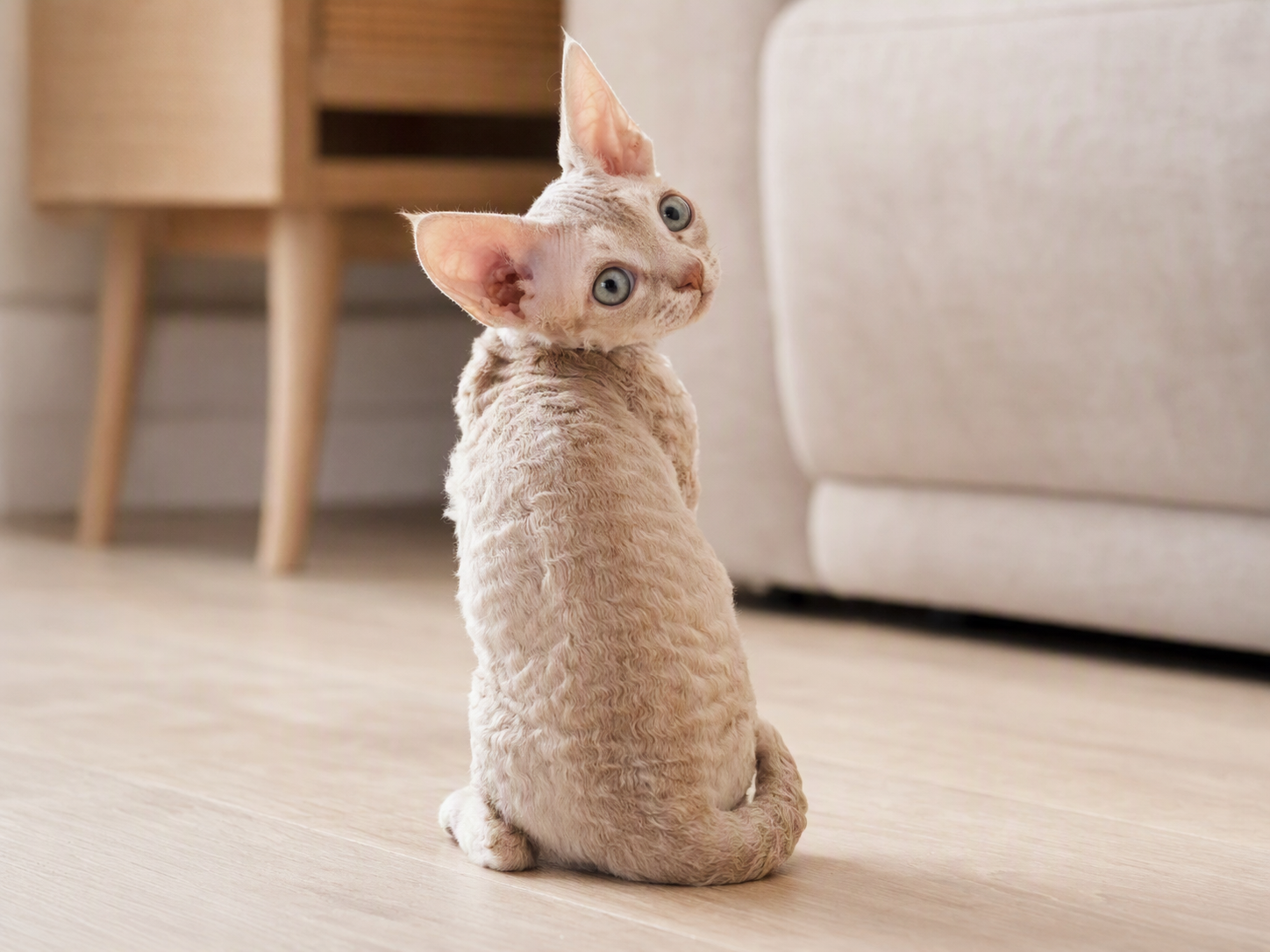
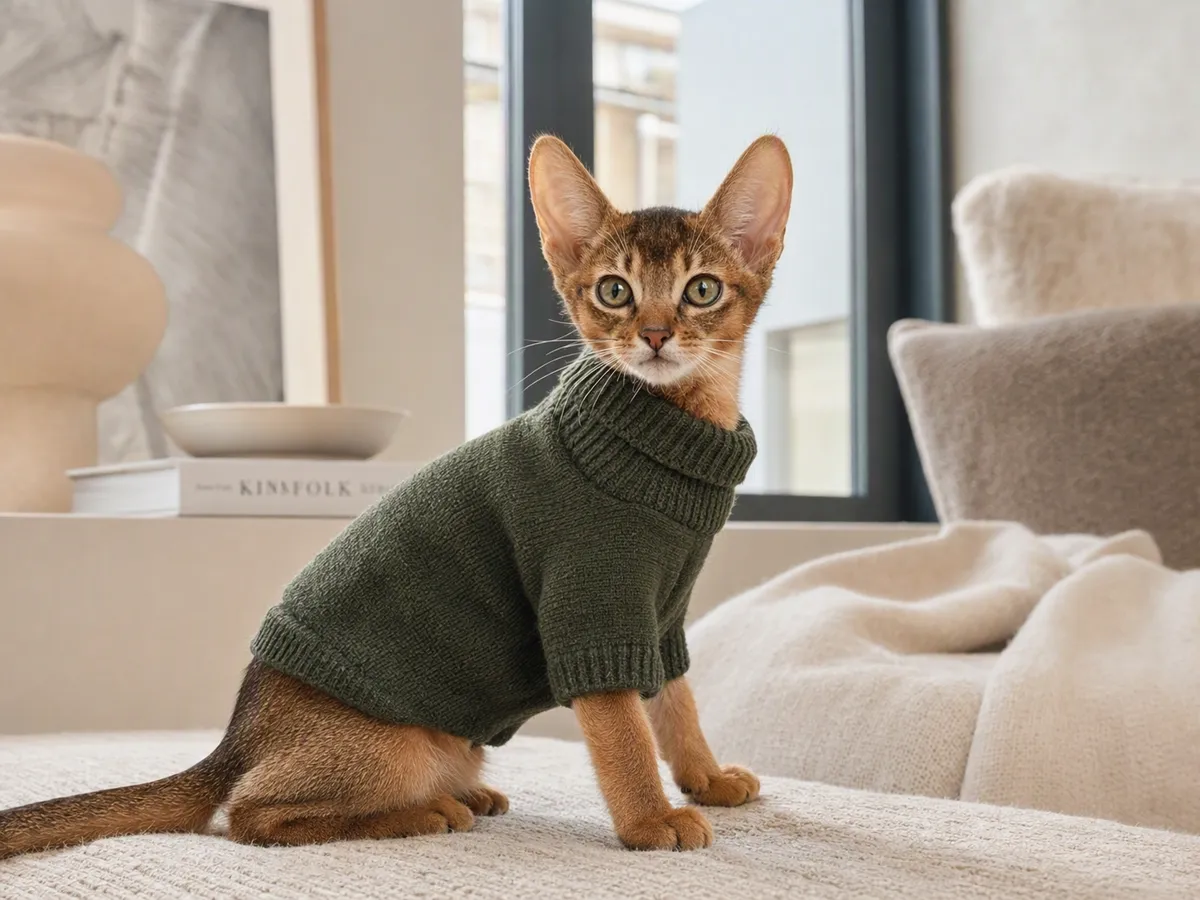
Upload a pet photo and the real pet apparel product image. Koozee's pet clothing virtual try-on feature combines the two references into a static on-pet product image—without manual cutouts, product repositioning, or building a long prompt from scratch. Use it as a clear merchandising reference and a starting point for the rest of your product content.
Preserve Pet Identity and Key Garment Details
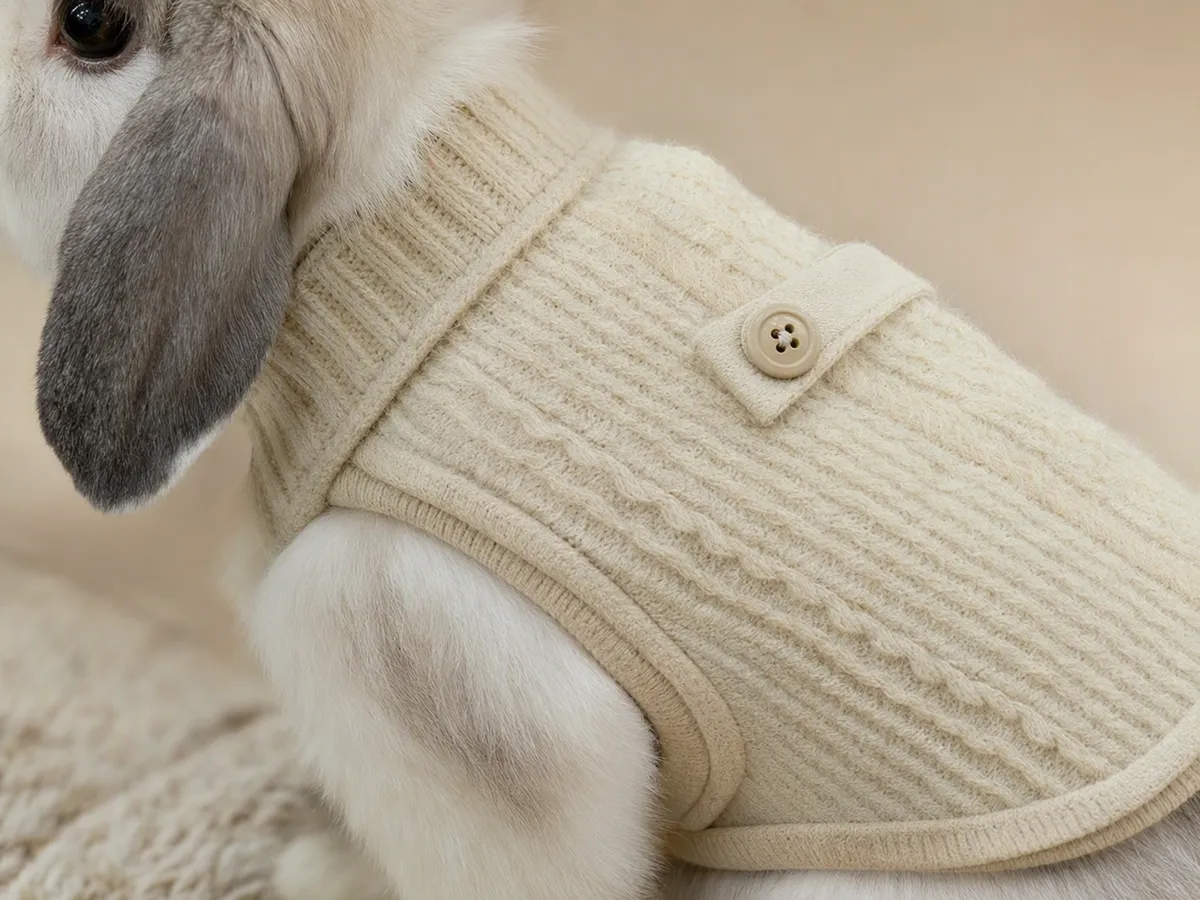
A try-on loses its value if the pet no longer looks familiar—or the garment no longer looks like the SKU you're selling. Koozee's virtual try-on feature uses both source images to help retain recognizable pet traits alongside key product cues such as color, pattern, texture, silhouette, and trims.
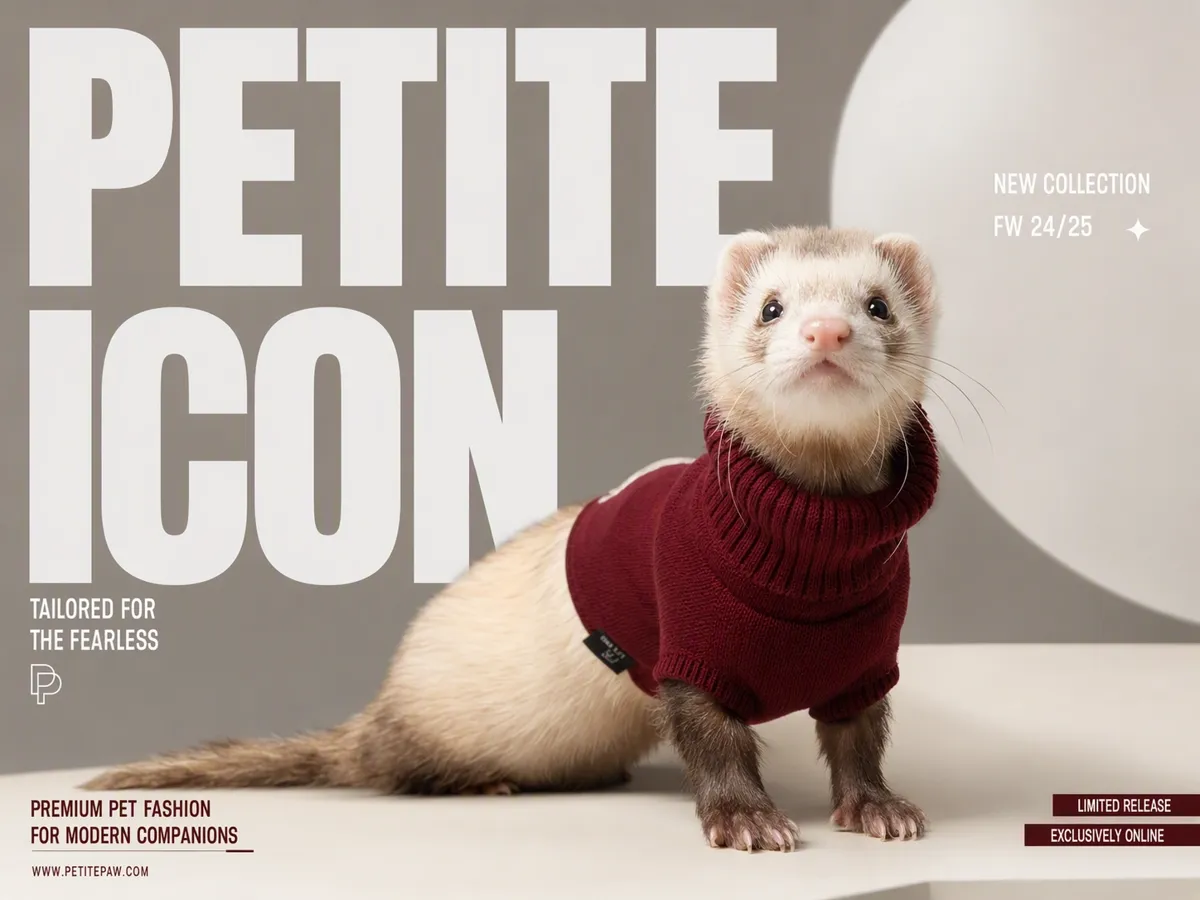
Turn the Try-On into More Selling Content
The try-on does not have to be the final asset. Once a result is reviewed, this virtual try-on workflow can continue on the same page into campaign posters, product-detail visuals, and marketing video content—reducing the need to export files and rebuild the same product story across separate tools.
Why Pet Apparel Brands Choose Koozee

Pet shoots depend on the animal's mood, pose, location, and production schedule. Rebooking an entire shoot just to add one basic on-pet view is not always efficient. Koozee's virtual pet try-on feature can create a merchandising reference from existing assets so product pages, internal review, and launch preparation do not have to wait for the next shoot.

One pet photo and one product image should do more than create a single try-on. Reuse an approved result across PDP visuals, campaign posters, and marketing videos so the same source assets support more channels without another round of briefing, shooting, and rebuilding.

As pet apparel brands move beyond mainstream dog and cat audiences, finding the right animal models and organizing new shoots gets harder. Parrots, geckos, Dutch rabbits, and other niche pets can open up new merchandising and content opportunities. Koozee's virtual try-on feature lets teams explore these long-tail pet-and-product combinations with existing assets first, before investing in additional production.
Create a Pet Clothing Virtual Try-On in 3 Steps
Upload a Pet Photo
Choose a photo with the pet clearly visible and the clothing area unobstructed. Whether it is a cat, dog, or a less common pet, a clear face, coat, markings, and body silhouette make the final result easier to review.
Upload the Product Image
Use a clear product image that shows the full garment, visible edges, pattern, and texture. Avoid blocking the neckline, sleeves, silhouette, or major trims so the generated result can be reviewed against the real item.
Generate, Then Keep Creating
Generate the static on-pet visual with Koozee's pet clothing virtual try-on feature, then check that the pet remains recognizable and compare the clothing color, pattern, texture, and silhouette with the product image. Once the result is worth keeping, continue on the same page into PDP visuals, campaign posters, and marketing video.
FAQs
What is an AI pet clothes changer or pet clothing virtual try-on?
How do I put my own pet clothing product on a pet photo?
Upload a pet photo and the matching pet clothing product image, then use Koozee's virtual pet try-on feature to create the on-pet visual. For easier review, keep the pet and target clothing area clearly visible and use a product image with minimal obstruction.
What types of pets can I use for virtual pet clothing try-on?
Koozee's pet apparel try-on feature can create clothing visuals for a range of common pets and selected exotic-pet scenarios, including cats and dogs, rabbits, birds, and some reptiles.
Can pet clothing virtual try-on predict size or physical fit?
No. This virtual try-on feature provides a static visual reference only. It does not measure the pet, recommend a size, or determine tightness, mobility, or comfort. Real sizing decisions should still rely on the brand's size chart, measurements, and product guidance.
What can I create after generating a pet clothing try-on?
After reviewing the try-on result, this workflow can continue on the same page into campaign posters, PDP visuals, and marketing video content—turning one on-pet image into a starting point for the rest of the product story.
Got the Product Image? Take It from Try-On to Launch
Do not schedule another pet shoot just to add one more product view. Upload your pet photo and real product image, create the first on-pet visual with Koozee's virtual try-on feature, then turn the results you like into PDP assets, campaign posters, and marketing videos. Start with the free experience currently available on the page.
How Pet Apparel Teams Use Try-On Visuals for Launches and Marketing
From product launches to social campaigns, the useful outcome is not simply another AI image. Teams care about seeing the real product on-pet sooner and getting more marketing value from the results that work.
“I can review how a new product looks on-pet before the next shoot is even booked.”
We launch a lot of new styles each season, and arranging a new pet, outfit setup, and shoot for every SKU slows the content calendar. We now use Koozee's virtual try-on feature to create an on-pet reference first, review the direction, and then decide which products need a full shoot and which can move into product-page or campaign planning.
“One try-on can keep working across PDPs, posters, and video.”
Seasonal campaigns and everyday social posts constantly need fresh visuals. Instead of starting from scratch for every channel, we use Koozee's virtual pet try-on feature to settle on the pet-and-product combination first, then extend the strongest result into campaign posters, PDP assets, and marketing video.
“Seeing the outfit direction first makes creative decisions much easier.”
Before a shoot, we used to spend a lot of time debating which outfit belonged with which pet and which pairing matched the campaign idea. A few references from Koozee's pet apparel try-on feature turn that abstract conversation into something visual, making it easier to select a direction and plan the poster or video work that follows.