Launch More Pantyhose SKUs with AI Virtual Try-On
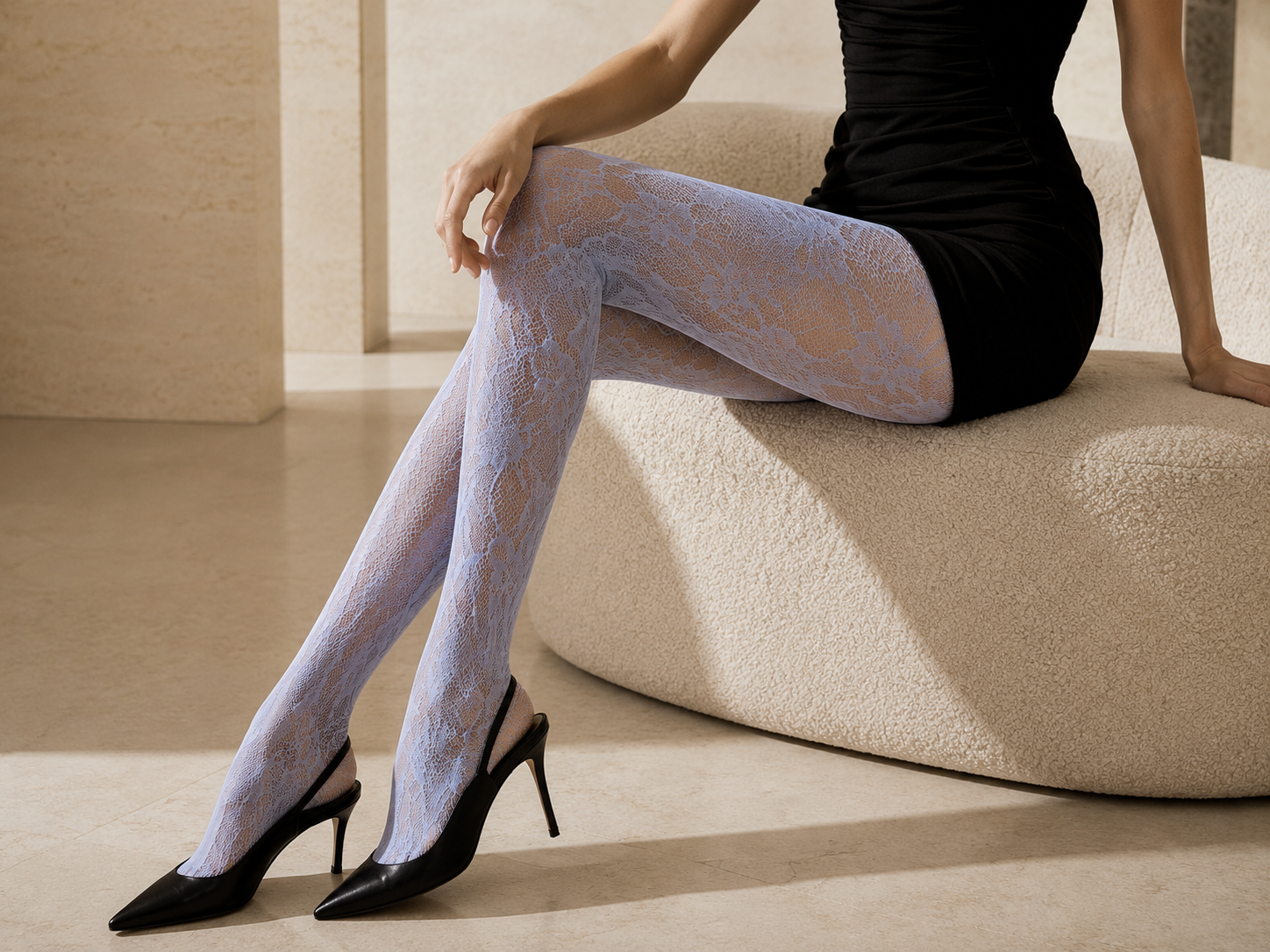
Upload one model photo and one real pantyhose product image. Koozee creates natural-looking on-model pantyhose images that show the sheerness, lace, mesh, shine, and patterns details shoppers compare, so you can prepare visuals for more SKUs without booking another model shoot.
Clothes
Select clothing area
Model
No sign up required, totally free
For Pantyhose Teams That Need More Pantyhose Product Images
Launch New SKUs Without Waiting for Another Shoot
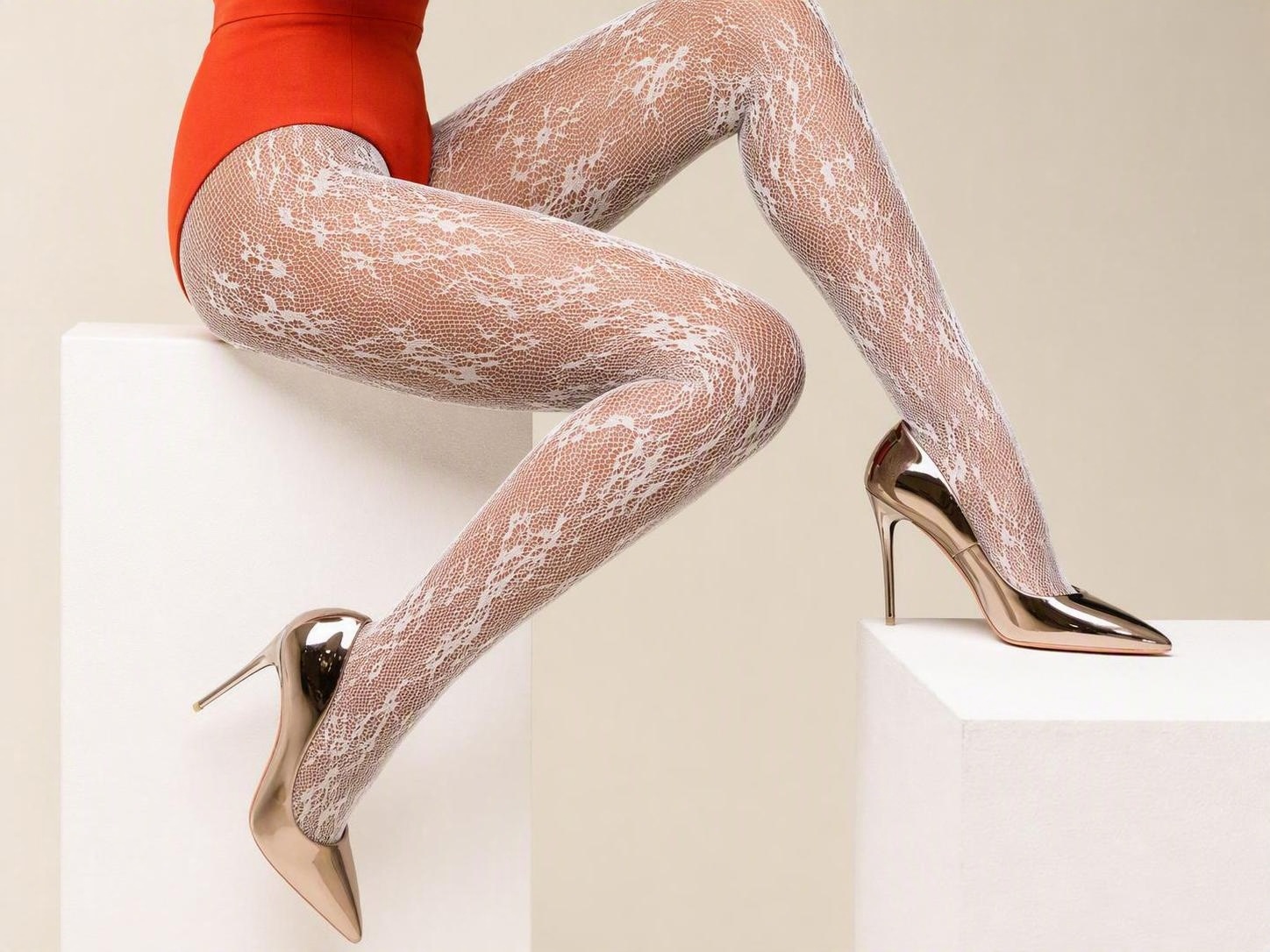
Reshooting every new color, pattern, length, or level of sheerness adds cost and slows the launch. With Koozee’s AI try-on tool, you can reuse the same model photo, switch the product image, and create an on-model visual for each SKU. Use the results as candidate main images, product-page visuals, or marketing assets.
Make Every Pantyhose SKU Easier to See and Compare
Show More SKUs Without More Basic Shoots
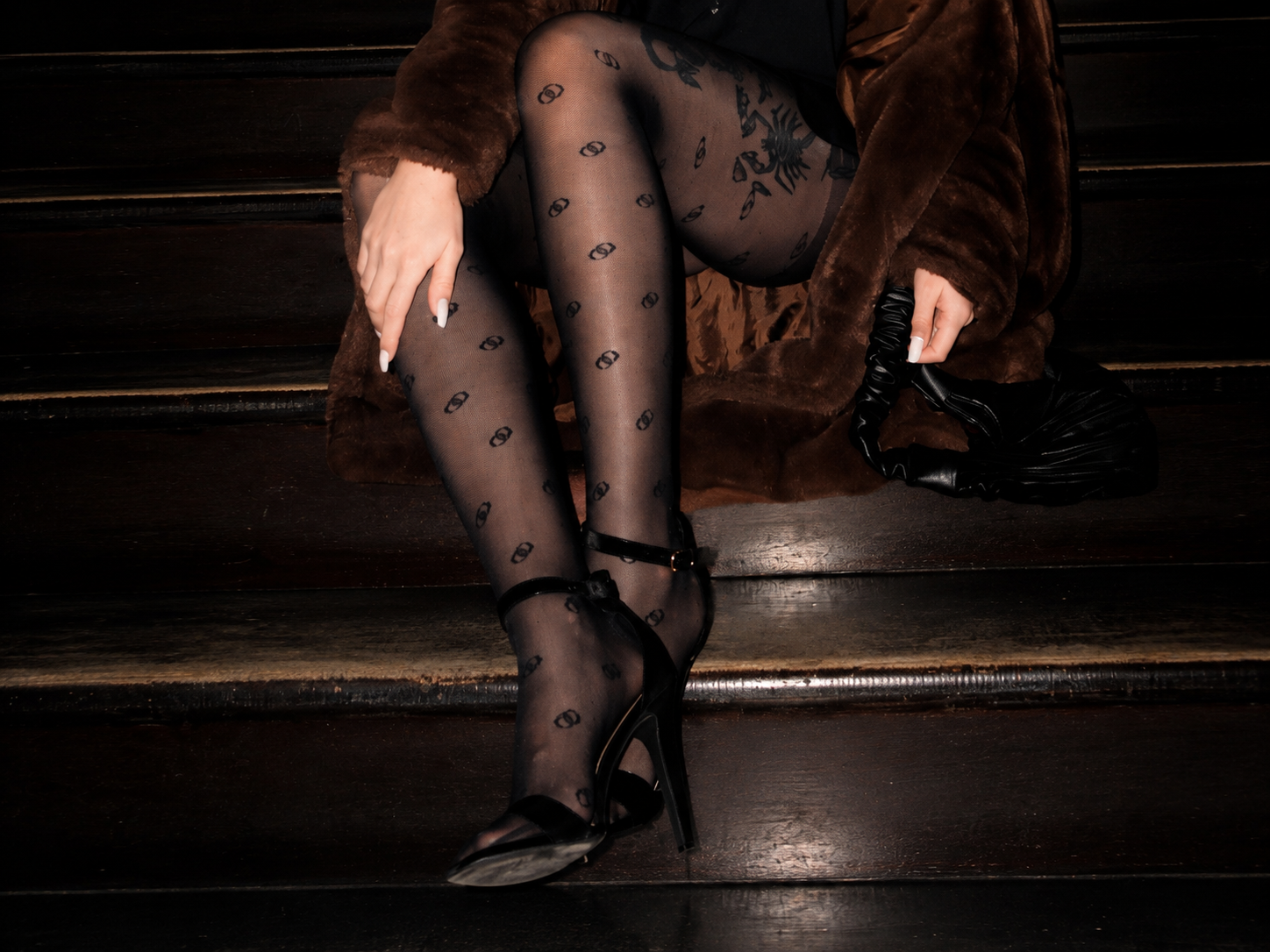
Booking a basic shoot for every new color, length, pattern, or style quickly raises the cost of each SKU. Keep the model photo, switch the pantyhose product image, and create a separate on-model preview for each item. This helps brands, factories, and wholesalers prepare more SKU visuals.
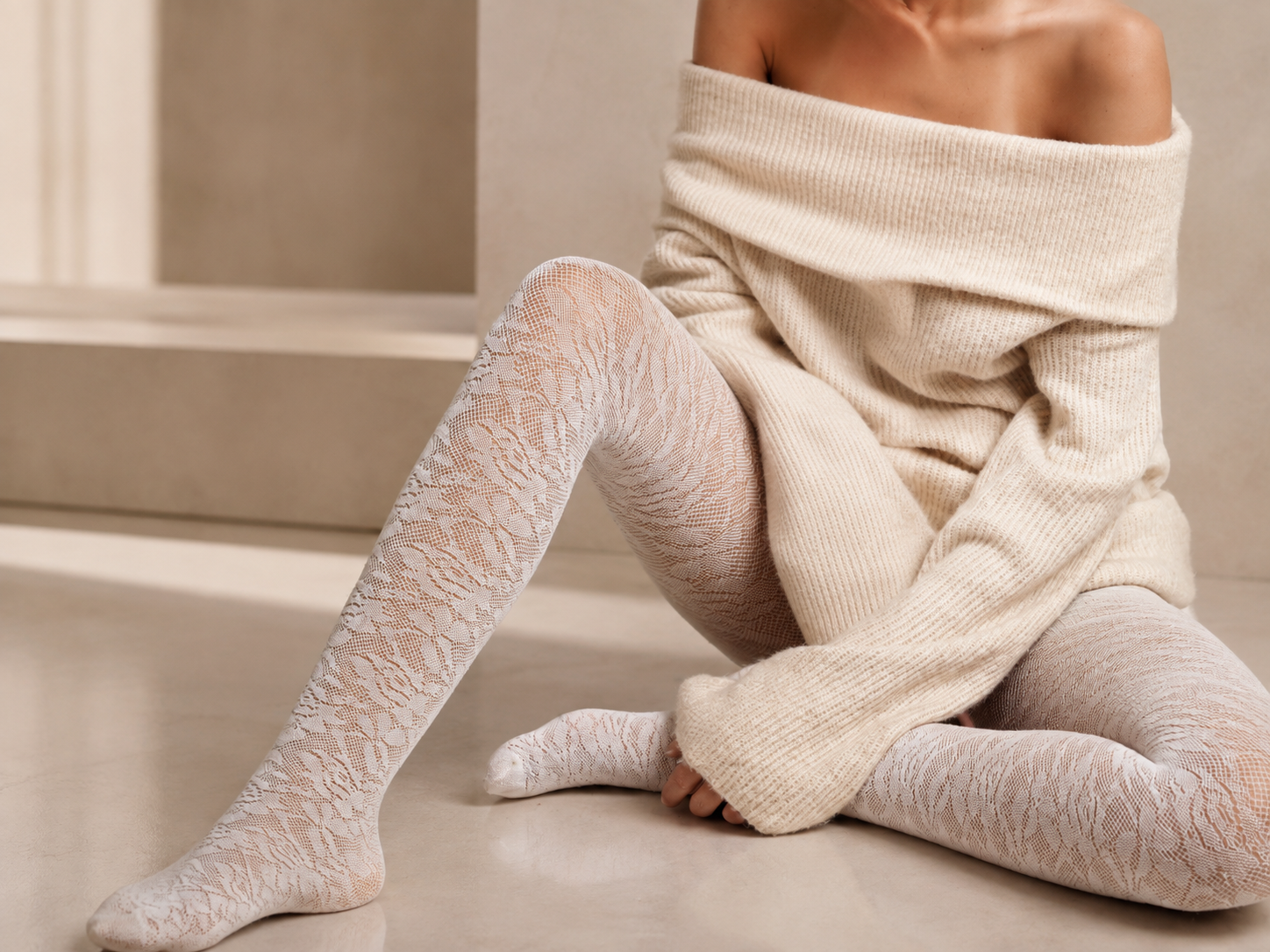
Make Lace, Mesh, and Sheerness Easier to See
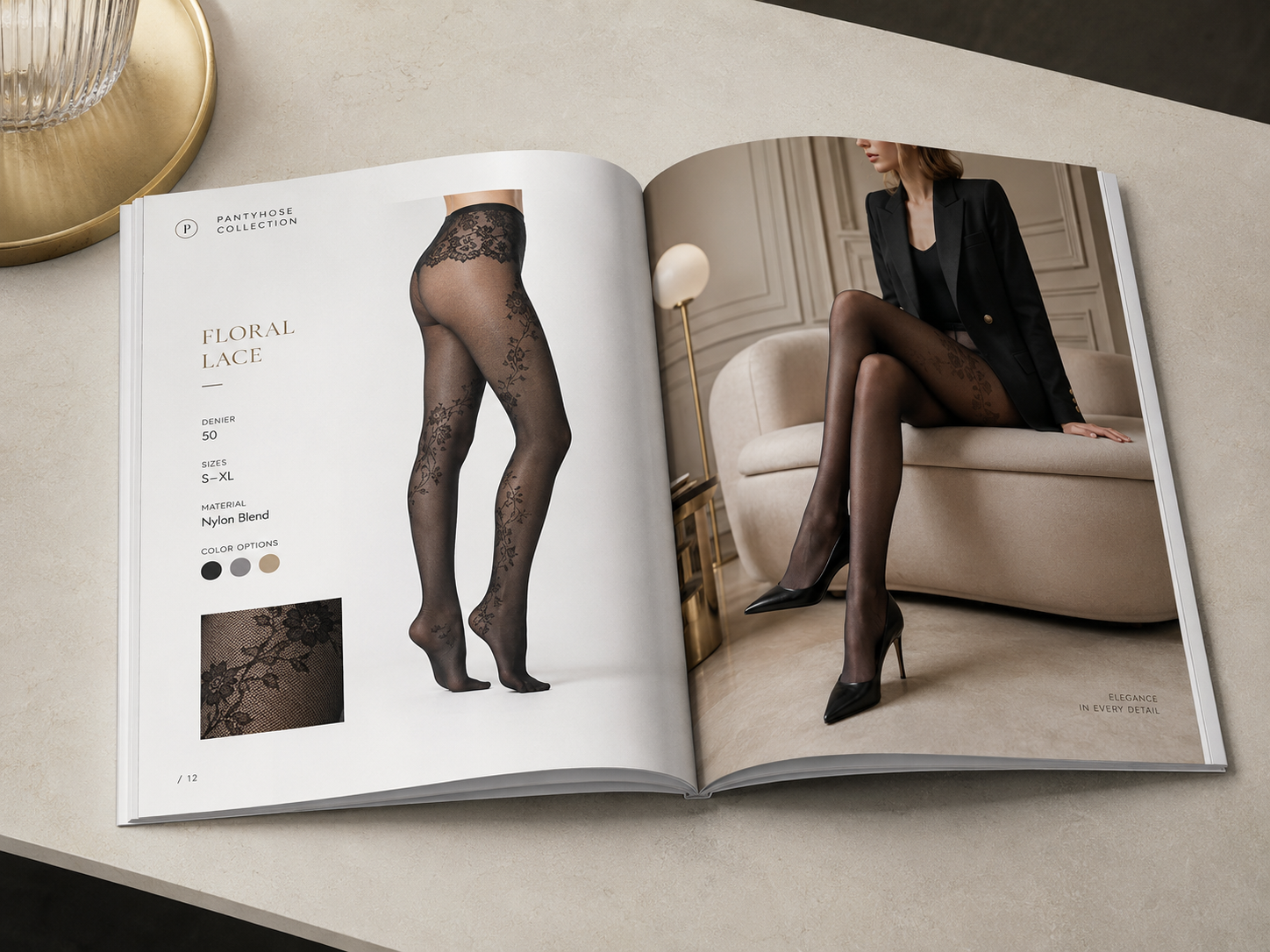
Small material differences often shape the buying decision, yet a flat product image cannot fully show how lace, mesh density, sheen, sheerness, waistband, and pattern look on a leg. Koozee starts with your real product image and is designed to retain visible details while blending them with the model’s leg, lighting, and folds.
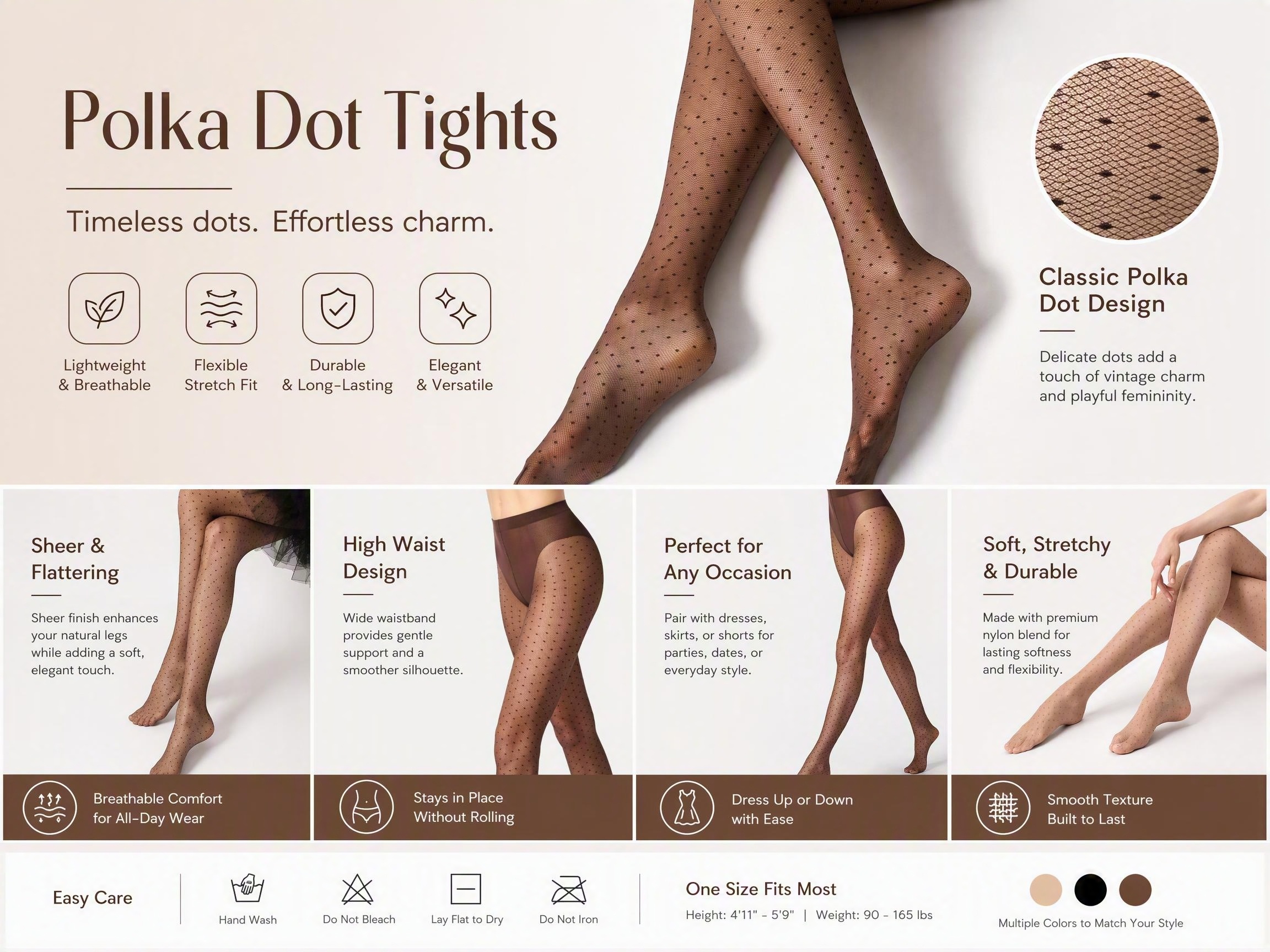
Get More Value from Every Pantyhose Try-On
Product pages, ads, and social posts often need different models, settings, and formats. After creating the base try-on, use other Koozee tools to switch the model or scene and create product-page graphics, posters, ads, social posts, and product videos from the same product image.
Why Pantyhose Sellers Choose Koozee?

Pantyhose shoppers compare sheerness, lace, mesh, shine, color, patterns, and waistband design. Koozee starts with the real product image and is designed to carry those visible details into the on-model result.

Use the same pantyhose product image with different models and scenes for new markets, seasons, campaigns, and audiences. You do not need to repeat the same basic shoot each time the visual direction changes.

Koozee does not stop at one try-on image. An product image can continue into product pages, posters, ads, social posts, and product videos, making every SKU support more content without starting from scratch.
Create an On-Model Pantyhose Image in 3 Steps
Upload a Model Photo
Choose a model photo with the legs and target wearing area clearly visible, even lighting, and minimal obstruction.
Upload a Pantyhose Product Image
Choose a complete product image with clear color and texture. For lace, mesh, reflective, printed, or highly sheer products, use a sharper image with a simple background.
Create the On-Model Image
Koozee places the pantyhose on the model and carries over visible details such as color, sheerness, shine, lace, mesh, patterns, and waistband design to create a clear on-model product visual.
FAQ
What is pantyhose virtual try on?
What images do I need for an AI pantyhose try-on?
You need one model photo with the legs and target area clearly visible, plus one complete pantyhose product image with clear color and texture. Use even lighting and minimal obstruction when possible.
Can Koozee retain lace, mesh, sheen, and sheerness?
Koozee starts with the real product image and is designed to show visible lace, mesh, sheen, sheerness, color layers, patterns, waistband, and length.
Can the result determine real size, tightness, pressure, or comfort?
No. The result is a static visual reference only. It does not recommend sizes, measure stretch or tightness, calculate pressure, predict rolling, assess comfort, or simulate real fabric physics.
Can I create multiple SKUs, switch models or scenes, and make more e-commerce content?
You can switch product images to create on-model visuals for individual SKUs. After that, use other Koozee tools to change the model or scene and create product-page graphics, ads, posters, social posts, and product videos.
Turn Your Product Image into an On-Model Pantyhose Visual
Every extra model shoot adds time and cost. Use the images you already have to create your first clear on-model pantyhose visual.