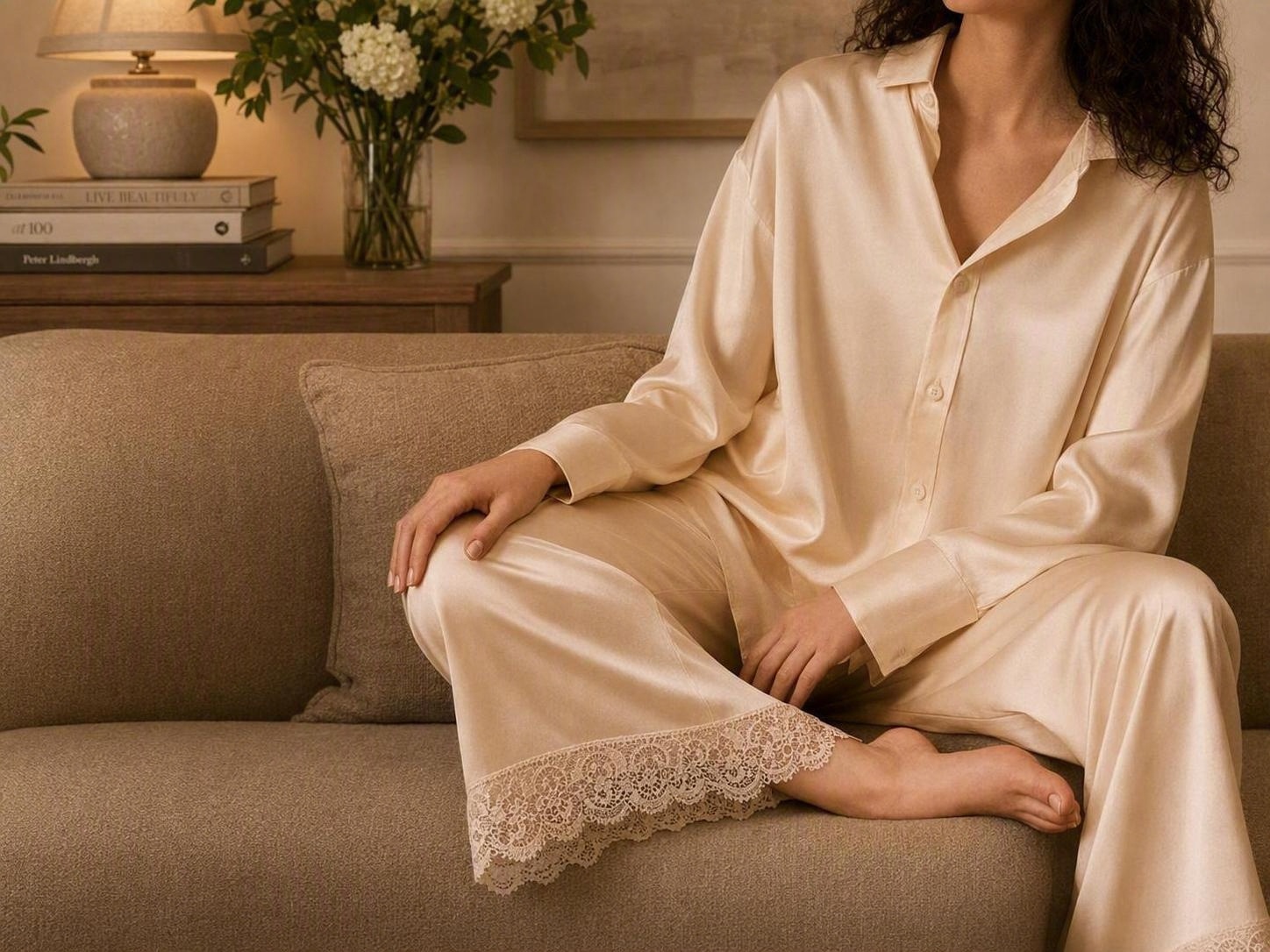
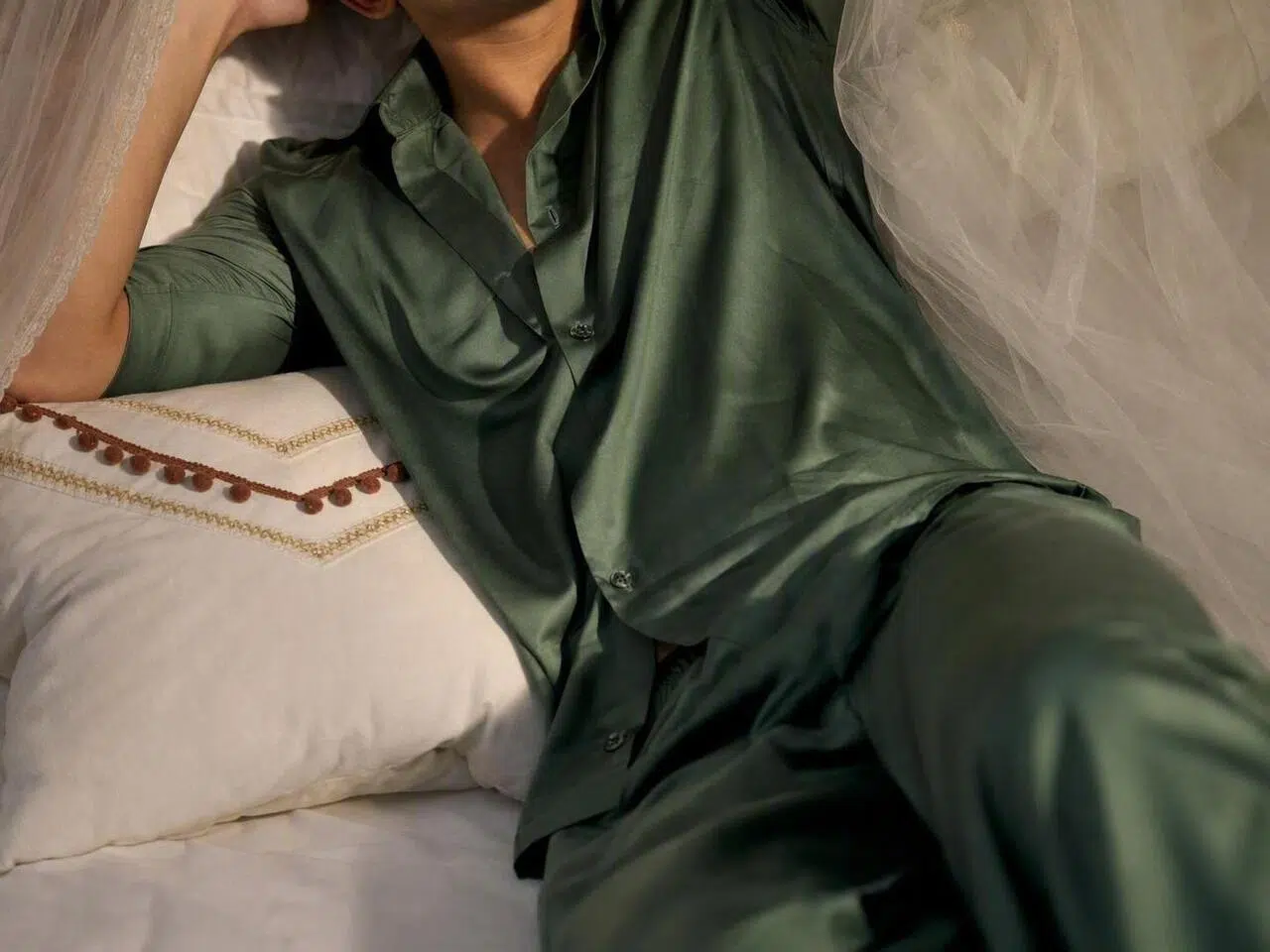
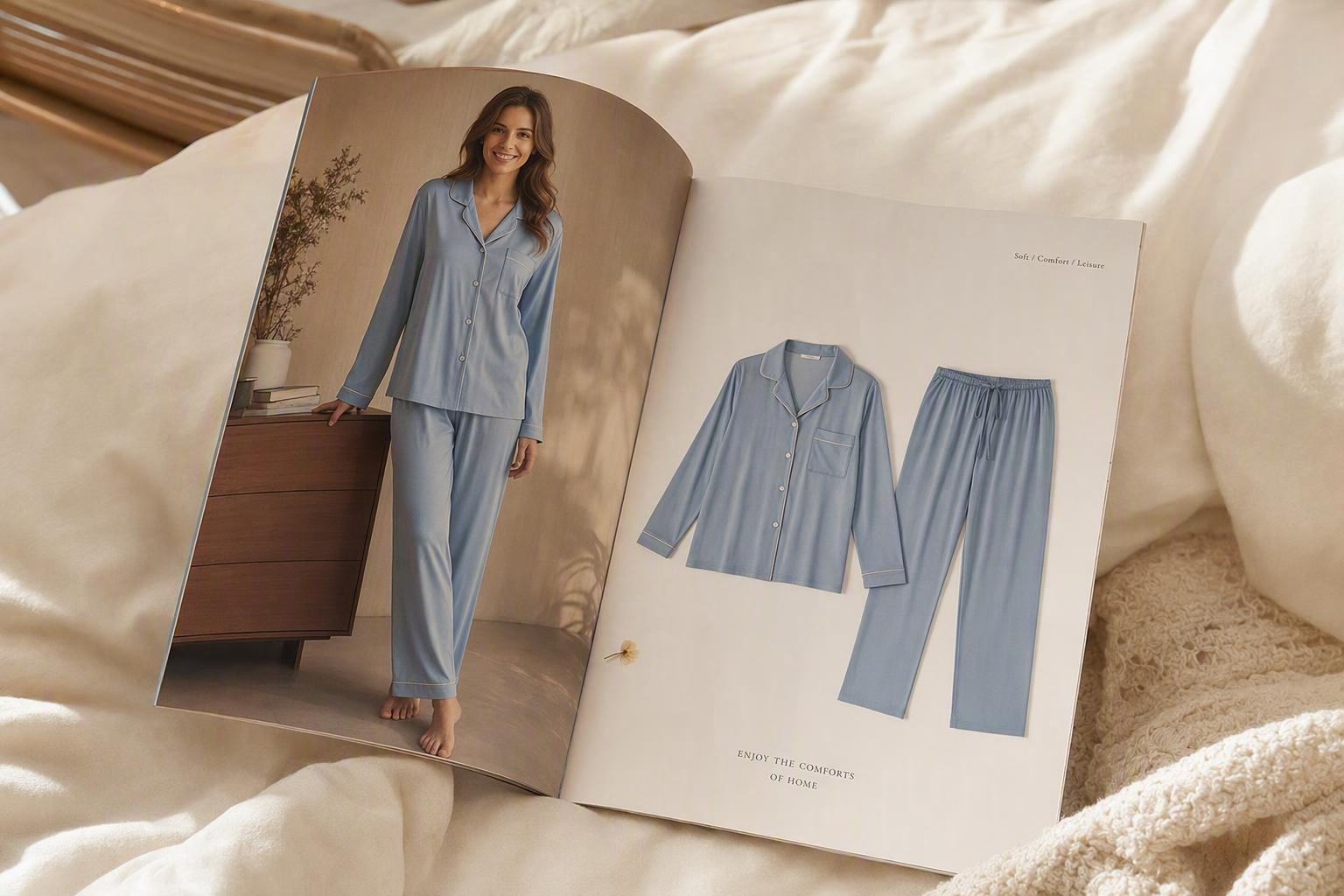
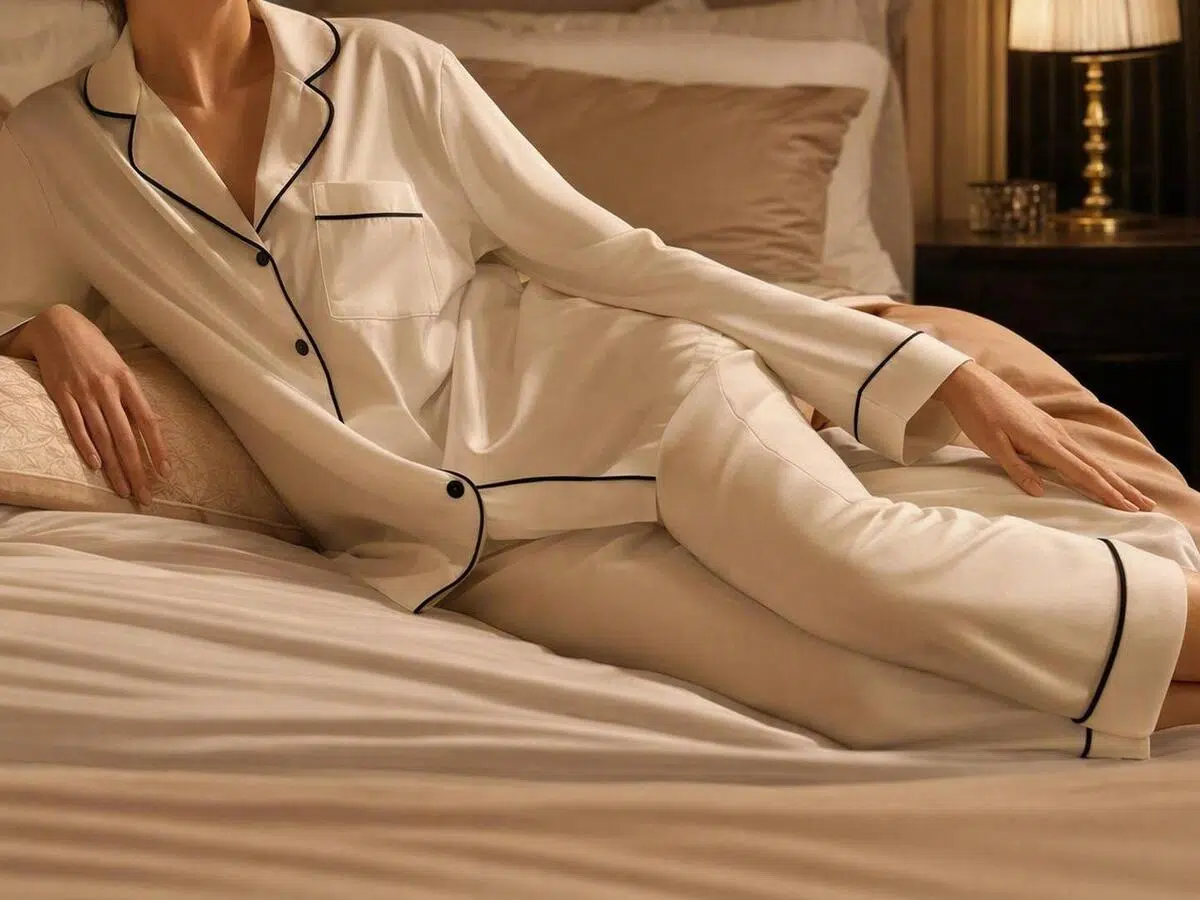
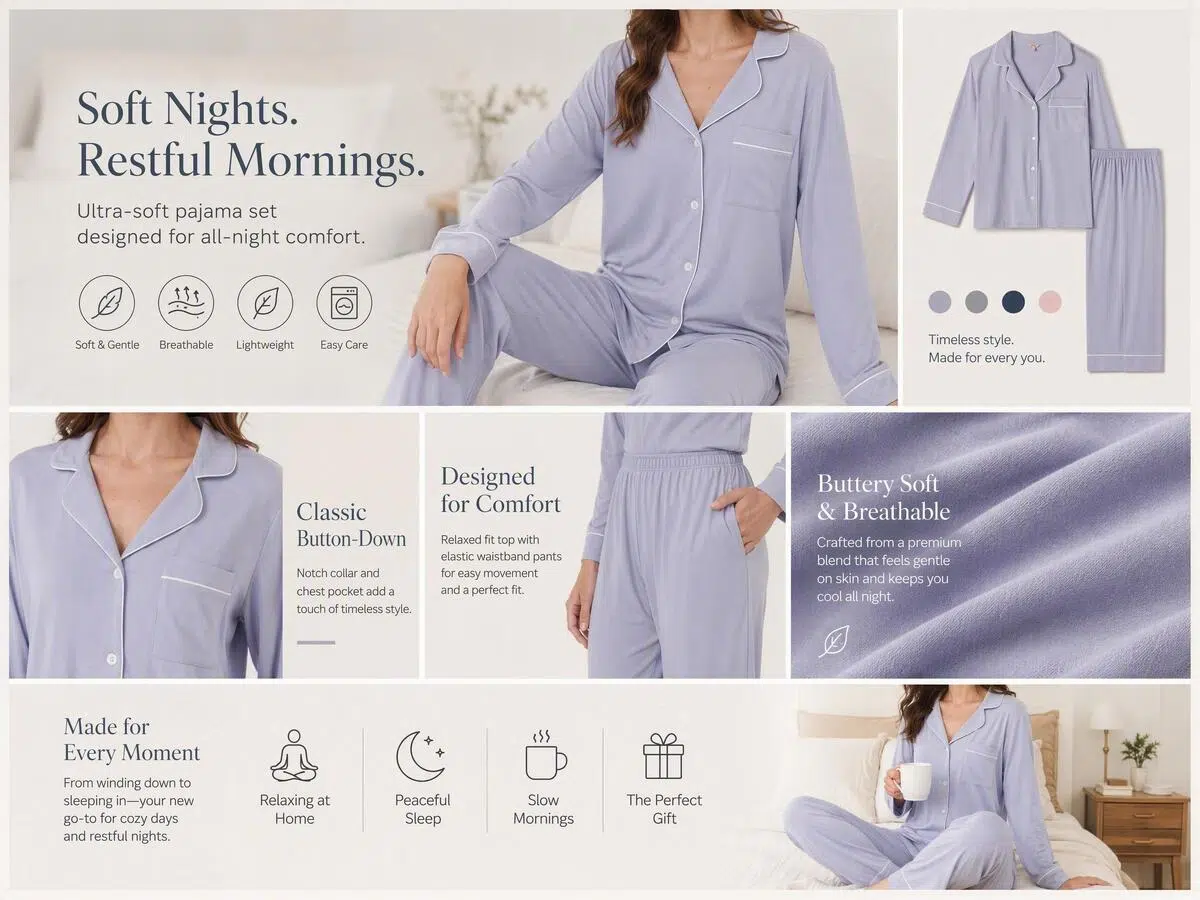
Flat lays make it hard for shoppers to see the silhouette and fabric details. Upload a pajama product photo and a model image to create a natural-looking on-model visual that brings lace, texture, sheen, and drape into view, so your product page is ready sooner.
Clothes
Select clothing area
Model
No sign up required, totally free


Flat lays make it hard for shoppers to see garment length, silhouette, and fabric behavior. Use your existing pajama and model photos to create an on-model reference that makes the new listing easier to understand and the next marketing asset easier to prepare.

A model shoot and retouching schedule should not hold back a finished product. Upload the pajama image and your chosen model photo, and Koozee creates a static on-model visual without complex prompts, cutouts, resizing, or repeated manual placement—helping you prepare more pajama model images faster.

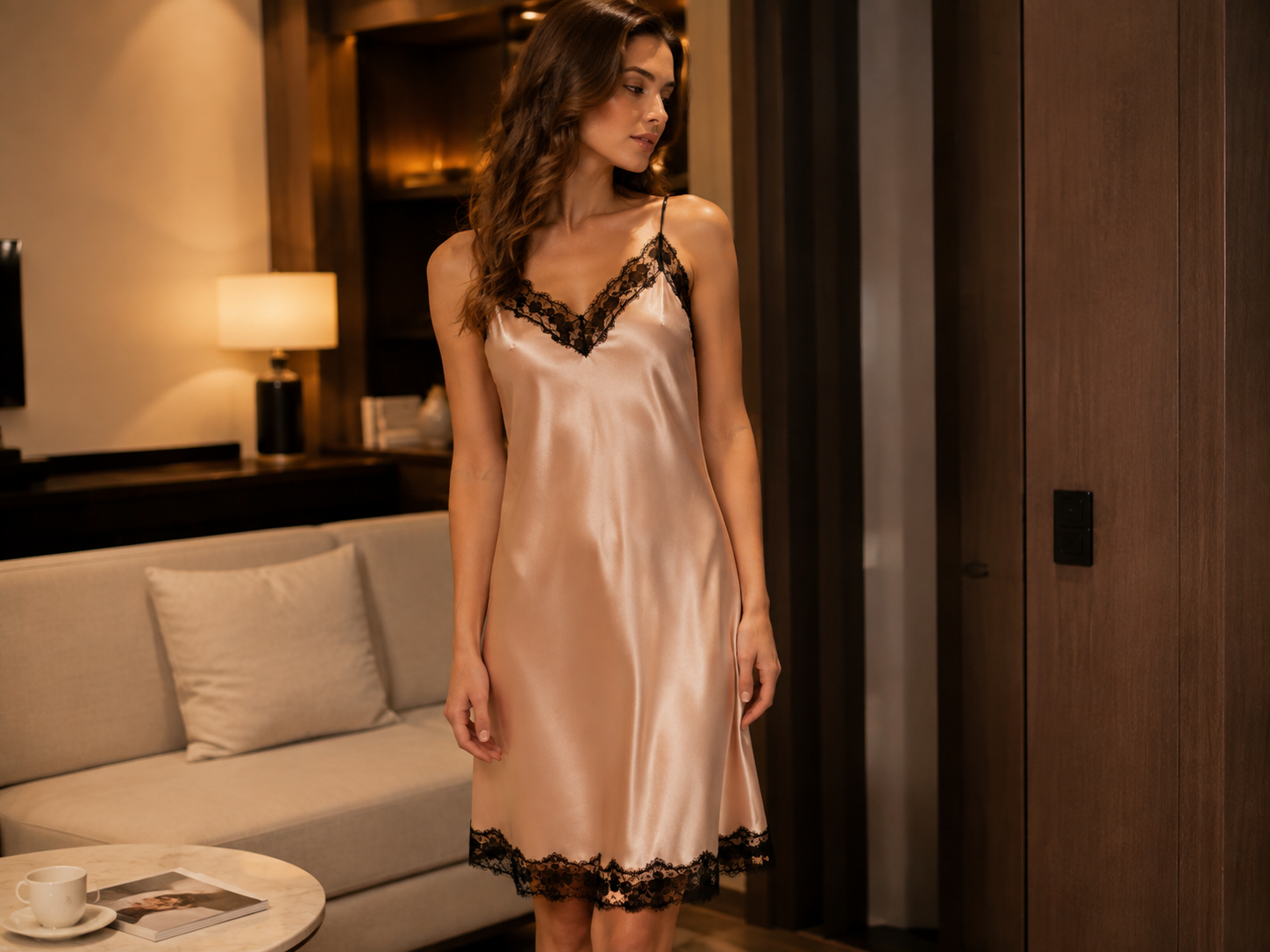
From satin pajamas and slip dresses to lace lingerie and sexy sleepwear, much of a product’s appeal comes from its lace patterns, delicate textures, soft sheen, cut, and drape. Koozee's vitual-try-on tool helps preserve these original product details in the generated on-model image, making the result look more natural while giving shoppers a clearer view of the material, decorative details, and overall design.

After creating the pajama model image, continue on the same page with product-detail graphics, posters, and social posts without downloading the asset and starting over in another tool.
Start with the pajama product and model photos you already have—no complex prompting or manual compositing. Create multiple on-model images for product launches and ongoing content updates.
Present lace, texture, sheen, folds, and drape so shoppers can see more than the overall look—they can better understand the fabric character and style.
After creating the pajama model image, switch the model or background and continue with product-detail graphics, posters, and social posts—without repeatedly downloading and re-uploading the same asset.
Choose a pajama image with the full product visible, clear edges, minimal obstruction, and reasonably even lighting. A clear garment outline helps the tool show the style, texture, and decorative details more effectively.
Choose a model image with a clear body outline and visible target clothing area. Results tend to look more natural when the product and model images use compatible angles and poses.
Create the static pajama model image, then stay on the same page to switch the model or background and continue with product-detail graphics, posters, and social posts.
You need one pajama product image and one model photo. Use images with clear subjects, good lighting, minimal obstruction, and compatible angles where possible. Supported formats, file-size limits, and output resolution are to be confirmed and should follow the current product page.
Koozee is designed to show lace patterns, fabric texture, sheen, folds, and drape from the uploaded product image. Output quality can vary with the inputs, so key product details should be compared with the original before publishing.
No. Upload the pajama product image and model photo to start. You do not need complex prompts or skills in cutouts, layers, masks, or manual compositing.
Yes. it can also be used to create on-model visuals for lace lingerie, slip dresses, and sexy sleepwear. For the best results, use clear product images and review key design details against the original before publishing.
Use the pajama product image and model photo you already have to create a natural-looking on-model visual, then continue with product-detail graphics, posters, and social content. Spend less time waiting and move the next launch forward.
How Pajama Teams Get Product Visuals Ready Faster
From product launches to buyer presentations, see how teams use Koozee to create natural-looking pajama model images and show the product details that matter.
“From the product image to the on-model content, the whole process feels more connected.”
New products used to launch with standalone images only, and adding an on-model visual meant waiting for a shoot or retouching slot. Now we can create a reference image from the pajama and model photos, then keep preparing the product page and launch content in the same flow.
“Once clients see the on-model image, the style and fabric make much more sense.”
We often have only sample product images, and clients struggle to picture the overall worn style from a flat lay. Adding an on-model reference makes discussions about the design, mood, and assortment direction more direct.
“Lace, sheen, and drape are the details we care about most.”
A pajama image cannot rely on the overall look alone. The fabric and decorative details need to communicate the product's real selling points. The generated model image makes those details easier to show and gives our team a stronger starting point for more campaign content.