AI Kids Clothing Try-On for On-Model Product Photos
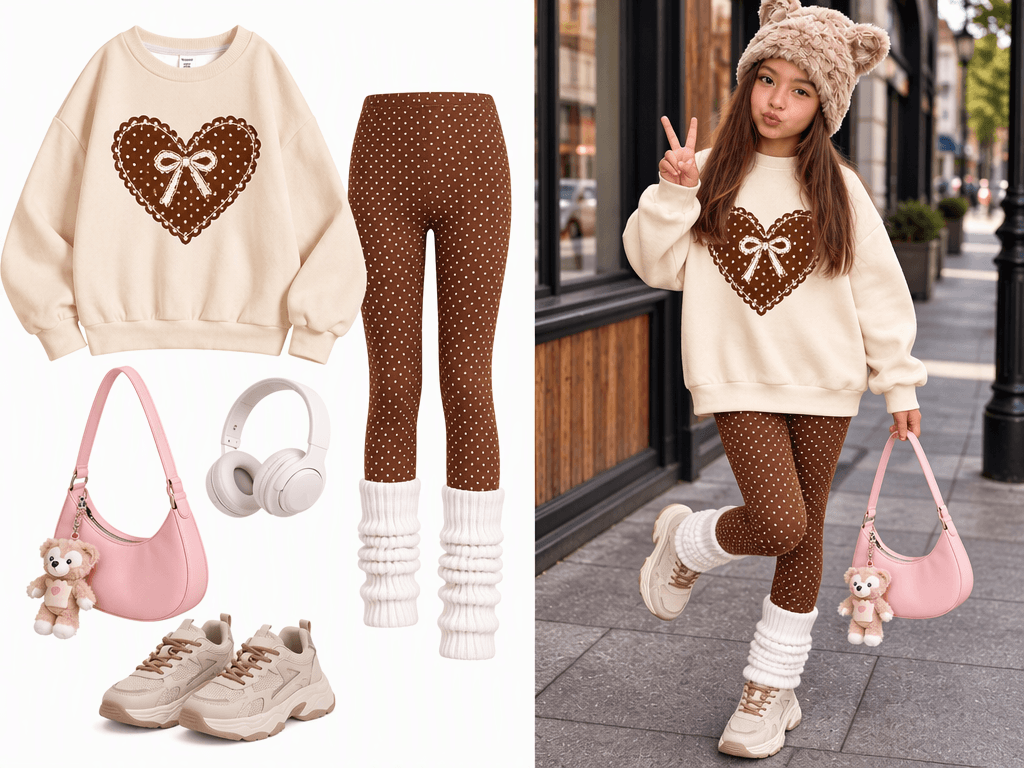
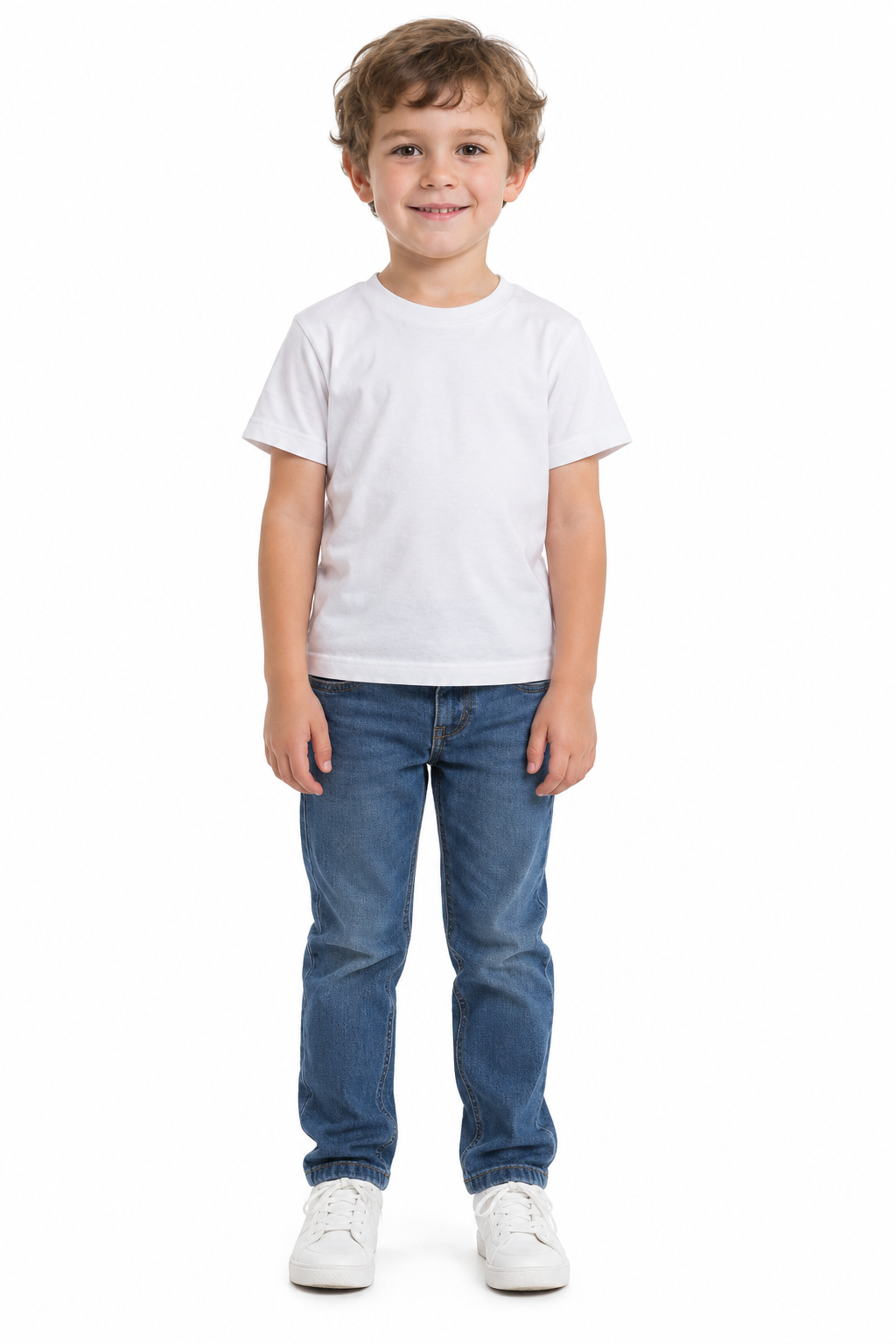
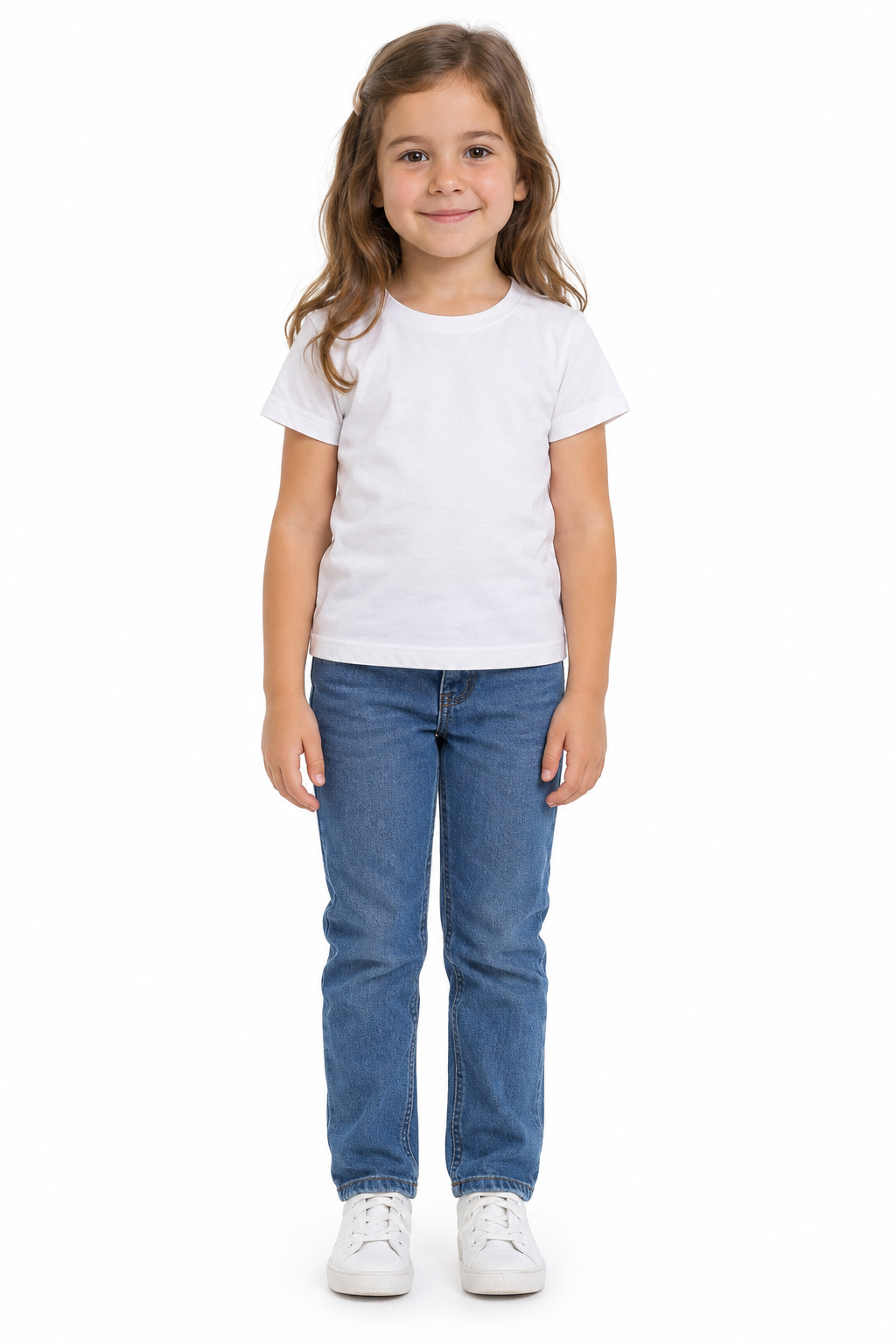
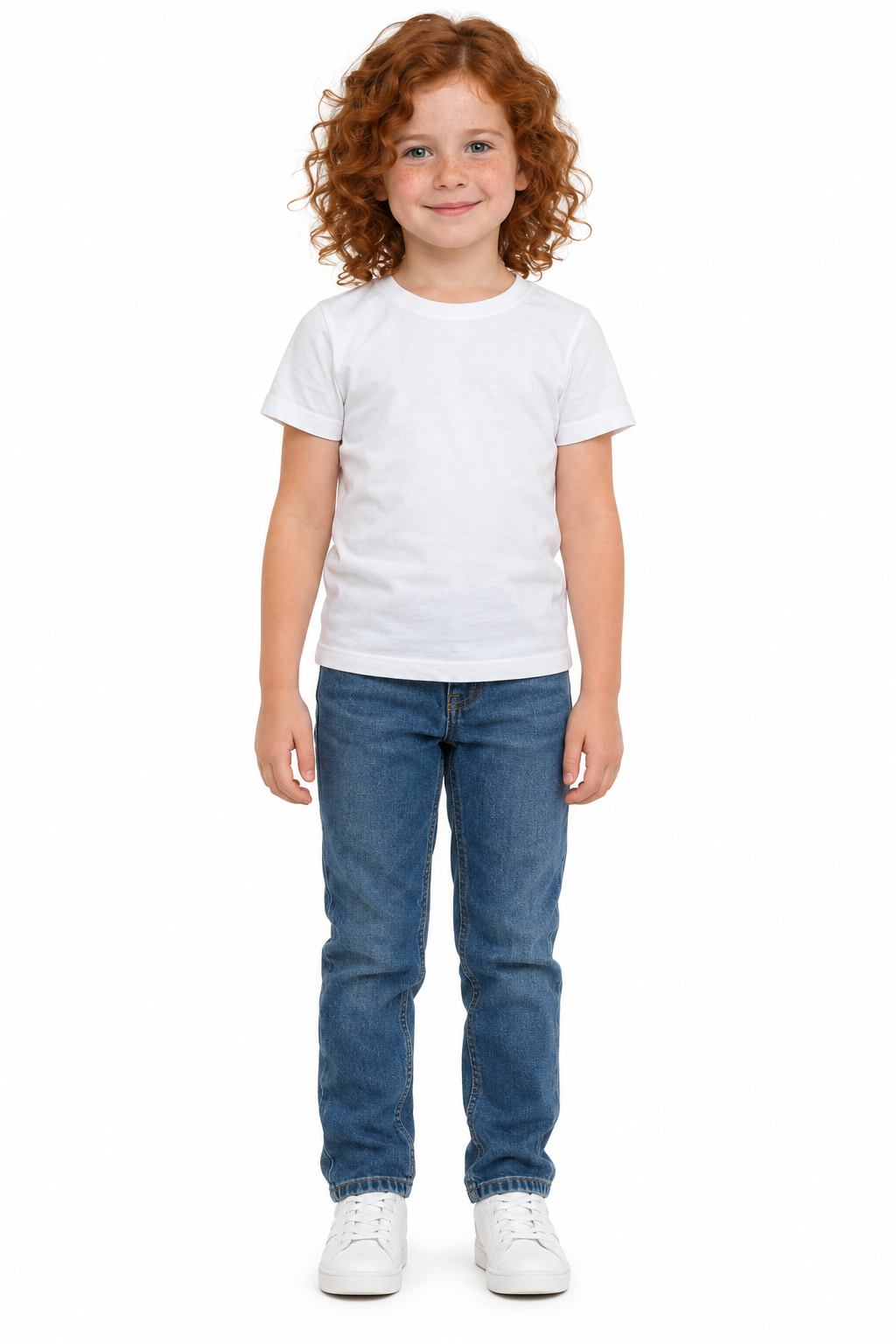
Create More Engaging Kid's Clothing Product Visuals
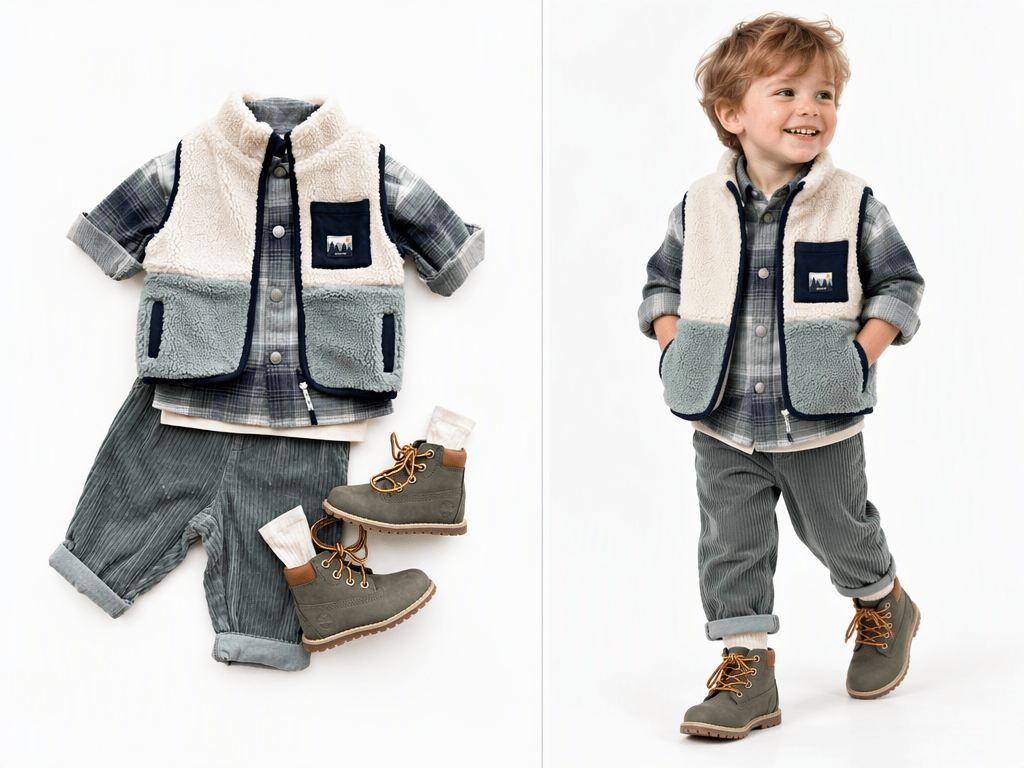
Add On-Model Images to More Children's Clothing Listings
Frequent product launches can make it difficult to arrange a separate child model shoot for every style. Generate AI model visuals from existing product photos to add on-model imagery to listings that need it and help shoppers see the garment’s overall appearance more clearly.
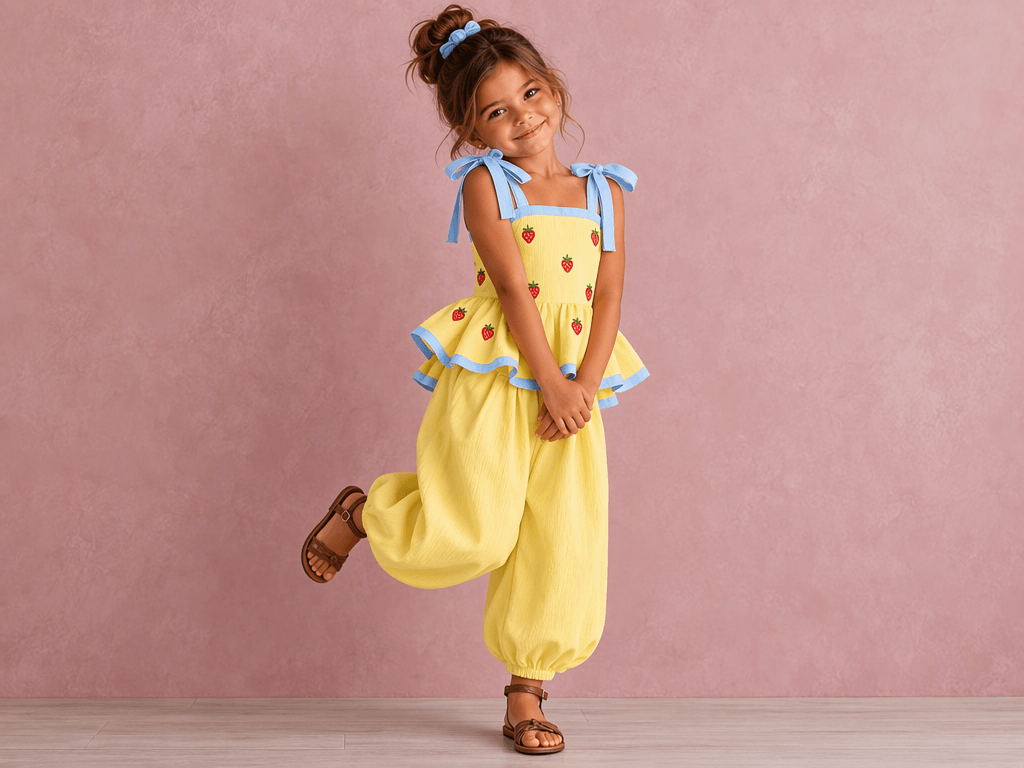
Turn Kidswear Product Photos Into More Model Visuals
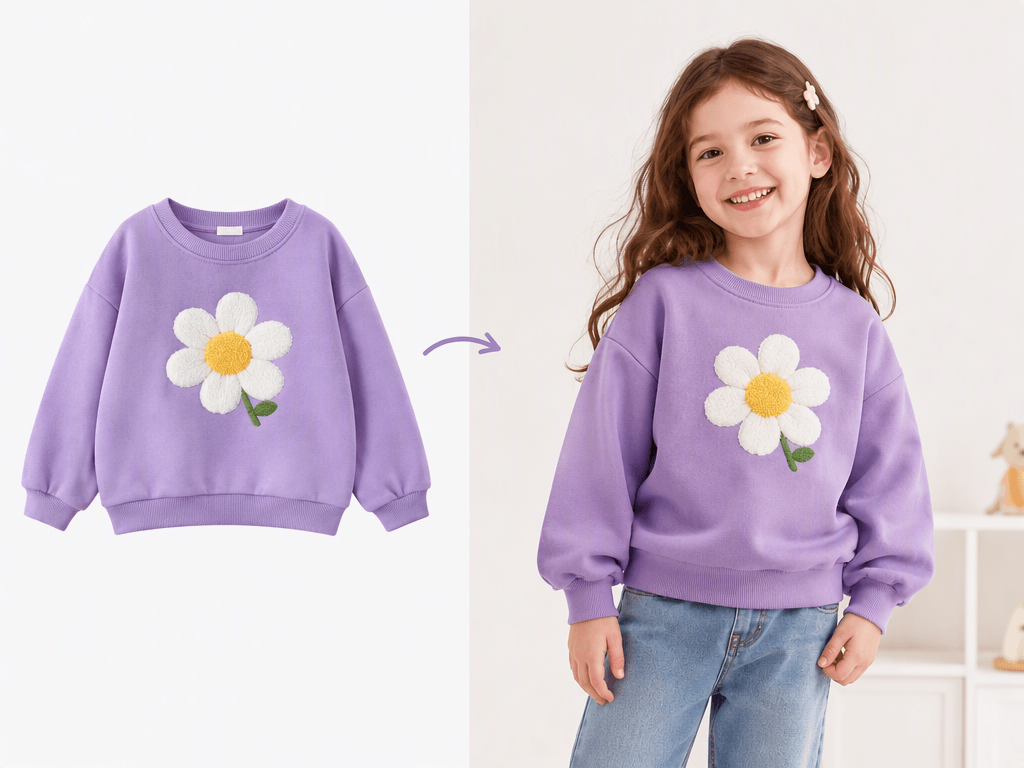
Turn Kid's Clothing Product Photos Into Model Images
Upload an existing kidswear product photo and use Koozee’s AI Try-On tool to generate an on-model visual. This gives styles without model imagery another way to showcase the garment. Use a clear product image with minimal obstruction, then check the generated result for color, prints, silhouette, and construction details.
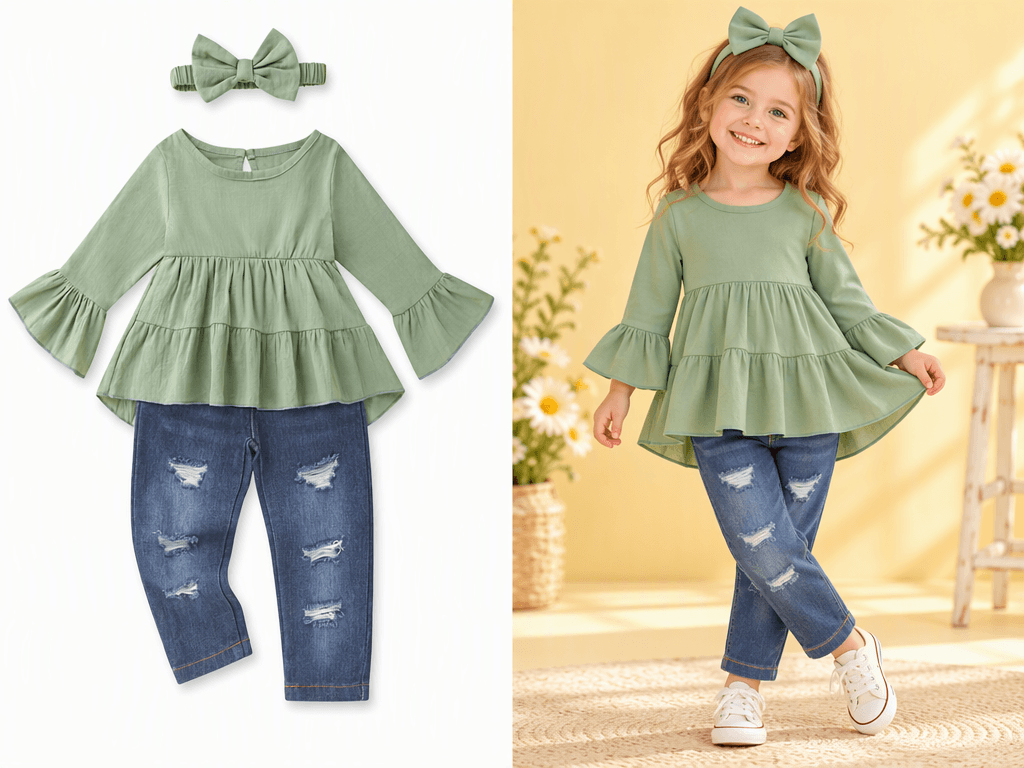
Explore Different Looks With Model Reference Images
Koozee lets you upload model reference images to explore different looks for your kidswear products. Create varied model visuals for product pages and catalogs while keeping your clothing designs at the center.
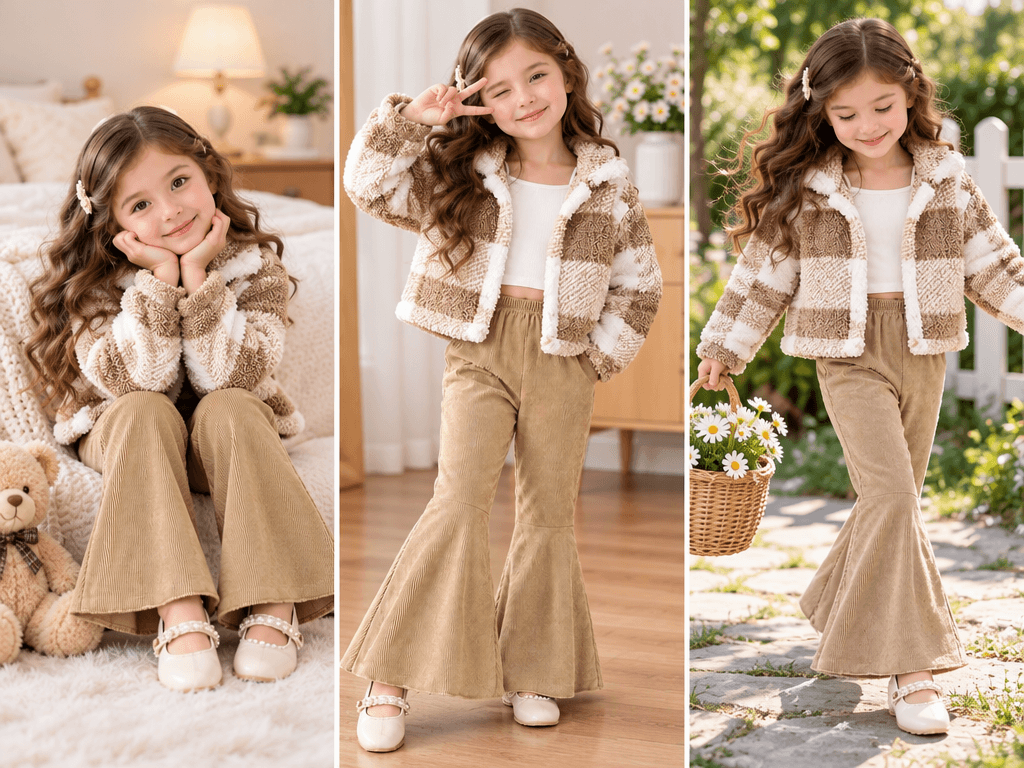
Generate Kidswear Try-On Images in Different Scenes
Generate kidswear try-on images in different scenes to move beyond plain backgrounds and create versatile visuals for product pages, collection catalogs, and seasonal campaigns.
Why Choose Koozee for AI Kidswear Model Images?
Kidswear shoots may involve arranging suitable models, coordinating schedules, managing on-set cooperation, and changing multiple outfits. Generating AI model visuals from existing product photos can help fill gaps in on-model imagery without arranging a new shoot for every style, though it does not fully replace real photography.
Use model and scene reference images to explore different presentations for kidswear product pages, collection catalogs, and marketing content. Results vary with the input photo and references. Precise controls for a child model’s age, height, or body measurements depend on the current product capabilities.
Beyond AI clothing try-on, Koozee offers tools for flat-lay images, ghost mannequin photos, product main images, clothing detail shots, marketing posters, and AI fashion videos—helping sellers create a wider range of product visuals and marketing assets.
How to Create AI Kidswear Model Images
Upload a Kidswear Product Photo
Upload a clear product photo showing the garment’s colors, style, and details.
Generate an AI Kidswear Model Image
Follow the on-screen instructions to generate an on-model image and explore how the kidswear looks when worn.
Review and Use the Image
Compare the image with the original to check colors, patterns, and garment details before using it on product pages, in catalogs, or in marketing materials.
FAQs
Can I Turn Flat Lay Kids’ Clothing Photos Into AI Model Photos?
Can I Use Different Child Models to Showcase Kids’ Clothing?
You can upload model reference images to guide the generated look and explore different model presentations. However, the available workflow does not confirm precise controls for a child model’s age, height, or body measurements. Check the generated result to make sure the model presentation suits the clothing and intended age group.
How Can I Create Model Photos for Multiple Kids’ Clothing Styles?
Start with the product images you already have, then generate on-model visuals for the styles that need them. Koozee’s broader workflow supports catalog-scale image production, although bulk processing availability may depend on the plan and workflow. Review each image individually before publishing, especially when working with many SKUs.
Can I Use AI-Generated Kids’ Model Photos for Ecommerce Product Listings?
They can be used as supplementary product visuals when the result accurately represents the item and meets your sales platform’s requirements. Keep the original product information, size chart, fabric details, and other factual specifications accurate. A generated model image is not proof of actual fit or sizing.
Can AI Kids’ Clothing Try-On Replace a Professional Photoshoot?
It can help you create additional on-model visuals without arranging a new shoot for every image variation. However, it may not replace photography when you need to document actual fabric texture, construction details, or real-world wearing results. Choose the workflow according to the purpose of each image.
Start With a Kidswear Product Photo. Create an AI Model Image.
You don’t need to arrange a new child model shoot for every kidswear style. Upload an existing product photo and use Koozee to create AI model visuals for new arrivals, product pages, and catalogs.