AI Hoodie Try-On Generator
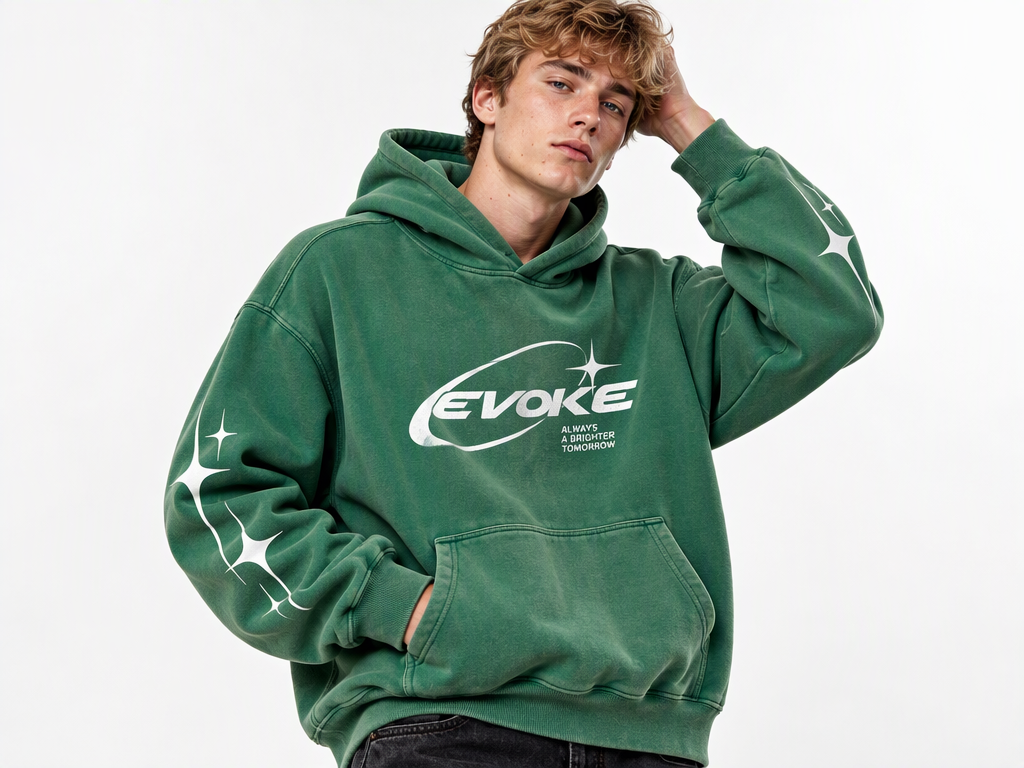
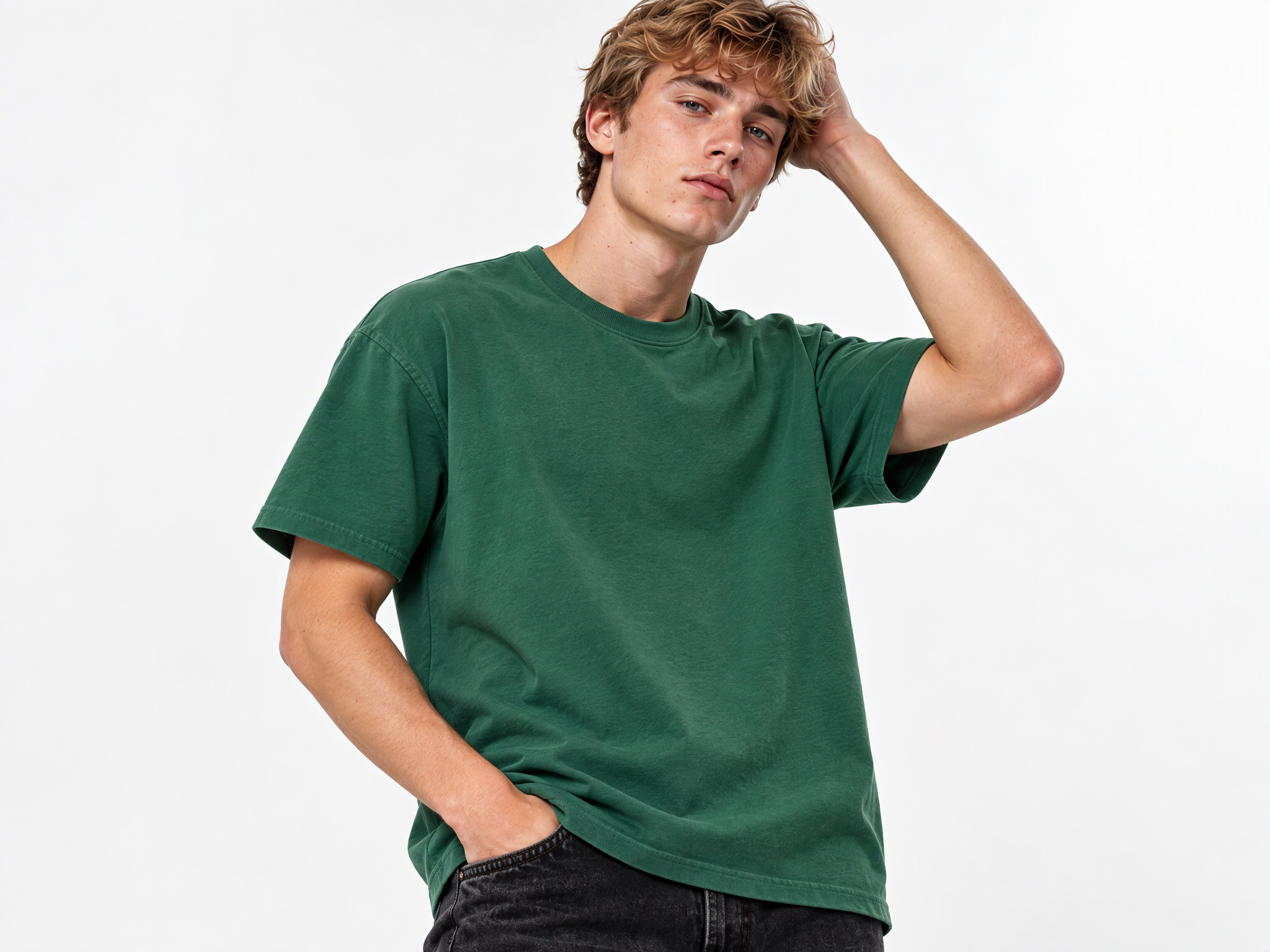
No image? Try one of these:
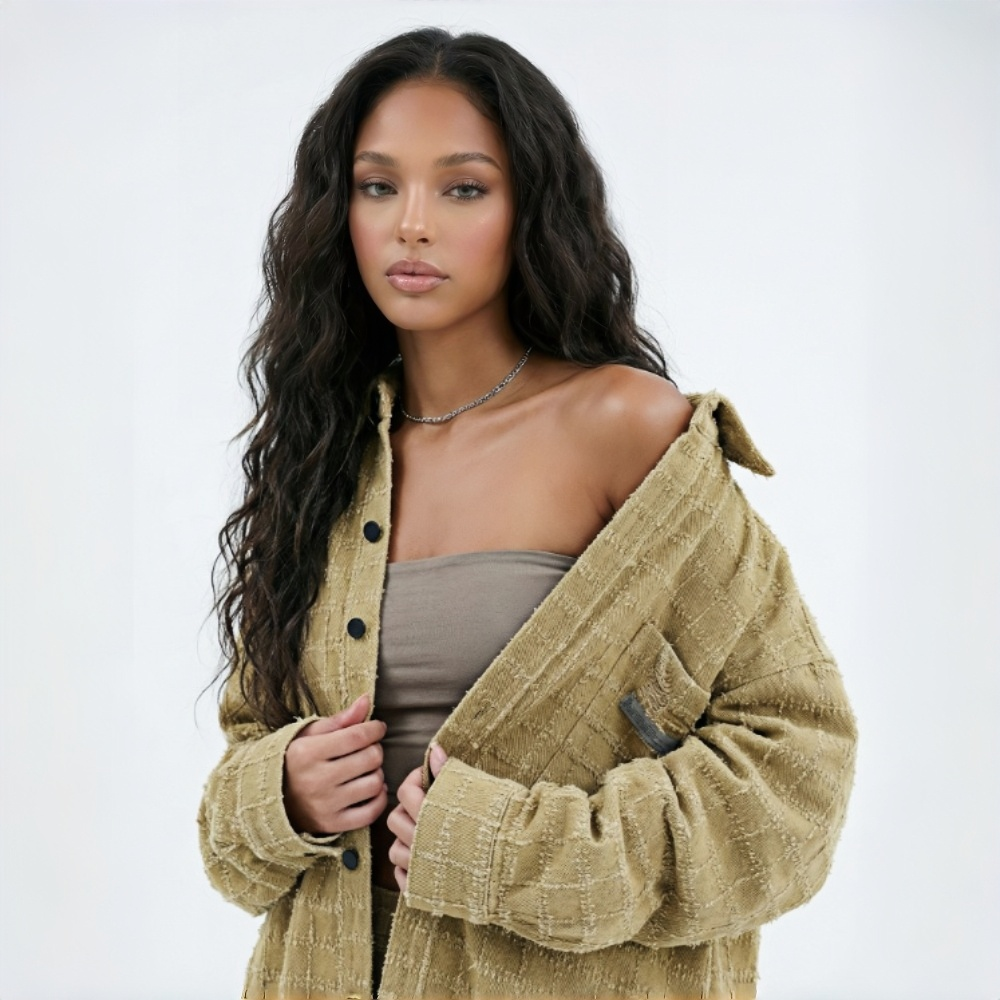
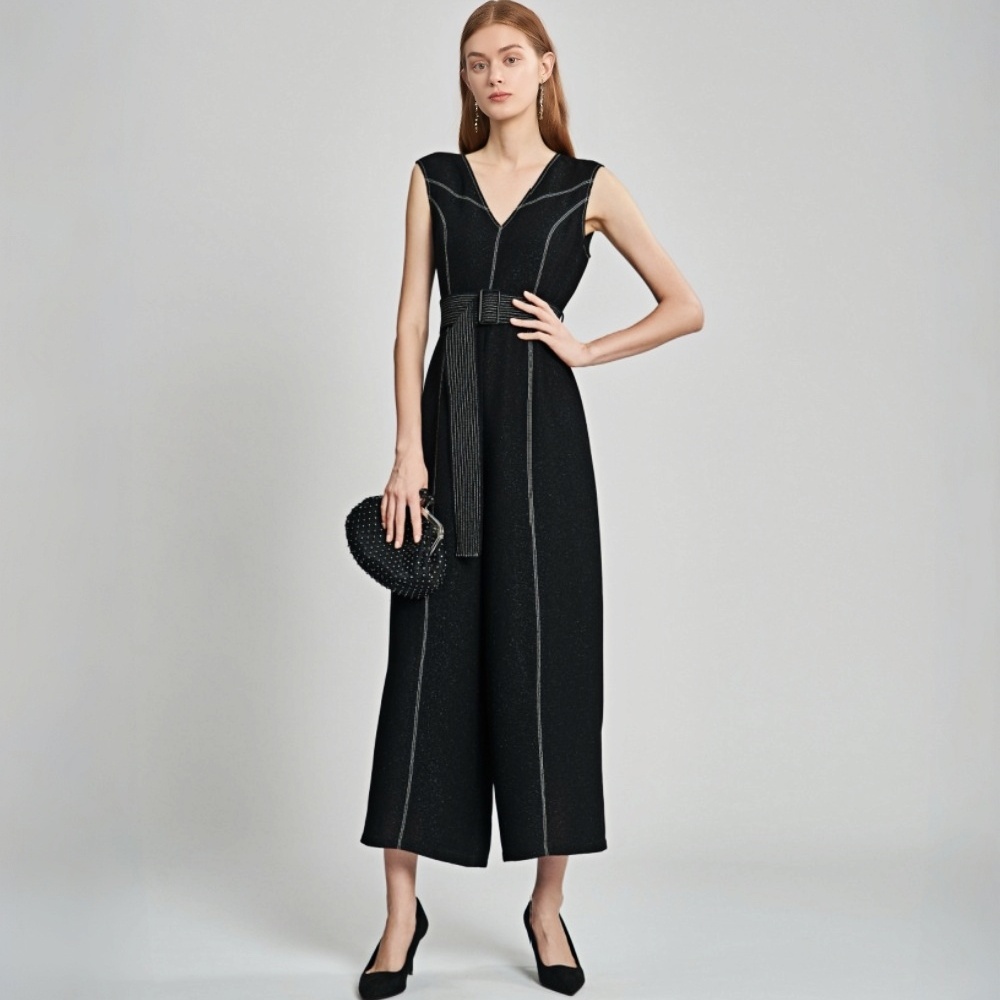
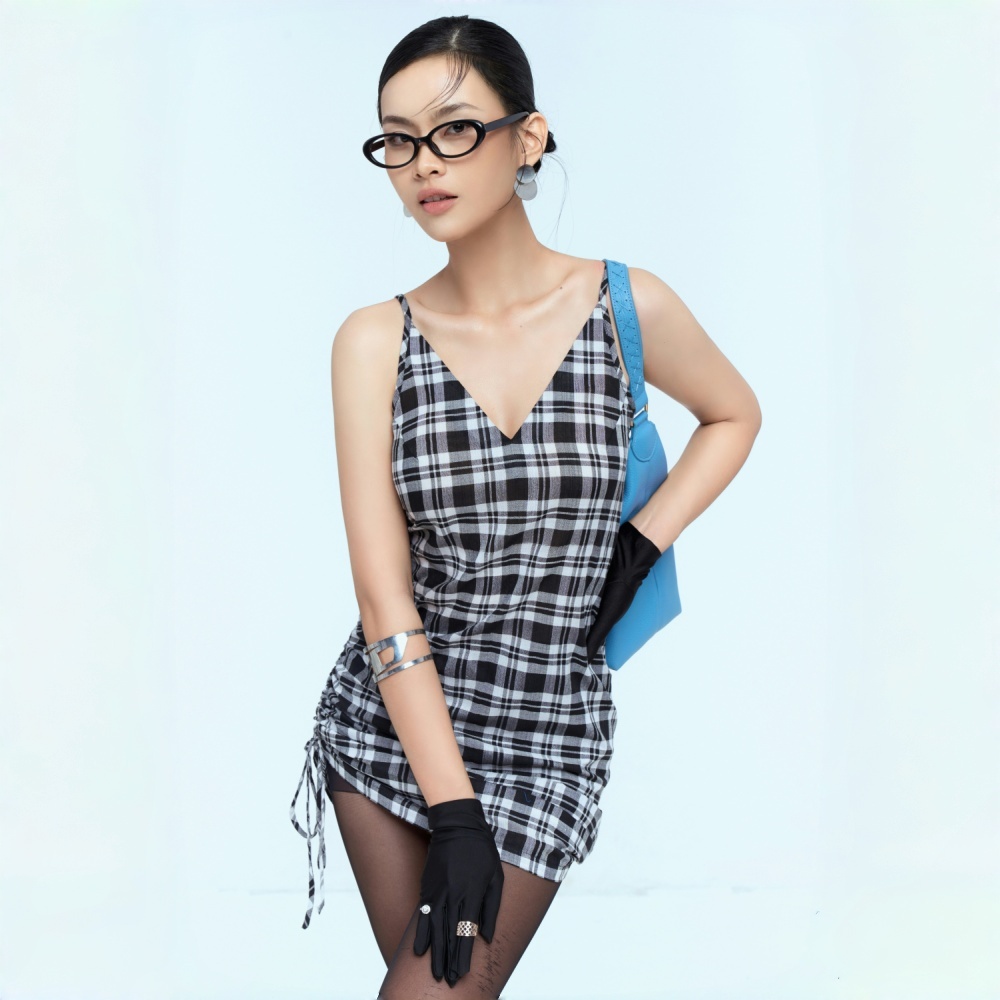
Bring Hoodie Designs to Life with On-Model Images
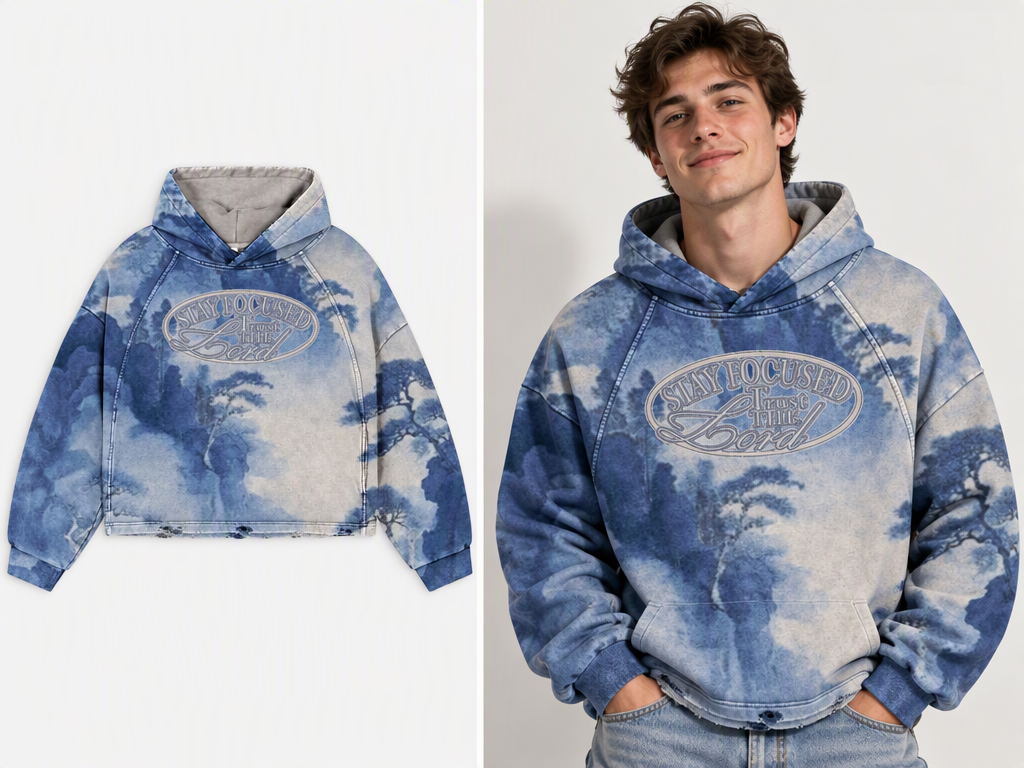
Add On-Model Images to New and Custom Designs
When a product listing only shows a flat image, shoppers may find it harder to picture the hoodie when worn. Use Koozee to turn an existing product photo into an on-model image for new listings, product pages, and printed hoodie designs. For custom products, the result can also serve as a design presentation visual.
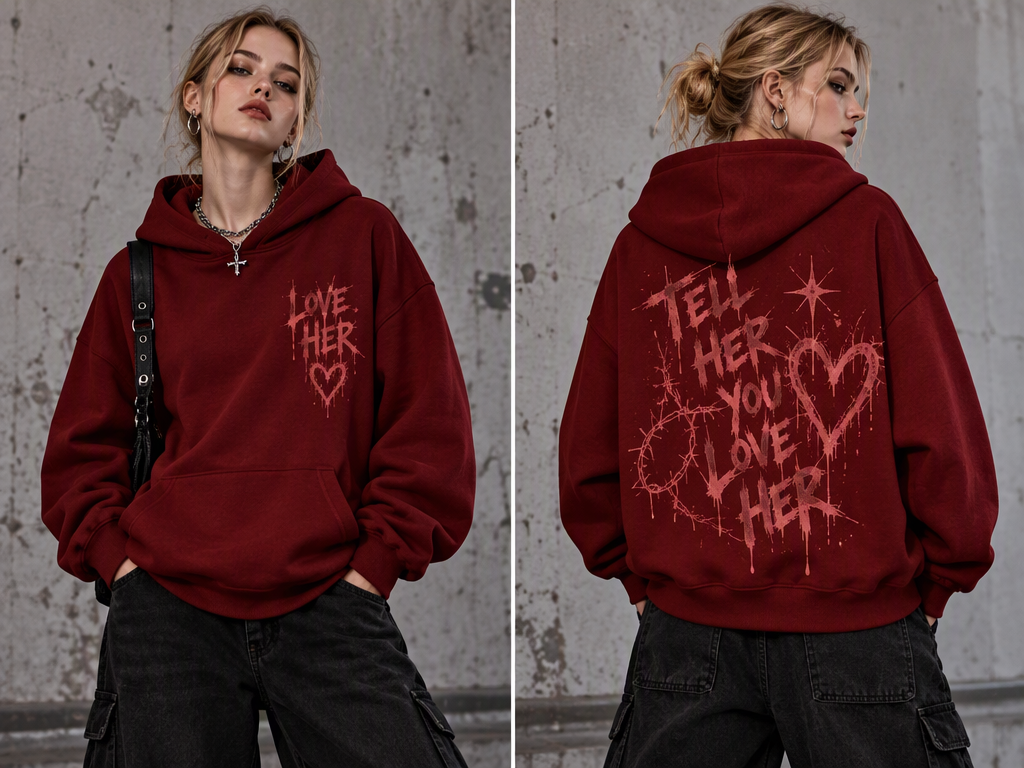
See Your Hoodies in an On-Model Look
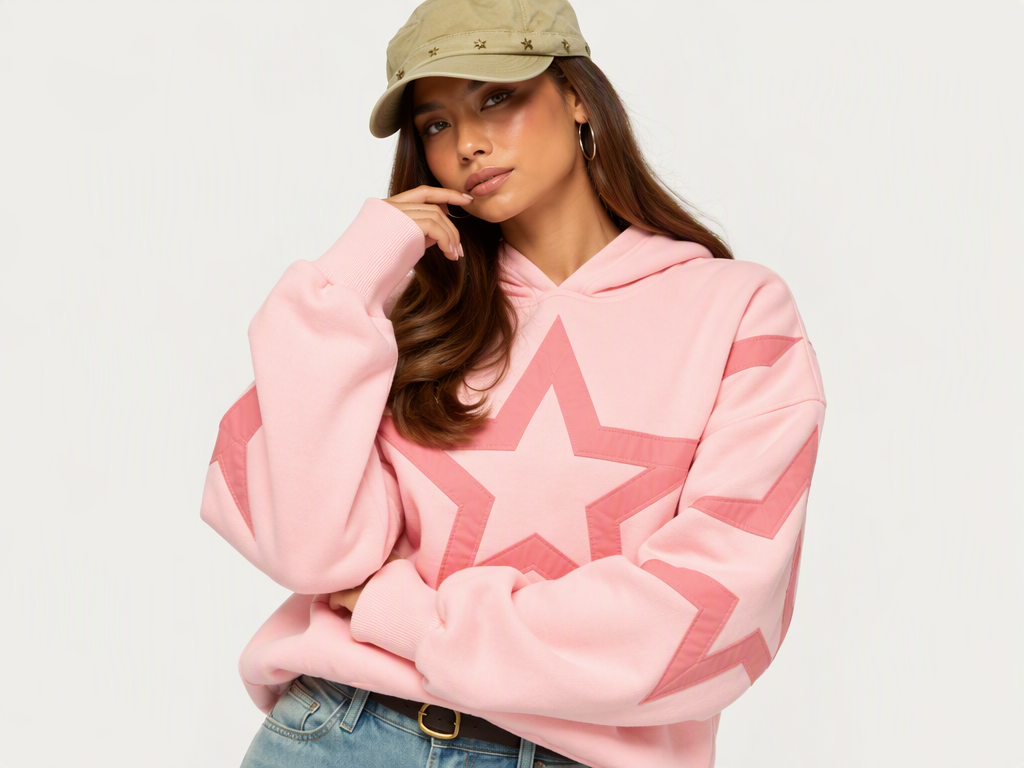
Turn Hoodie Product Photos into On-Model Images
Need an on-model view for a hoodie listing? Upload an existing product photo and use Koozee’s AI clothes try-on feature to create an on-model image. Add visual options for product catalogs, new arrivals, and apparel marketing without building every image from scratch.
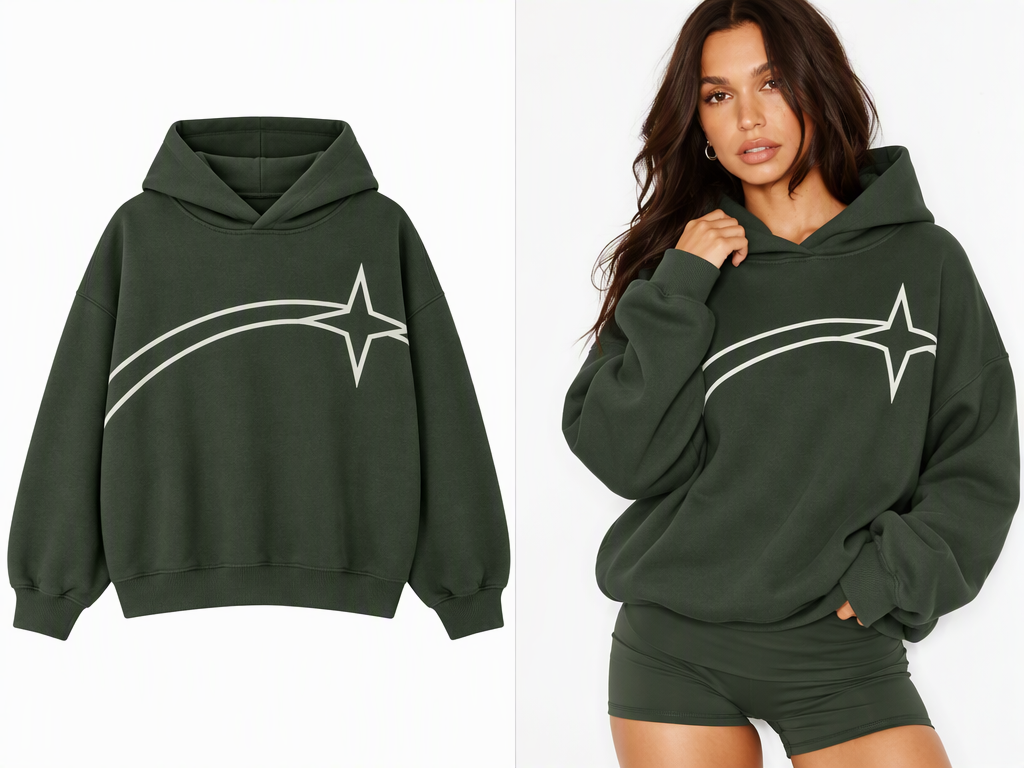
Highlight the Hoodie’s Fit and Silhouette
A hoodie’s shoulder line, body width, and length all shape its overall look when worn. Use Koozee to create an AI on-model image that complements the flat-lay product photo and gives shoppers a clearer view of the hoodie’s silhouette.
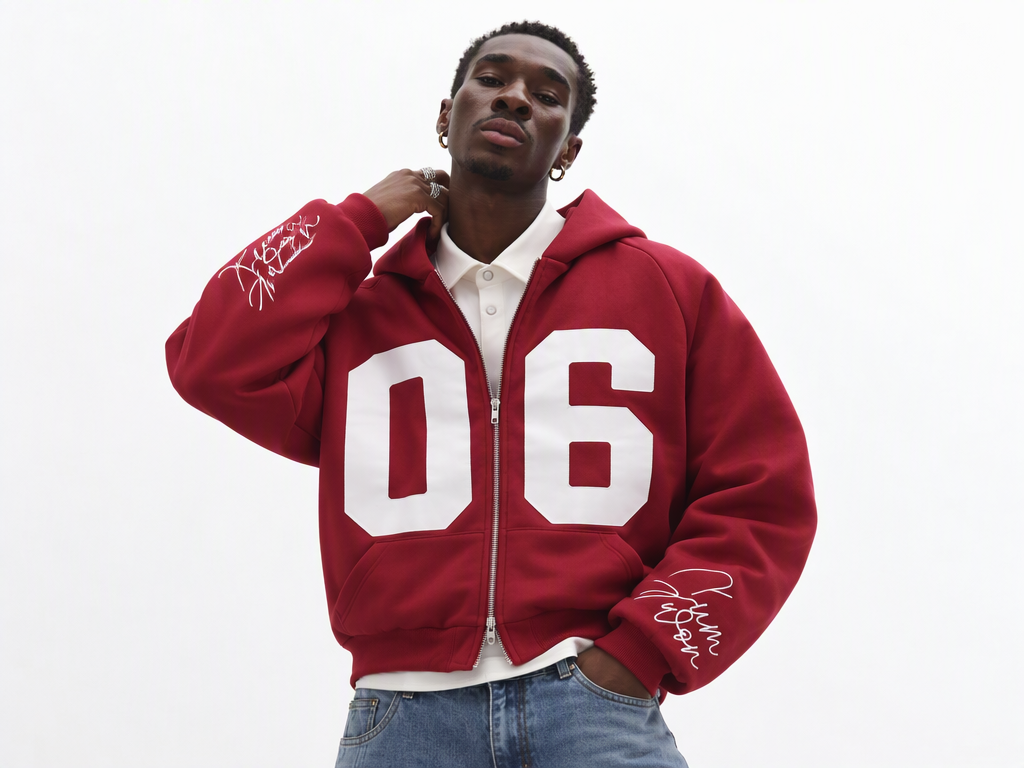
Showcase Hoodie Prints and Design Details
Prints, logos, hood shapes, drawstrings, pockets, zippers, and ribbed cuffs all contribute to a hoodie’s distinctive design. When creating AI on-model images with Koozee, these details are important visual elements to consider, helping showcase more than just the garment’s overall silhouette.
Why Use Koozee for AI Hoodie Model Images?
Create additional on-model visuals from existing hoodie product photos to support more flexible product launches and listing updates.
Add a worn-look view beyond flat-lay photos, helping shoppers better visualize a hoodie’s overall silhouette.
You don't have to start from scratch with new photography for every on-model visual. Use Koozee’s AI clothes try-on feature to turn existing product photos into model visuals and streamline the preparation of everyday product and marketing content.
Create an AI Hoodie Try-On Image in 3 Steps
Upload a Clear Hoodie Product Photo
Choose a product photo that clearly shows the hoodie’s color, cut, and key design details. Make sure important features such as prints, logos, the hood, pockets, or zipper are visible.
Generate an On-Model Image
Open Koozee’s AI clothes try-on page, upload the product photo, and follow the on-page instructions to generate the image. Use the options available in the current interface rather than assuming specific model, pose, or background controls are available.
Review the Details Before Using the Image
Compare the generated image with the original product photo. Check the hoodie’s color, print, logo, hood shape, drawstrings, pockets, zipper, cuffs, and overall silhouette. For oversized hoodies, review the shoulder line and body shape; for cropped hoodies, check the length and hem placement.
FAQs
What kind of hoodie photo should I upload?
Can I use it for oversized, zip-up, and cropped hoodies?
You can use Koozee to create on-model images for different hoodie styles, including oversized, zip-up, pullover, and cropped designs. Each style has different visual priorities, such as the silhouette of an oversized fit, the front closure of a zip-up hoodie, or the proportions of a cropped design. Results depend on the source image and generation.
Will the AI image preserve my hoodie’s original prints and logo?
Koozee creates an on-model image based on your product photo, but prints, logos, colors, and their placement may not be reproduced perfectly. Use a clear source image and make sure the result matches the actual product before publishing, especially when these details are essential to the design.
Will an AI model image accurately show the hoodie’s fit and fabric?
An AI on-model image can help shoppers visualize a hoodie’s overall look, but it cannot replace a physical try-on or real product photography. Fabric drape, thickness, sizing, and actual fit may differ from the generated image.
Can I use AI hoodie images on ecommerce product pages?
You can use generated images as supplementary visuals for product pages, new arrivals, and marketing content. Before publishing, ensure the images accurately represent the product and comply with your sales platform’s rules for AI-generated images and product listings.
Show More Than a Flat-Lay Hoodie Photo
Turn your existing hoodie photo into an AI on-model image with Koozee. Give product pages and new arrivals a clearer view of how your hoodie looks when worn, without starting every launch with a new model shoot.