Gerador de fantasias de Halloween para vendedores
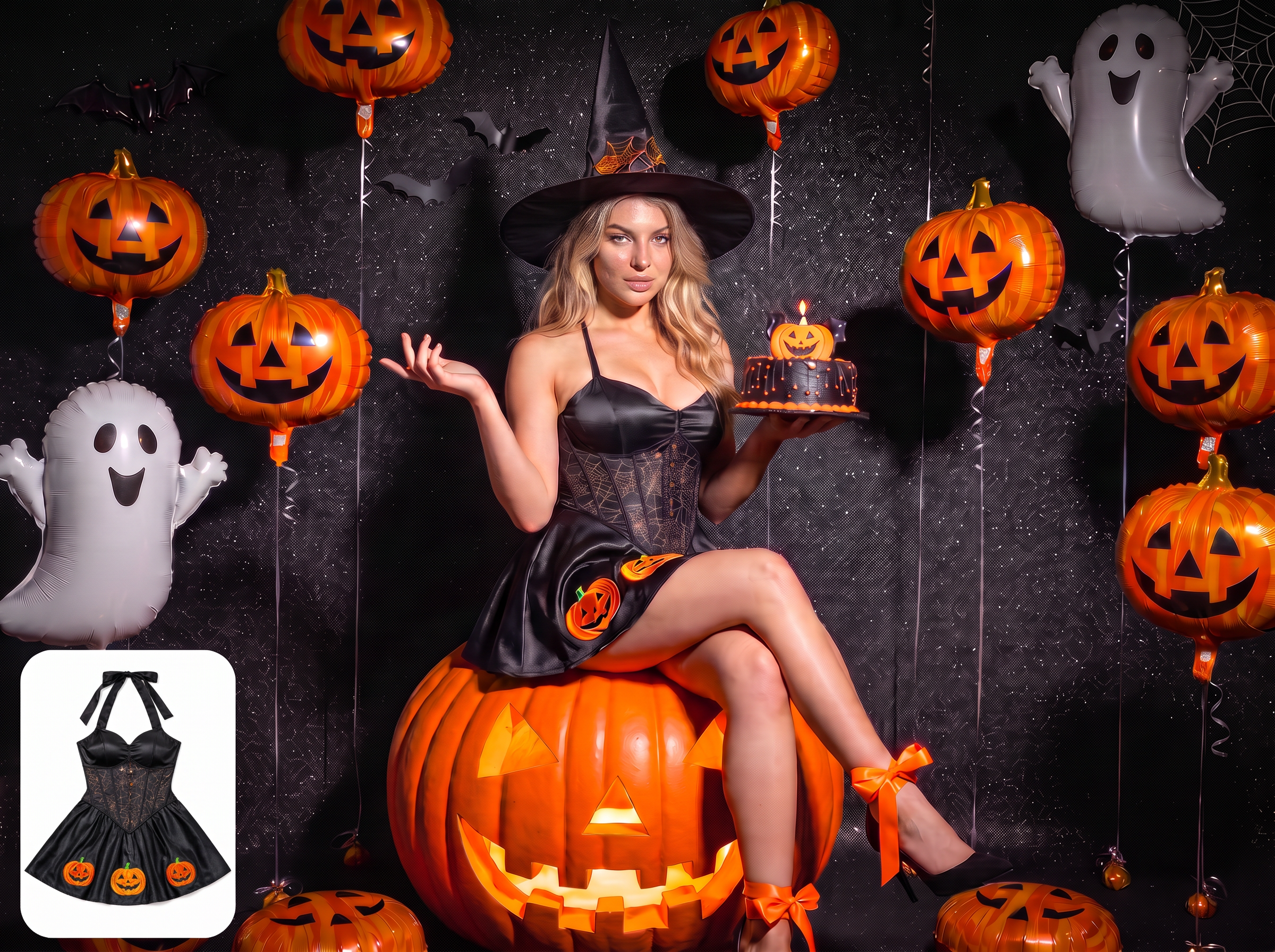
De lançamentos de Halloween a campanhas
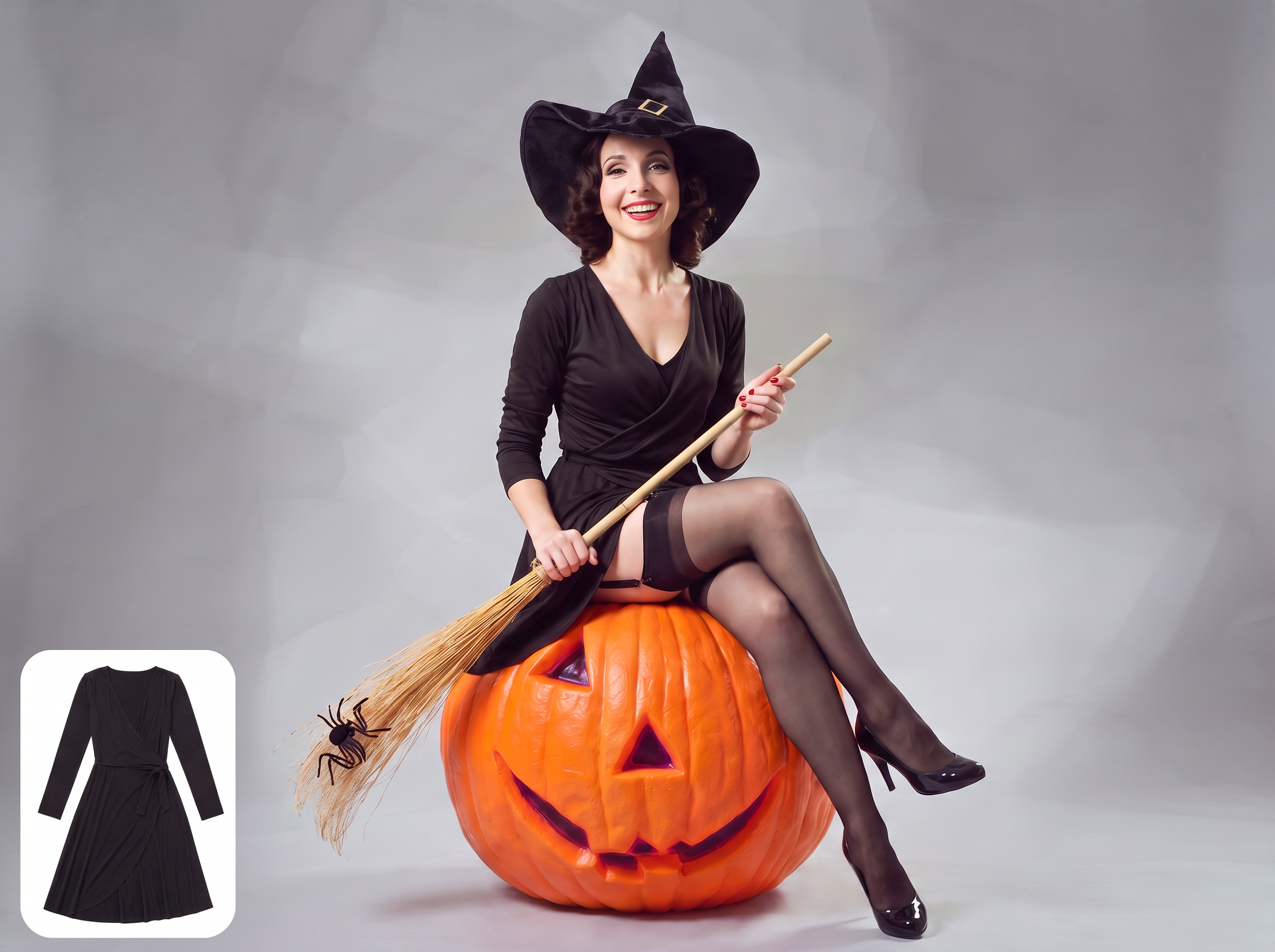
Prepare mais SKUs sazonais para vender
Transforme novas fotos flat lay e fotos de amostras de fantasias em imagens com modelos, para preparar mais SKUs sazonais para páginas de produtos, coleções de lançamento, catálogos e canais de vendas.
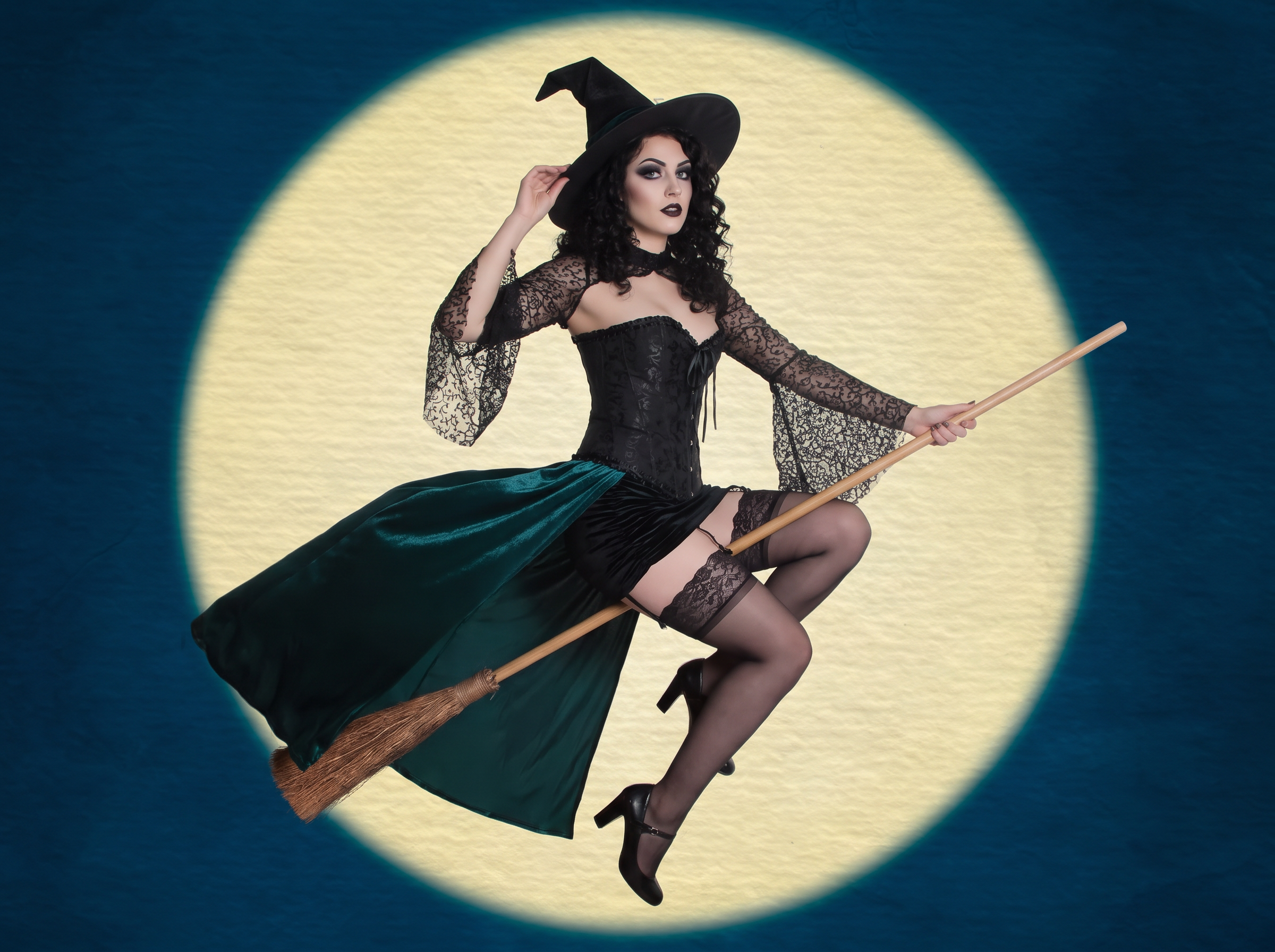
De imagens de produtos a campanhas de Halloween
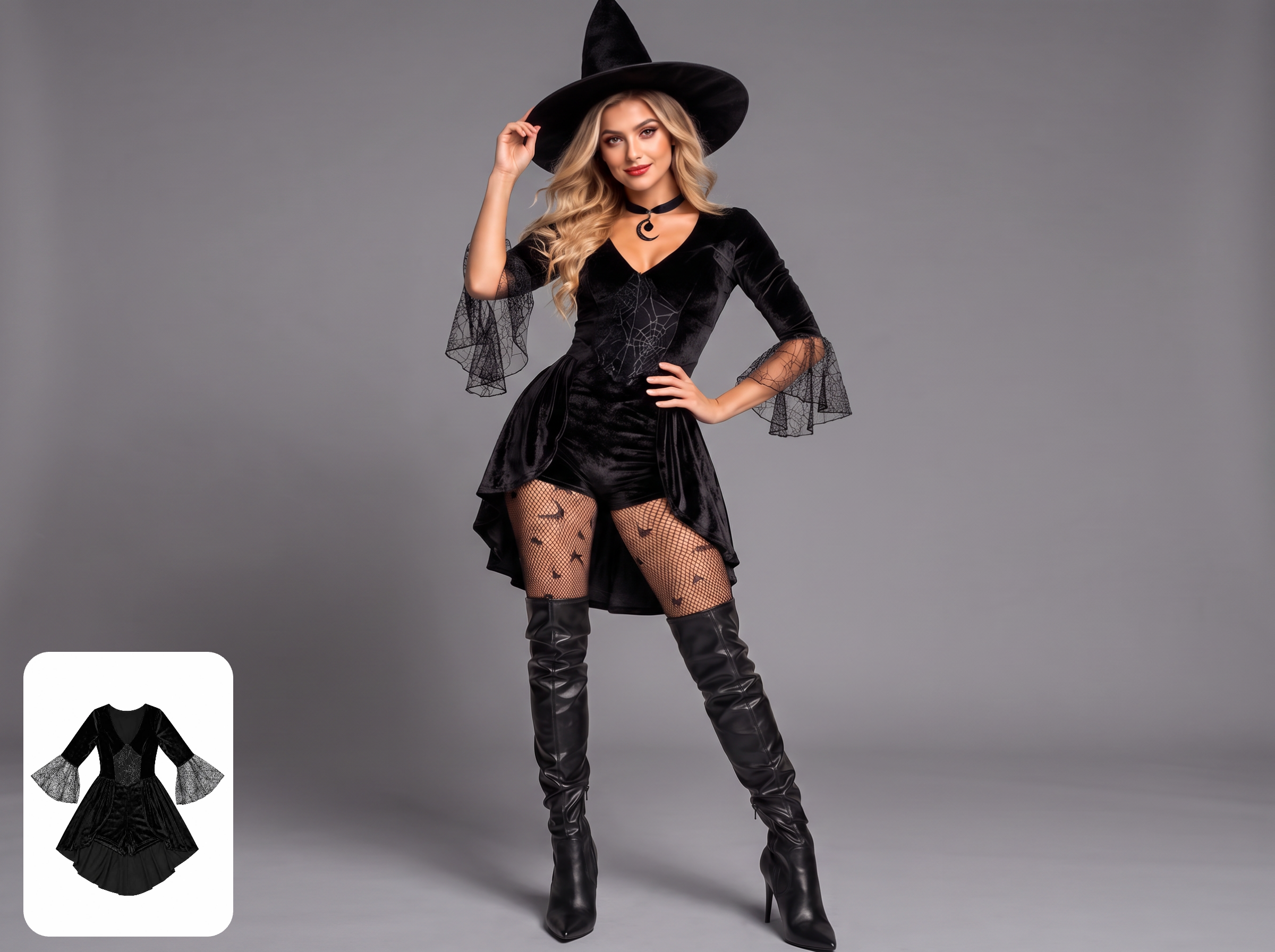
Criar imagens de fantasias de Halloween com modelos
Combine uma foto flat lay, uma amostra ou uma foto de fantasia existente com uma referência de modelo para criar imagens profissionais com modelos que mostrem a silhueta, a estampa, a composição e o visual completo, contribuindo para uma conversão maior do produto.
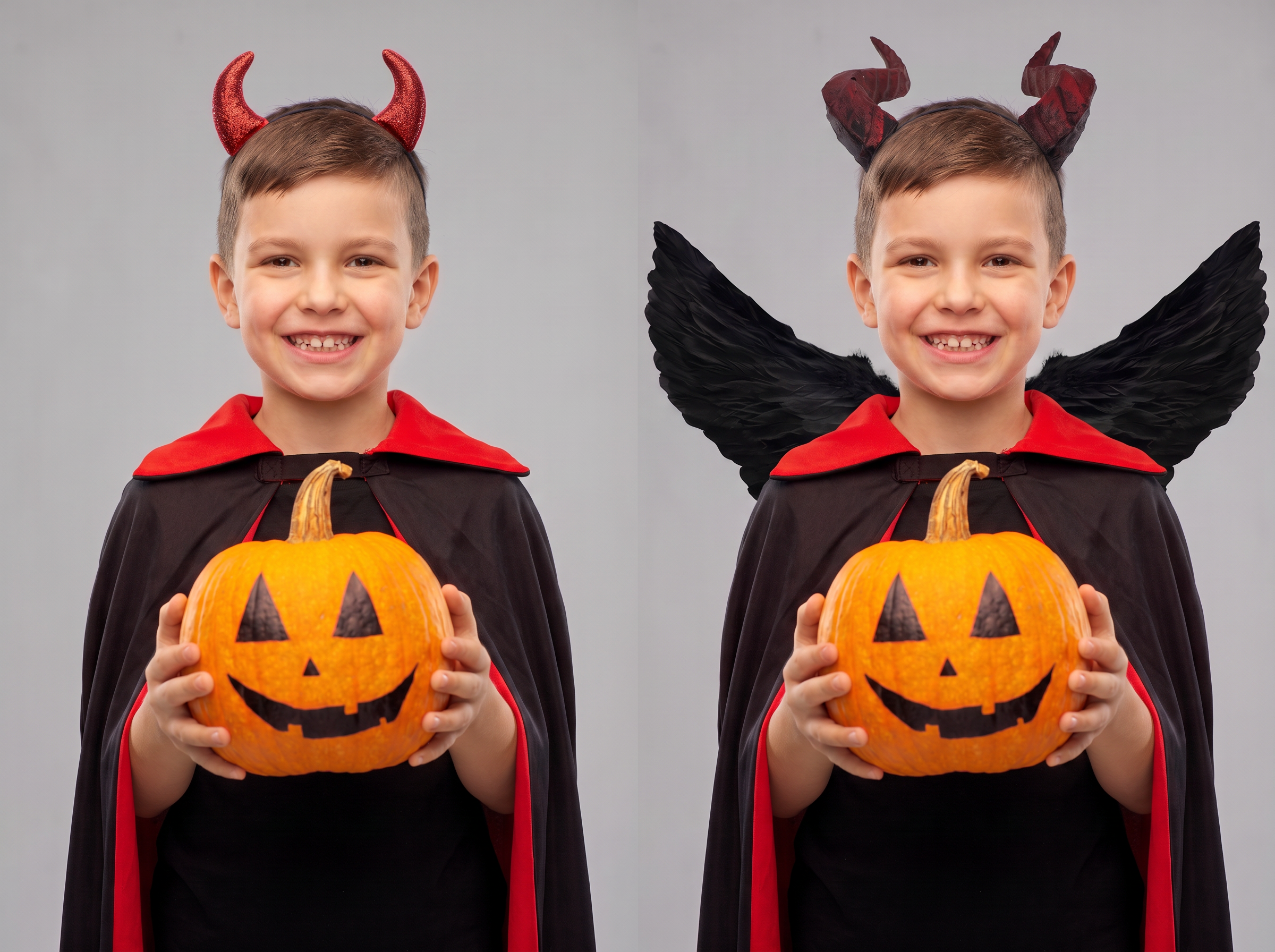
Mostre detalhes refinados com prova virtual direcionada
A Koozee preserva rendas, estampas, texturas, enfeites e outros detalhes de design em todas as categorias de fantasias. Escolha o look completo ou áreas compatíveis, como partes de cima, partes de baixo, casacos e acessórios, para criar uma visualização com modelo do visual completo de Halloween ou de uma única peça.
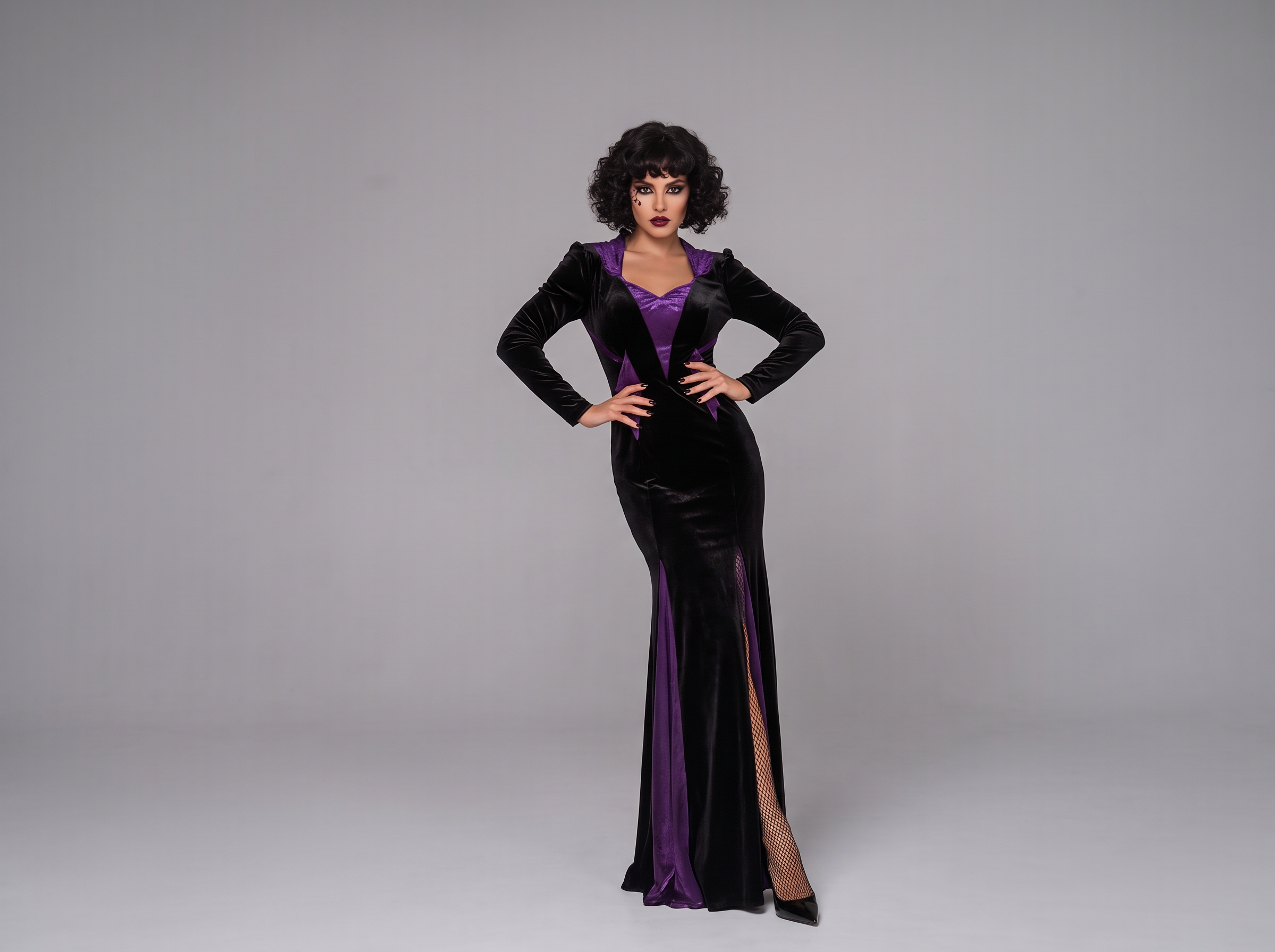
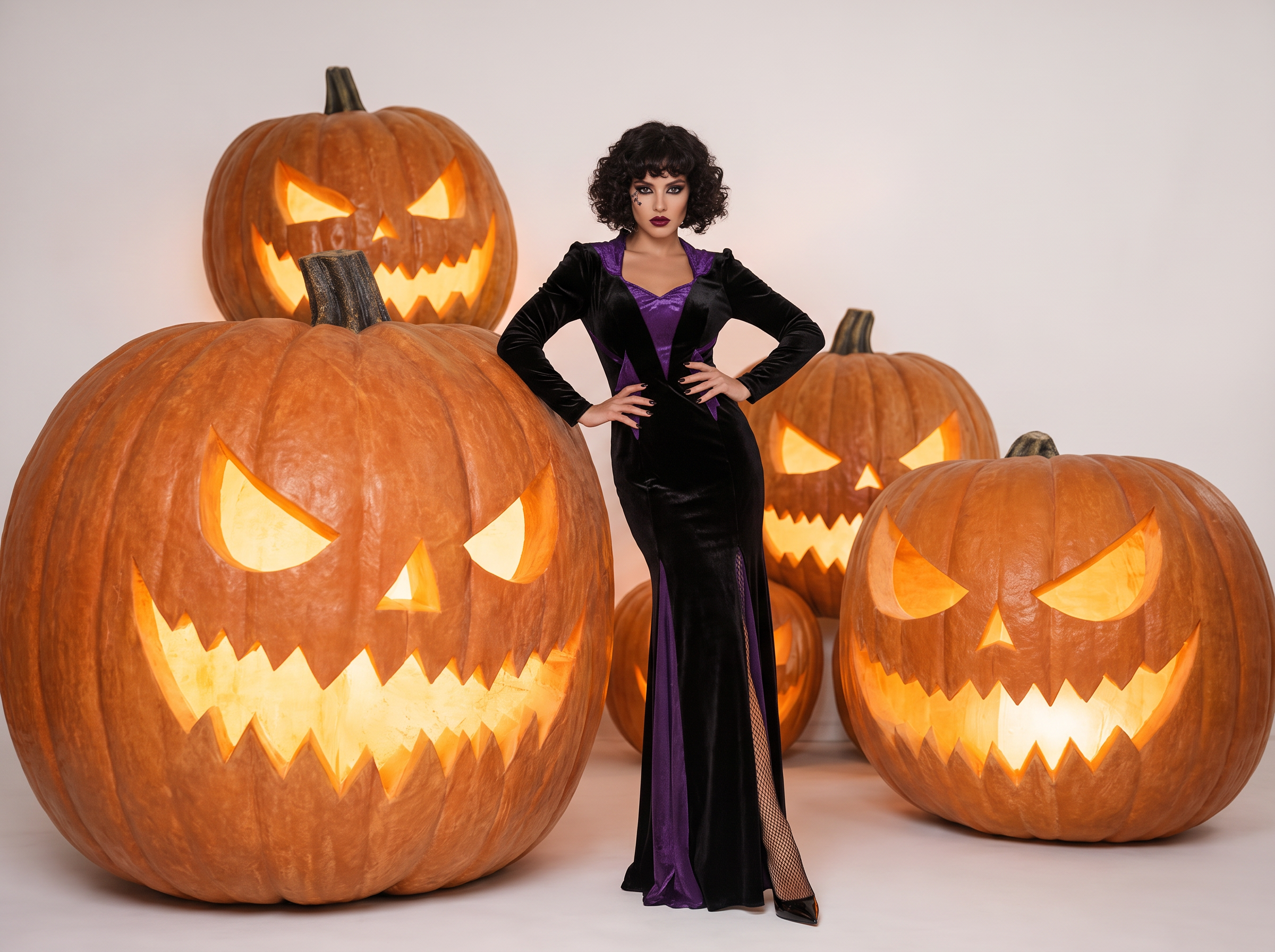
Amplie facilmente seu conteúdo de marketing de Halloween
Expanda suas imagens finalizadas com modelos usando as outras ferramentas da Koozee. Adicione cenários sazonais, como festas com abóboras ou castelos sombrios, e transforme imagens selecionadas em vídeos de apresentação de fantasias. Crie visuais coesos e atraentes para posts nas redes sociais e anúncios, mantendo suas campanhas de Halloween no prazo.
Lance mais rápido com imagens de produtos mais impactantes

Use fotos de fantasias existentes para criar imagens com modelos, reduzir a necessidade de grandes sessões fotográficas sazonais e de repetidas refilmagens, e manter mais estilos de Halloween no prazo.

Mostre a silhueta, a composição e o visual completo da fantasia em um modelo, oferecendo aos compradores informações visuais mais claras enquanto navegam, comparam e decidem o que comprar.

Leve imagens com modelos para cenas de Halloween, posts nas redes sociais e vídeos publicitários a fim de ampliar o alcance da campanha e impulsionar as vendas sazonais.
Crie provas virtuais de fantasias de Halloween em 3 etapas
Envie uma imagem de fantasia de Halloween
Arraste e solte uma foto do produto, uma imagem flat lay ou uma imagem de catálogo em formato padrão. A Koozee prepara o arquivo para a prova virtual com IA, para que você avance sem configuração manual.
Envie uma referência de modelo
A Koozee combina a referência de modelo com a imagem da sua fantasia de Halloween para criar a prova virtual. Envie uma referência diferente para explorar outro visual de personagem, estilo visual ou cenário.
Gere a prova virtual de Halloween
Gere uma imagem da fantasia com modelo para páginas de produtos, posts nas redes sociais ou criativos publicitários de Halloween. Revise a silhueta, a estampa, o logotipo e os detalhes de oclusão antes de publicar.
Perguntas frequentes
Quais imagens de fantasias de Halloween funcionam melhor?
Posso criar várias versões com modelos para uma fantasia?
Sim. Envie diferentes referências de modelos para criar várias versões da mesma fantasia para diferentes canais, públicos ou temas de campanha.
Onde os vendedores podem usar as imagens geradas?
Use-as como opções para páginas de produtos, catálogos, coleções de lançamento, posts nas redes sociais e anúncios. Revise os detalhes da peça, a qualidade da imagem e os requisitos de cada canal antes de publicar.
Como posso adicionar um fundo de Halloween?
Depois de criar a imagem com modelo, abra a ferramenta de cenas da Koozee para explorar diferentes cenários e atmosferas visuais de Halloween.
Posso transformar uma imagem com modelo em um vídeo publicitário de Halloween?
Sim. Envie a imagem com modelo selecionada para a ferramenta de vídeo da Koozee e crie uma apresentação de fantasias ou um criativo publicitário de Halloween.
Posso usar o conteúdo gerado em campanhas comerciais?
Revise todos os resultados antes de publicar e confirme se seu plano atual e os termos da Koozee permitem o uso pretendido. Você também deve ter os direitos necessários sobre o design da fantasia, o personagem, o logotipo, a imagem do modelo e outros materiais de origem.
Lance mais fantasias de Halloween com imagens melhores
Crie imagens profissionais com modelos a partir de fotos de fantasias e amplie seu uso para cenas de Halloween, conteúdo para redes sociais e vídeos publicitários.