Turn a Flat Lay into an On-Model Product Image
Create on-model product images with Koozee’s flat lay to model tool. Give shoppers a clearer view of garment shape and styling across product pages, ads, and social posts.
Clothes
Select clothing area
Model
No sign up required, totally free
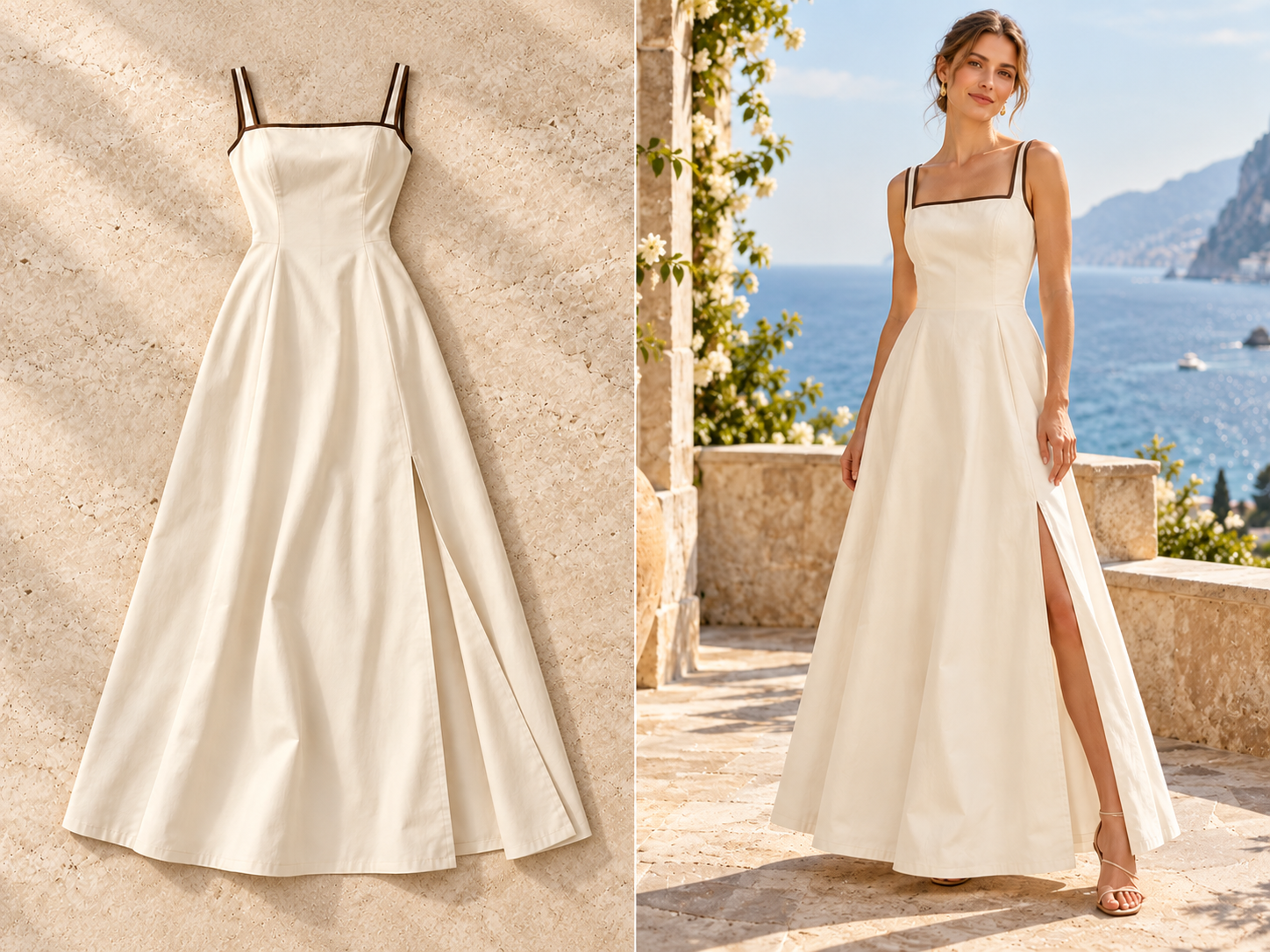
Add an On-Model View to Product Pages and Buyer Catalogs
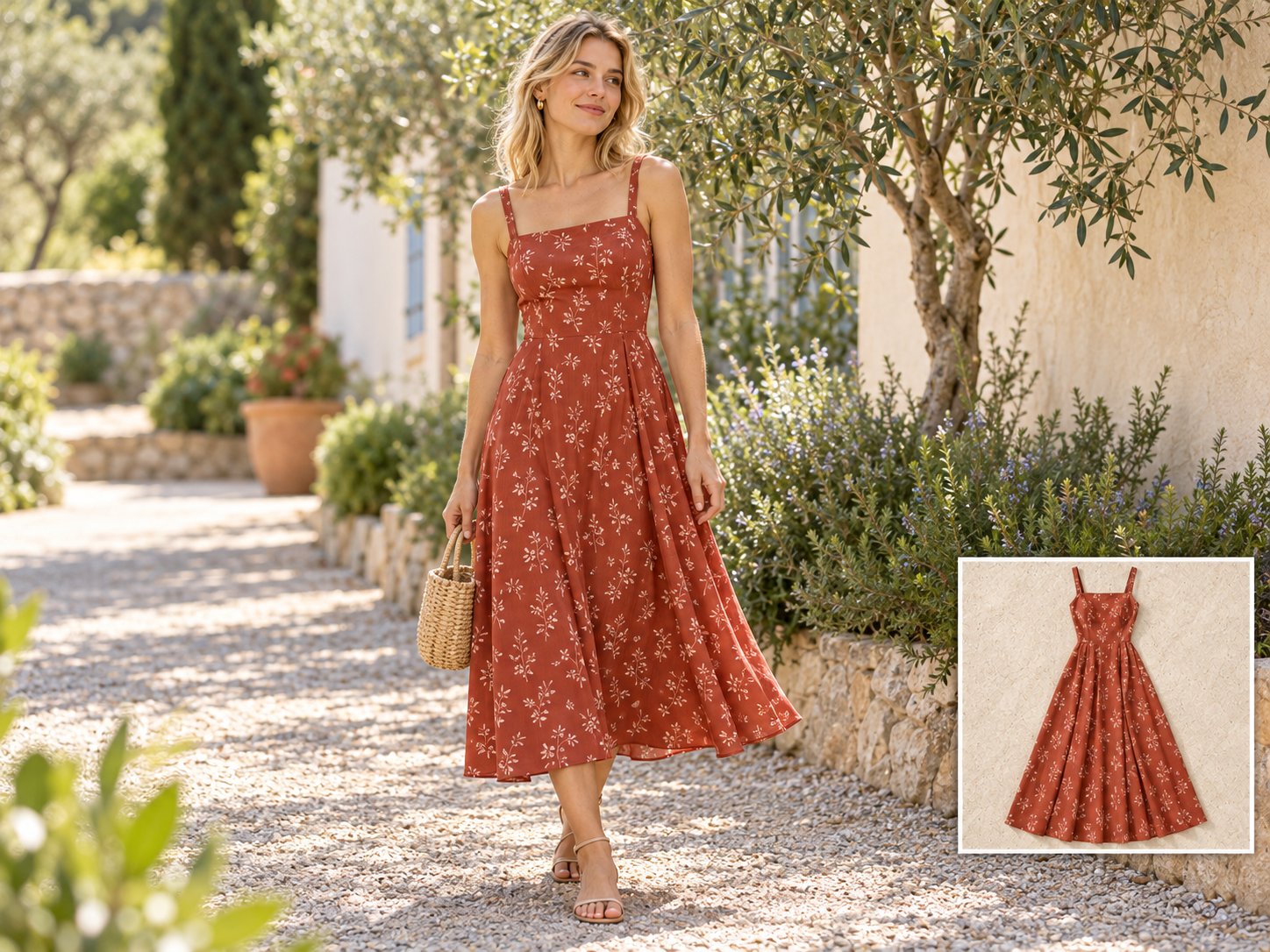
Add an On-Model View to a New Product Page
Launching a style with only flat-lay photos? Create an on-model image candidate to give the product page another view.
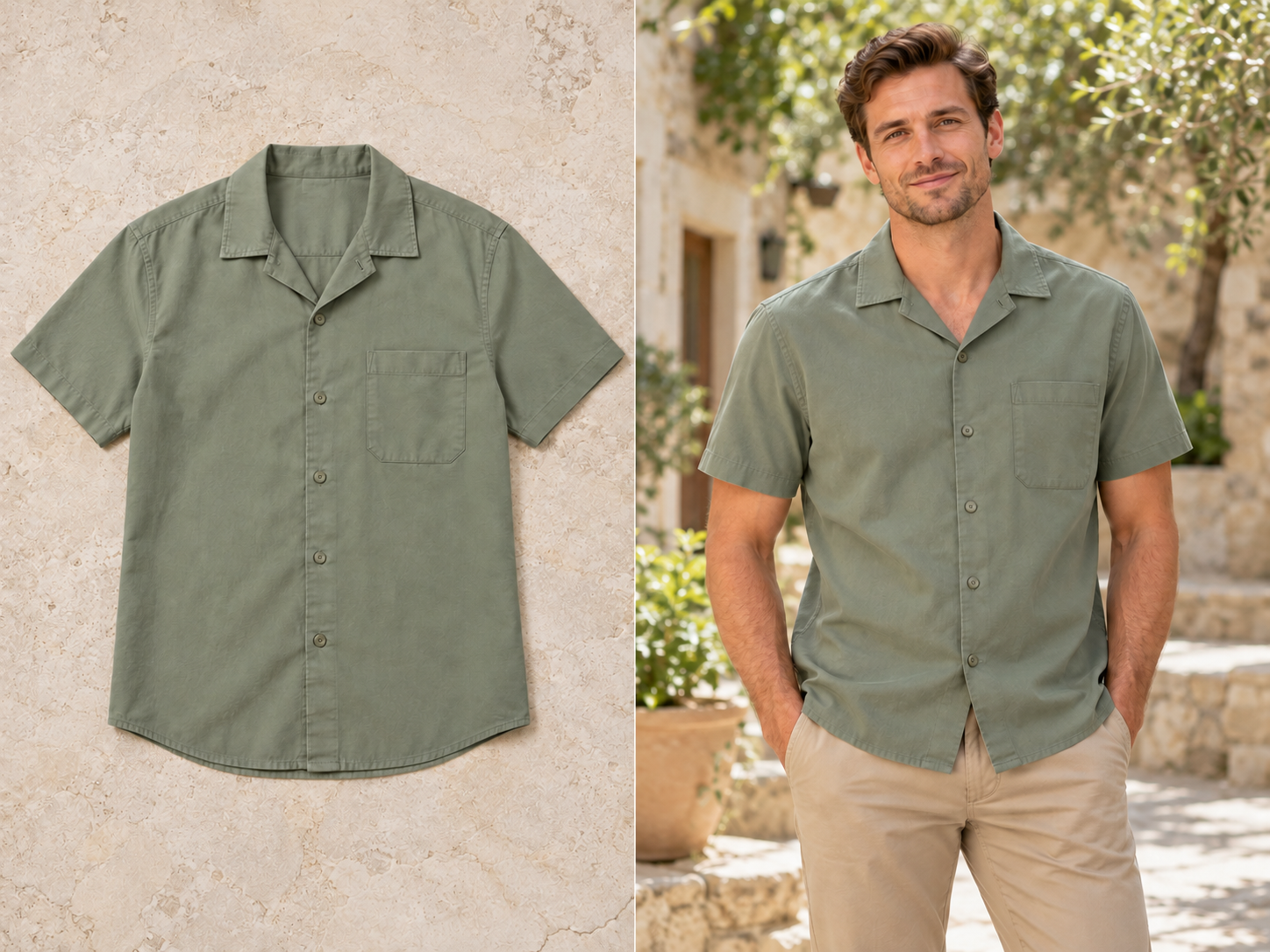
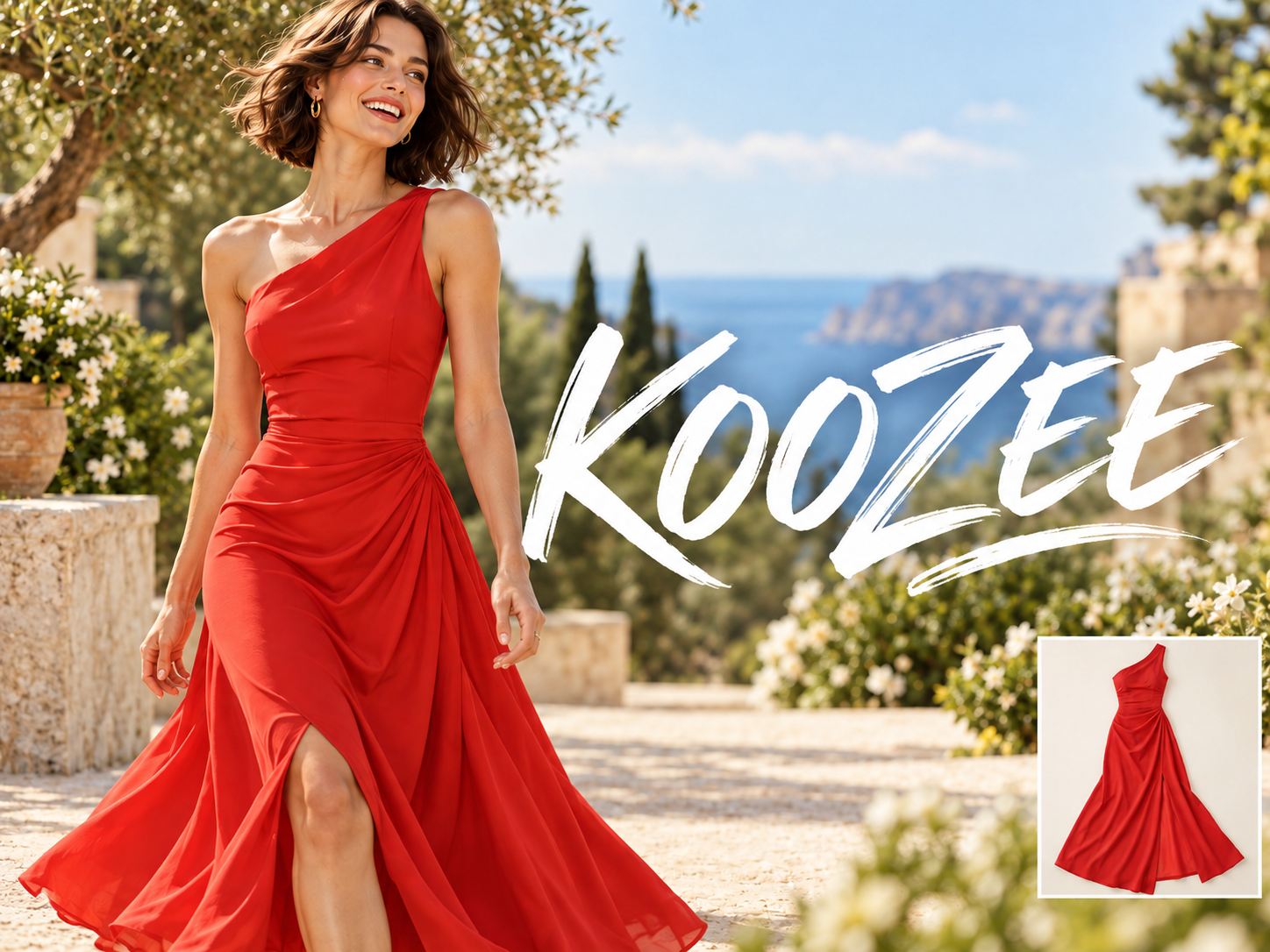
Add an On-Model View from the Photo You Have
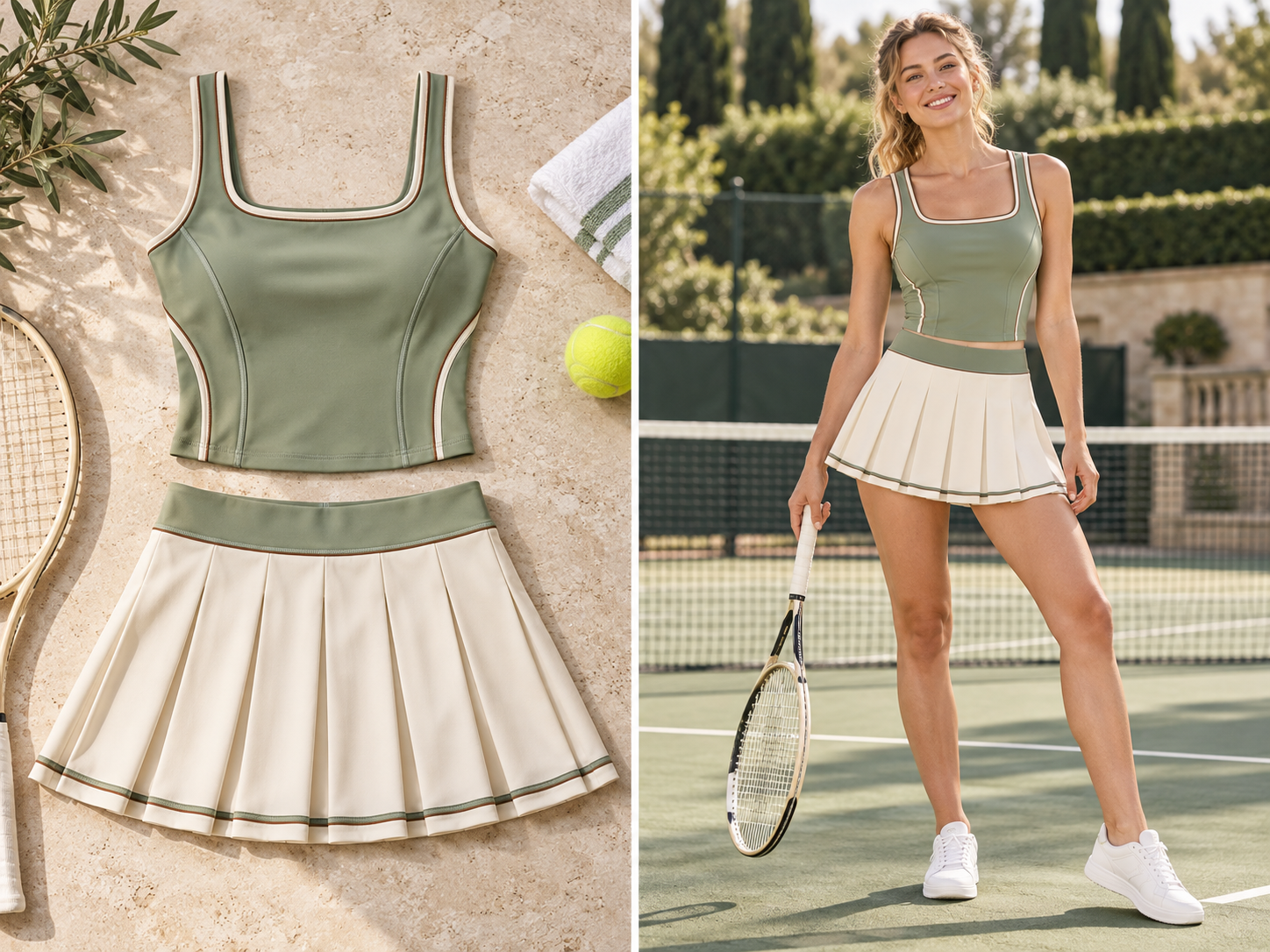
AI Virtual Model Generation
Generate a static image of a virtual model wearing the referenced garment, giving shoppers a view beyond the flat lay.
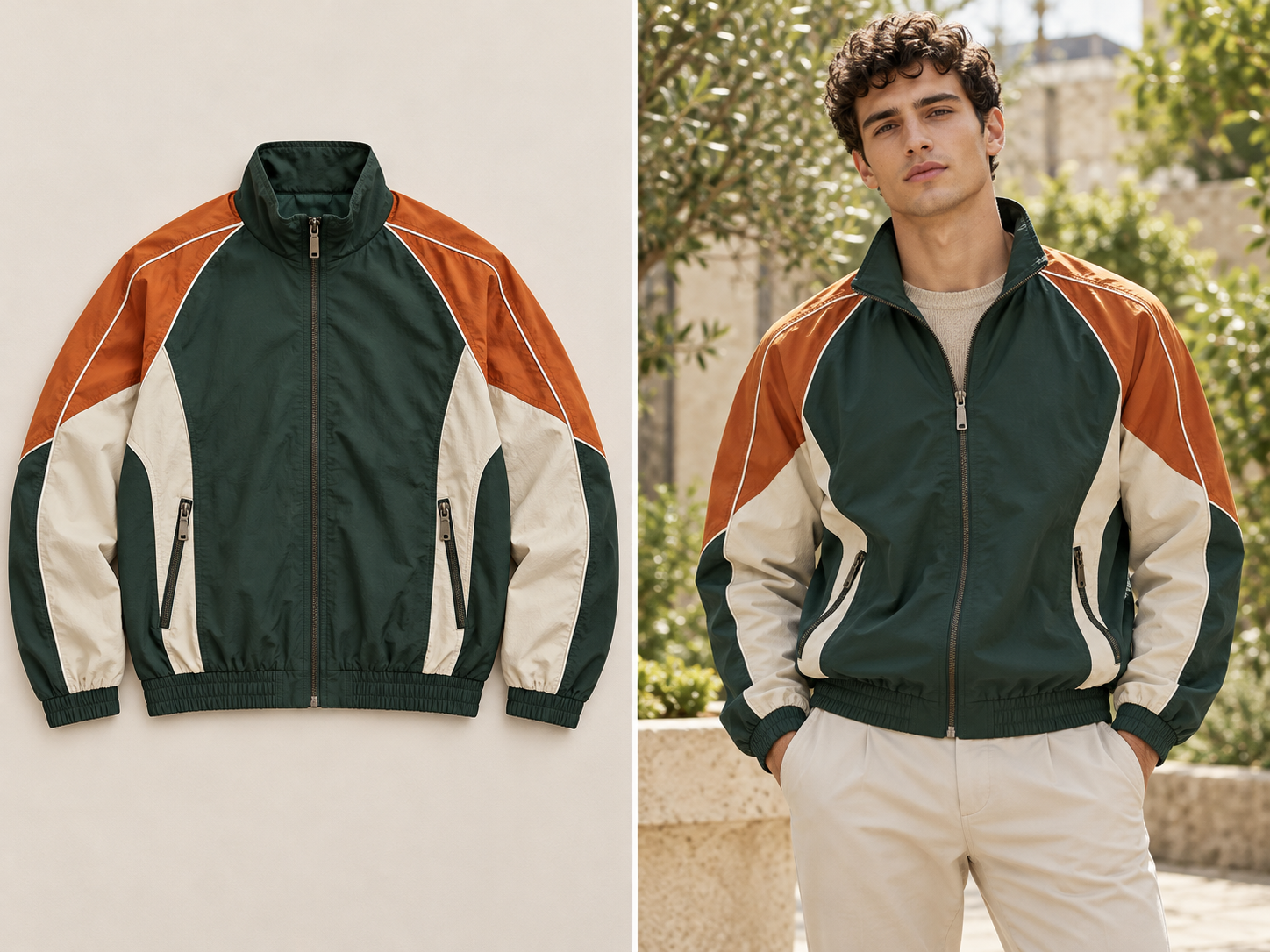
Garment Detail Recognition
Koozee uses visible garment details like color, pattern, and cut as references for on-model images, adding another useful view to your product presentation.
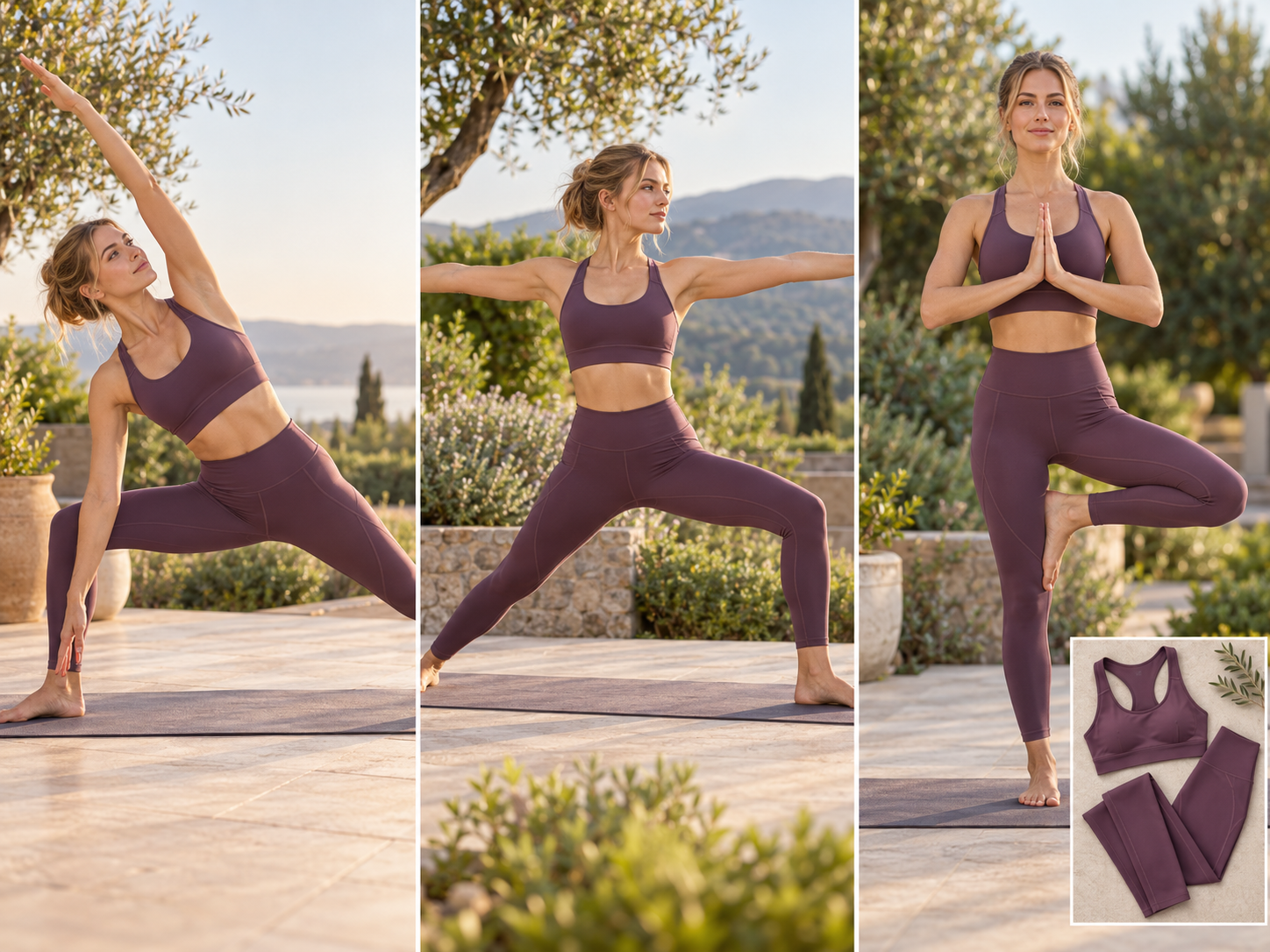
More Poses, More Views
Create model images in different poses from a flat-lay photo. Give shoppers a better feel for the garment’s shape and how it looks when worn, with more visuals to use on product pages and social media.
Fill the On-Model Gap Before Planning a Shoot

No model photo to source first. Upload a flat lay and create an on-model image candidate you can review.
For a product launch or catalog update, use the generated image as another display option. Check the details before deciding whether to arrange a dedicated shoot.

Take a reviewed on-model image into the relevant poster or video tool to make campaign content.
From Flat Lay to On-Model Image in 3 Steps
Upload a Flat-Lay Clothing Photo
Upload the garment you want to show. A clear image with the full item visible and its pattern easy to see makes the result easier to review.
Upload a Model Photo
Choose a clear model photo with a natural, unobstructed pose to show how the garment looks when worn.
Generate the On-Model Image
Start generation. The tool uses the garment’s cut and pattern in the flat lay to create a static on-model image.
FAQs
What is a flat-lay-to-model generator?
What makes a good image for on-model visuals?
Clear, complete images help show a garment’s cut, color, and details. Check the tool for current image and file-format requirements.
Will the image match every garment detail?
AI-generated details can differ from the real garment, including the cut, pattern, or smaller features. Compare the image with the item before using it on a product page.
Can it tell shoppers how the garment will fit?
No. It is a static 2D visual. It does not measure the garment, recommend a size, or verify real-world fit or comfort.
Can I use the on-model image to make posters or videos?
You can take the image to Koozee’s poster or video tools to continue creating. This flat-lay-to-model page creates a static on-model image; posters and videos are made in their respective tools.
Can I use the generated model images commercially?
Yes. KOOZEE paid subscribers can use eligible AI-generated model images for permitted digital commercial purposes, including ecommerce listings, brand websites, and online ads. Make sure you have the rights to any clothing photos, model likenesses, or reference materials you upload, and follow KOOZEE's Terms of Service.
Have a Flat Lay? Give Your Product Page Another View
Turn a flat lay into an on-model view that helps shoppers picture the garment. Review the generated image for cut, color, and other details before adding it to your product page.