Outfit Extractor for On-Model Clothing Photos
Add a Garment View from an Existing Model Photo
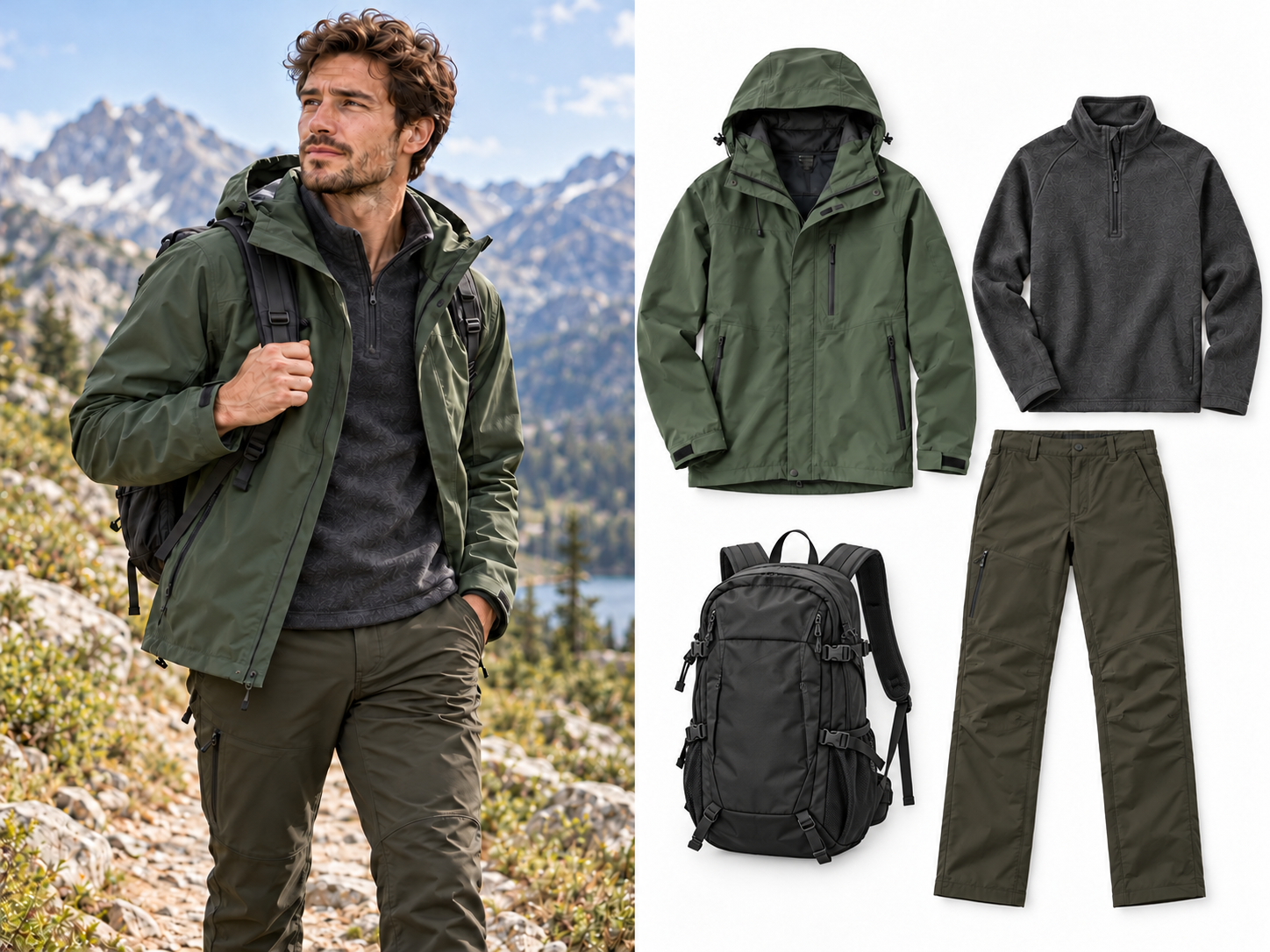
Add Garment Views to New Product Listings
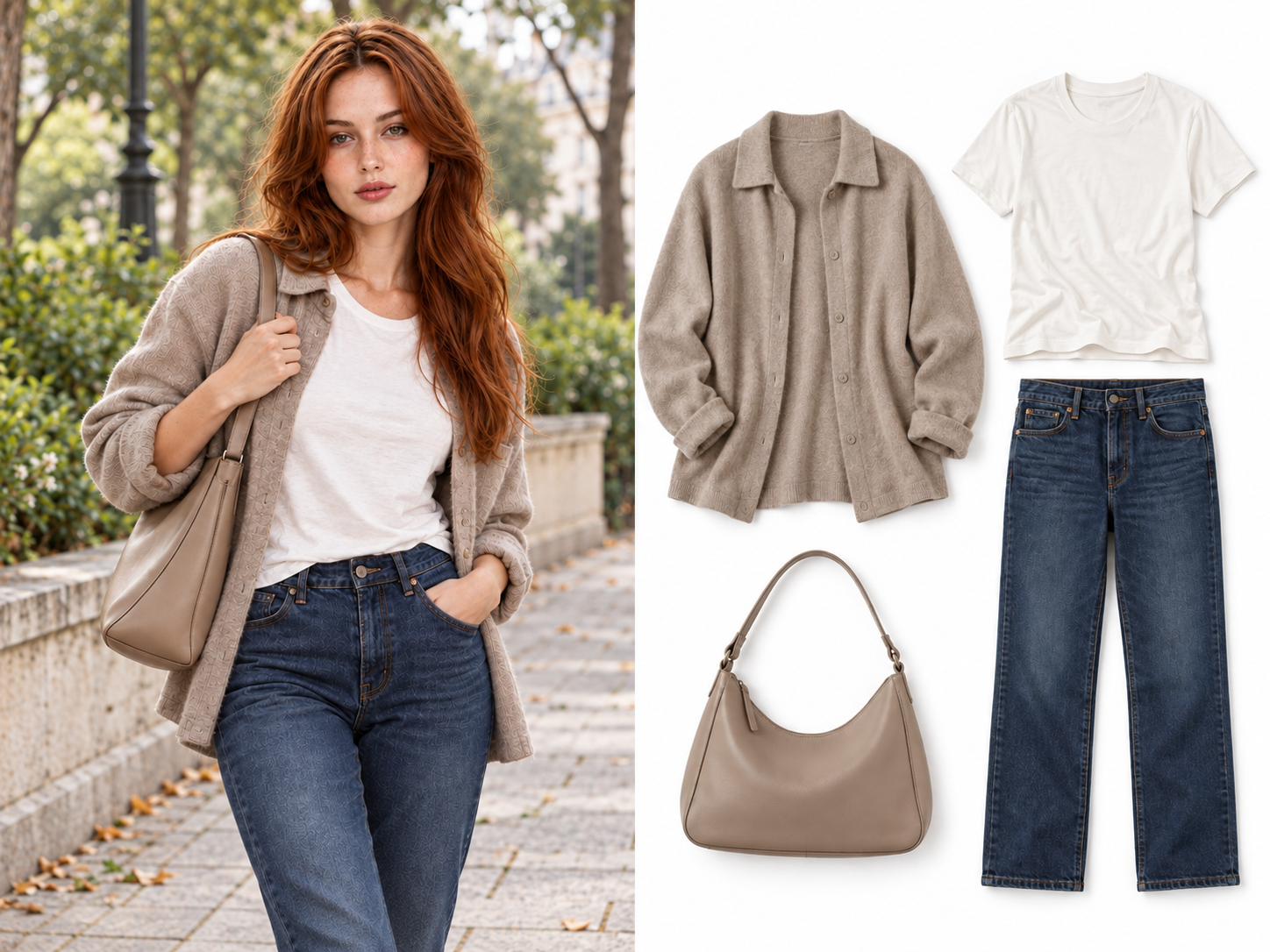
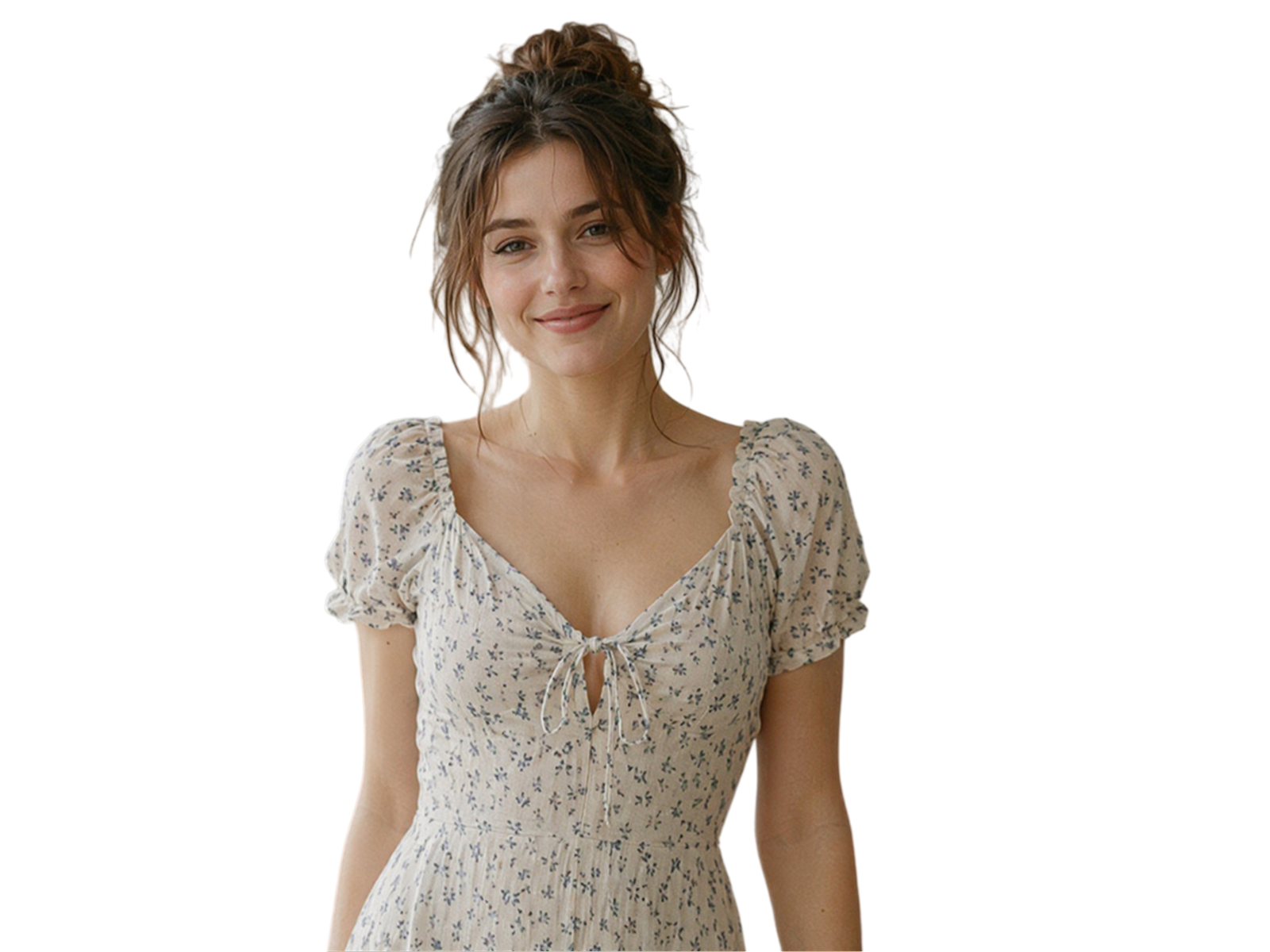
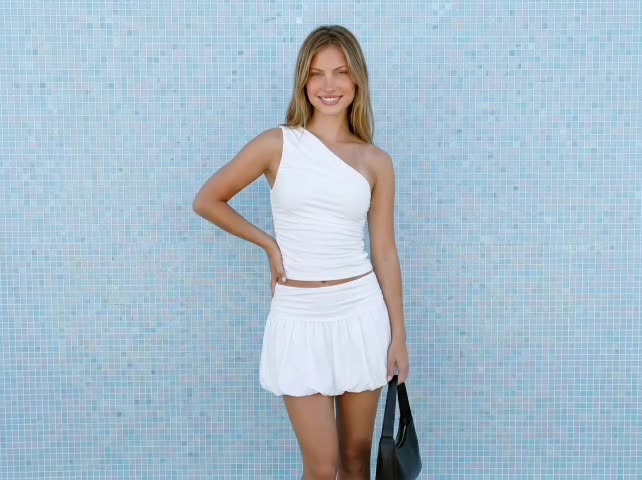
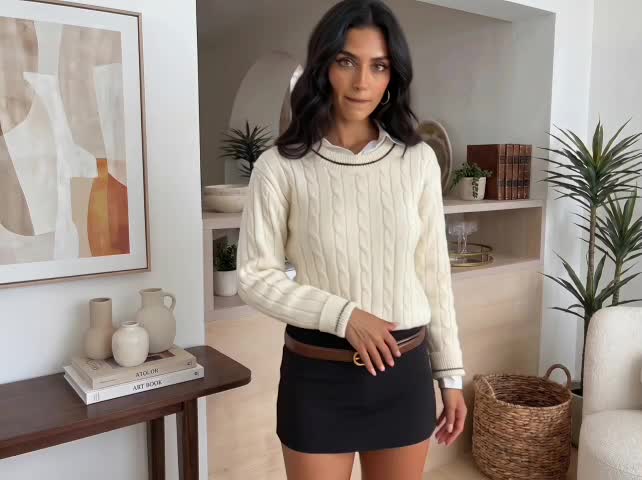
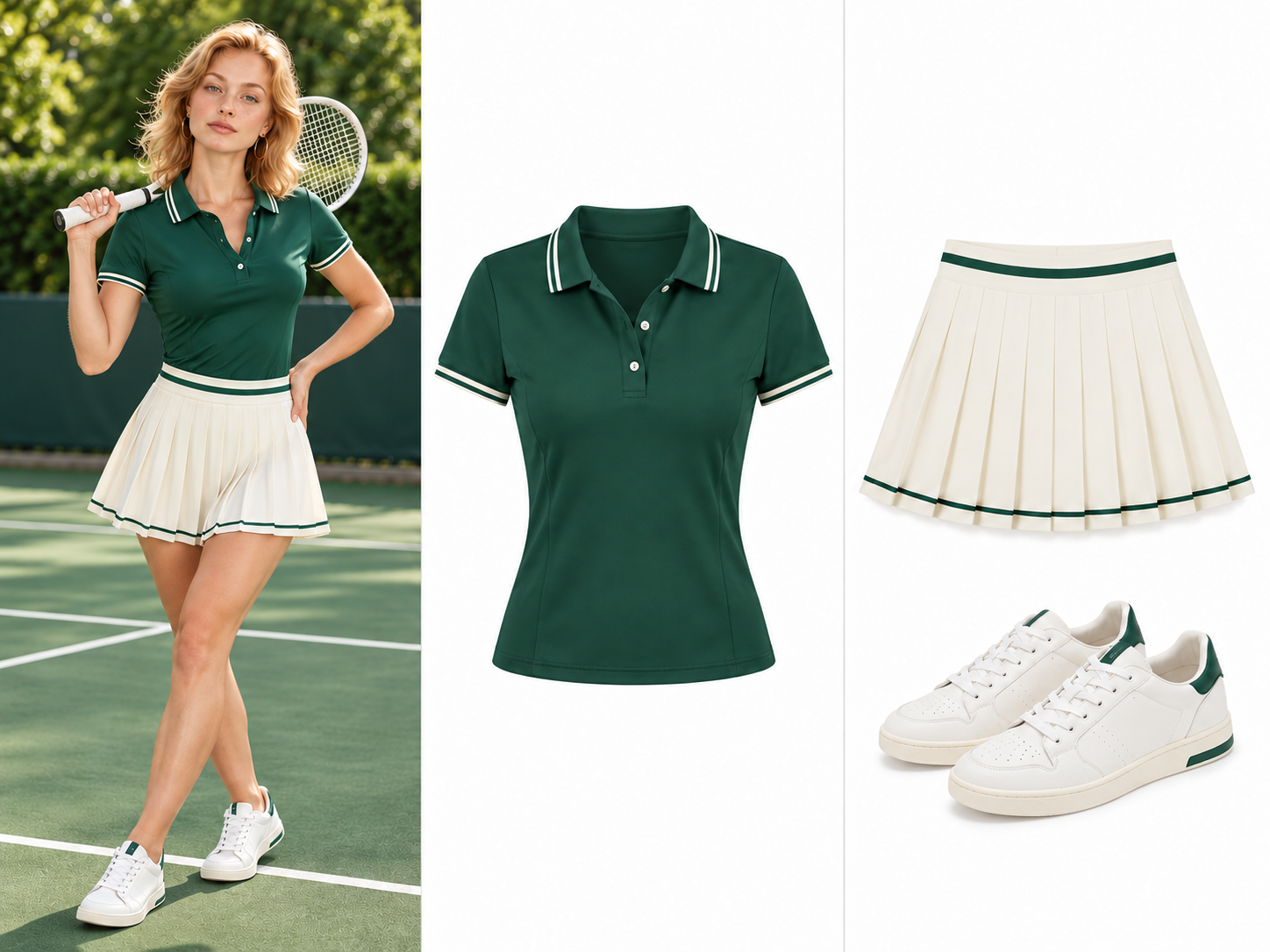
When preparing product launch visuals, use a clothes extractor to isolate the target garment from an on-model photo and create a white-background image that adds another view to your product page.
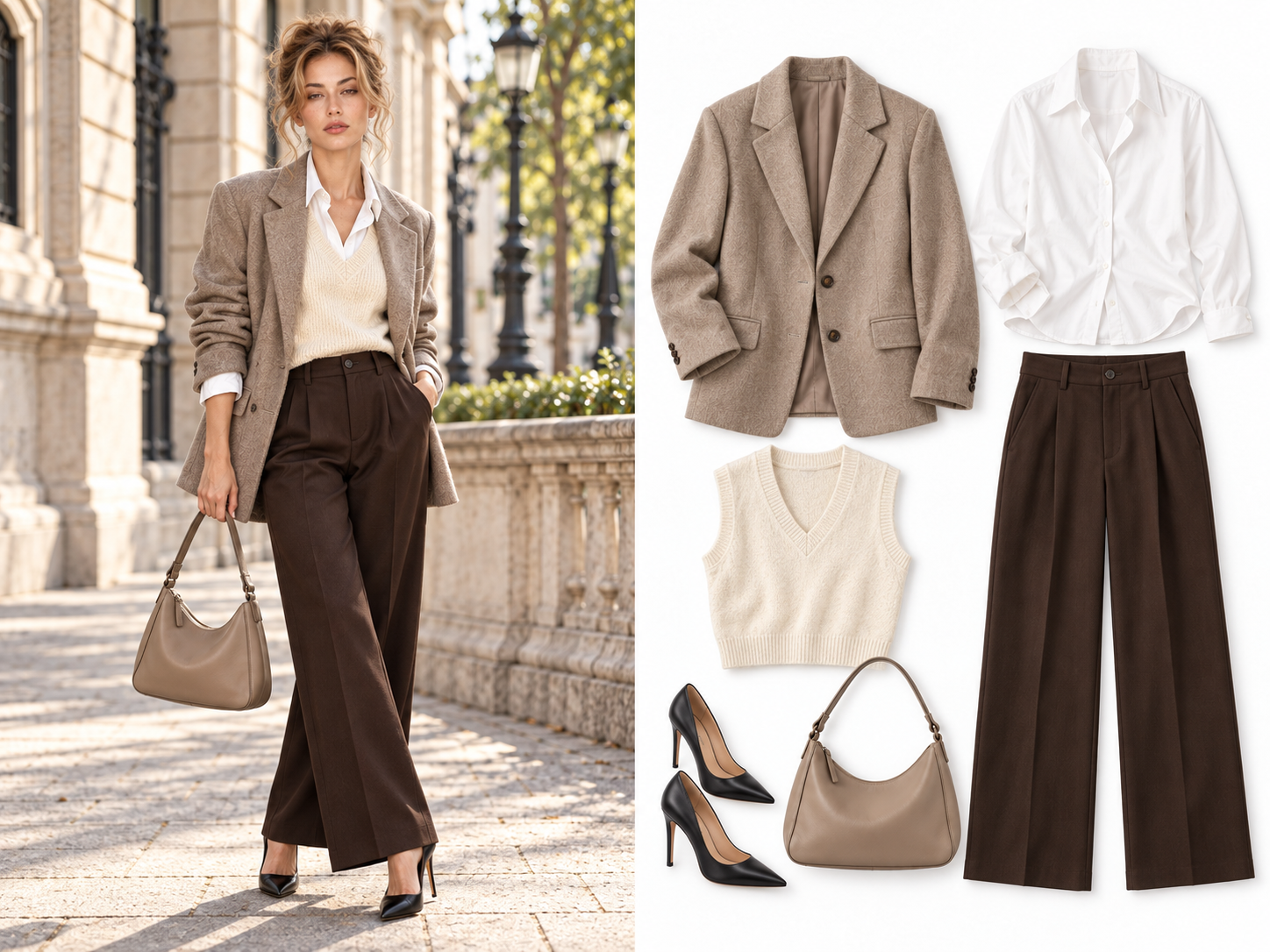
Extract Individual Garments from On-Model Photos
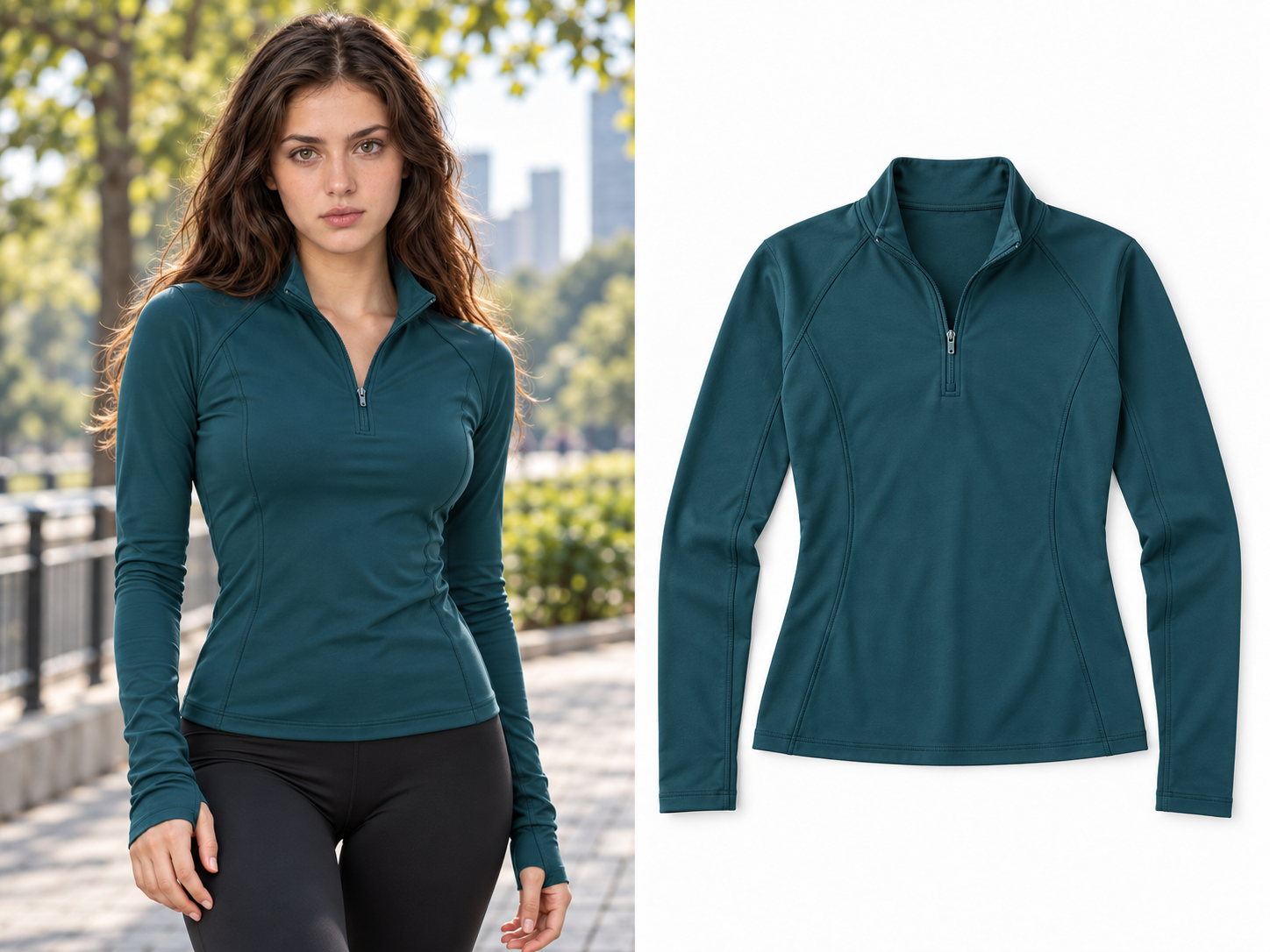
Create a Clean White-Background Garment Image
Upload an on-model clothing photo to isolate the target garment and create a white-background product image for your product page or catalog.
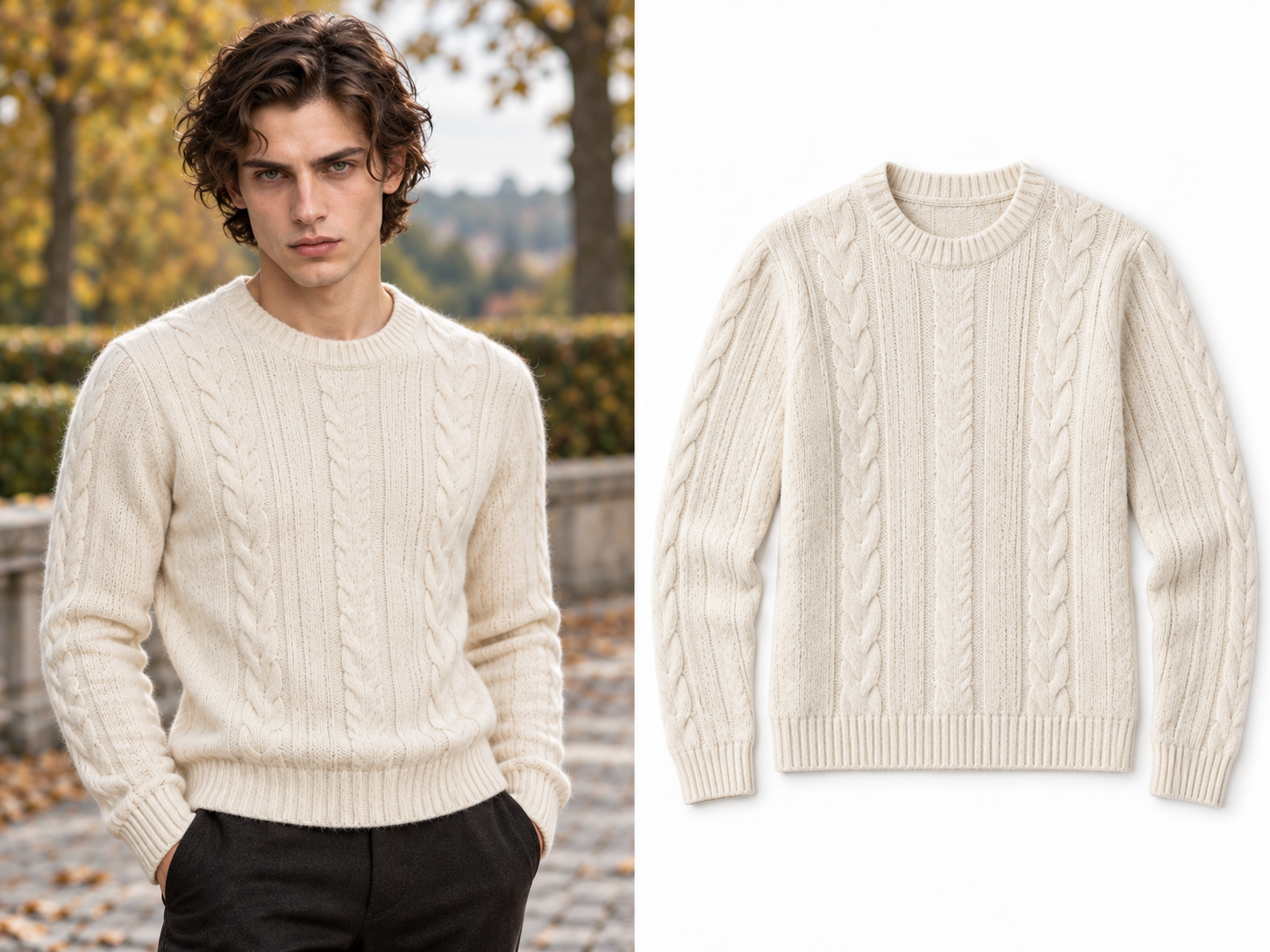
Retain Visible Garment Details
See visible garment details from the original photo, including its outline, pattern, collar, cuffs, and buttons.
Choose a Garment Type to Focus the Extraction
Choose a garment type or view to focus on the part of the outfit you want to extract.
A Simple Workflow for Outfit Extraction
Create garment visuals from existing on-model photos and reduce the work involved in preparing separate flat-lay shoots.
See the garment’s outline, pattern, and visible construction details together in one image.
Choose a garment type or view to guide the extractor toward the target item.
Use an Outfit Extractor in 3 Steps
Upload an On-Model Photo
Choose an on-model photo where the garment is clear and minimally obstructed to show its outline and details.
Choose an Available Garment Type or View
Choose a garment type or view to focus on the part of the outfit you want to extract.
Generate, Review, and Download
After the outfit extractor generates an image, review the garment outline, color, pattern, buttons, and fabric details before downloading a suitable result.
FAQs
What is an outfit extractor?
Can a clothes extractor isolate a garment from a model photo?
Yes. Upload a photo of a model wearing the product to create a white-background image of the target garment with the clothes extractor.
Will an outfit extractor preserve garment details?
The outfit extractor shows visible garment outlines and details from the original photo. Choose a clear, minimally obstructed image to bring out the garment’s features.
Can I choose a garment type or area to extract?
Yes. Choose a garment type or view to focus on the part of the outfit you want to extract.
Which image formats does the clothes extractor accept?
JPEG, PNG, and WebP images are supported.
Try the Outfit Extractor on an On-Model Photo
Upload an on-model photo and use the clothes extractor to isolate the target garment for product launches and content.