AI Video Ad Generator: Create Product Ads Faster
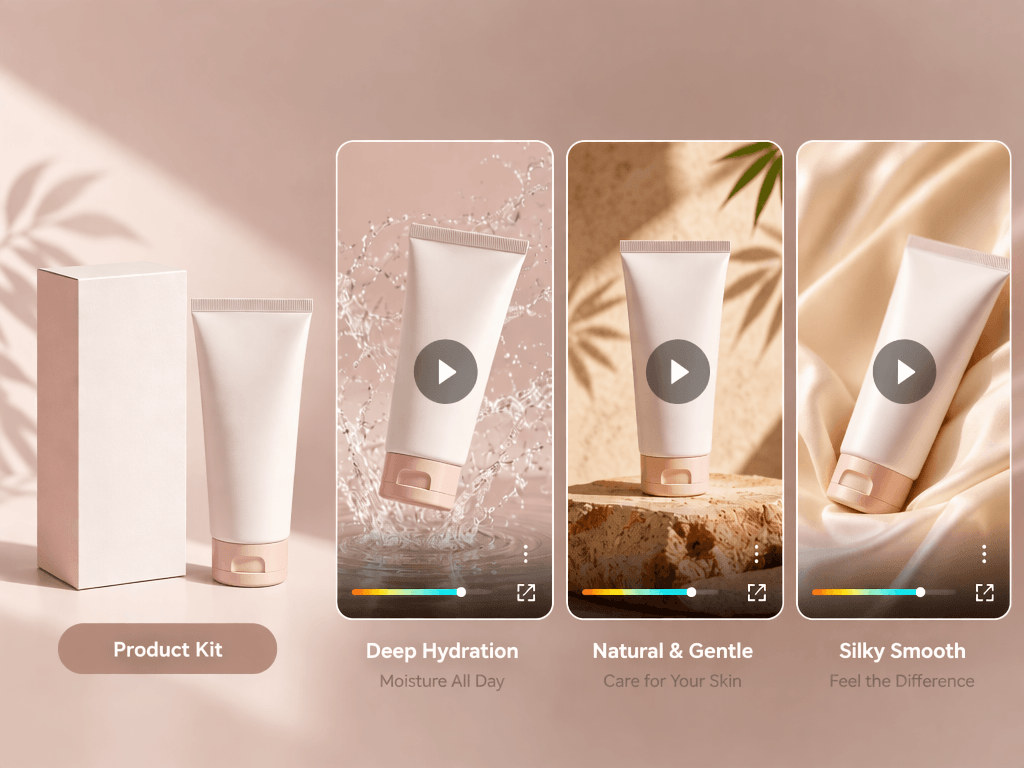
Generate More Ad Creatives Without Expensive Photoshoots
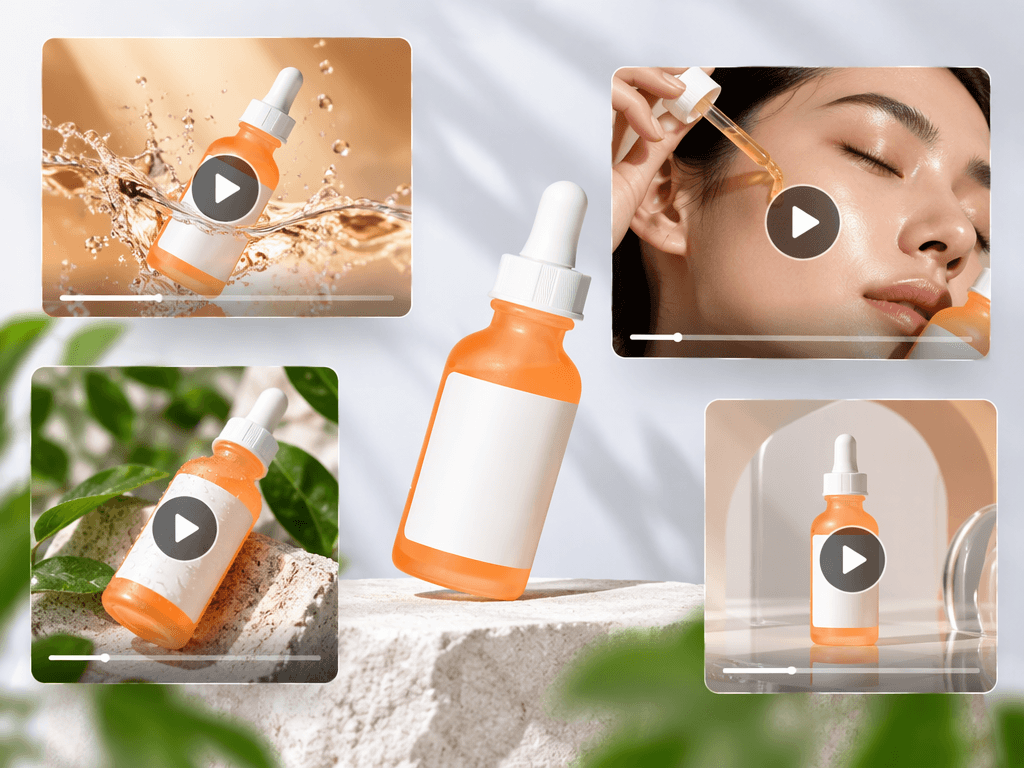
Create Product Ads for New Arrivals Without Another Shoot
New arrivals need fresh promotional videos, but arranging models, locations, and shoots for every product takes time and money. Upload a suitable fashion video reference, add your own product and model images, and use Koozee to create new product videos for launches, product pages, and marketing campaigns.
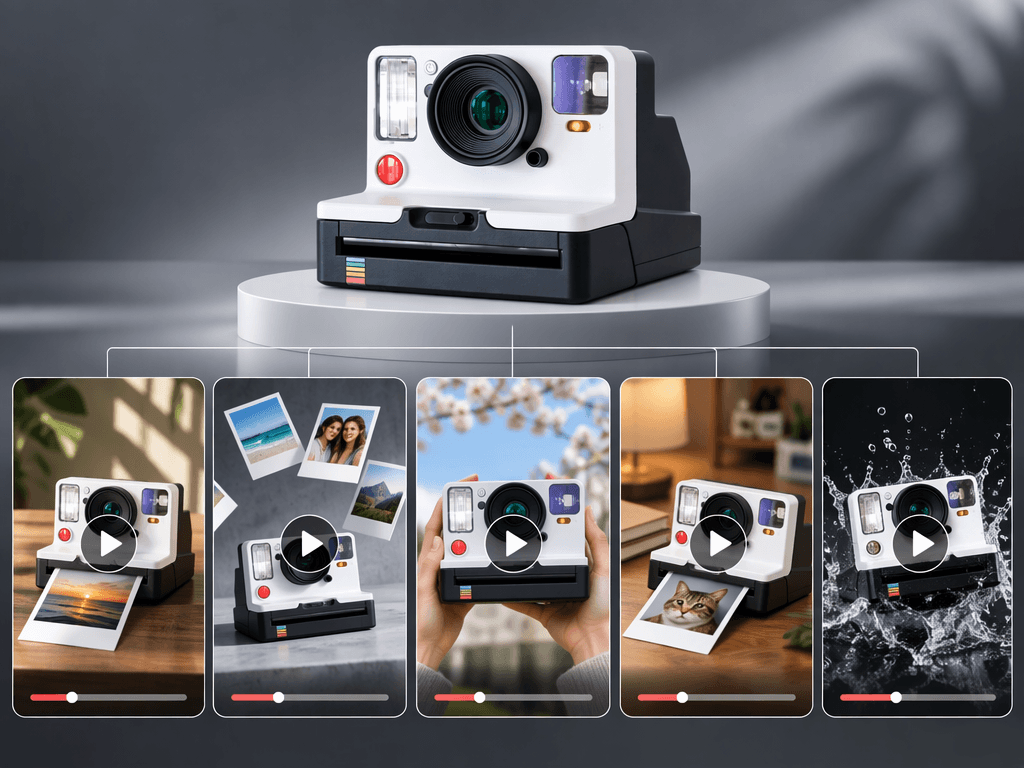
Turn Video References into Product Ads More Easily
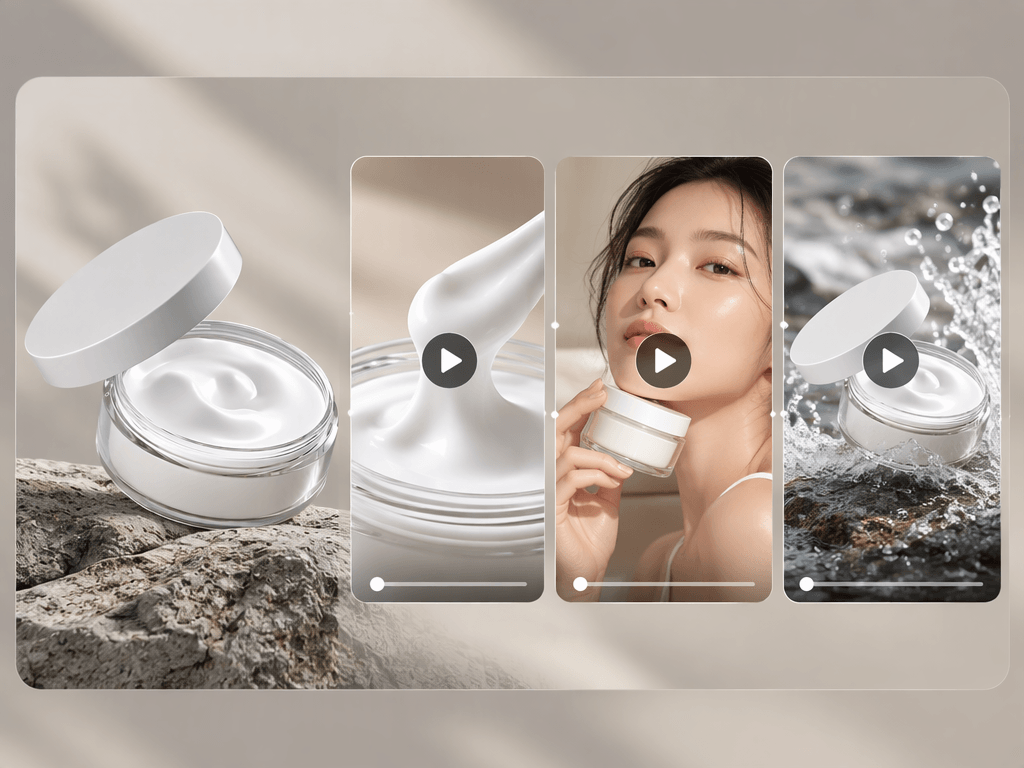
Recreate Ideas from Reference Videos
Upload a video you like and use its shots, pacing, and product presentation as inspiration for new ads.
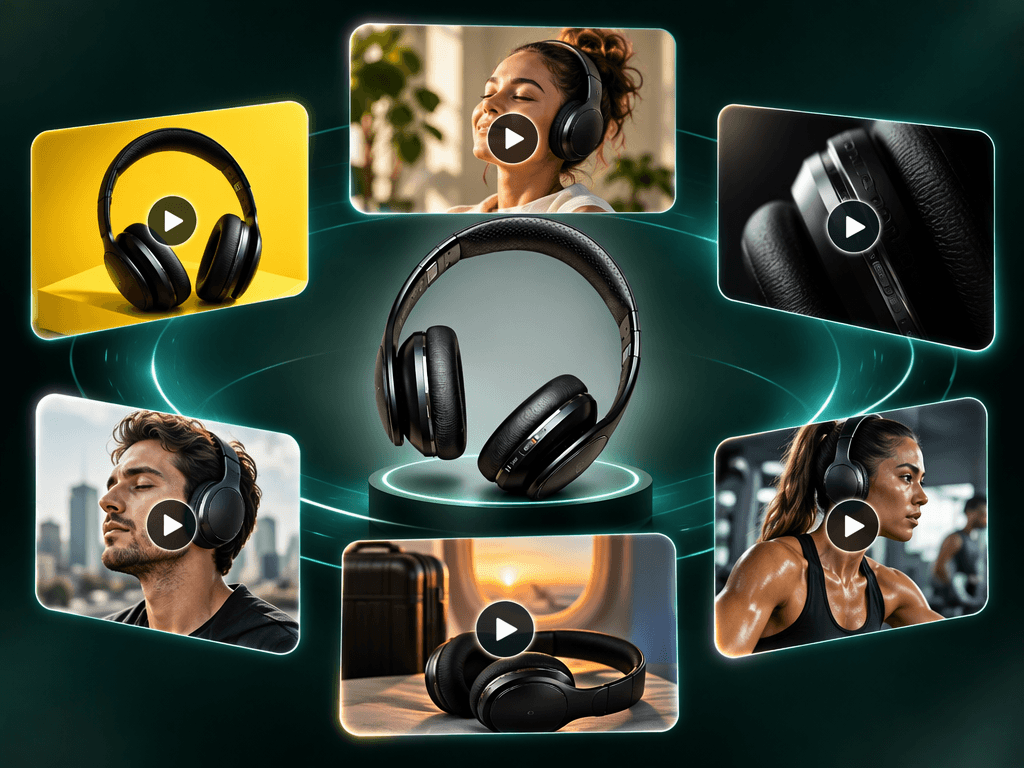
Break Down Video Scenes with AI
AI analyzes each scene and identifies the product, model, and detail images needed to create your video.
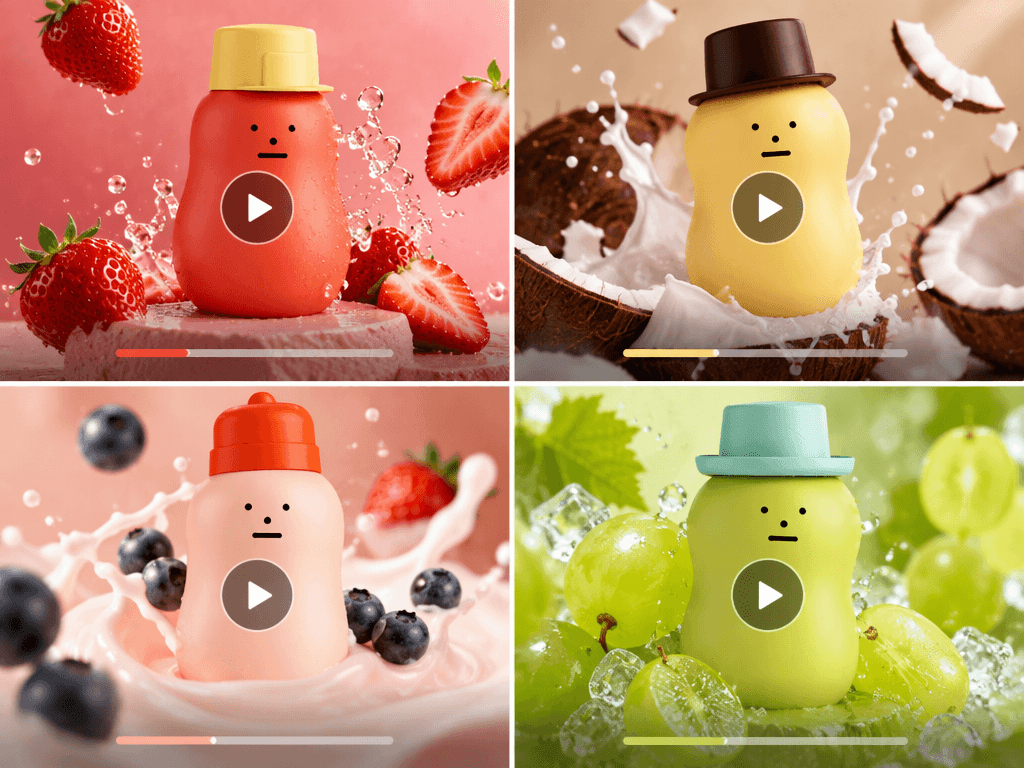
Put Your Products at the Center
Add your own product and model images to adapt the reference video's concept into a product-focused ad.
Why Choose Koozee AI Video Ad Generator?
No ad idea or unsure how to structure your product video? Start with a reference you like and use its video structure, shot arrangement, and presentation style as inspiration. Spend less time planning from scratch and get your product video production moving sooner.
Reshooting products and models for every ad adds cost and slows down product launches. Koozee lets you use existing product, clothing, and model images to create new videos, reducing reliance on repeated video shoots and making better use of your existing visual assets.
Product recommendations, outfit showcases, unboxing, detail shots, and lifestyle videos can all inspire new ad concepts. Use different video references with your own product assets to explore more ways to present your products and prepare a wider range of videos for marketing campaigns and creative testing.
Create AI Video Ads in 3 Steps
Upload a Reference Video
Choose a video that presents products in a way you like. It can be a product recommendation, outfit showcase, unboxing, product detail clip, comparison review, or lifestyle video. Upload it to Koozee Video Replication as the reference for your new video.
Add Product Images Based on AI Prompts
Let Koozee analyze the reference and identify the image assets needed for each scene. Follow the prompts to upload clear product photos, clothing images, model photos, or detail shots. Use well-lit images with complete subjects and minimal obstruction to provide better source material.
Customize and Generate Your Video
Choose your preferred video duration, aspect ratio, and output resolution, then start generating. Review the result for product color, patterns, fit, motion, and pacing before selecting a version for product pages, social media content, or advertising creatives.
FAQs
What do I need to create an AI video ad?
What video settings can I customize for an AI video ad?
You can adjust the video duration, aspect ratio, and resolution to suit different advertising needs, social media platforms, and display formats.
Can I directly clone and publish another brand's video ad?
Koozee is designed to use a reference video's creative structure to create a new video with your own product assets, rather than directly copying someone else's finished ad. Use videos and images you own or have permission to use, and review product details, music, captions, motion, and copyright-related elements before publishing.
What types of advertising videos can Koozee create?
You can use product recommendations, talking-head explainers, try-on hauls, OOTD videos, styling tips, outfit transitions, product detail clips, comparison reviews, unboxing videos, and lifestyle videos as references. Combine them with your own product assets to create new videos. Results depend on the reference video, uploaded assets, and current product capabilities.
Can an AI video ad generator create ads directly from product images?
Koozee's Video Replication workflow starts with a reference video. You then add product and other image assets based on the AI analysis. It is not a standalone workflow that automatically creates a complete scripted advertisement from just one product image.
Stop Starting Every Product Ad from Scratch
Start with product images, not another expensive shoot. Upload a video you like, add your own product and model assets, and let Koozee AI turn your reference into a fresh product advertising video.