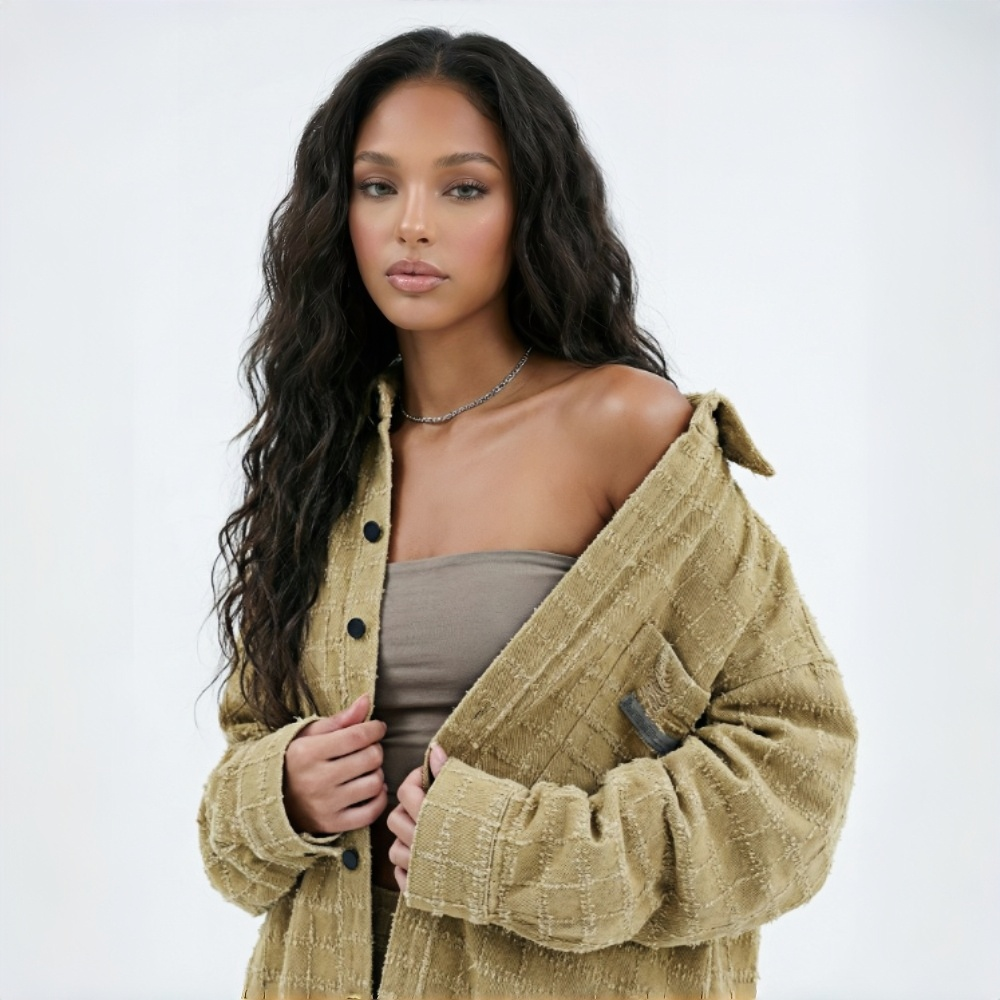
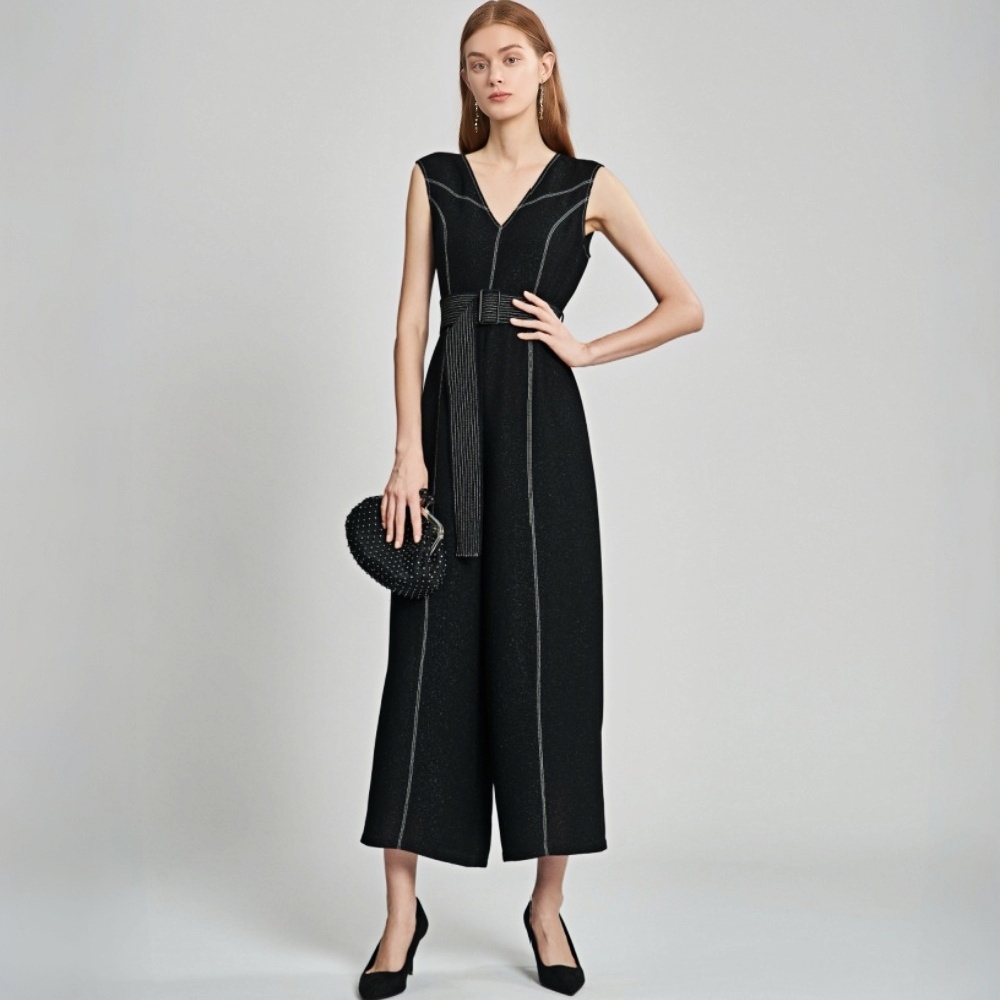
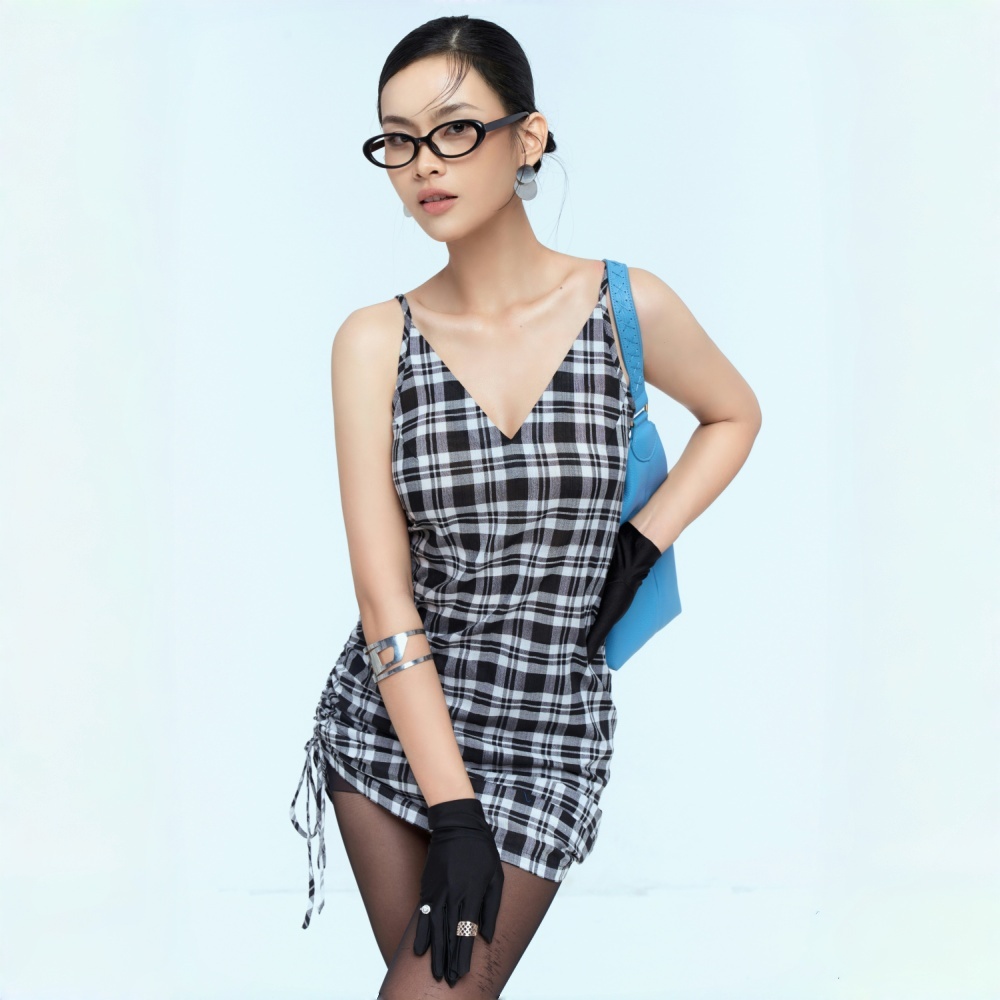
No image? Try one of these:


Set the opening and closing frame for each video, add a prompt to shape the lighting and mood, and generate fashion videos that actually match your brand — ready for your website, social channels, and key product content.
Kling V3.0 is a next-generation AI video model recognized for natural motion, visual consistency, and stronger scene understanding. Its F&L mode is becoming the go-to method for creating product videos with AI — upload a starting frame and an ending frame, and the model generates a natural, directed transition between them, giving every video a clear visual logic from the start.For fashion, that means planning the shot before you generate — full outfit to fabric close-up, front view to side profile, or product showcase to brand-styled content. Koozee builds on Kling V3.0's consistency strengths to keep garment structure, fabric texture, and product detail stable across the full video, producing fashion product videos that are sharp, on-brand, and ready to use.
Koozee runs on Kling V3.0 — a professional-grade AI video model recognized across the industry for its precise visual control. Every second of output meets the consistency standard that commercial use demands.
Koozee uses Kling V3.0 to render fabric texture, intricate prints, garment construction, and stitching detail with precision. The result is AI model video that holds up against real product photography — and gives buyers an accurate picture of what they're getting.
The dual-frame reference mode anchors both the opening and closing shot of every video. It gives you direct control over how the model moves and how the garment reads on screen — so the output lands closer to what you had in mind, and you spend less time regenerating.
Standard image-to-video takes one image and lets the AI decide everything else — the direction, the movement, the framing. First-and-last-frame gives the AI a defined start and end point. The output has a clear visual direction, is more consistent, and is far more likely to match what you actually need.
Not at all.Not at all. Koozee runs on Kling V3.0, generating natural transitions between the first and last frame — movement feels fluid, camera changes read as intentional, and the garment stays consistent throughout. Fabric texture, garment structure, and print detail are preserved from start to finish, producing results that hold up against real product footage.
Regular model photos and AI try-on images both work. Use images where the garment is clearly visible against a clean background — higher resolution and sharper detail produce better video output. Keeping the first and last frame visually consistent helps the transition look natural.
None at all. Upload your first and last frame, then describe the shot in plain language — "slow push toward the collar detail," "soft natural light." No editing software, no production knowledge, no learning curve.
Yes. Videos export as MP4 files compatible with Shopify product pages, TikTok, Instagram Reels, YouTube Shorts, and ad platforms. Check each platform's video spec requirements before uploading — resolution, duration limits, and file size can vary.
Set your frames, write a prompt, and get a fashion product video ready to use — in minutes.
Real Users, Real Results
Here's what fashion sellers say after using Koozee to create their product videos.
The first-and-last-frame feature is genuinely useful. I set a full-outfit shot as the first frame and a fabric close-up as the last — the video Koozee generated had a clear visual flow from overall look to detail. The transition felt completely natural.
With prompts, I just describe the lighting, framing, and mood — and the video follows that direction. There's so much more intentionality in the output now, and it actually fits our brand aesthetic.