Flat Lay Clothes Photos — Instant AI White Background Online
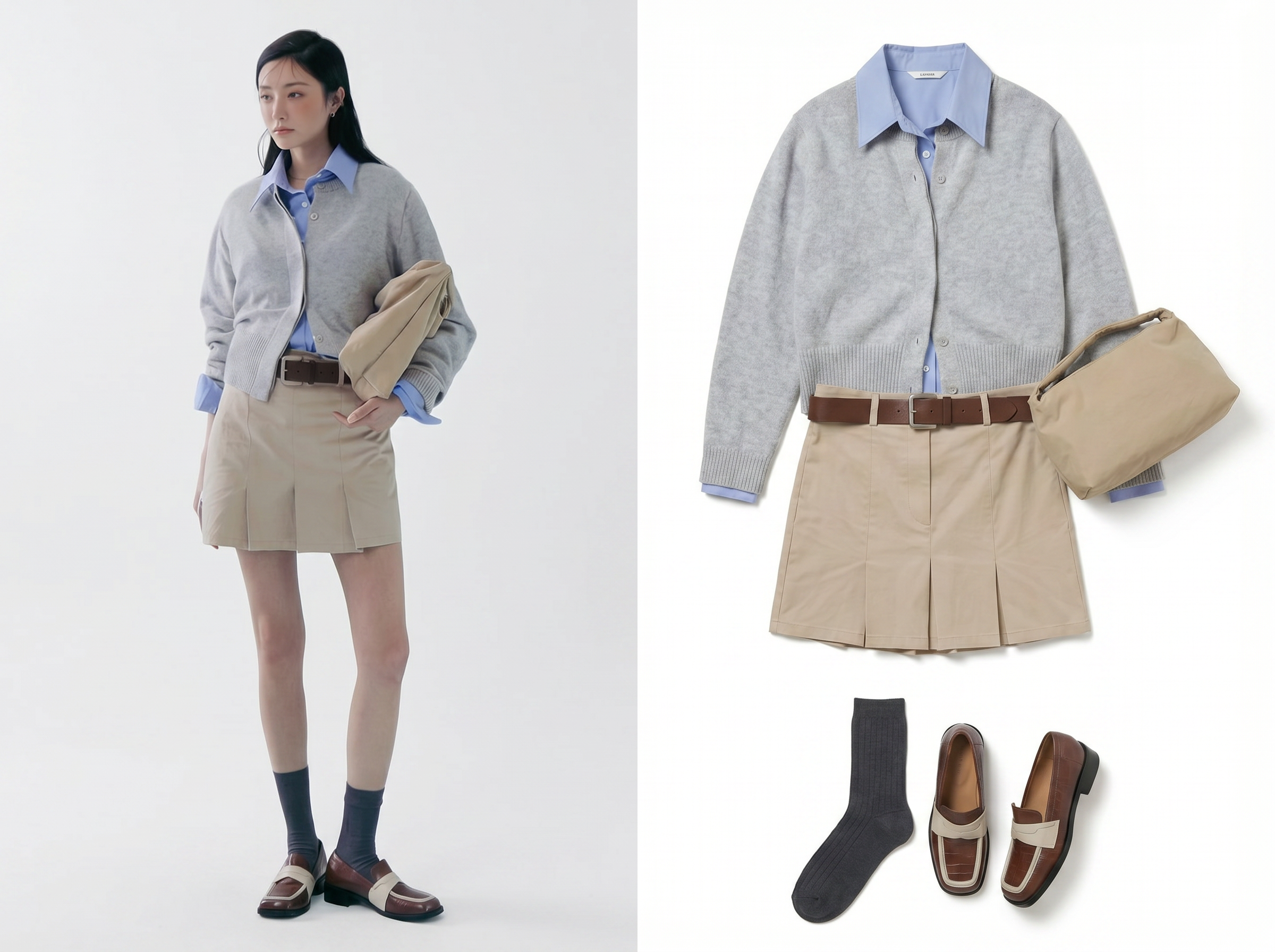
No image? Try one of these:
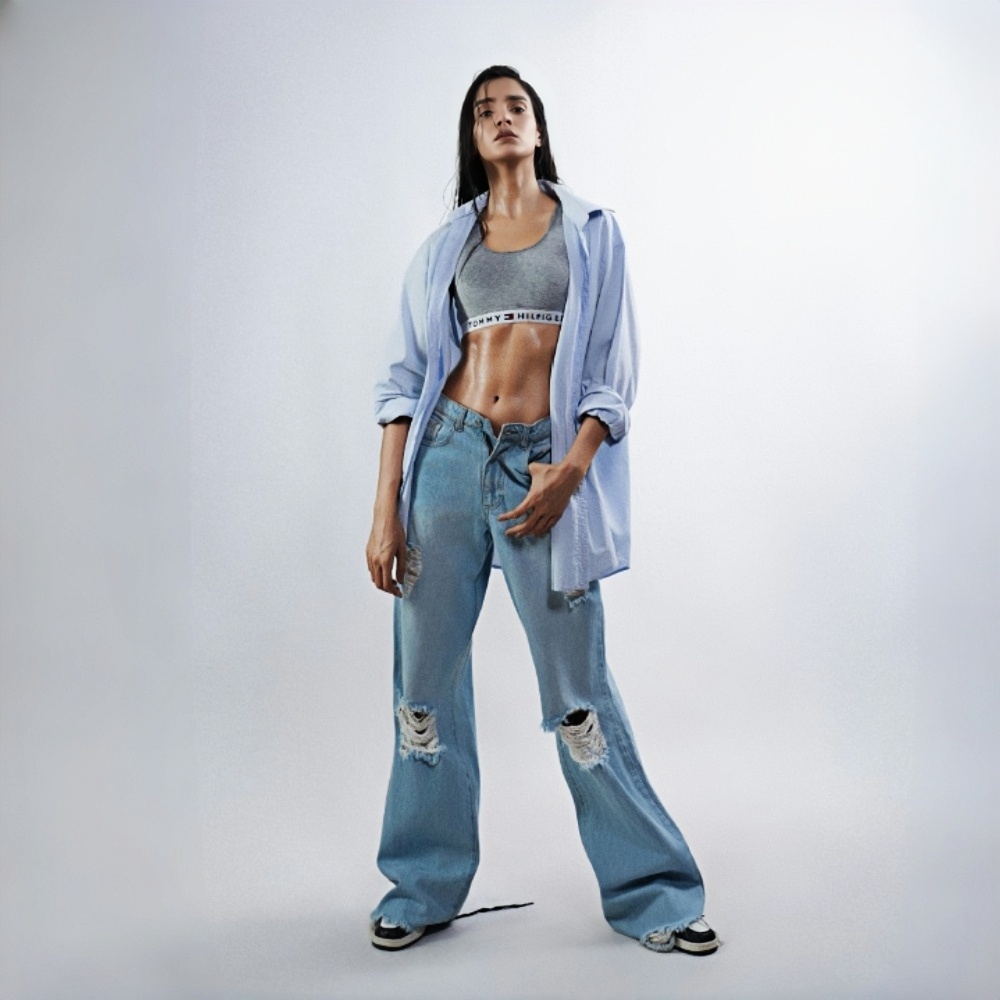
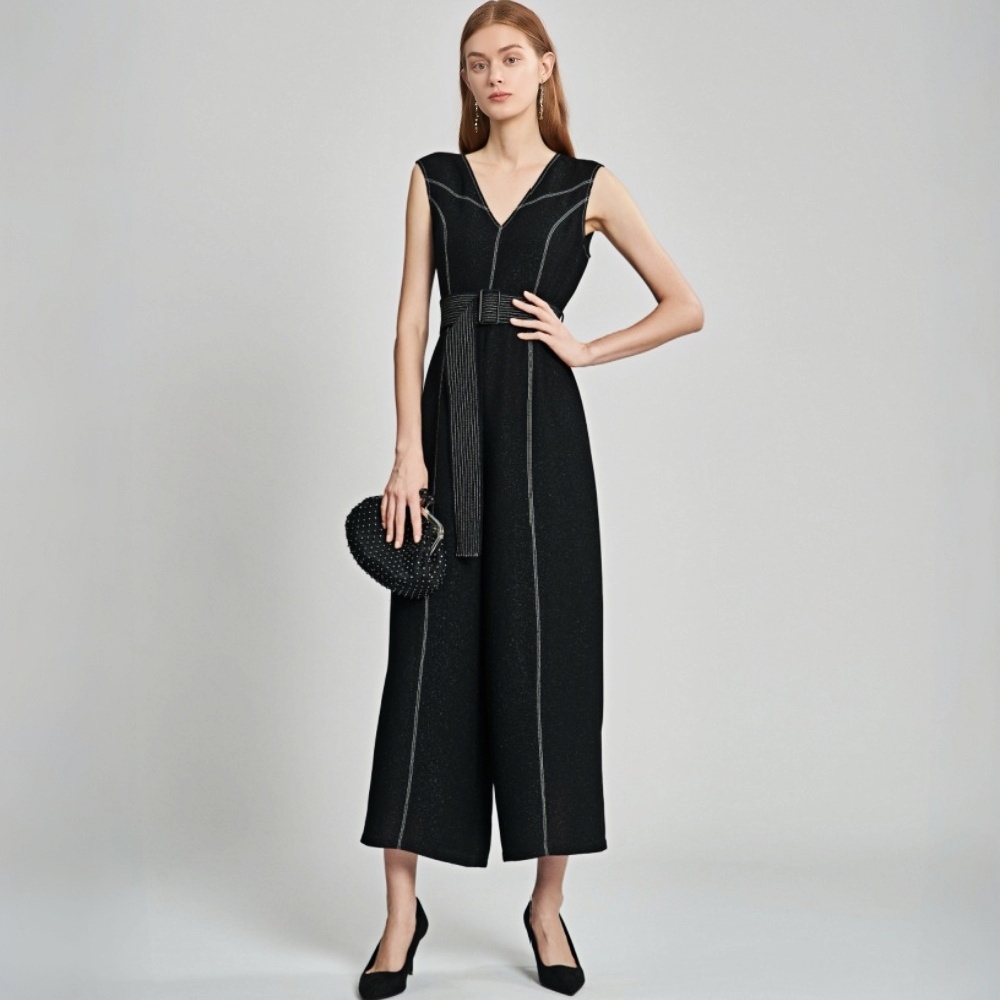
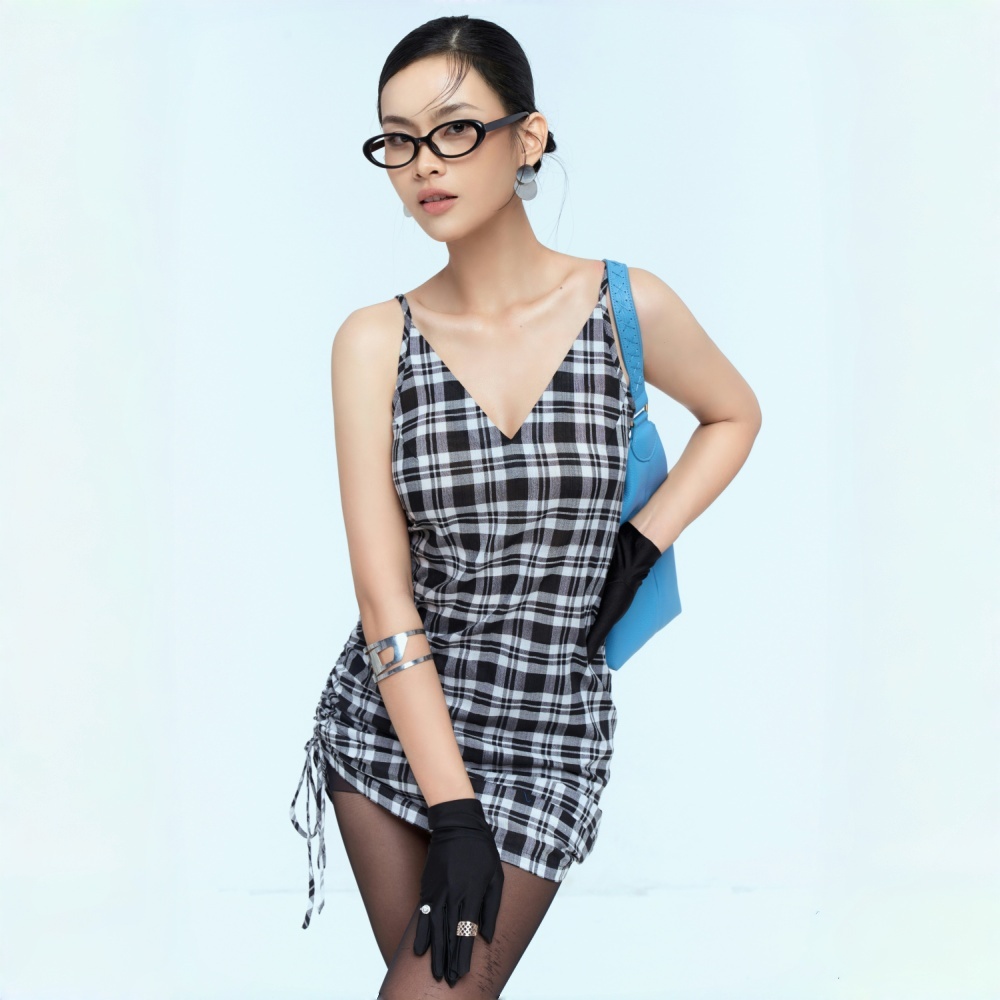
Flat Lay Clothes Images Drive Sales and Content
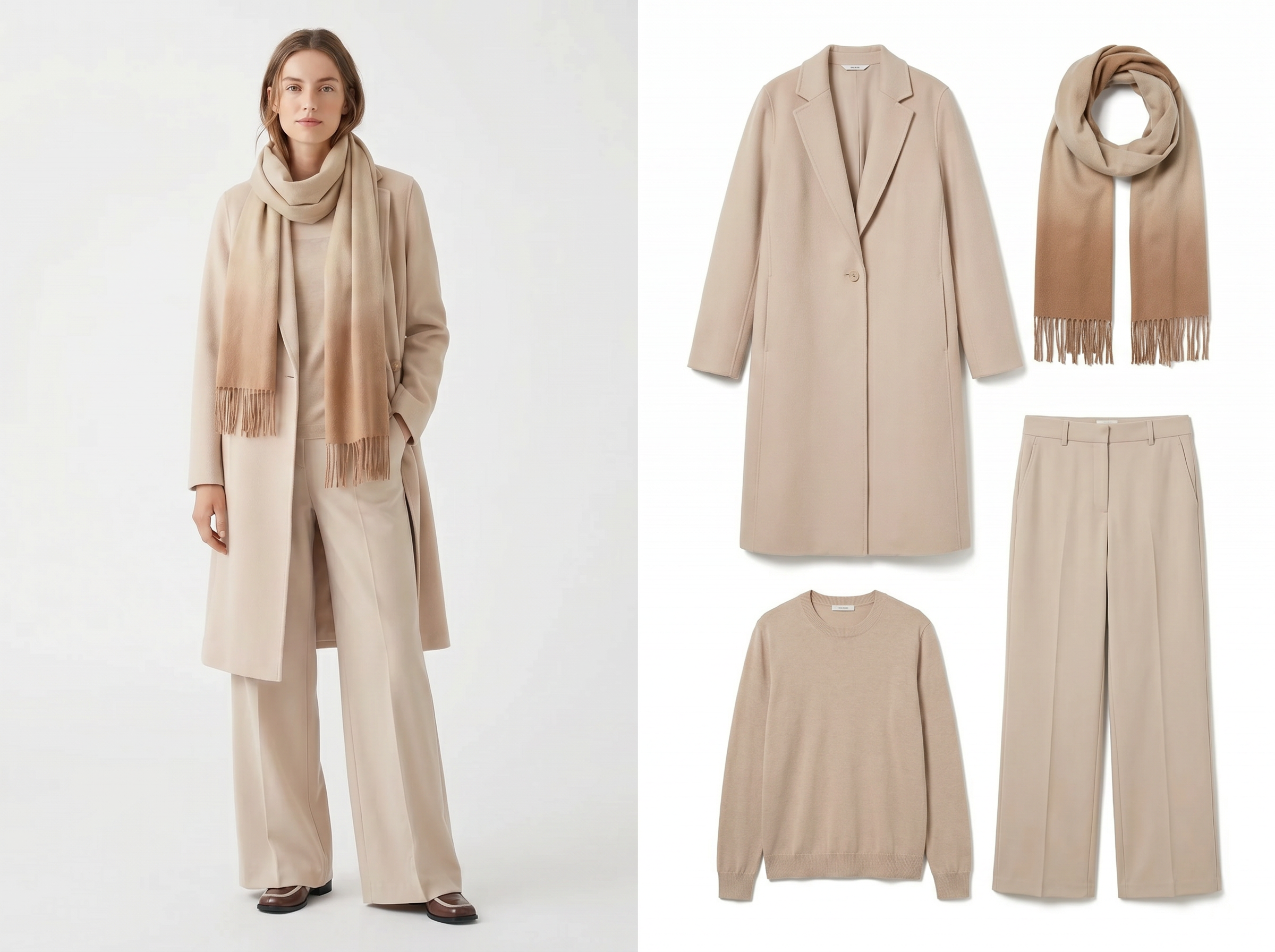
Flat Lay Clothes for Selling on Amazon and Shopify
Marketplace algorithms favor listings with clean, uniform product images — and penalize inconsistency. KOOZEE turns raw garment photos into white-background flat lay images across every category: tops, pants, dresses, outerwear, and suits. Select front view for the main listing image, back view for the secondary slot, and publish a 50-SKU drop without waiting on a photographer.
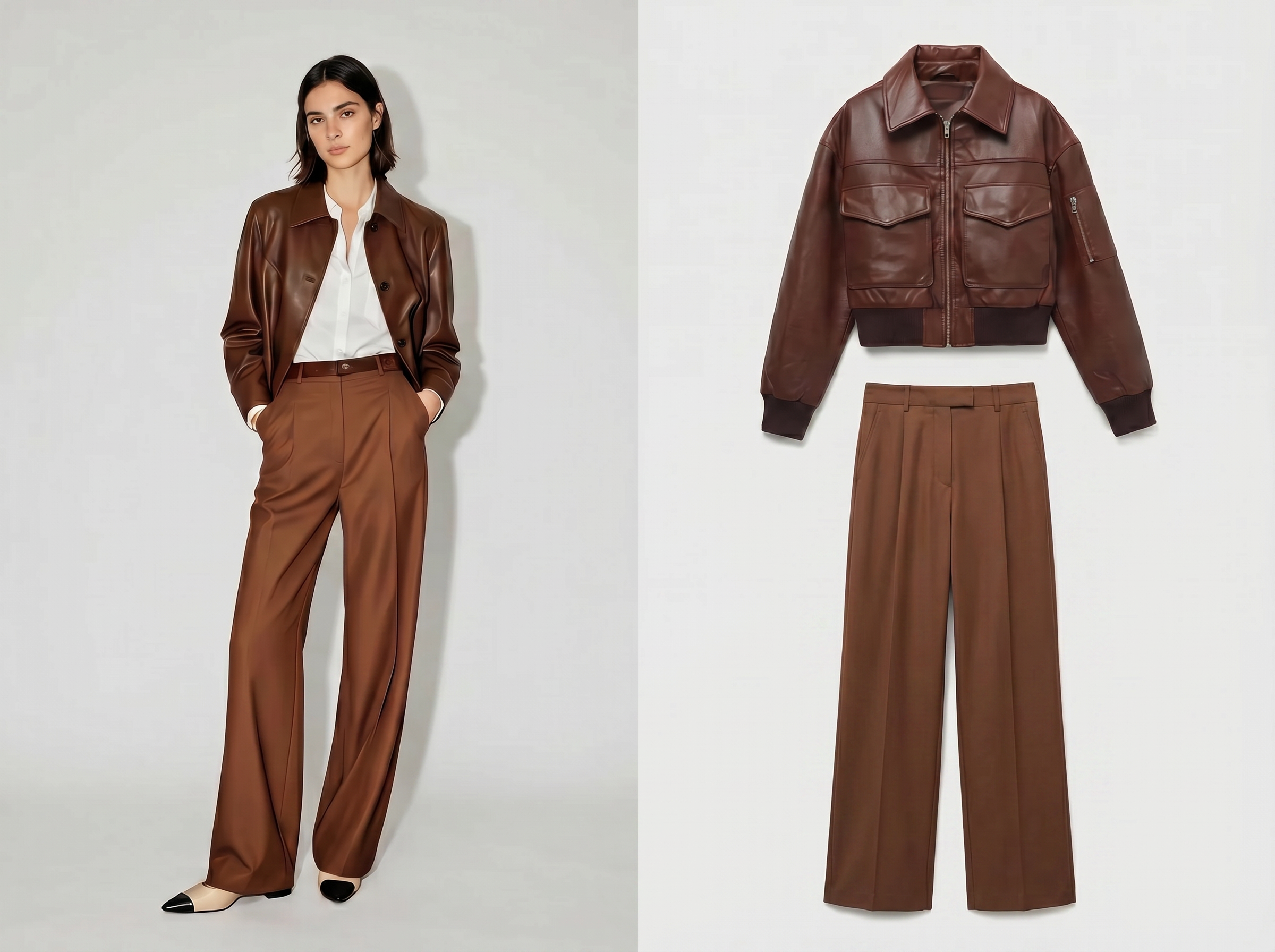
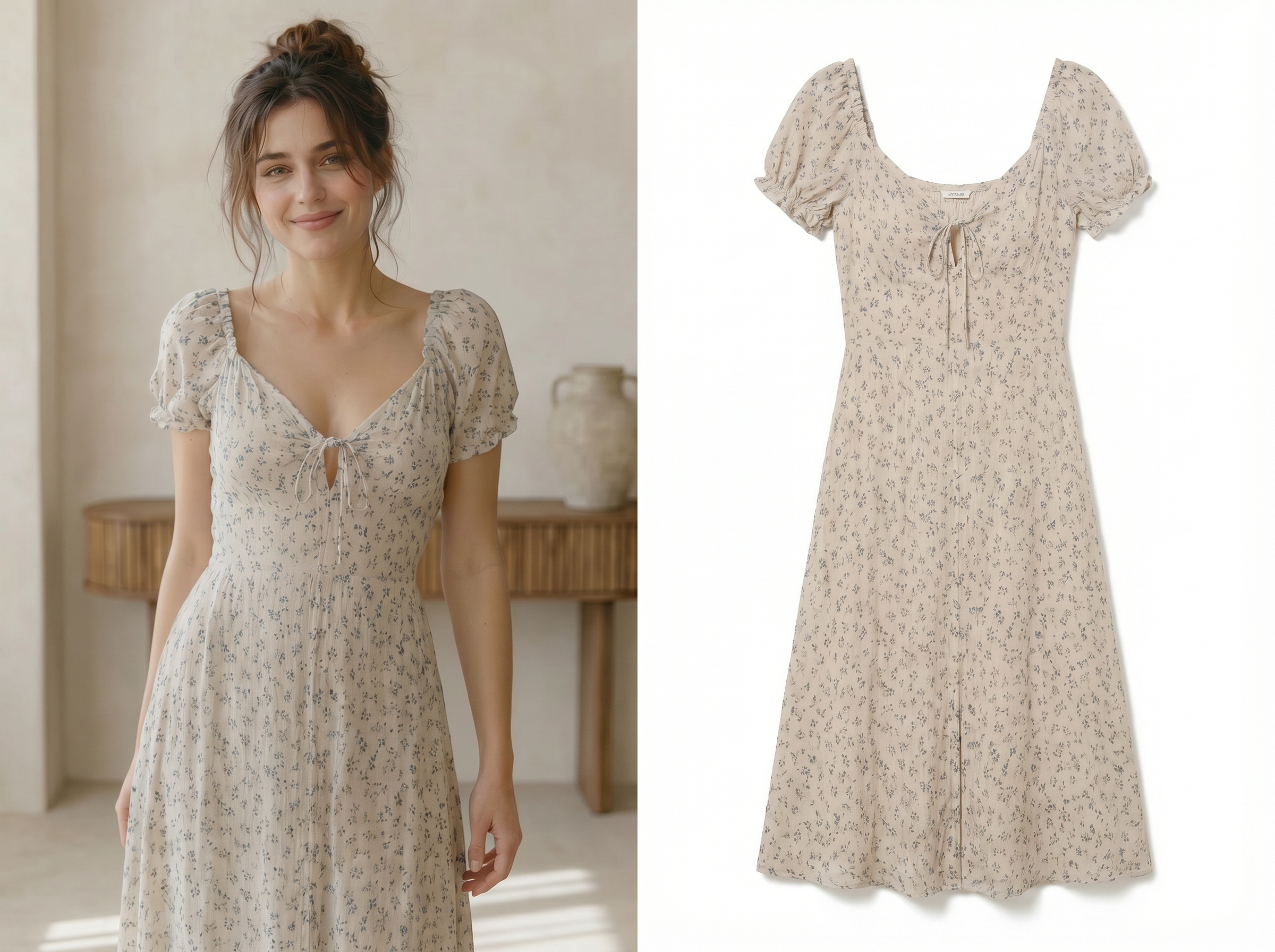
From photo to flat lay clothes: the AI pipeline
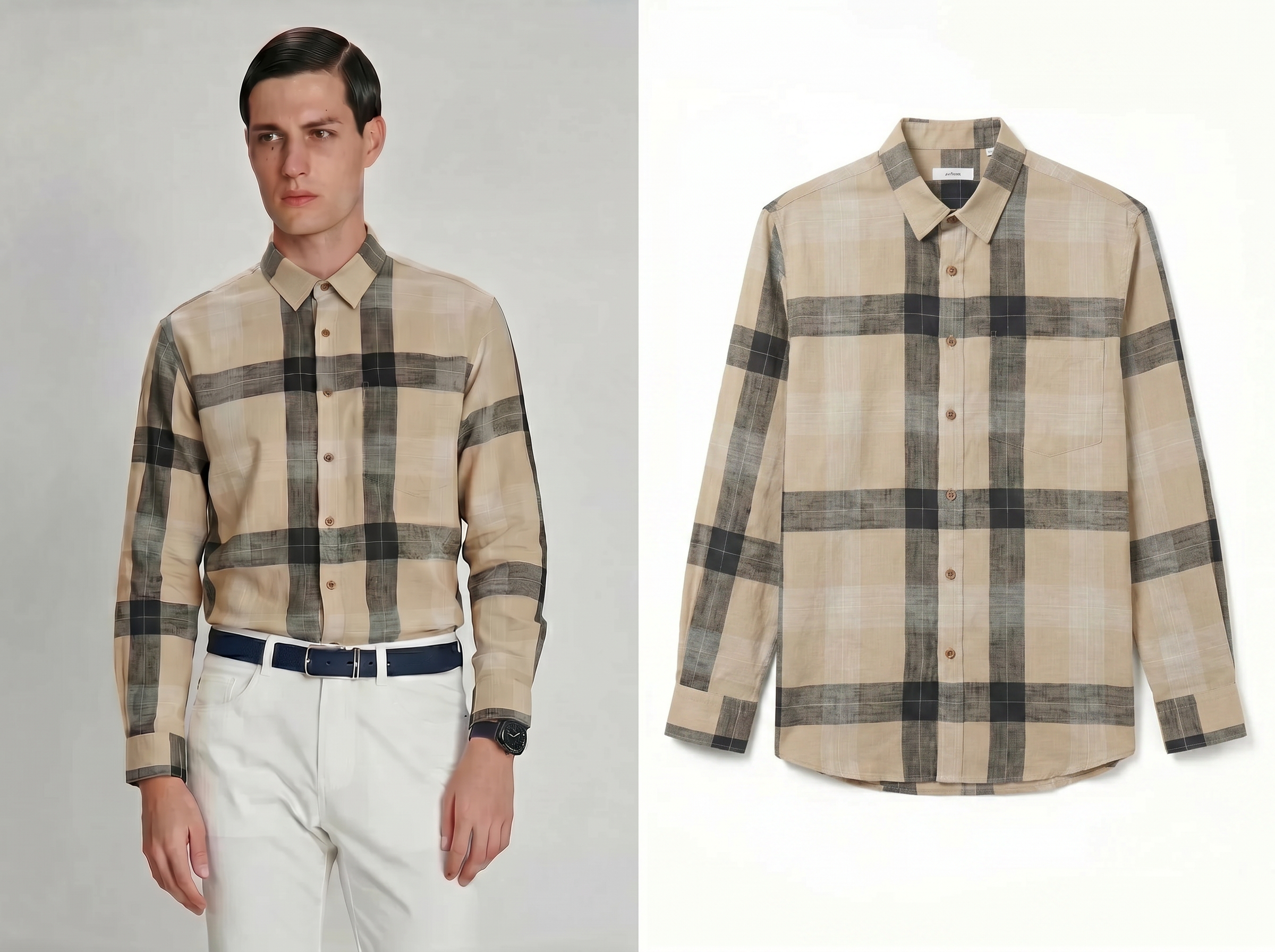
White‑Background Clothing Flat Lay Without a Studio
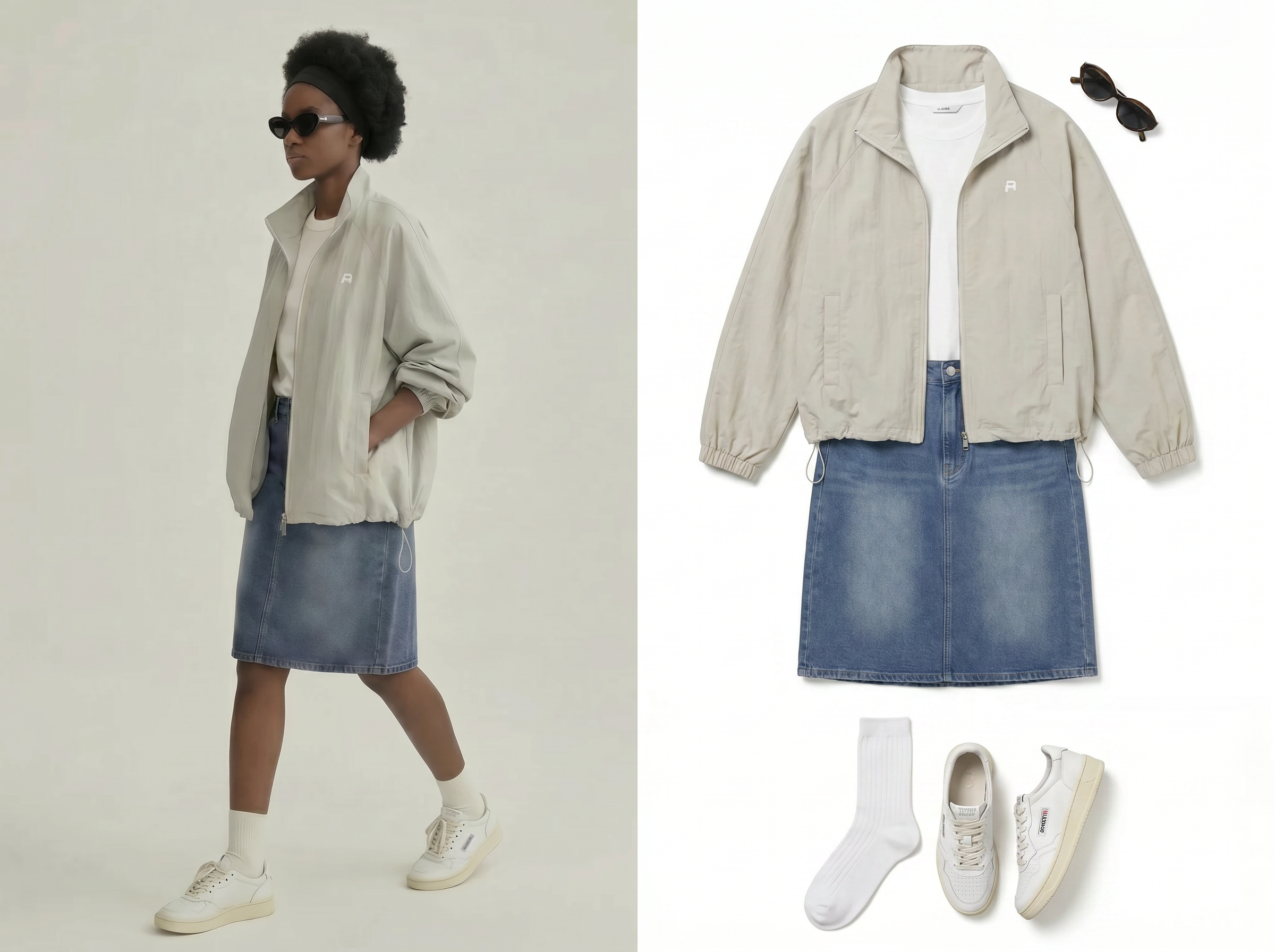
KOOZEE identifies fabric edges and preserves fine details like stitching, buttons, and texture across every garment type: tops, dresses, suits, scarves, and more. Unlike manual clipping, which takes 5–10 minutes per image, extraction here finishes in under three seconds. The result is a crisp, marketplace-compliant white-background flat lay every time.
Edge‑Clean Outlines for Lay Flat Clothing Photography
Edge detection and garment masking preserve collars, hems, and sleeve shapes during conversion. The model focuses on clothing contours so the flat lay photography clothing result doesn’t look “cut out.” Unlike manual clipping paths, which slow down on fine folds and dark fabrics, the outline stays crisp for listings.
Front and Back View Selection for Complete Product Listings
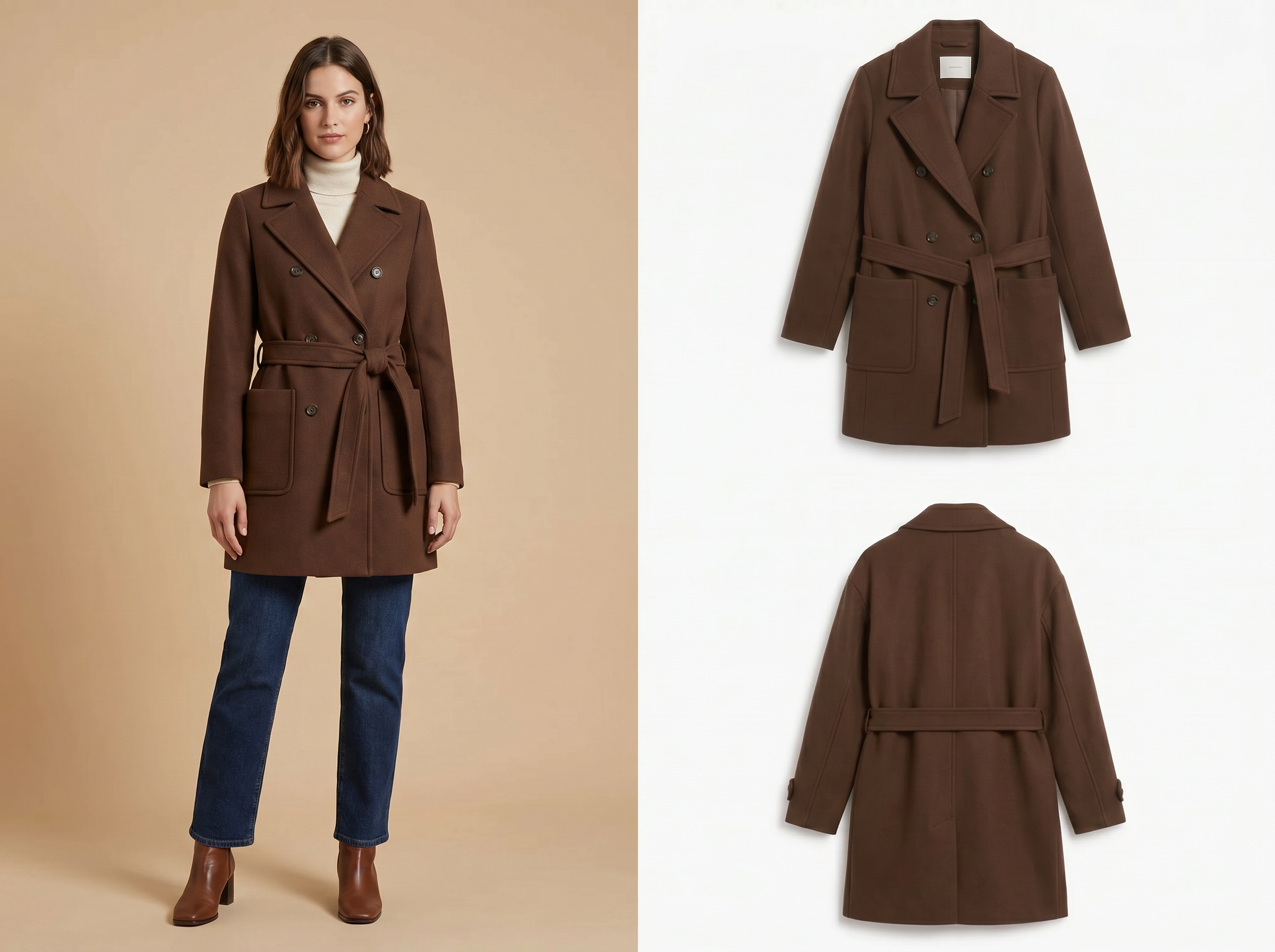
Marketplace listings that show both front and back views convert measurably better than single-angle shots. KOOZEE's view selector generates each perspective from the same upload, applying the correct garment structure. One photo in, two listing-ready flat lays out.
KOOZEE reduces flat lay clothes production overhead

Manual flat lay workflows often require 3 steps: shoot, cut out, then standardize backgrounds. KOOZEE combines conversion and white‑background output in 1 place, which matters when weekly batches hit 100+ images and handoffs slow everything down.

Consistent white backgrounds and stable framing reduce visual variance across a catalog run by 50%+ compared to “edit-as-you-go” teams (where each editor makes small choices). That consistency helps high-volume sellers keep storefront grids clean without rewriting their entire process.
A typical batch edit cycle can take days once revisions start. KOOZEE shortens the loop to minutes per image set, so a team can review and publish on the same day instead of waiting for retouch capacity during peak launches.
How To Create White Background Flat Lay Clothes
Upload a clothing photo
A drag-and-drop zone accepts JPEG, PNG, and WebP files — hangers, mannequins, crumpled samples, or on-model shots all work. You don't need to prep or pre-edit anything before uploading.
Choose Garment Type, View, and Resolution
The settings panel lets you specify the garment category — tops, dresses, pants, suits, scarves, and more — so the AI maps the correct silhouette and fold structure and pick front or back view to match your listing needs.
Export Listing-Ready Flat Lay Images
Processed flat lay images appear within seconds, sized for Shopify, Amazon, or social platforms. You just download individually or batch-export an entire collection in one click.
FAQ About Flat Lay Clothes
What is flat lay clothes photography?
What garment types does KOOZEE support for flat lay generation?
KOOZEE supports all standard apparel categories: tops, outerwear, dresses, pants, suits, scarves, and more. The garment type selector tells the AI which silhouette and fold structure to apply, so a blazer gets structured lapels while a scarf drapes naturally. Each category produces a distinct, correctly shaped flat lay — not a one-size-fits-all cutout
Can I generate both front and back flat lay views from one photo?
Yes. The view selector lets you choose front or back for each upload. KOOZEE applies the correct garment structure to each perspective — collar and button detail on front, label and stitching placement on back. One upload produces both views without a second photo or manual flip. That's two listing images from a single garment shot.
Is KOOZEE free to use for clothing flat lay photography?
KOOZEE offers a free tier so you can test the flat lay workflow before committing. Upload a garment image, select the type and view, generate a flat lay, and download the result — no credit card required. Paid plans unlock batch processing, 4K resolution exports, and access to the full range of garment categories for sellers producing at higher volume.
Generate White-Background Flat Lay Clothes with KOOZEE
KOOZEE's flat lay generator handles the full workflow — garment type selection, front or back view, high resolution — from raw clothing photo to marketplace-ready export in one automated pass. High-resolution flat lay images arrive formatted for Amazon, Shopify, and social platforms without a single manual edit.
AI Flat Lay: Sellers and Brands Share Results
The useful feedback comes from teams that measured what changed after replacing part of their photo production with KOOZEE's flat lay generator.
Dropped Our Per-Image Cost from $4 to Under $0.20
We were outsourcing flat lay photography for every new SKU — $4 per image, minimum 48-hour turnaround. KOOZEE cut that to pennies per image, and the white-background flat lays look cleaner than what we were getting from the studio. Being able to pick garment type and front or back view means the AI actually nails the silhouette. Our listing team now publishes same-day instead of waiting on a photographer's schedule.
200 SKUs Processed in One Afternoon — Suits, Dresses, Everything
Catalog season used to mean a full week of flat lay shooting, plus another week of editing. Last quarter I ran 200 garment photos through KOOZEE's batch tool in a single afternoon — suits, dresses, tops, pants, all mixed together. The AI sorted the silhouette correctly for each category. Front and back views for every piece, exported at high resolution. Our wholesale buyers noticed the quality jump immediately.
Finally, Flat Lays That Match My Brand Aesthetic
I sell vintage denim on Depop and Poshmark, so every piece is unique. Staging flat lays on my apartment floor wasn't cutting it — inconsistent lighting, distracting backgrounds. KOOZEE gives me clean, white-background flat lay images from phone photos. I pick 'pants,' select front view, and the jeans come out looking properly folded and styled. My click-through rate went up noticeably within the first two weeks.
Ad Creatives Ready Before the Campaign Brief Is Final
Marketing timelines at our company are brutal. Samples arrive, and we need ad assets within days. KOOZEE's flat lay generator means I produce campaign imagery the same day garments show up — select outerwear or dress, choose front or back. No booking a studio, no waiting on retouching. The exported images slot right into our Facebook and Google Shopping templates without resizing.