Clothing Pattern Extractor: Extract 2K High-Res Patterns from Any Image — No Manual Masking
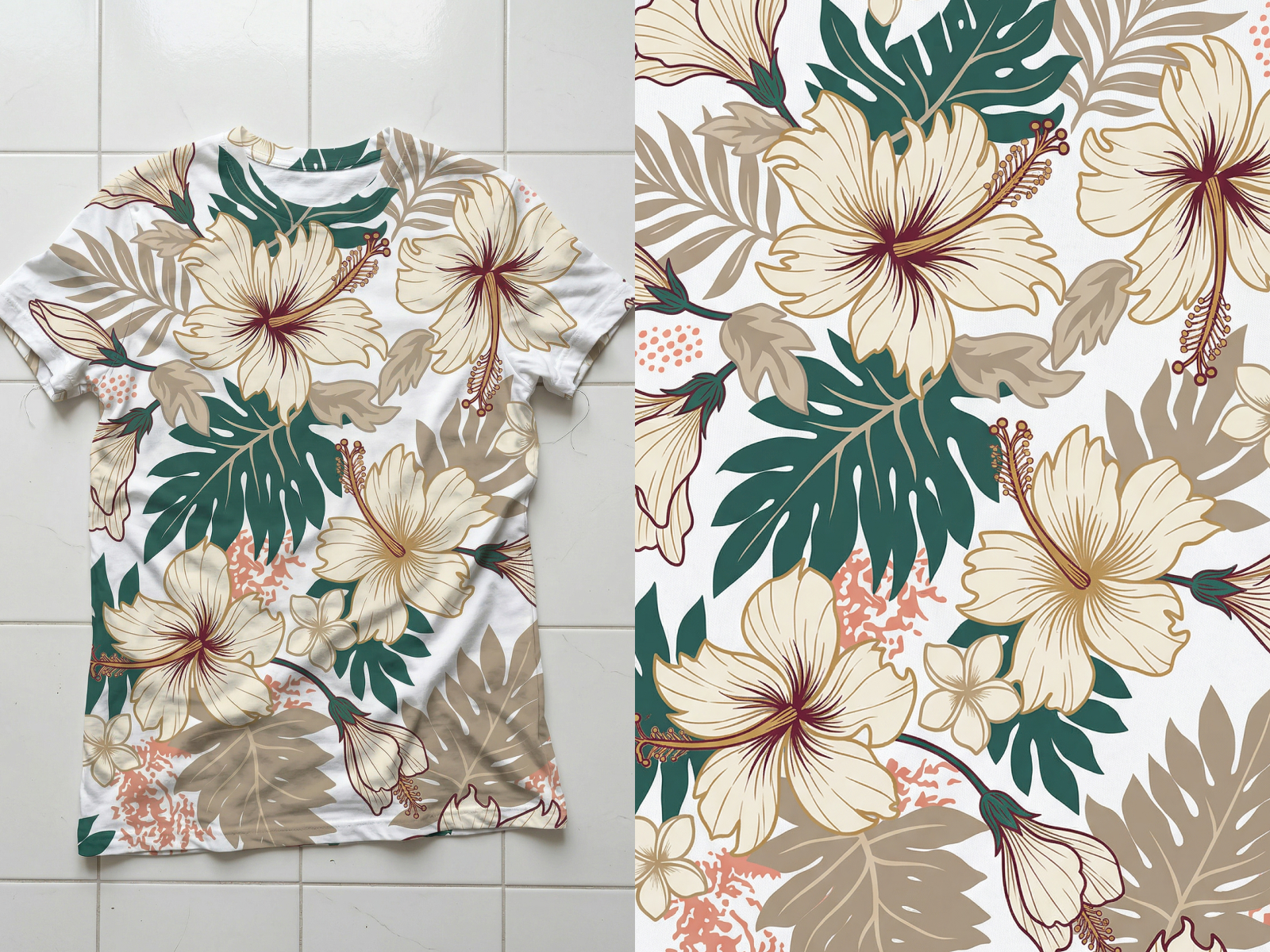
No image? Try one of these:
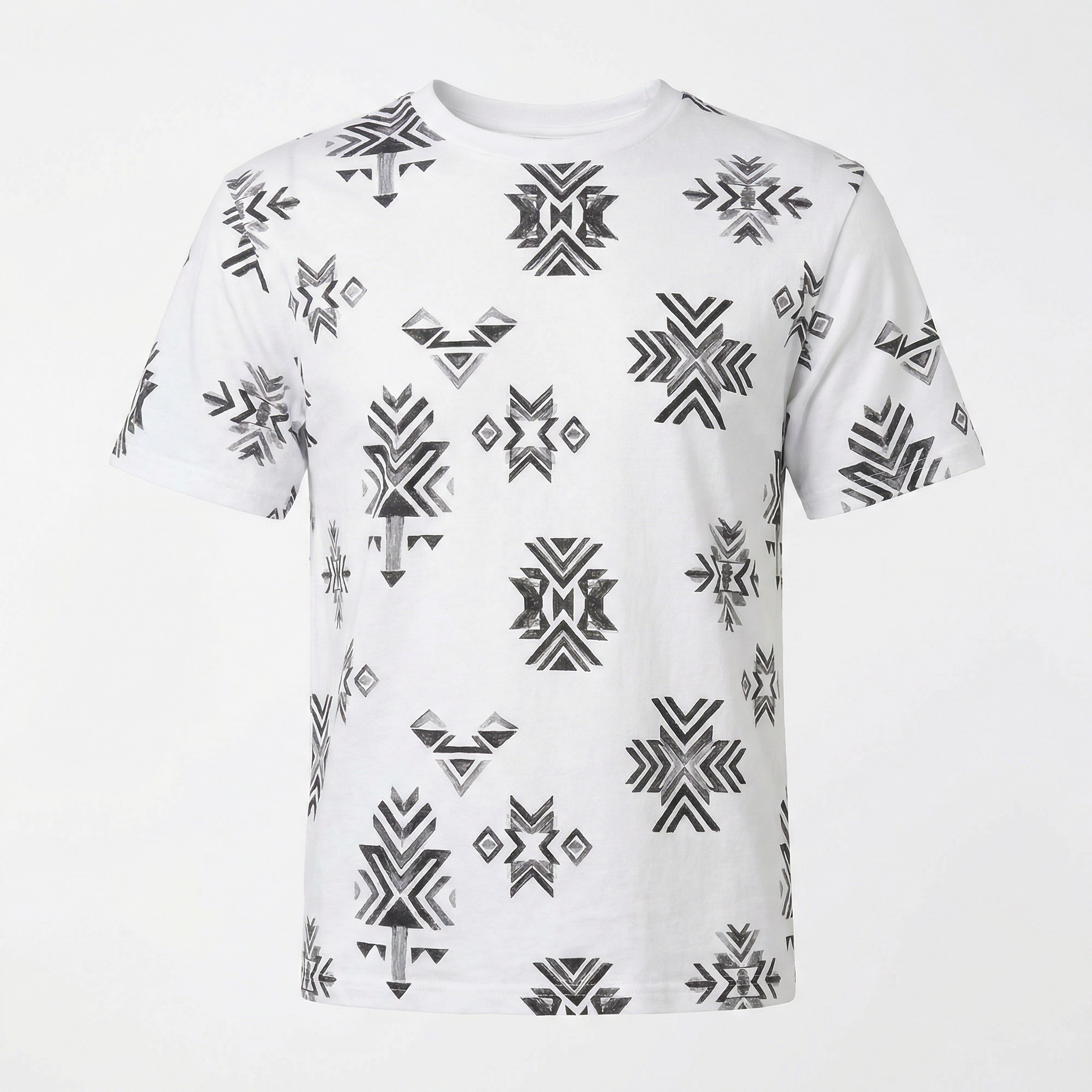
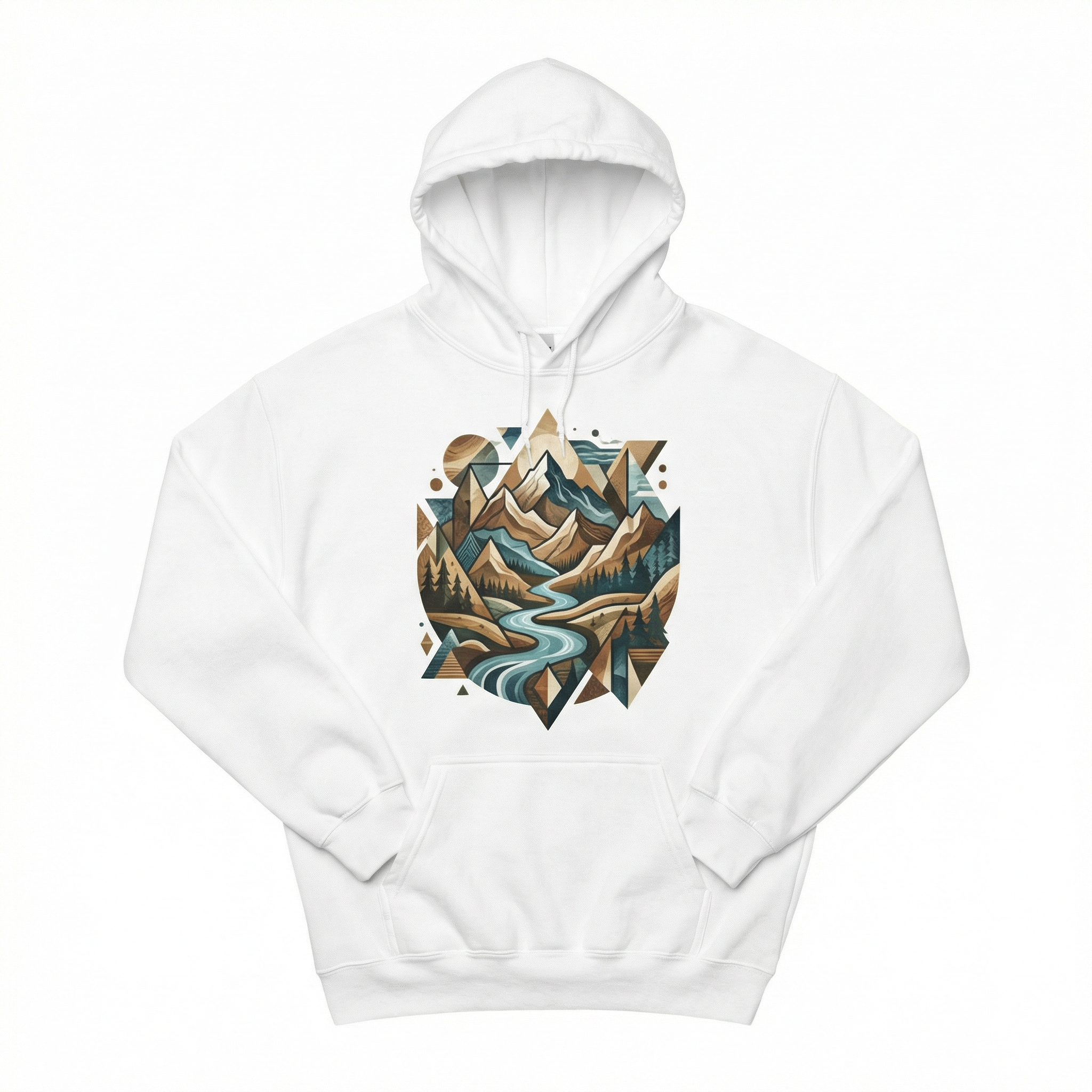
The Best Clothing Pattern Extractor for Designers and POD Sellers
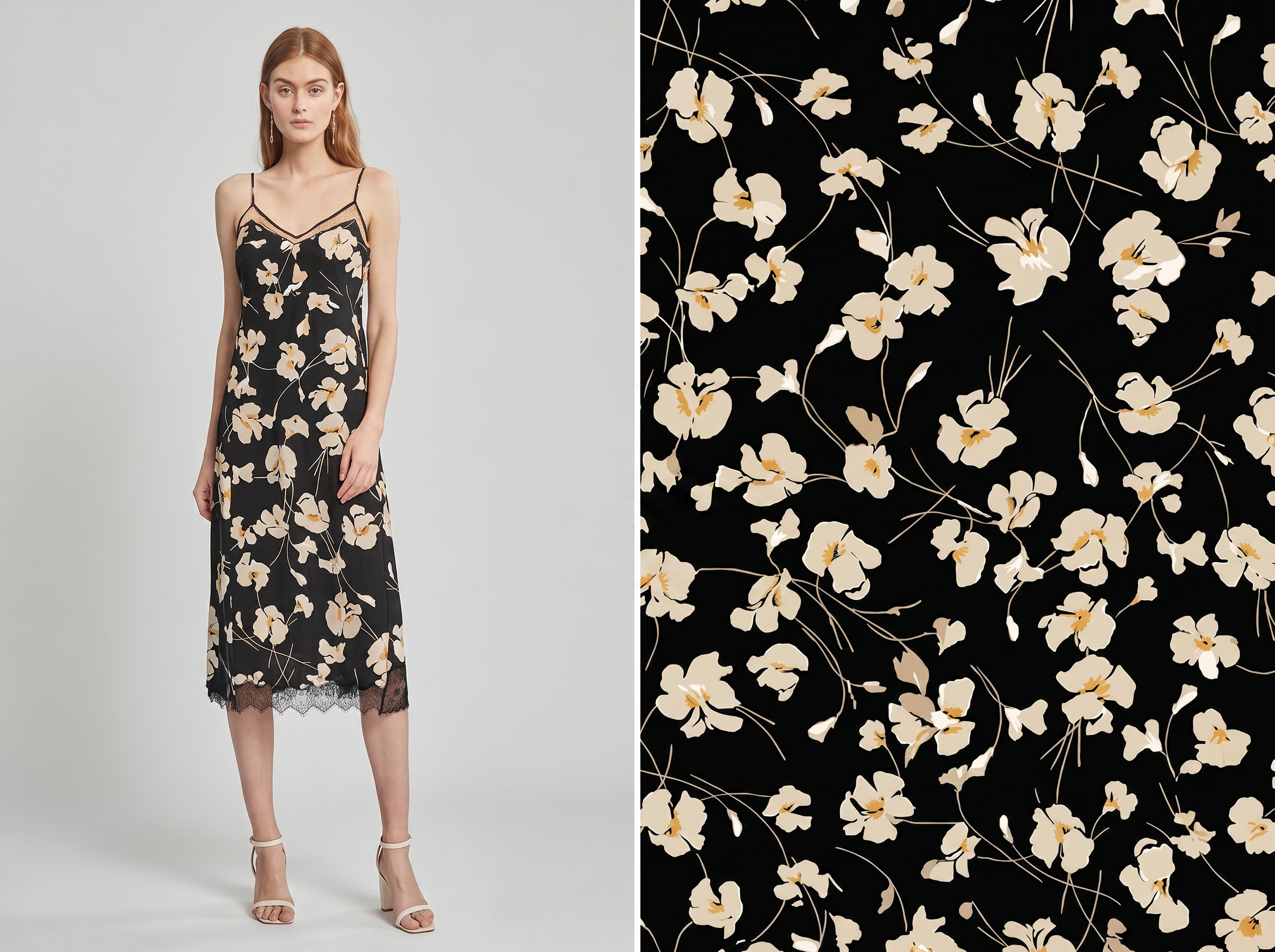
Extract Patterns from Clothing Samples in Seconds
Upload a photo of your fabric or garment sample. KOOZEE instantly isolates the print and delivers a ready-to-print, high-res pattern file — making your design workflow 3x faster.
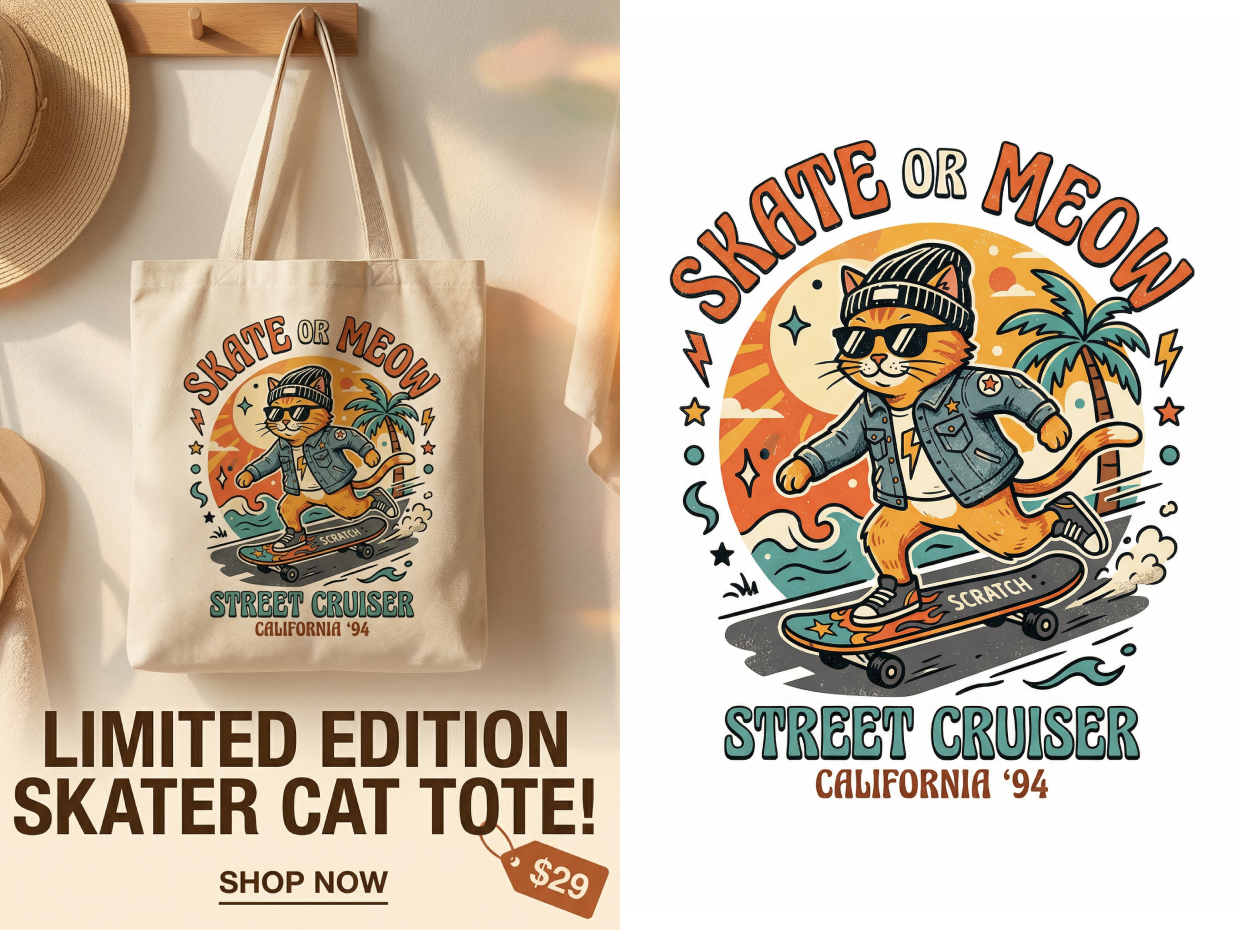
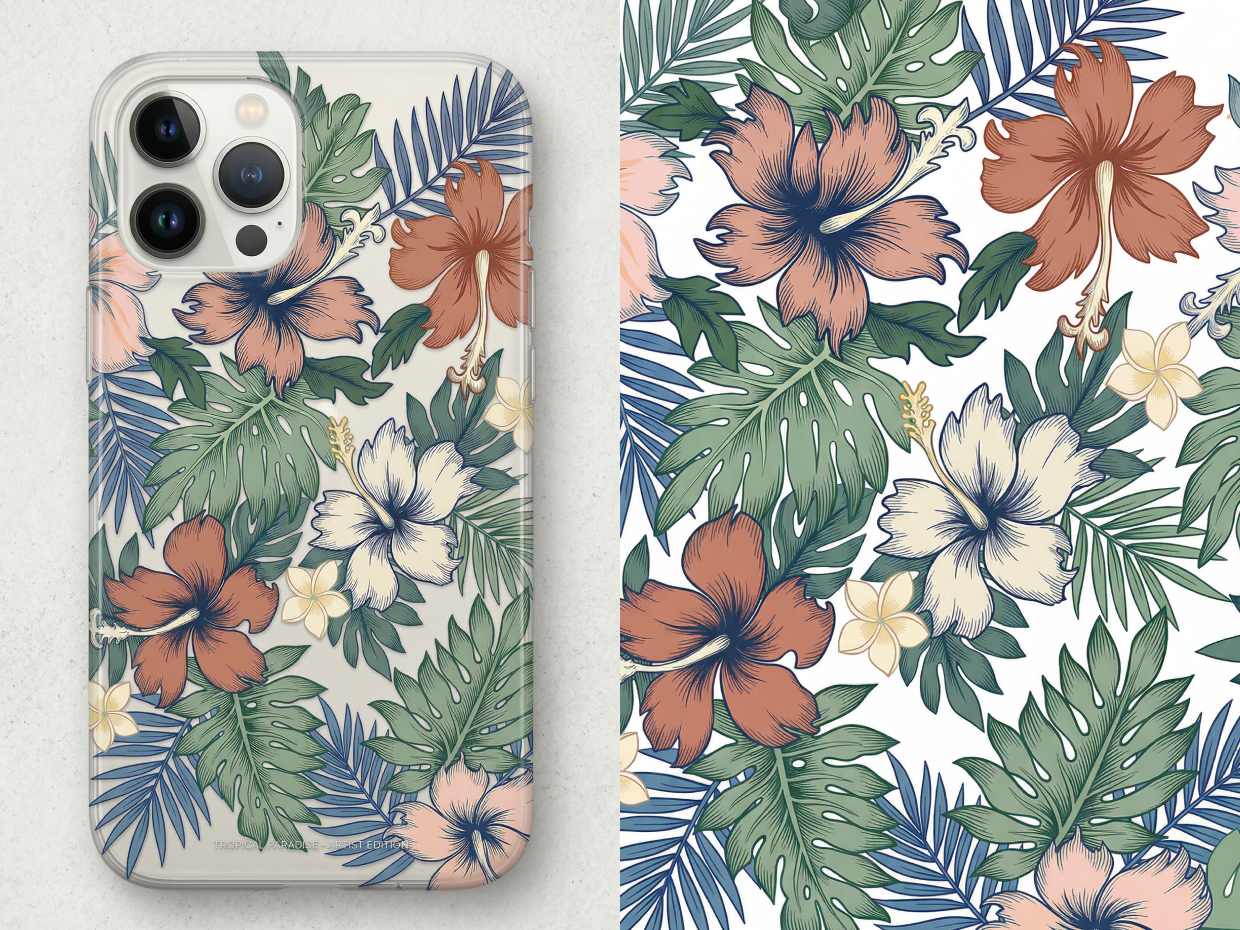
Extract Patterns from Clothing Images — Ready for Print, Ads & Product Listings
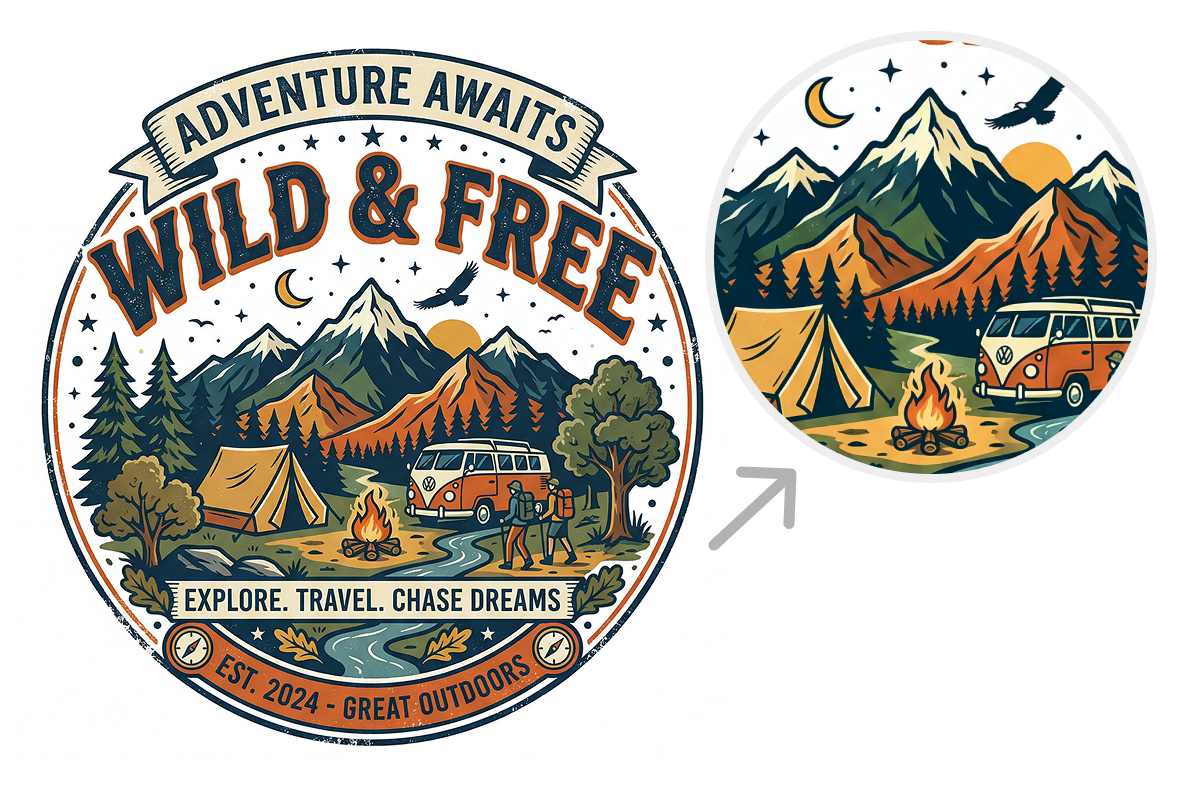
2K High-Res Pattern Image Export
Stop worrying about blurry edges. Export crisp, 2K-resolution pattern images with white or transparent backgrounds that meet professional printing standards — reducing returns caused by poor image quality.
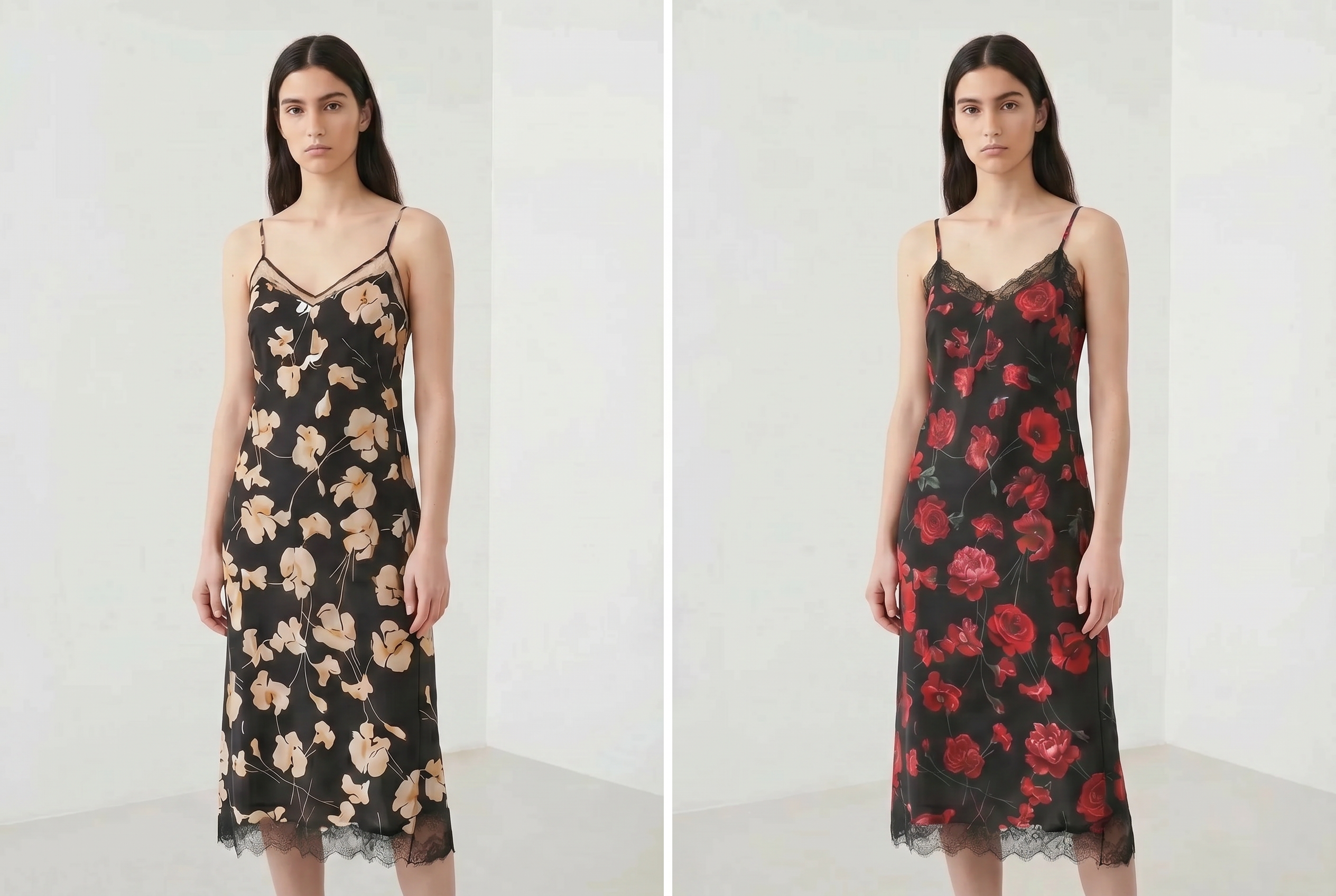
KOOZEE Pattern Replacer: Apply Extracted Patterns to Any Garment
No downloads needed. Once your high-res pattern is extracted, send it directly to KOOZEE Pattern Replacer. Preview how your design looks on blank garments in one click — no third-party software required.
Why Choose KOOZEE Clothing Pattern Extractor?
Save time with KOOZEE batch pattern extraction feature. Process up to 5 images in 5 - 20 seconds — over 3x faster than traditional masking tools.

Powered by the latest NanoBananaPro model, KOOZEE accurately recovers original colors, fine lines, and intricate details — even from wrinkled or folded fabric photos.

No design experience required. Get print-ready, high-quality pattern files in seconds with just one click.
How to Extract a Clothing Pattern in 3 Steps
Upload Your Product or Clothing Image
Upload one photo or use batch pattern extraction for up to 5 images at a time.
AI Automatically Extracts the Pattern
Click one button. KOOZEE AI precisely isolates prints and patterns — handling wrinkles, folds, and complex backgrounds automatically.
Download or Replace Your Pattern
Download your 2K transparent-background pattern images instantly, or send them directly to KOOZEE Pattern Replacer to start your next design.
Frequently Asked Questions
What is a pattern extractor?
Can I extract a logo from a shirt or garment?
Yes. Just upload the photo. KOOZEE AI can smartly recognize and extract pattern from clothing, including small pocket logos and text.
Can KOOZEE export vector files (SVG)?
Not currently. However, KOOZEE exports 2K-resolution pattern images that are sharp enough to meet virtually all professional full-color printing standards.
Does KOOZEE support batch pattern extraction? How fast is it?
Yes! You can upload up to 5 images at once for batch pattern extraction. Processing takes just 5–20 seconds while maintaining the highest output quality.
Can I use patterns extracted by KOOZEE for commercial purposes?
Yes, all patterns extracted with KOOZEE can be used freely for both commercial and non-commercial purposes. Please refer to our Terms of Service for detailed copyright and usage guidelines.
Does KOOZEE work on wrinkled clothes or images with complex backgrounds?
Yes! Powered by the latest NanoBananaPro model, KOOZEE precisely identifies wrinkles, highlights, and complex backgrounds — extracting clean, flat pattern borders with maximum fidelity.
Extract Your First Clothing Pattern for Free Today
Extract Your First Clothing Pattern for Free Today
Sign up now and claim your free credits. Experience the fastest way to extract patterns from clothing images — at zero cost with KOOZEE.
What Real Users Say About KOOZEE Clothing Pattern Extractor
Trusted by 5,000+ ecommerce teams to cut design costs and launch products faster.
"Other AI tools change the colors and details. KOOZEE gives me the exact design. It runs the perfect image to pattern process and saves me hours of editing."
"My old cutouts looked cheap and blurry. Now, thanks to KOOZEE, I can extract logo from clothing images with super smooth edges. My products look high-end!"
Sample photos always have folds. With KOOZEE, the AI can remove wrinkles from pattern image easily. We get perfect files every time.
The best part is that I can extract a design from clothing and immediately test it on a new mockup in the KOOZEE pattern replacer right away. This workflow rocks.