Free AI Background Remover – Create Transparent PNG & Layered PSD Online

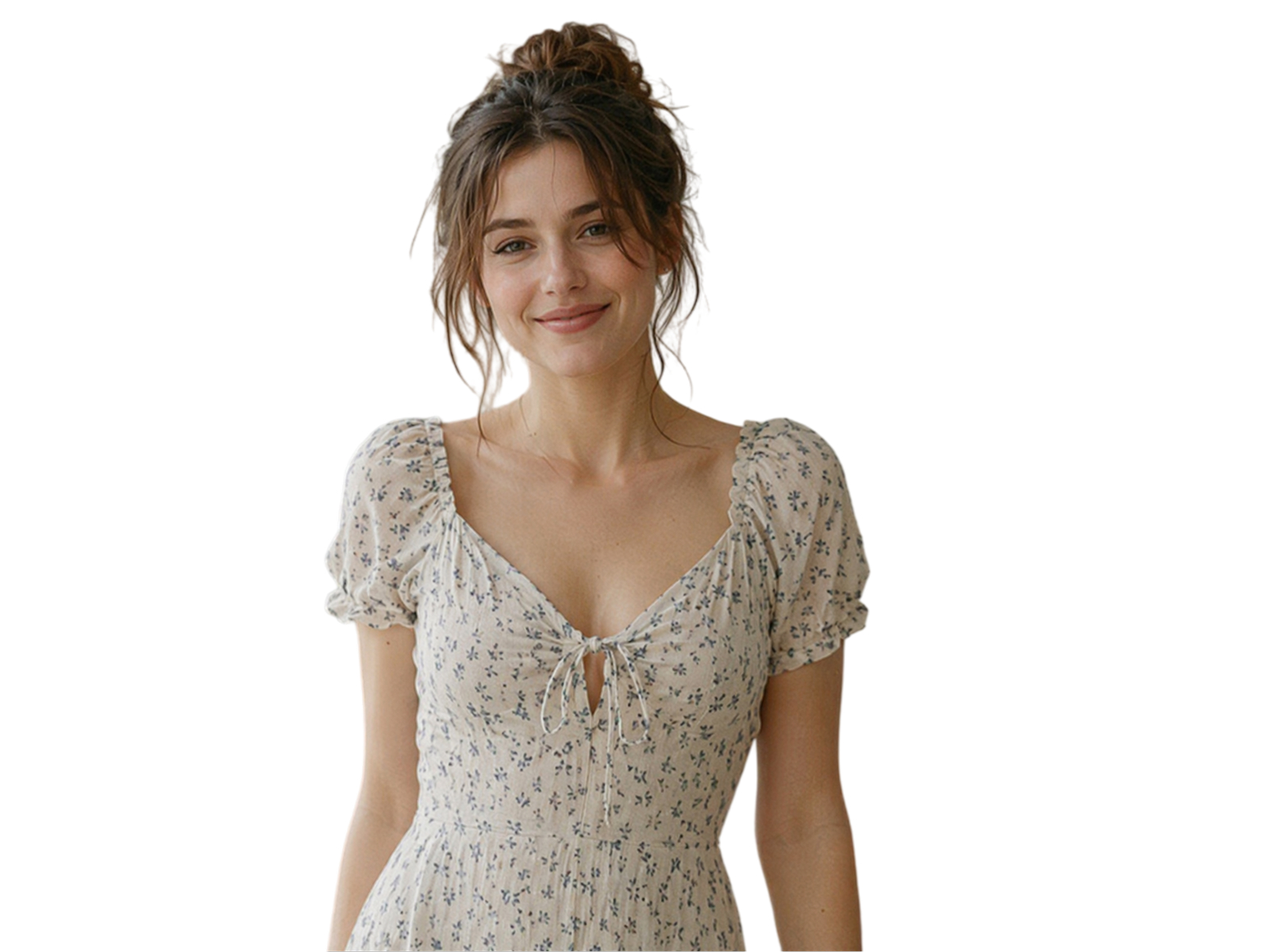
No image? Try one of these:
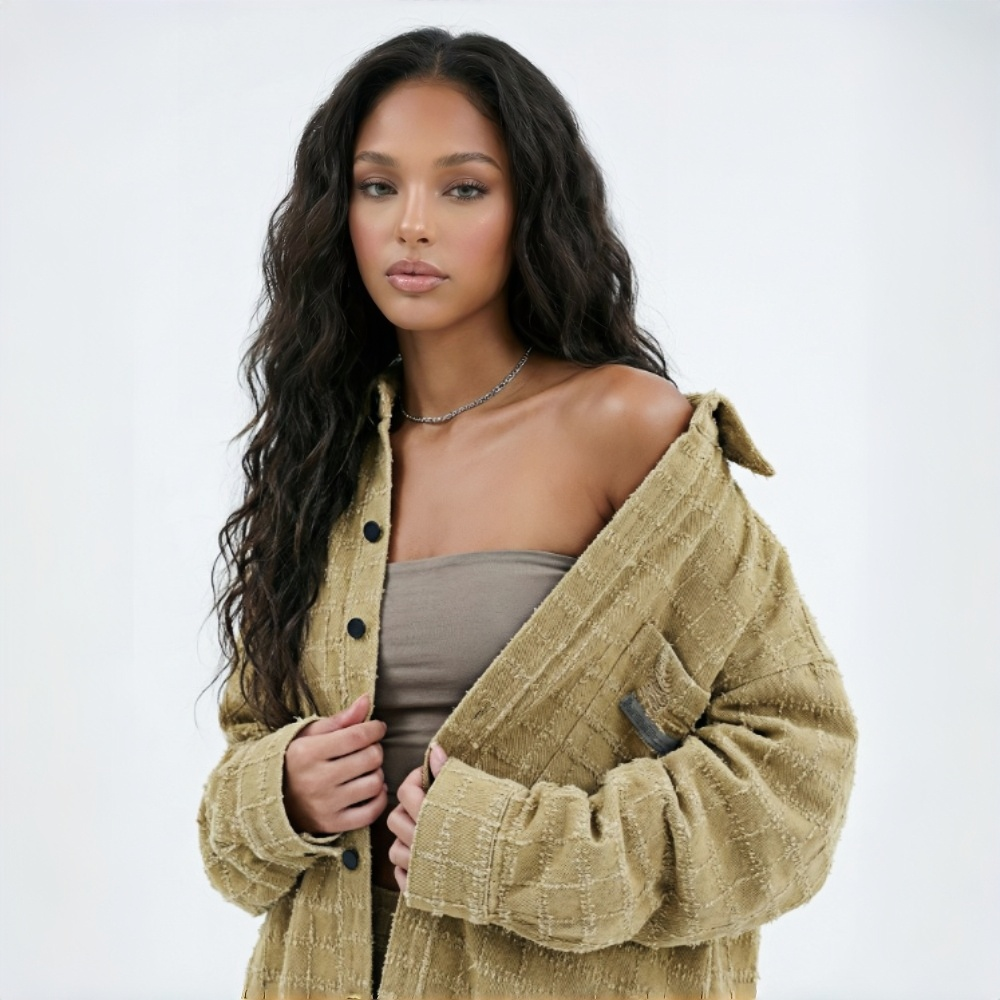
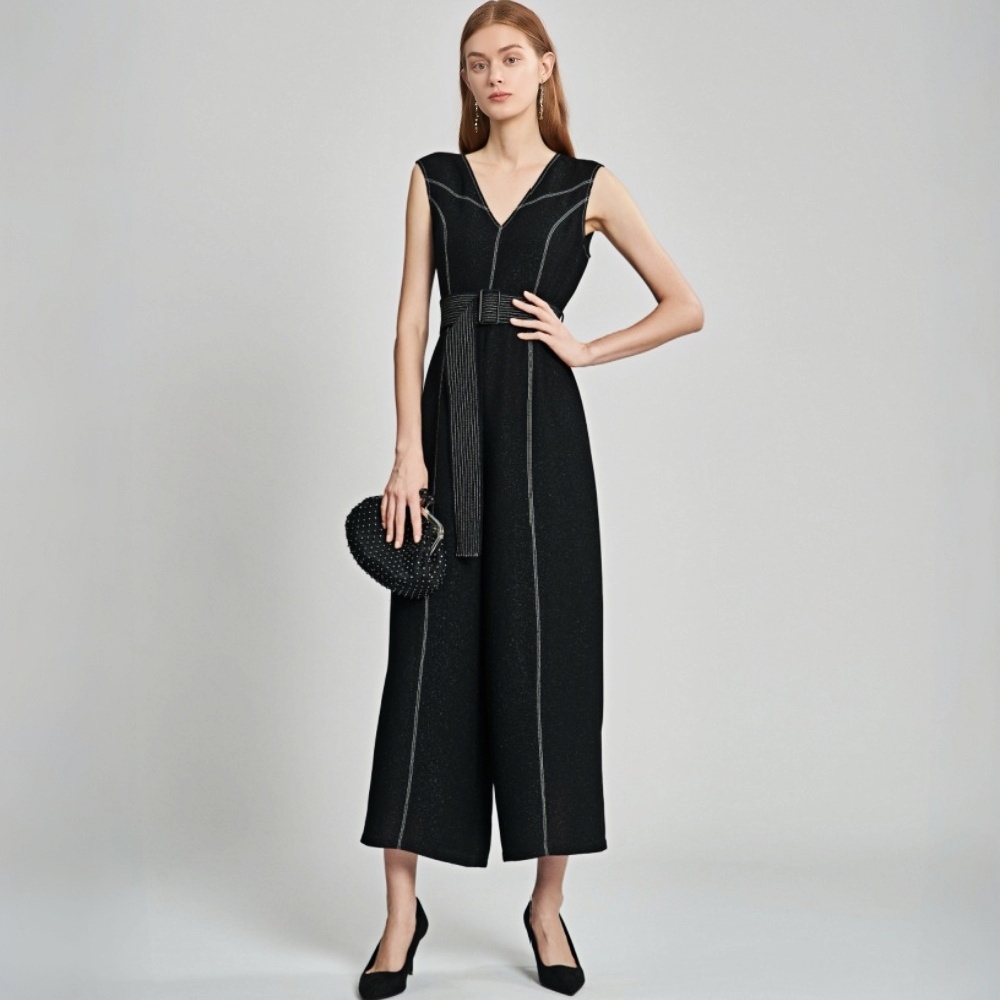
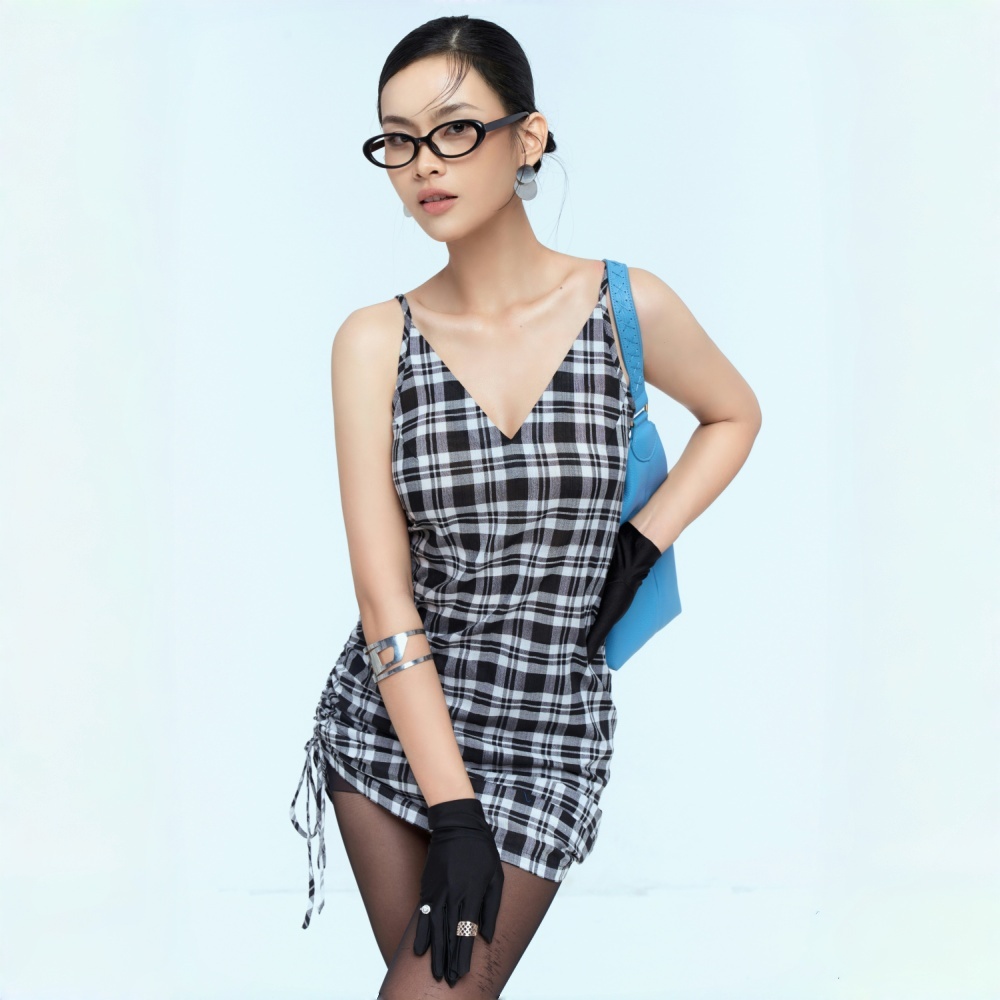
AI Background Remover for All Professional Teams
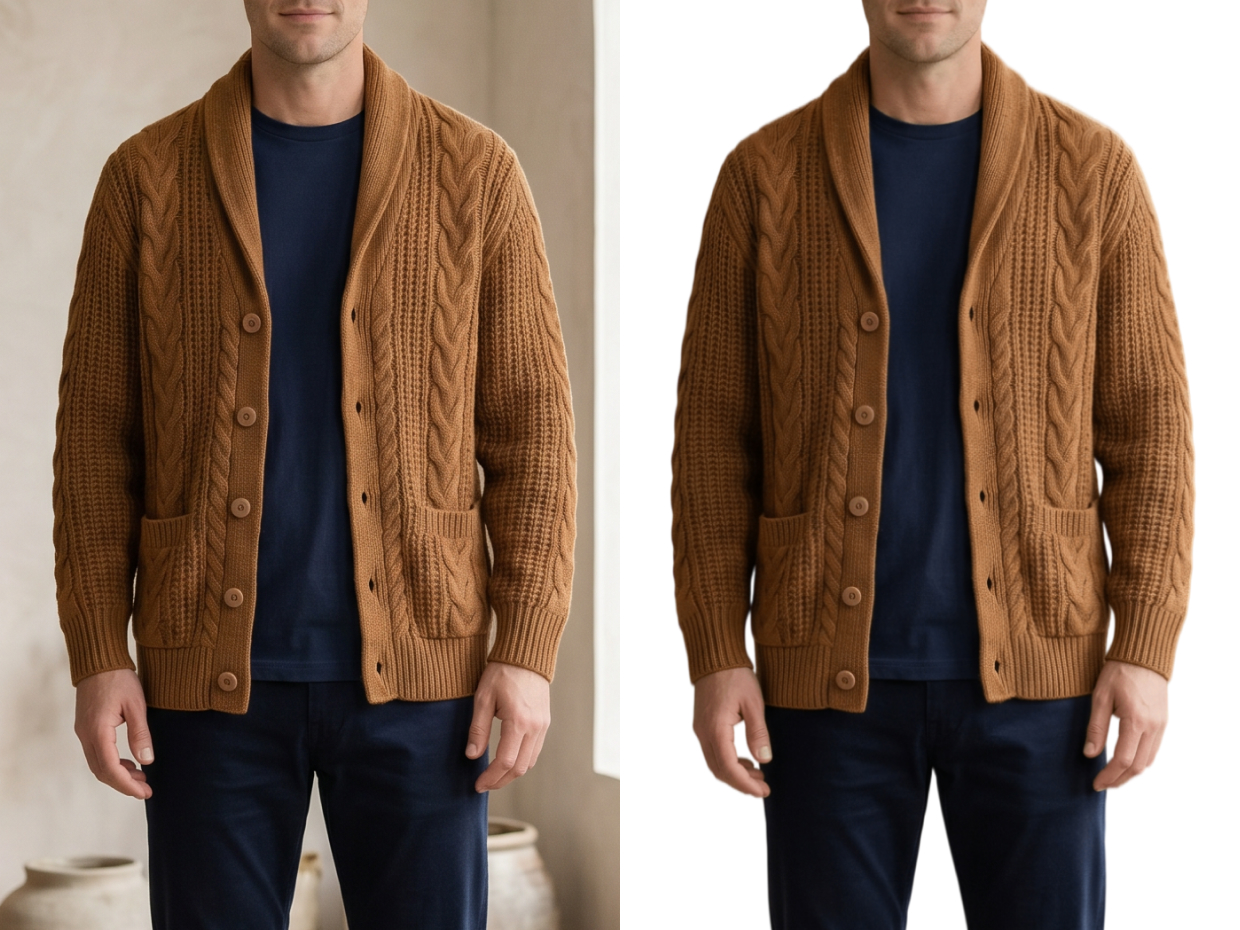
Create White Background Images or Transparent Product Assets Faster
Upload product photos, and KOOZEE can remove background from images in one click. You can quickly create white background images or transparent images, then export in different sizes for Amazon, Shopify, and other e-commerce platforms. It is also useful for product detail pages, campaign visuals, and ad creatives, while reducing repeat editing and manual cropping time.
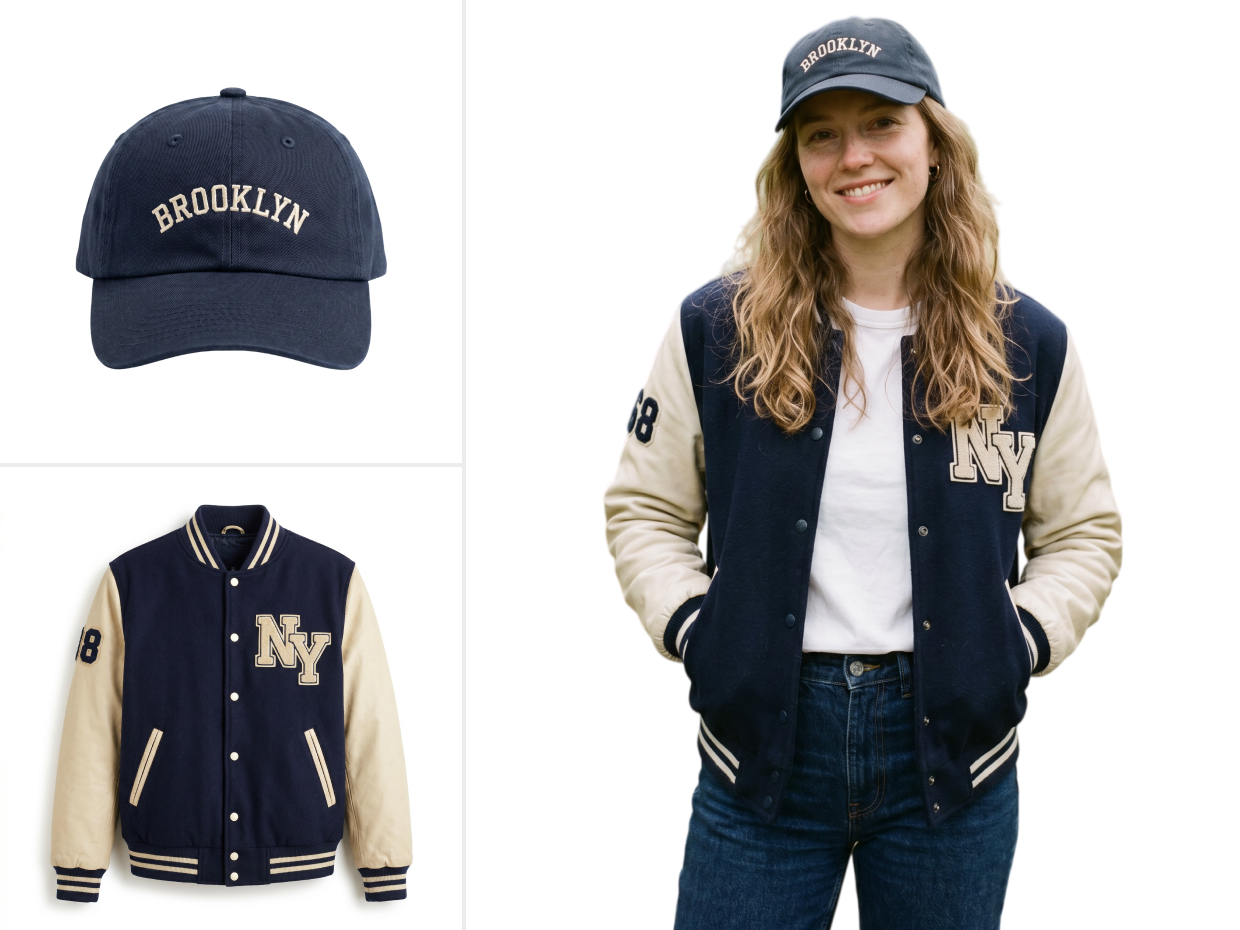
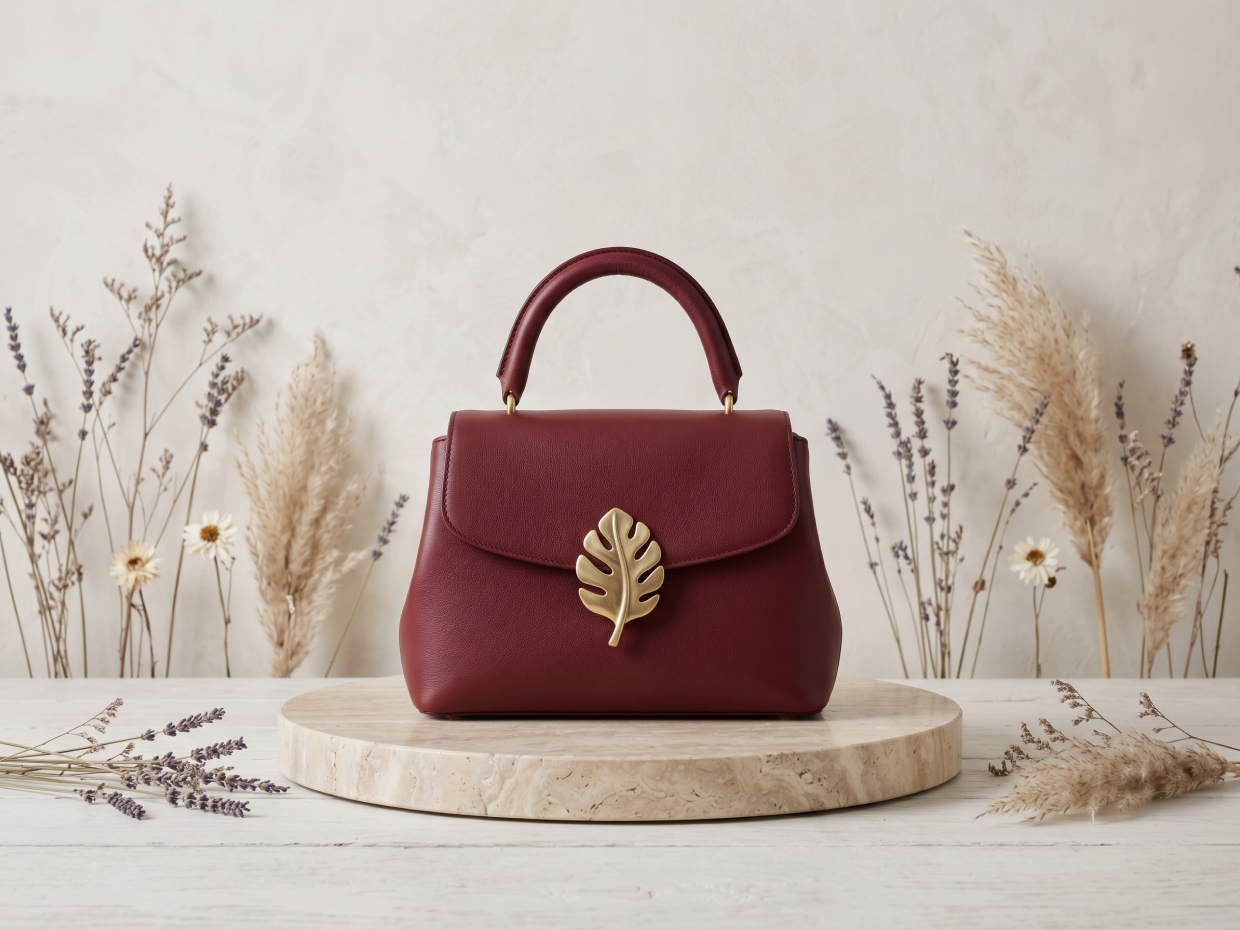
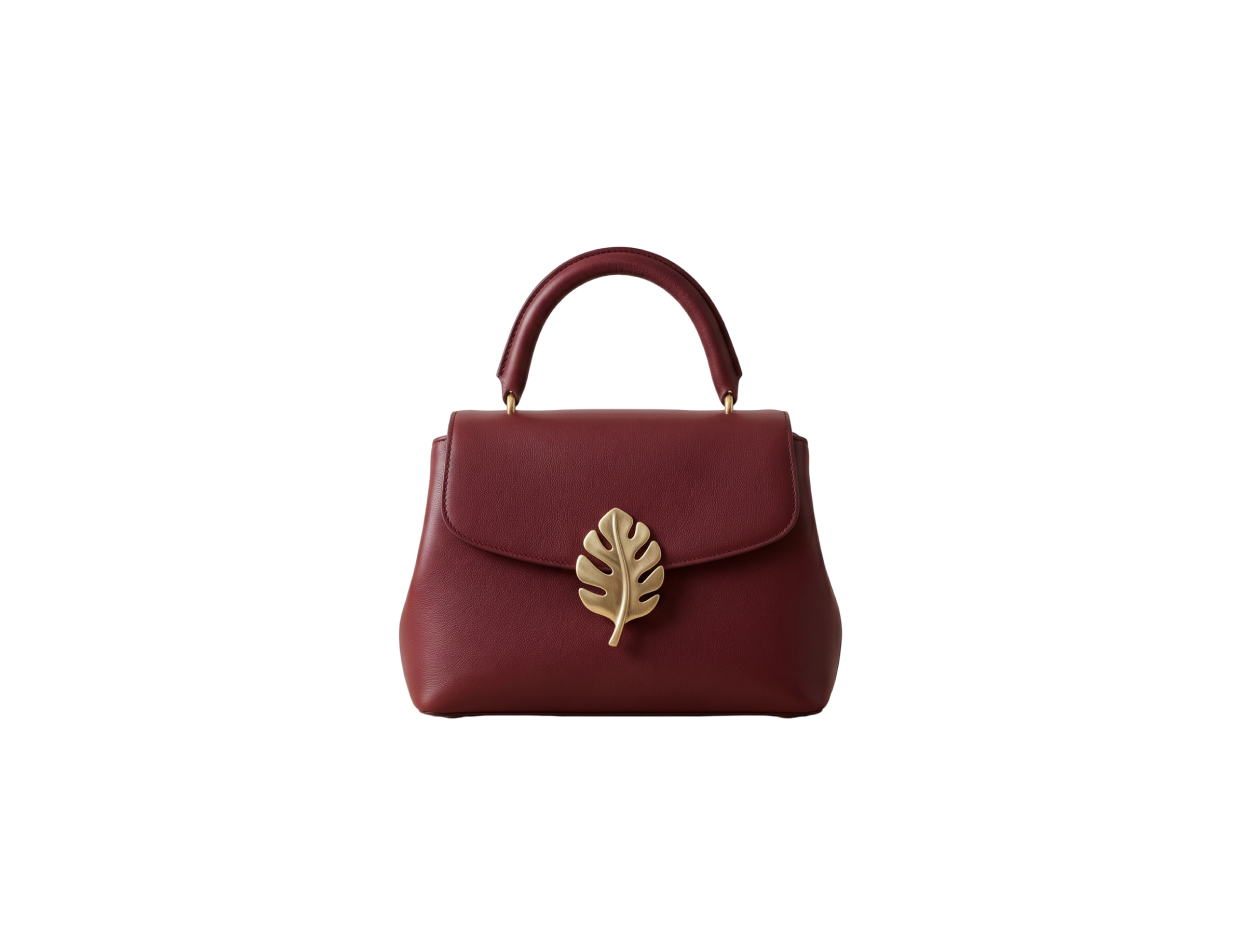
One-Click AI Background Remover for Everyday Editing and Professional Design
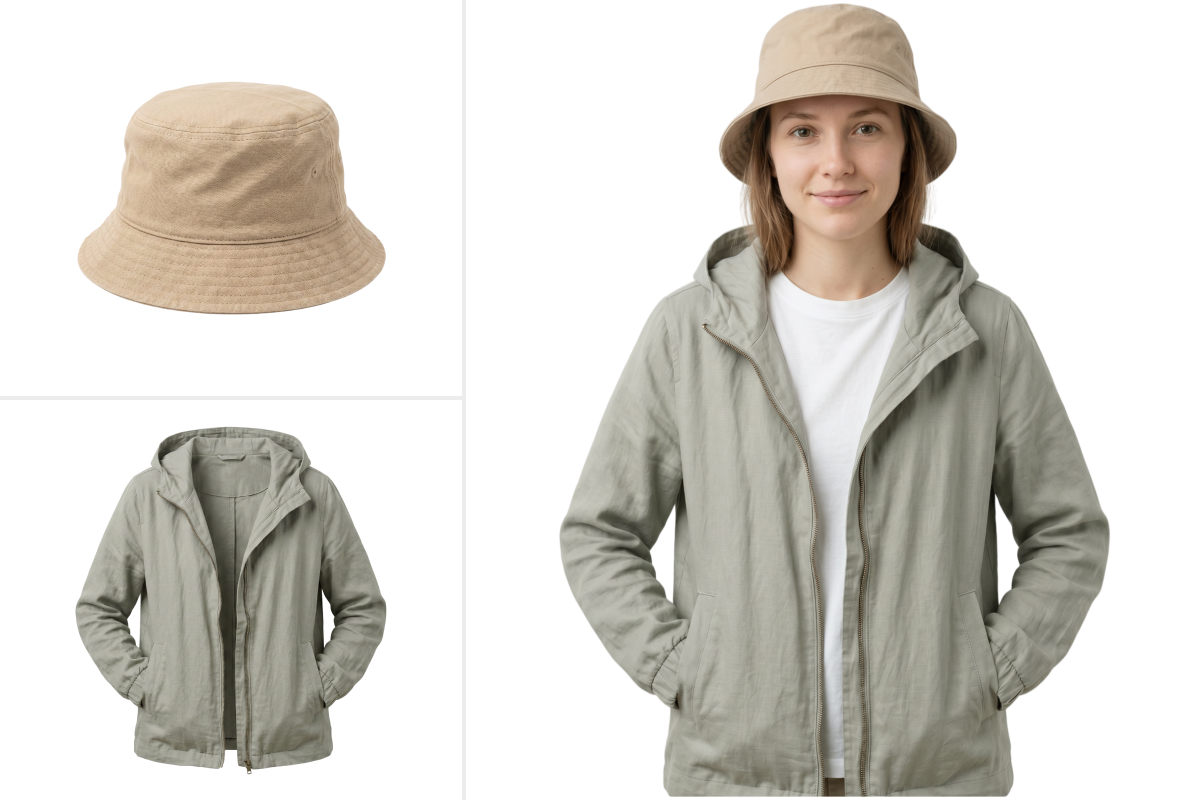
Export Transparent PNG & Layered PSD Files
KOOZEE's AI background remover supports both transparent PNG export for e-commerce and content use, and layered PSD export for designers and photographers who need room for post-editing. One tool covers quick daily tasks and advanced professional workflows.
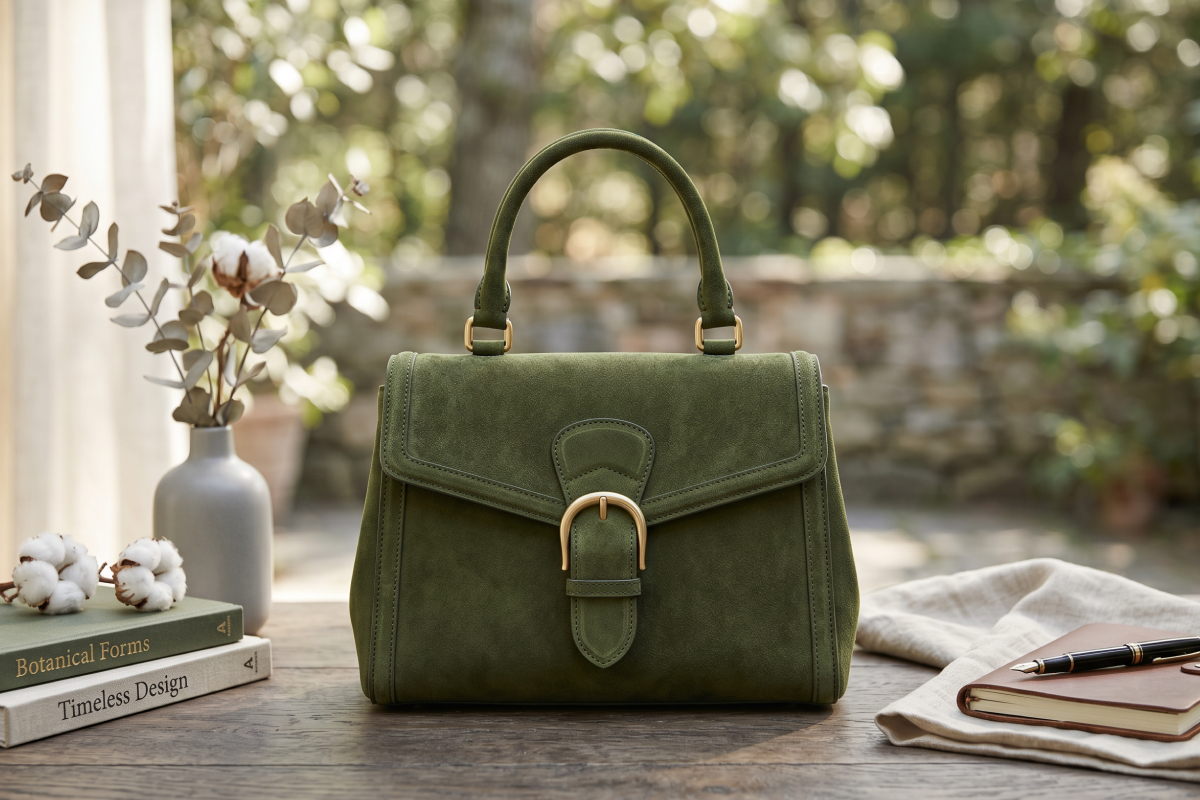
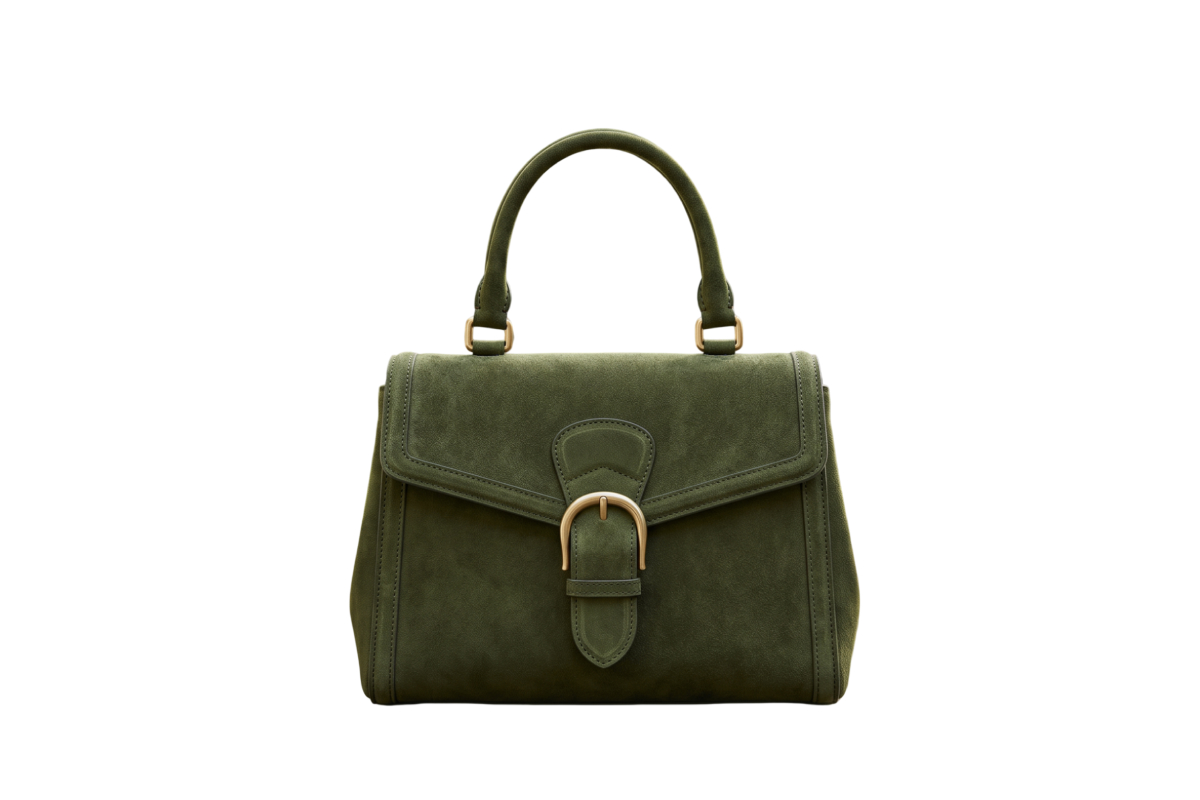
Replace White Background or Any Solid Color
After you remove the image background, instantly replace it with white or any solid color — ideal for product main images, detail pages, and catalogs. No need to switch to another tool. Save time and speed up your output.
Export in Multiple E-commerce Image Sizes
Once background removal is complete, choose from multiple image sizes and aspect ratios for different platforms. KOOZEE supports common e-commerce size presets for Amazon, Shopify, and more — so you can produce platform-ready product images and marketing assets without manual resizing.


Batch Upload & Process Multiple Images at Once
KOOZEE supports batch upload and unified processing for many images, pictures, or product photos at once. So you can remove backgrounds from many images at once. You can still edit individual images within a batch when needed. Download all results in a single ZIP file and handle large volumes in a fraction of the time.
Why Is AI Background Remover Replacing Manual Background Removal?
KOOZEE supports batch upload, unified processing, and ZIP download. It is a better fit for e-commerce, marketing, and content teams that need to process many images often.

KOOZEE supports not only transparent PNG but also layered PSD export, which is still rare among online background remover tools. This is very useful when you need to retouch images, replace backgrounds, or build visual compositions in Photoshop.
You do not need professional editing skills to use KOOZEE. It is easy to start, even for first-time users, and helps you get useful results quickly.
Remove Image Background in 3 Steps
Upload Your Image
Upload a product photo, portrait, or any other image you want to edit. Common image formats are supported.
AI Remove Background
KOOZEE AI background remover detects the main subject and removes the background automatically, with no manual work needed.
Download PNG & PSD
Download a transparent PNG for direct use, or export a layered PSD file for further editing.
Frequently Asked Questions
Is KOOZEE a free AI background remover?
Will KOOZEE AI background remover reduce image quality?
No. KOOZEE keeps the original image resolution and does not compress your file. Even if you resize the image or make other edits later, it still helps preserve image details and clarity for ecommerce, design, and content use.
Can I edit the result in Photoshop after using the AI background remover?
Yes. In addition to transparent PNG, KOOZEE also supports layered PSD export. You can open the result in Photoshop and continue with edge retouching, shadow edits, background replacement, or more complex visual work.
Can I use KOOZEE AI background remover for Amazon or Shopify product images?
Yes. KOOZEE works well for ecommerce product image editing. You can remove the original background, replace it with white, and then export images with common size presets for marketplace use.
Does KOOZEE background remover support batch processing?
Yes. KOOZEE supports batch upload and unified processing, and you can download the final files in a ZIP package.
How well does KOOZEE handle complex edges and details?
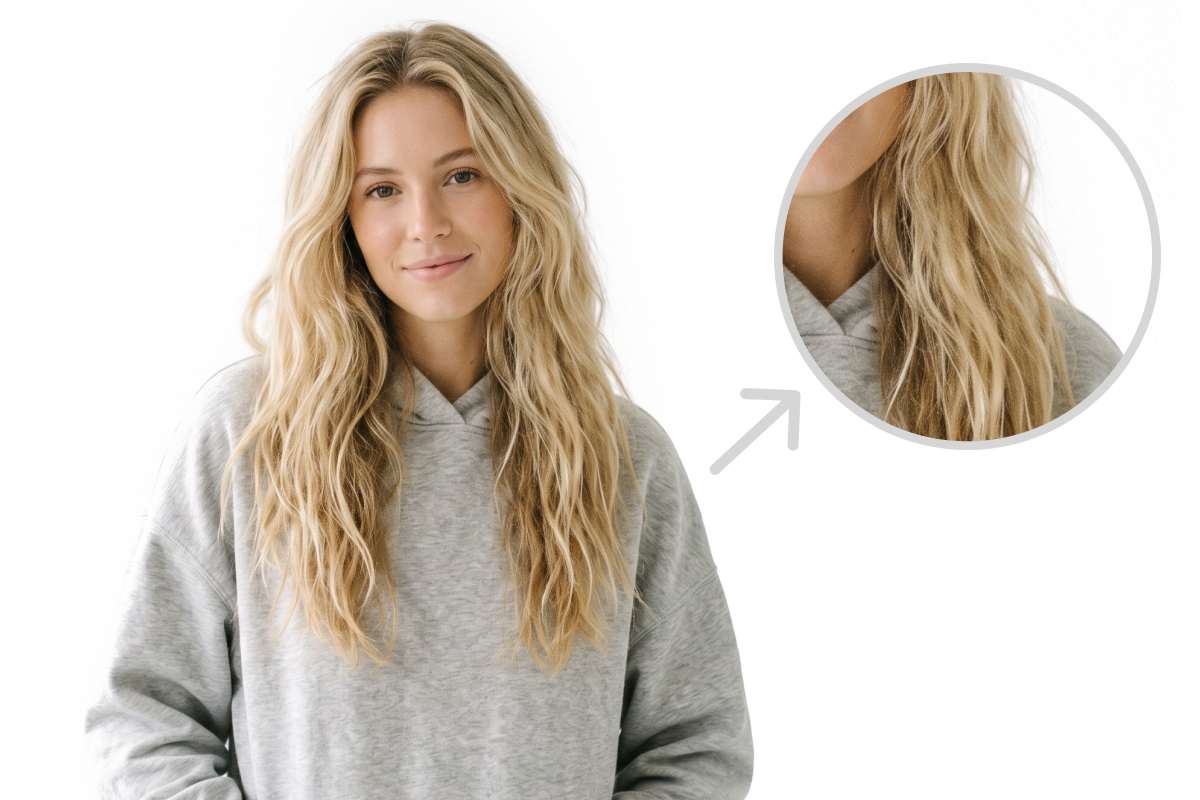
KOOZEE tries to keep details like hair, clothing edges, and product outlines during background removal. Final results may still depend on the image quality, lighting, and background complexity. If needed, you can export PSD and refine the details further in Photoshop.
Try KOOZEE AI Background Remover for Free
No manual cutout work and no learning curve. Upload your image now and use this free online background remover to create high-quality transparent background PNG files and layered PSD files in one click.
Real Results from Teams Using KOOZEE AI Background Remover
Already helping 5,000+ e-commerce teams improve image processing efficiency
“Our image processing speed became at least 3 times faster.”
Before KOOZEE, we had to turn product images into white background images one by one and then resize them for each marketplace. The whole workflow was slow and repetitive. After using KOOZEE AI, background removal and sizing could be done in one process, and our team became much faster.
“The PSD export is extremely useful.”
Almost every online background remover tool only exports PNG, which is only good for quick use. It does not help much in real design work. KOOZEE AI background remover supports layered PSD export, so I can continue adjusting shadows, masks, and composition effects directly in Photoshop.
“Batch processing improved our team workflow a lot.”
We create a large amount of social content and campaign assets every week. If we process each image one by one, it takes too much time. KOOZEE AI background remover supports batch upload and ZIP download, and the transparent assets can go straight into Figma and Canva. KOOZEE AI background remover made our team workflow much smoother.
“KOOZEE handled complex edges better than I expected.”
We work with many images that have packaging details, reflective surfaces, and complex outlines. Other tools often leave blurry or broken edges. KOOZEE AI background remover gave us cleaner and more stable results, which reduced the amount of manual correction work later.
“PSD export removed the need to cut out parts again during retouching.”
With other background remover tools, I usually could only export PNG files. If I wanted to adjust just one part of the subject, product, or background later, I had to cut it out manually again before editing. With KOOZEE AI background remover, I can export a layered PSD file directly and continue editing different parts in Photoshop after background removal. That saved a lot of repeated work and improved my retouching speed a lot.