AI Try-On for Clothes with Realistic Virtual Fitting
No image? Try one of these:
Where AI try-on fits real fashion workflows
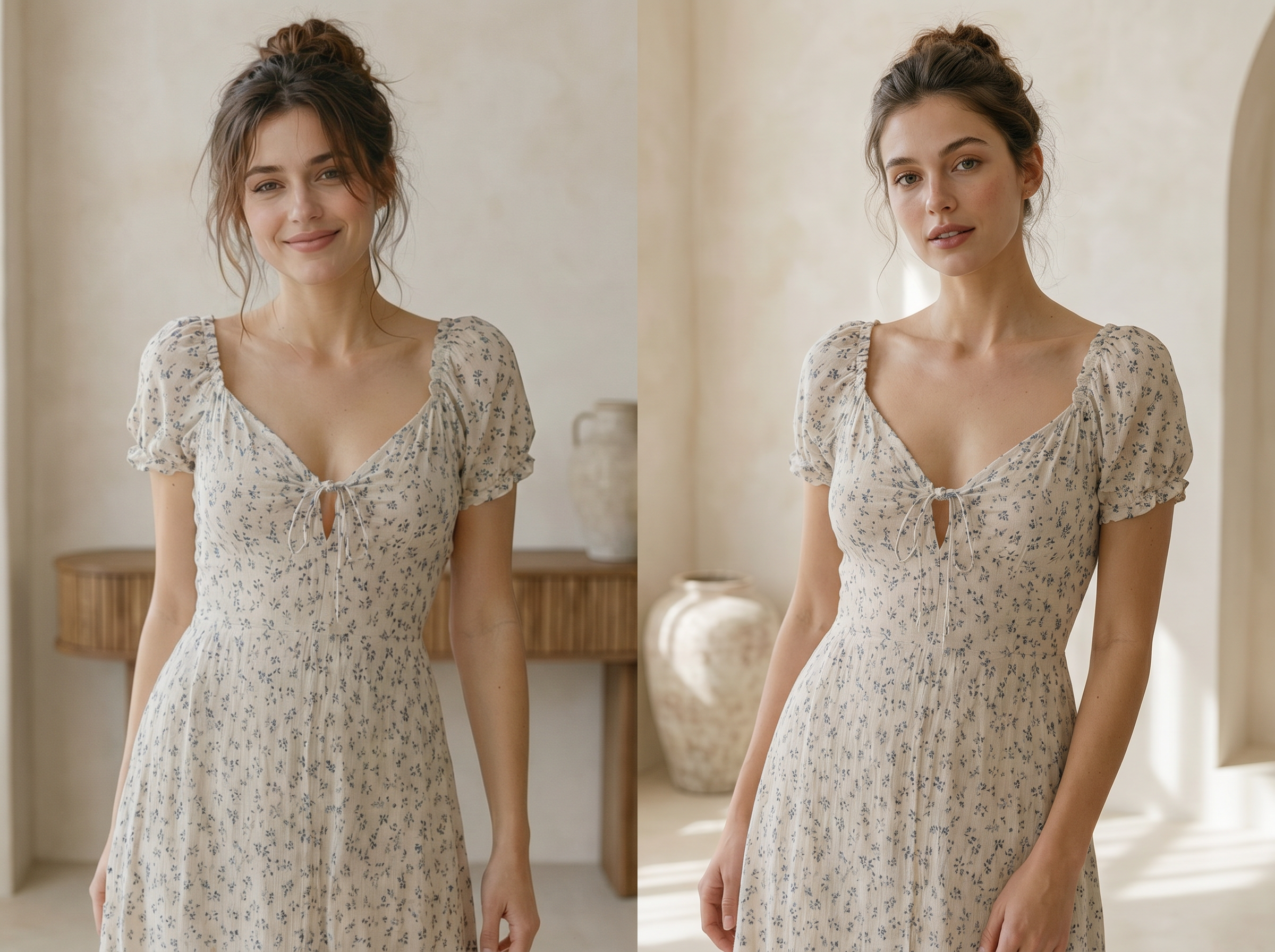
AI clothing try-on for Shopify and Amazon listings
Product pages with flat lay images consistently underperform listings that show garments on real-looking models. KOOZEE converts those flat lays into on-model visuals you can publish directly to Shopify, Amazon, or any marketplace. The result: higher click-through rates and fewer returns from mismatched expectations.
How AI Try-On generates realistic clothing fit
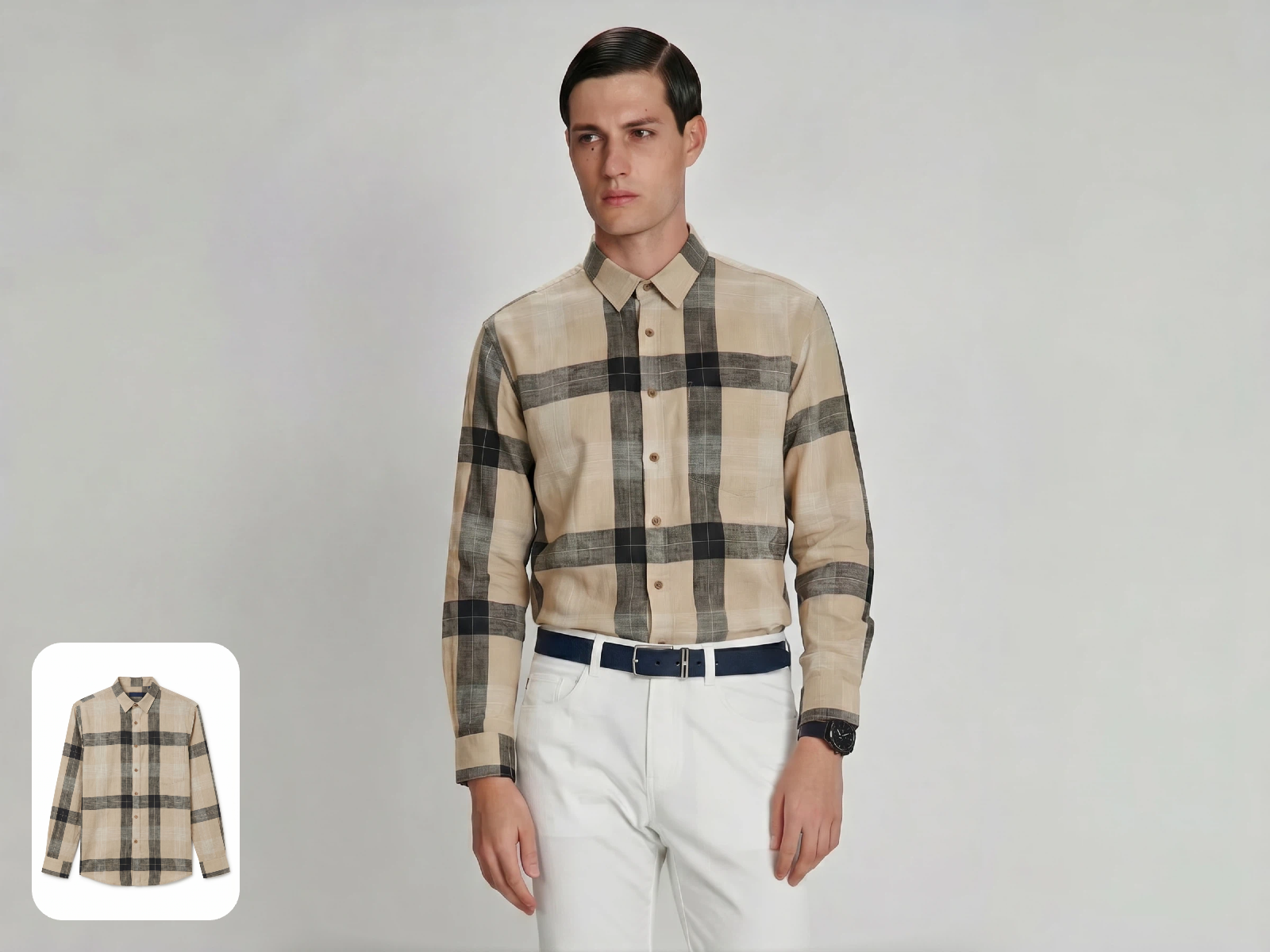
Flat Lay to On-Model Conversion Without Manual Editing
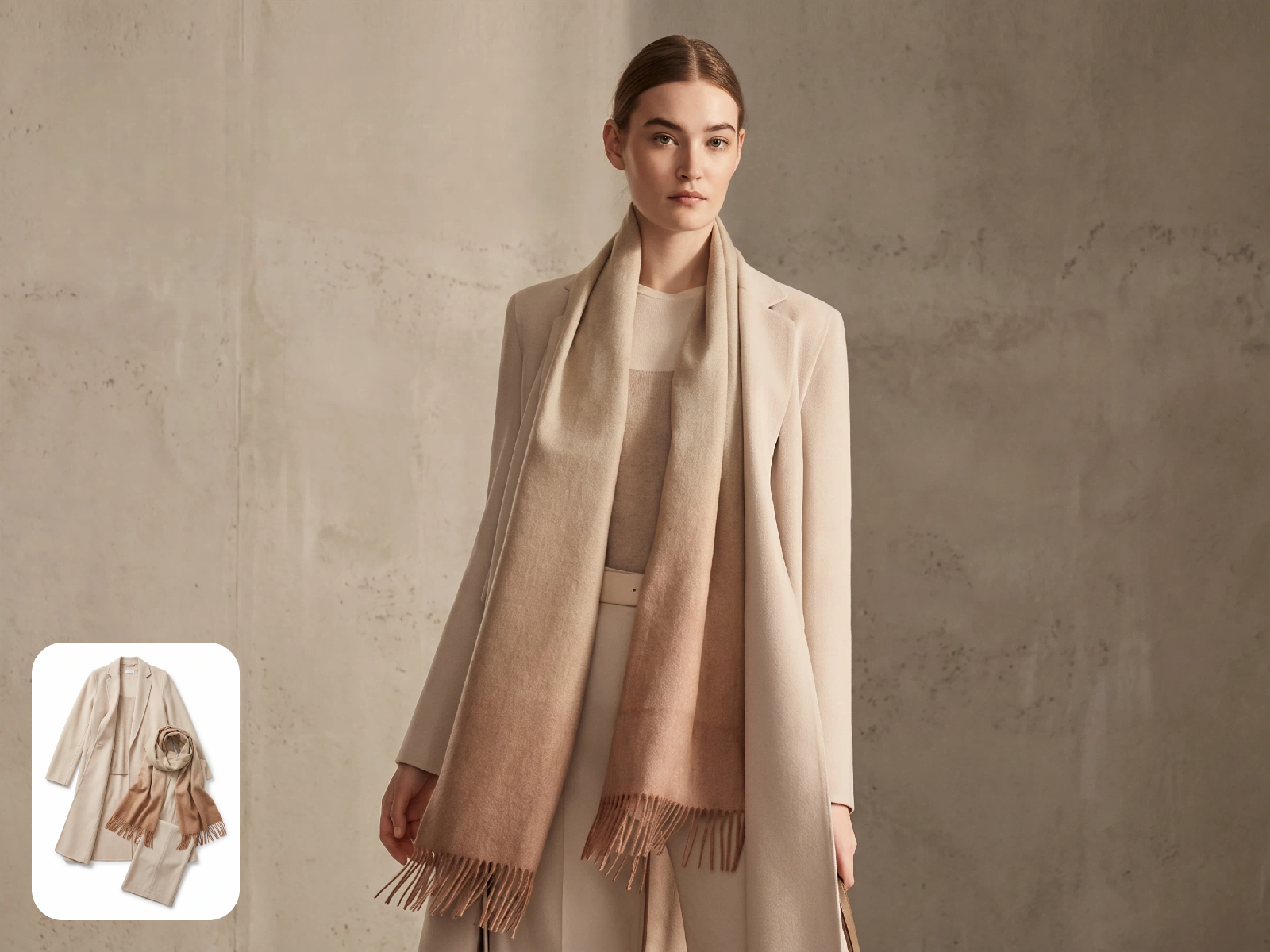
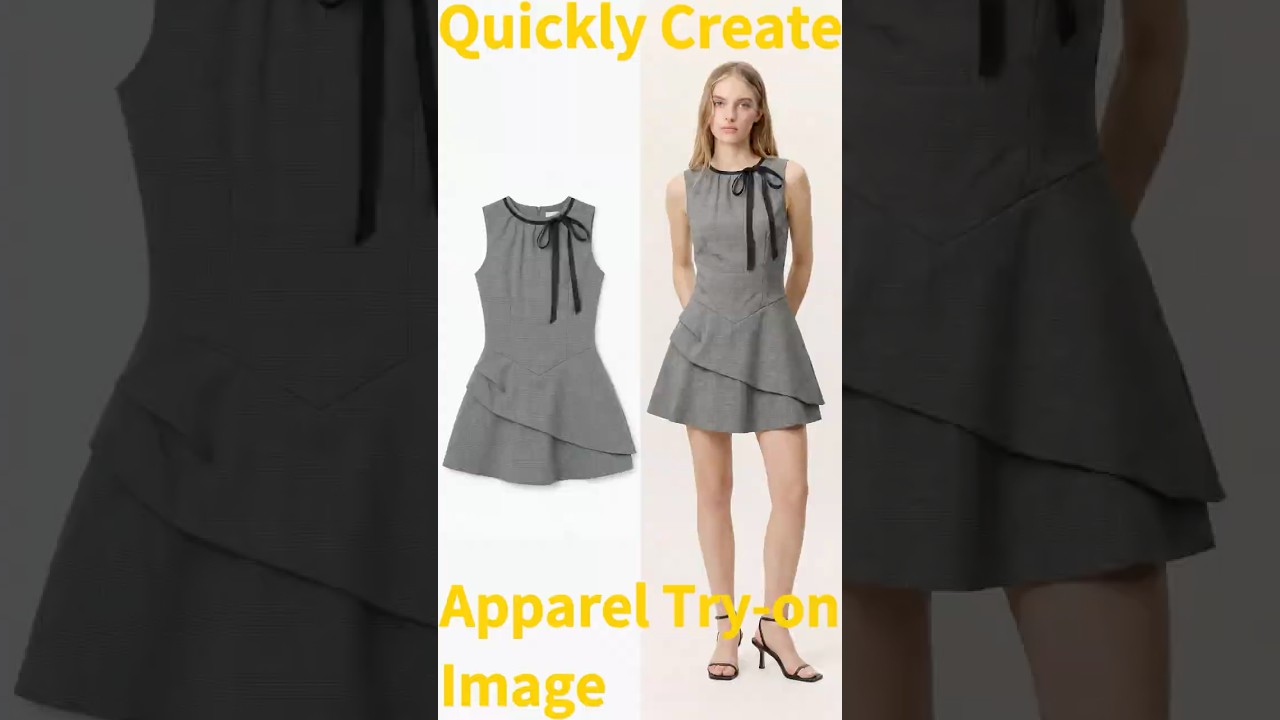
A garment recognition algorithm analyzes fabric shape, drape, and detail from a single flat lay photograph. It reconstructs how the piece would sit on a human body, accounting for sleeve fall, collar structure, and hemline. Traditional product photography requires a model, a stylist, and a studio — this replaces all three. KOOZEE delivers a publish-ready on-model image from one flat lay in under ten seconds.
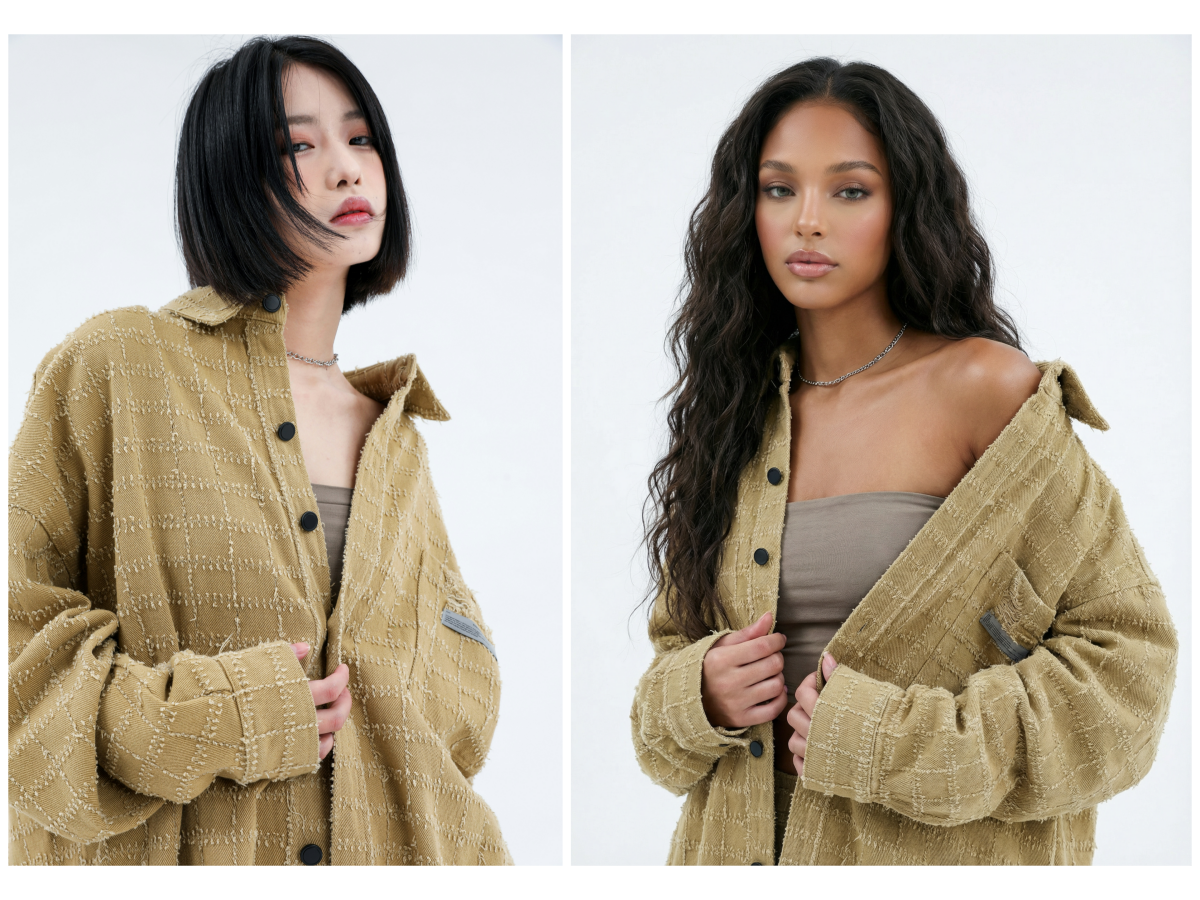
Generate Try-On Results with Different Model and Scene References
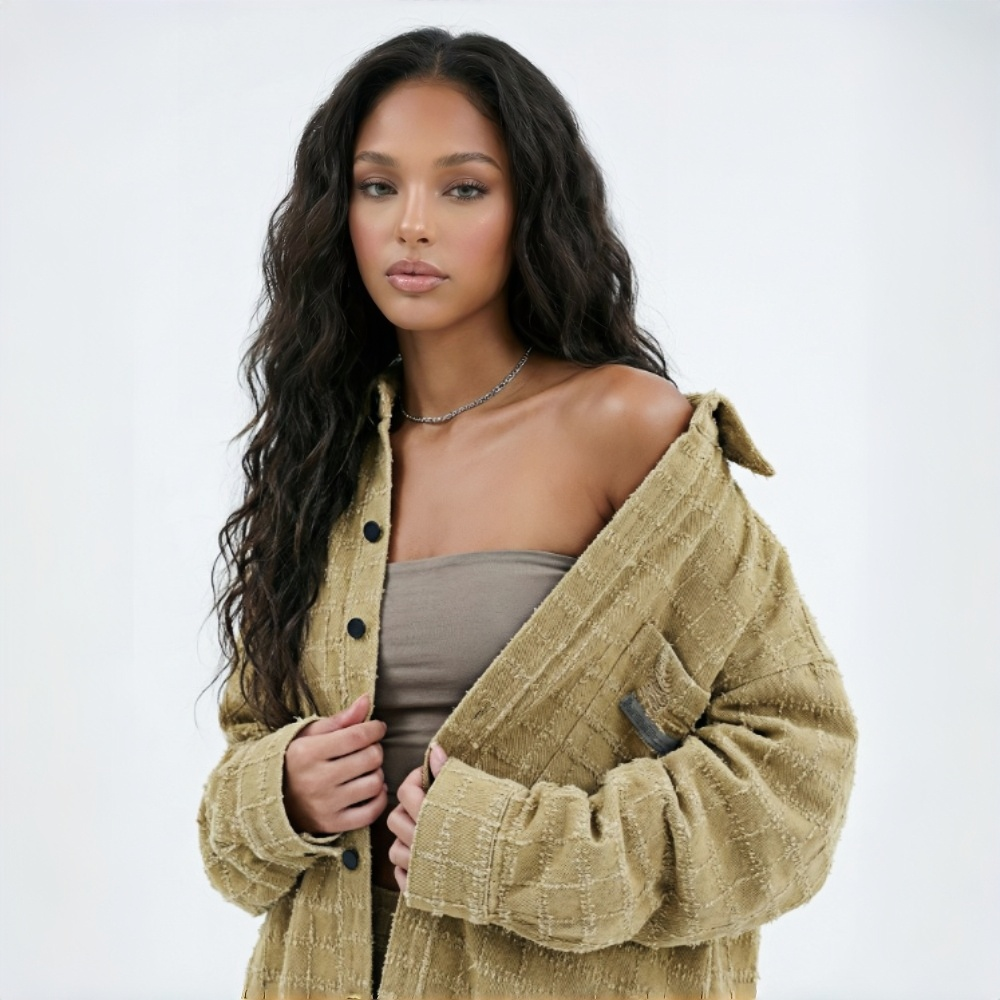
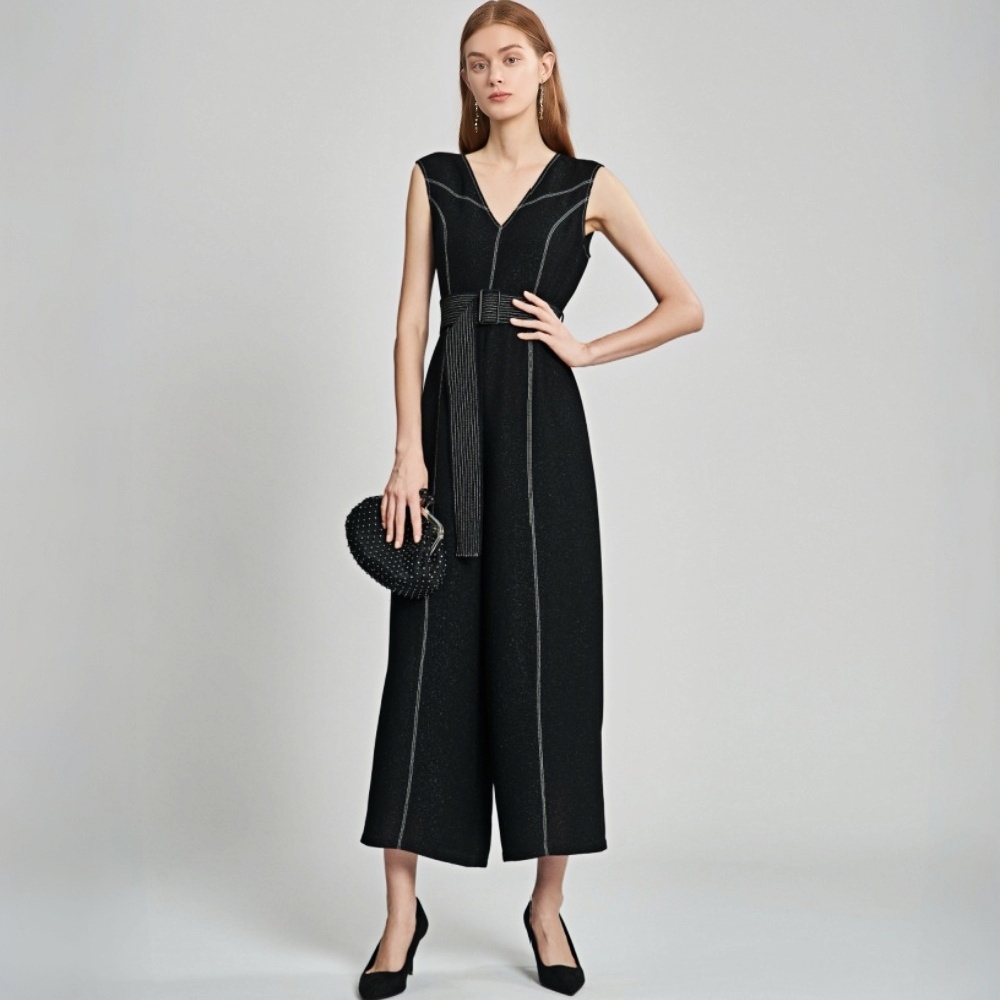
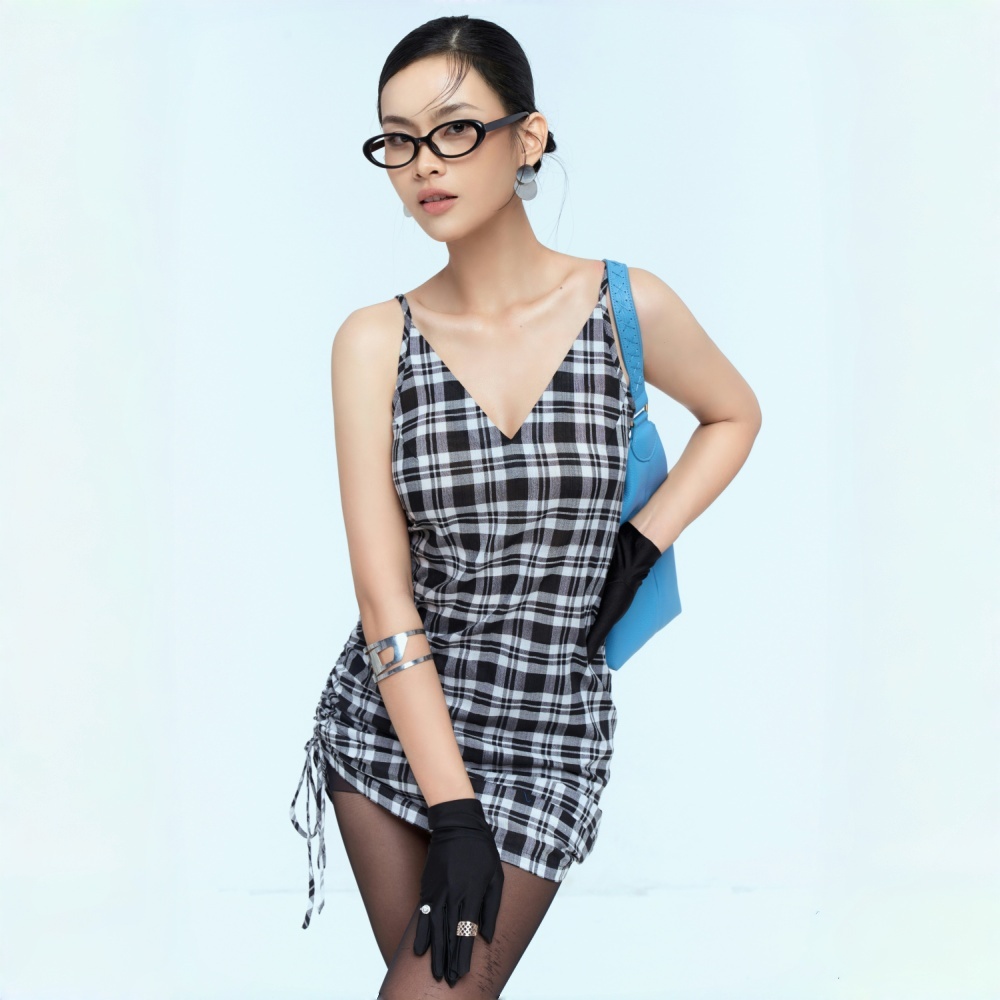
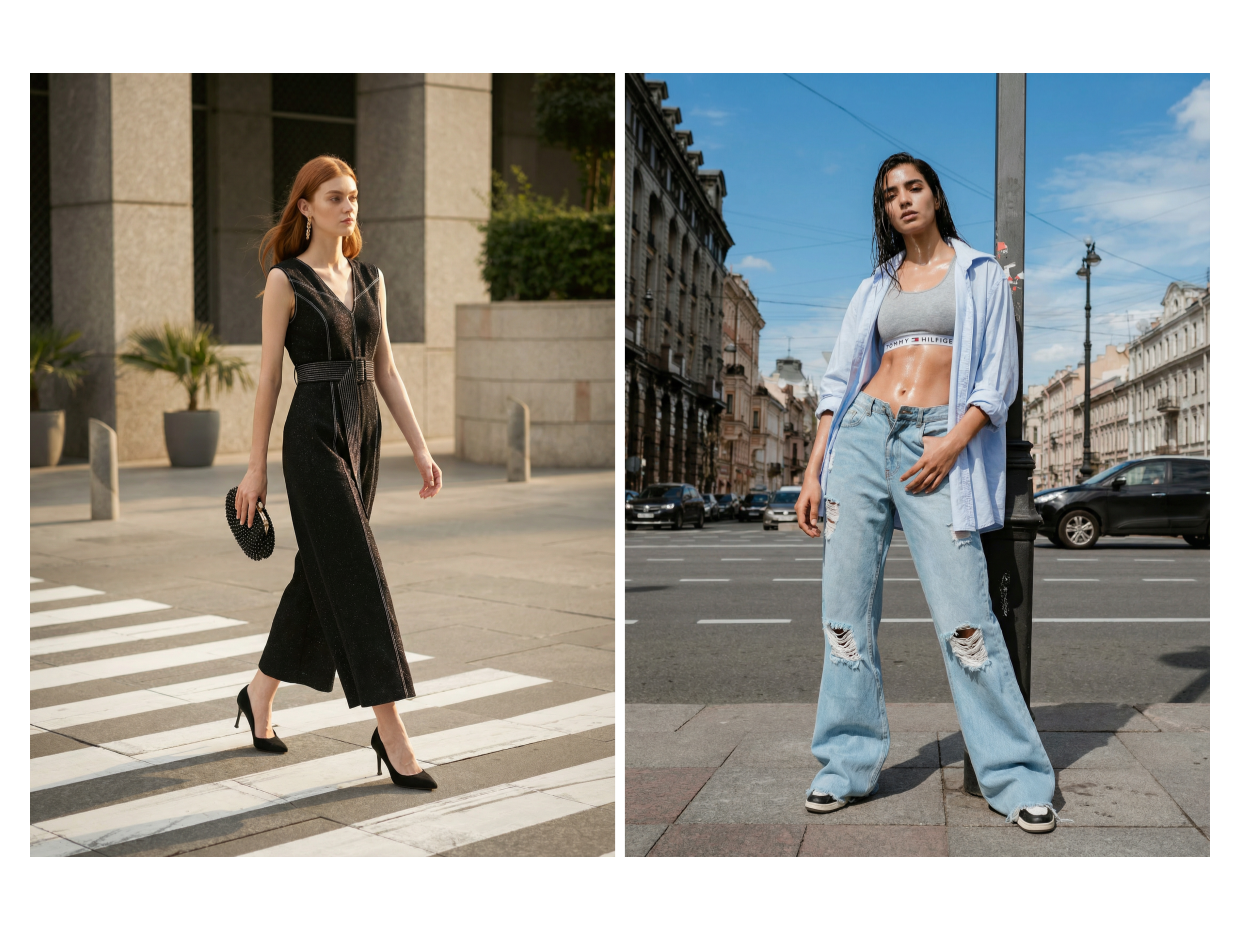
KOOZEE lets you generate try-on images by combining a clothing product image with a model reference image or scene reference image. If you need different character looks, poses, settings, or market styles, simply upload different references without reshooting the garment itself. Unlike fixed-template tools, KOOZEE gives you more flexibility to create visuals that match your brand style, e-commerce needs, and global market positioning.
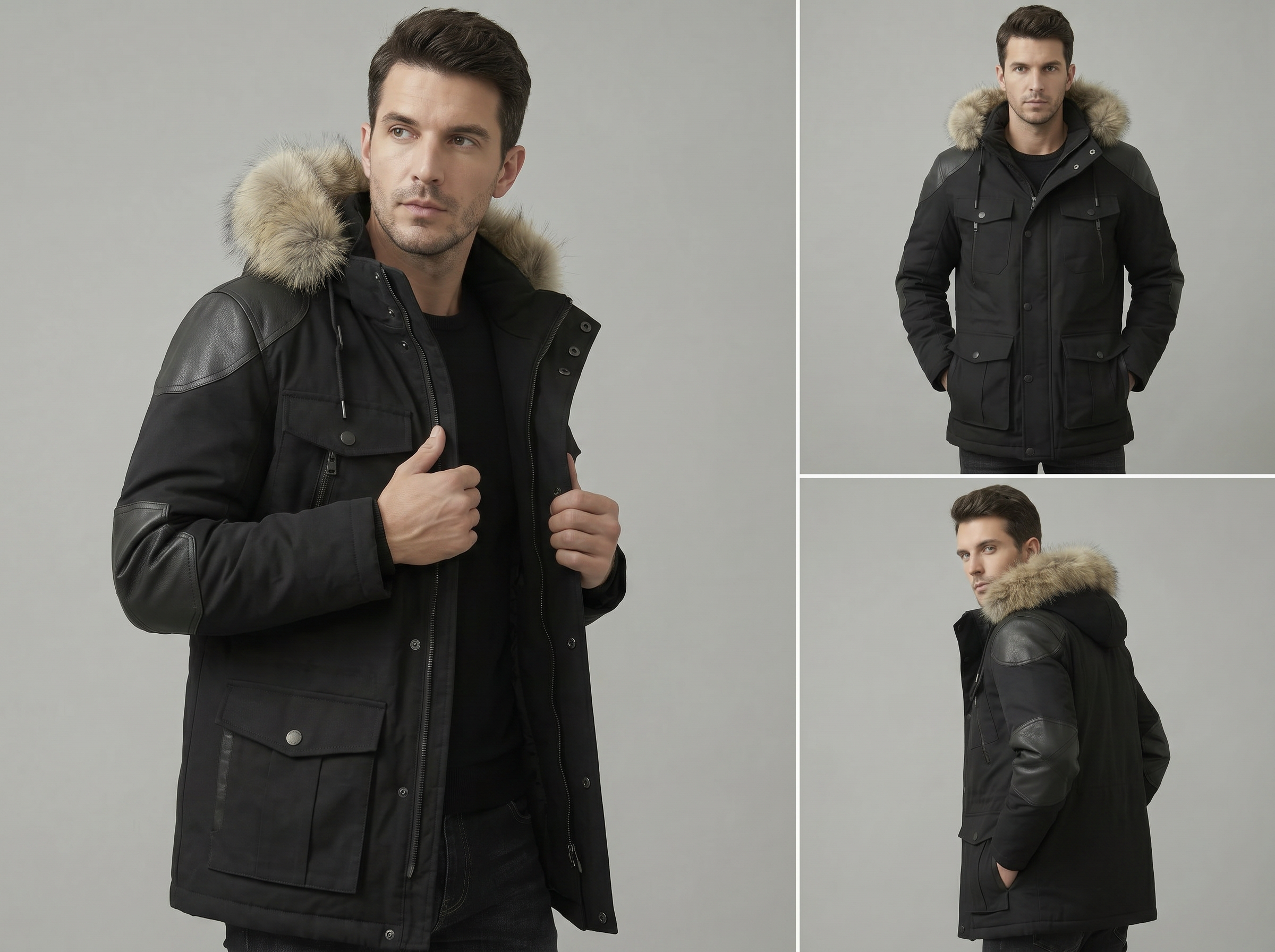
AI Size and Fit Visualization for Reduced Returns
Fit prediction layers estimate how a garment drapes at different sizes, giving buyers a realistic preview before they order. Each visualization reflects actual garment dimensions rather than a scaled-up version of the same image. For online try-on in ecommerce, this directly targets the #1 cause of apparel returns: "it didn't fit the way I expected."
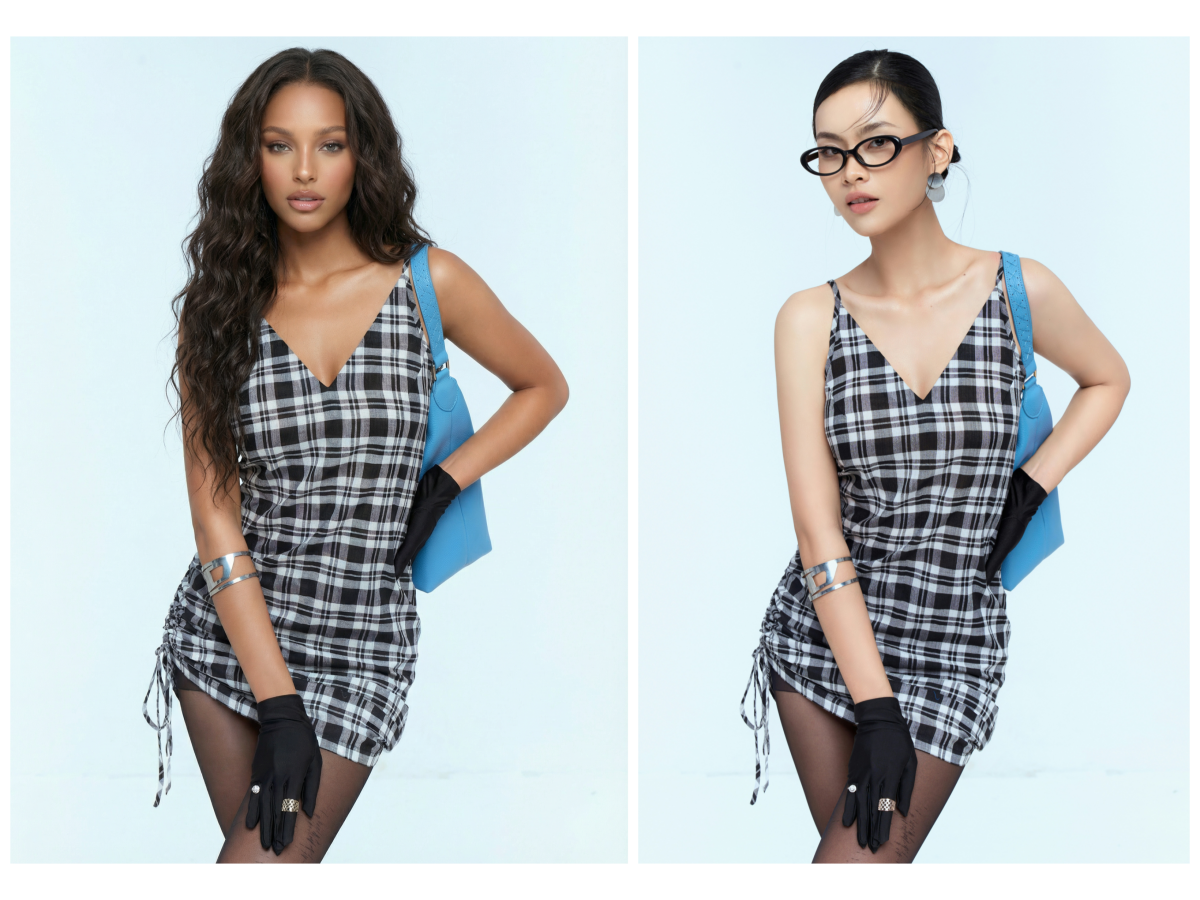
Multiple AI fashion model variations for scaling
E-commerce catalogs often require dozens of visual variations for the same product. The platform generates AI model try-on outputs across different body types, poses, and scenes. Unlike traditional shoots, which scale poorly, this approach supports rapid expansion of product visuals in minutes.
Studio-Grade Virtual Try-On Results Without the Studio Budget

A typical apparel shoot takes days of coordination and editing before images are ready. KOOZEE reduces that timeline to minutes using AI try-on rendering, allowing teams to produce 10x more visuals in the same timeframe.

Manual photography introduces lighting and styling inconsistencies across batches. The AI clothing virtual fitting tool maintains uniform quality across hundreds of SKUs, which helps e-commerce teams present cleaner, more reliable product pages.

Traditional shoots involve studios, models, and post-production expenses that add up quickly. Virtual try-on workflows remove those layers entirely, cutting production costs by over 50% for most apparel teams while still delivering realistic outputs.
How to use AI try-on clothes
Upload Clothing Image
A drag-and-drop uploader accepts product photos, flat lays, or catalog images in standard formats. The system automatically prepares the file for AI clothing try-on, so you can just upload and move forward without manual editing.
Upload Model References
KOOZEE generates a try-on result based on those references and your clothing product image. If you want to show different character looks, visual styles, simply upload different references.
Generate Virtual Try-On
AI clothing try-on processing takes a few seconds, rendering a realistic image of the outfit on your chosen model. You'll get a high-resolution file ready for your product page, social post, or ad creative — no retouching required.
FAQ about AI try-on and virtual fitting
What is AI virtual try-on and how does it work?
Does the AI clothing try-on tool work for activewear and sportswear?
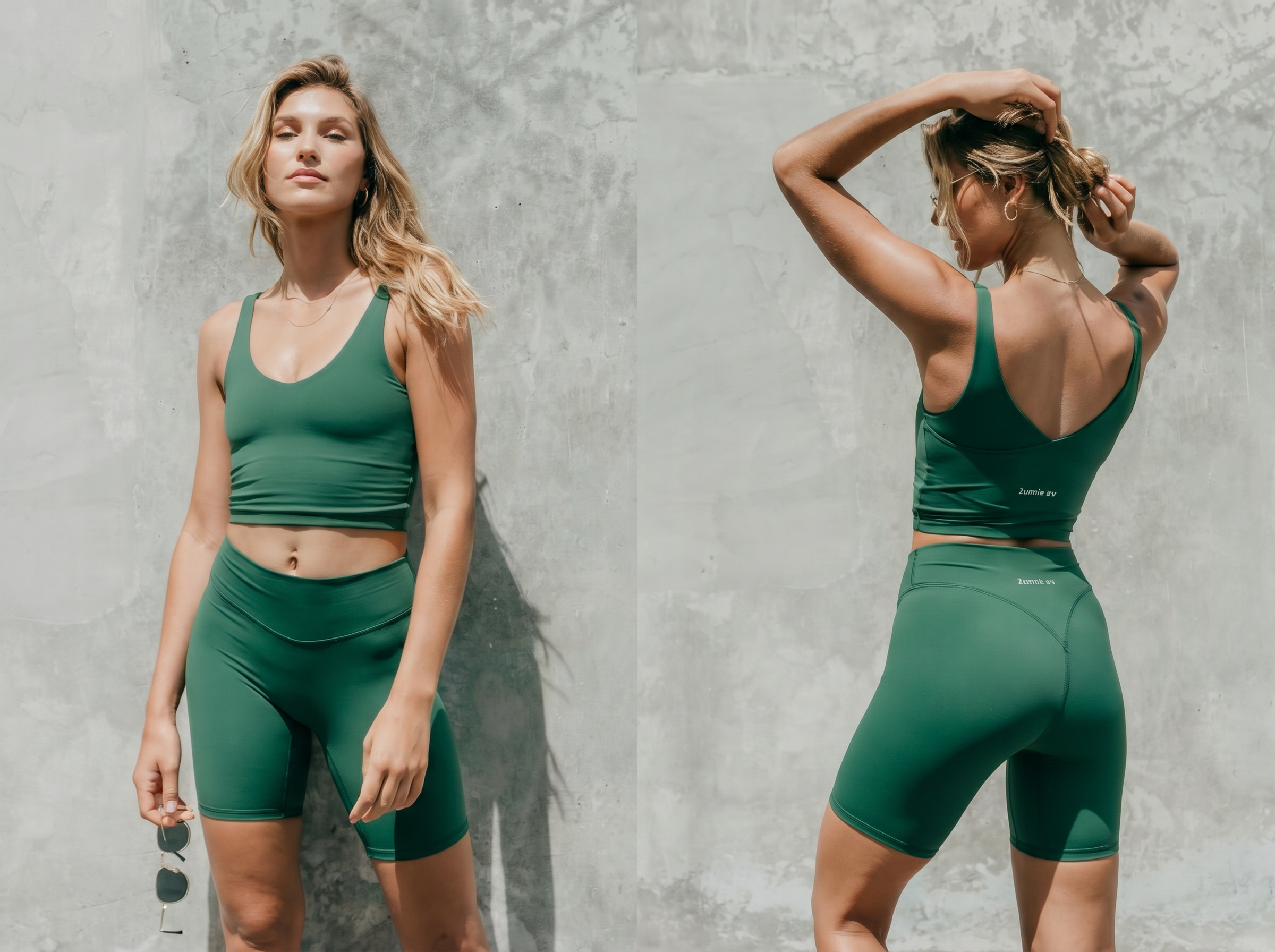
It does. Activewear poses particular challenges — tight fits, stretch fabrics, dynamic poses — and KOOZEE's model handles these specifically. The virtual fitting room includes athletic pose options and renders compression fits, leggings, and sports bras with realistic body contact. Results are suitable for DTC sites, marketplace listings, and social content.
Can I generate virtual try-on images with different models and styles?
Yes. If you want try-on results with different character looks, poses, or scene styles, you can upload different model reference images or scene reference images. The system will generate new results based on those references. If you also need visuals for different fits, body presentations, or market positioning, it’s best to provide the corresponding reference images for more accurate outputs.
Is KOOZEE free to use for AI fashion try-on?
KOOZEE offers a free tier that lets you test the virtual try-on workflow with a limited number of generations. Paid plans unlock batch processing, higher resolution exports, and access to the full model library. There's no commitment required to start — upload a garment image and see the output before deciding on a plan.
Generate Your First AI Try-On Image with KOOZEE
KOOZEE's virtual fitting room handles the entire workflow from flat lay upload to on-model image export in a single automated pass. High-resolution output meets the quality bar for Shopify, Amazon, and social platforms without retouching. Whether it's one product or an entire seasonal catalog, there's no shoot to book and no editing queue to manage — just upload and publish.
After Switching to AI Try-On: Results from Sellers and Brands
Real workflows reveal the difference faster than any feature list. Teams using virtual fitting room tools report measurable gains in speed, cost, and output quality.
Cut Our Product Photo Costs by 70%
We were spending $3,000–$5,000 per collection on model shoots for our Shopify store. KOOZEE's AI clothing try-on replaced about 70% of those sessions. The images look natural — customers don't notice they're AI-generated, and our return rate on those listings actually dropped. It's now our default workflow for new arrivals.
From Sample to Listing in Under an Hour
Speed was the bottleneck. We'd get samples in, then wait two weeks for a photo shoot slot. Now I upload the flat lay to KOOZEE, pick a model, and the virtual try-on image is on our Amazon listing before lunch. The AI model try-on quality holds up at full zoom, which surprised me honestly.
Finally, Consistent Imagery Across 400+ SKUs
Our wholesale catalog had a visual consistency problem — different photographers, different lighting, different models across seasons. KOOZEE's virtual fitting room gave us one unified look across 400 SKUs in a single batch run. Buyers commented on how much more professional the lookbook felt. We haven't gone back.
Social Content Without the Content Production Headache
Running an Instagram and TikTok presence for a clothing brand means constant visual output. Hiring models and shooting weekly isn't realistic on our budget. KOOZEE lets me generate three to five fresh outfit images a day for stories and posts. It doesn't replace editorial shoots, but it fills the gaps perfectly.